

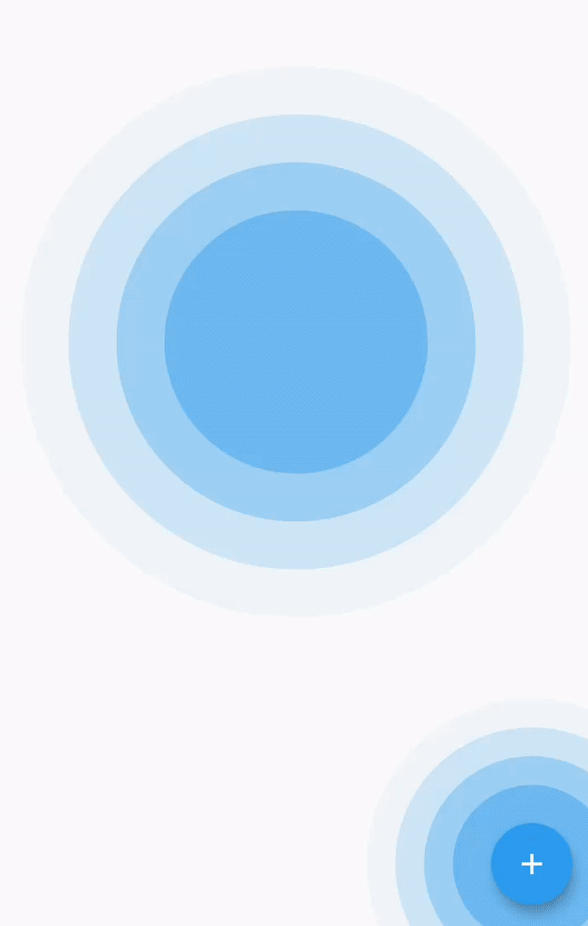
 v0.1.1
simple_ripple_animation
このパッケージは、簡単にセットアップしてカスタマイズできるリップルアニメーションウィジェットを提供しており、選択した色に関係なく美しいです。
153いいね 766030日間ダウンロード160Pub ポイント
AndroidiOSWebmacOSWindowsLinux
Flutterアプリ用のシンプルでカスタマイズ可能なリップルアニメーション!

以下は英語原文のスナップショットです。最新版は GitHub をご覧ください。



This package provide ripple animation widget that can be customised to meet your needs. It's easy to set up and customize, and it looks beautiful in any color you choose.
This package support following parameter and methods.
RippleAnimationwidget provide follwoing parameter to config your ripple animation effect.
Parameter defined for RippleAnimation widget:
| Name | Type | Description |
|---|---|---|
| child | Widget | This child will be placed at center of the animation. |
| delay | Duration | This will be delay between two ripple wave. |
| minRadius | double | Minimum radius of the ripple wave. |
| maxRadius | double | Maximum radius of the ripple wave. |
| color | Color | Color of the animation. |
| ripplesCount | int | number of rippleCount in the wave. |
| duration | Duration | duration of the animation |
| repeat | bool | Provide true if you want to repeat animation |
Add dependencies to pubspec.yaml
Get the latest version in the 'Installing' tab on pub.dev
dependencies:
    simple_ripple_animation: <latest-version>
Run pub get.
flutter pub get
Import package.
import 'package:simple_ripple_animation/simple_ripple_animation.dart';
Wrap Widget with RippleAnimation and assign needed parameter.
         RippleAnimation(
            child: CircleAvatar(
              minRadius: 75,
              maxRadius: 75,
              backgroundImage: NetworkImage(Constants.avtarUrl),
            ),
            color: Colors.deepOrange,
            delay: const Duration(milliseconds: 300),
            repeat: true,
            minRadius: 75,
            maxRadius: 140,
            ripplesCount: 6,
            duration: const Duration(milliseconds: 6 * 300),
          )
TODO: Here is the few screenshot for the preview. This will be remove in new verison becuase pub.dev now support screenshot.
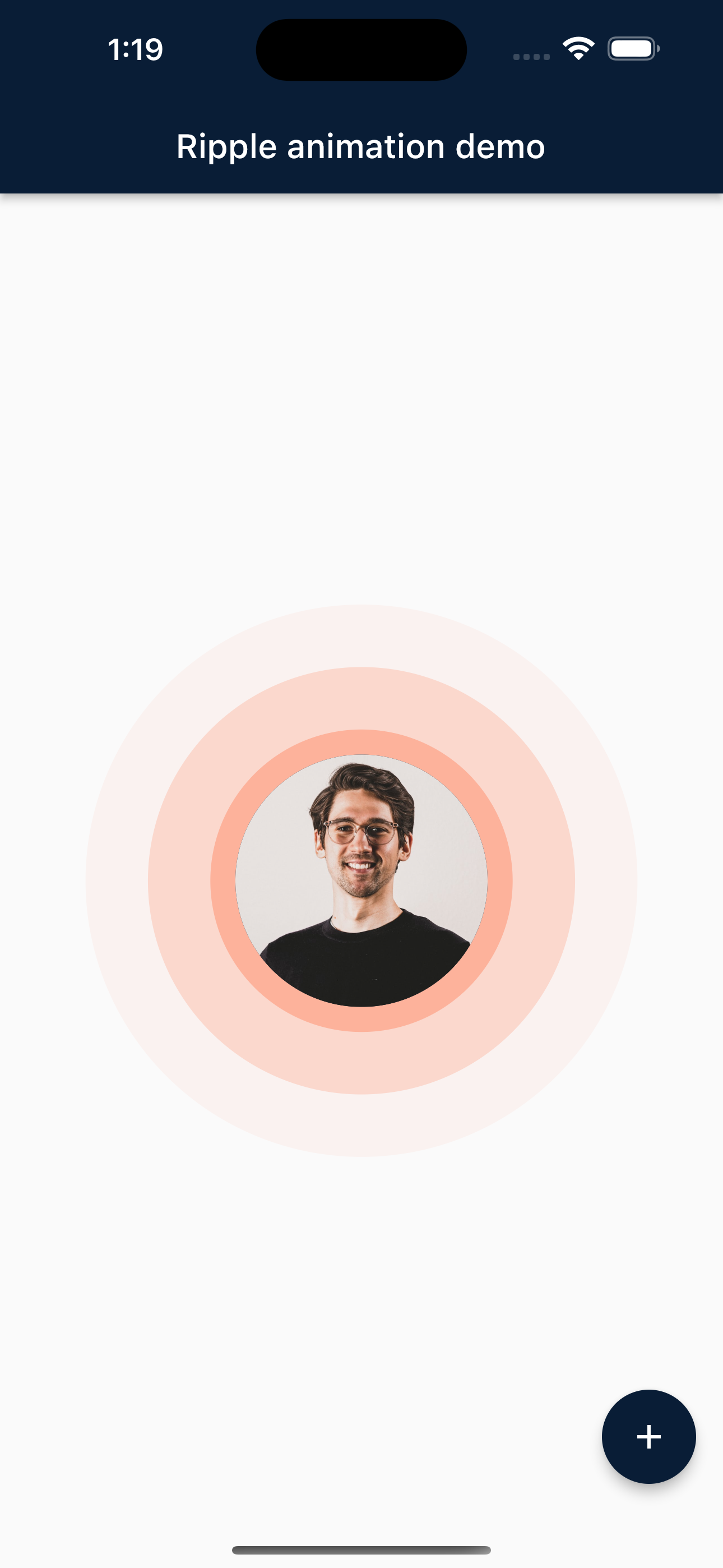 Mobile |
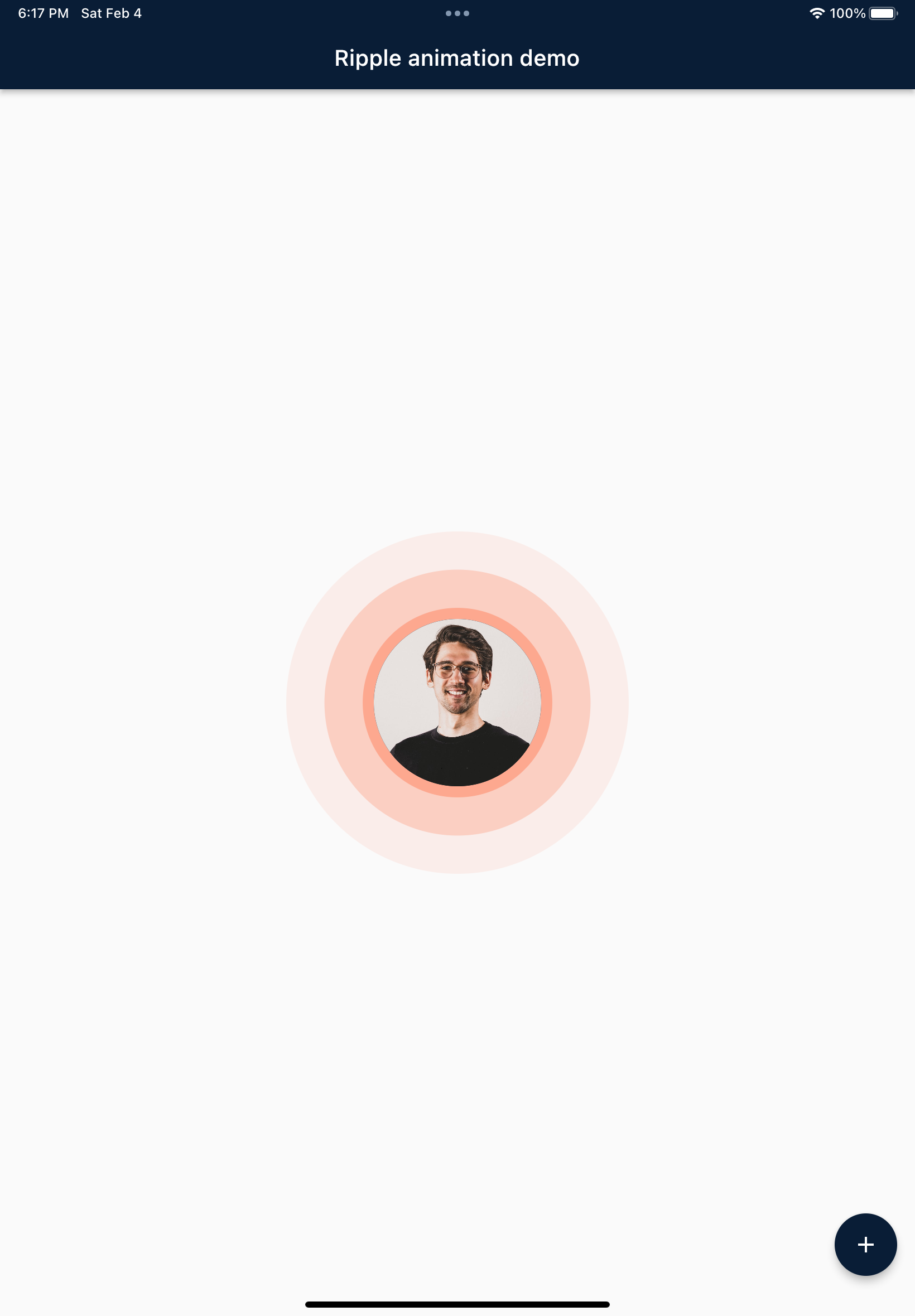 Tablet |
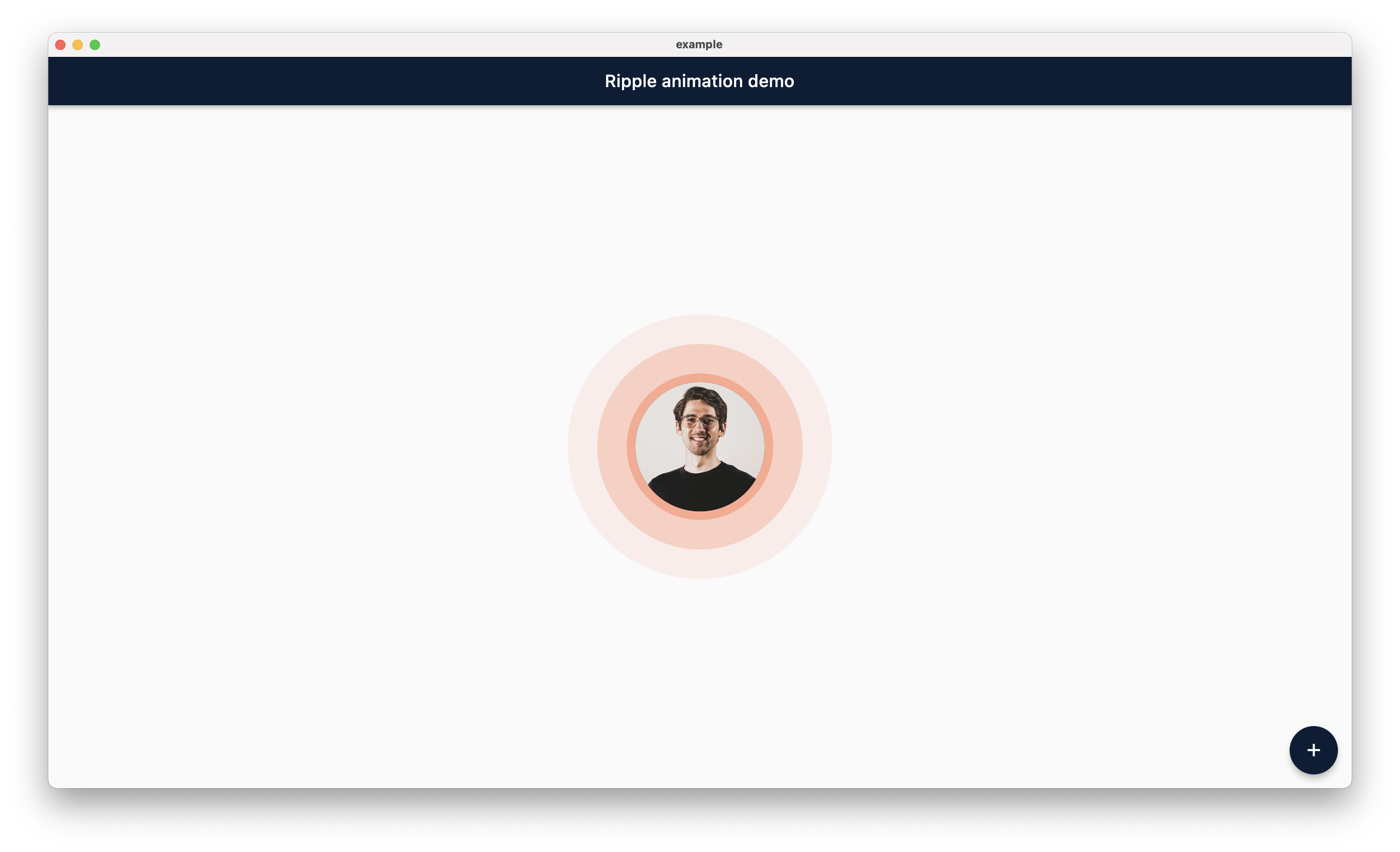 Desktop |
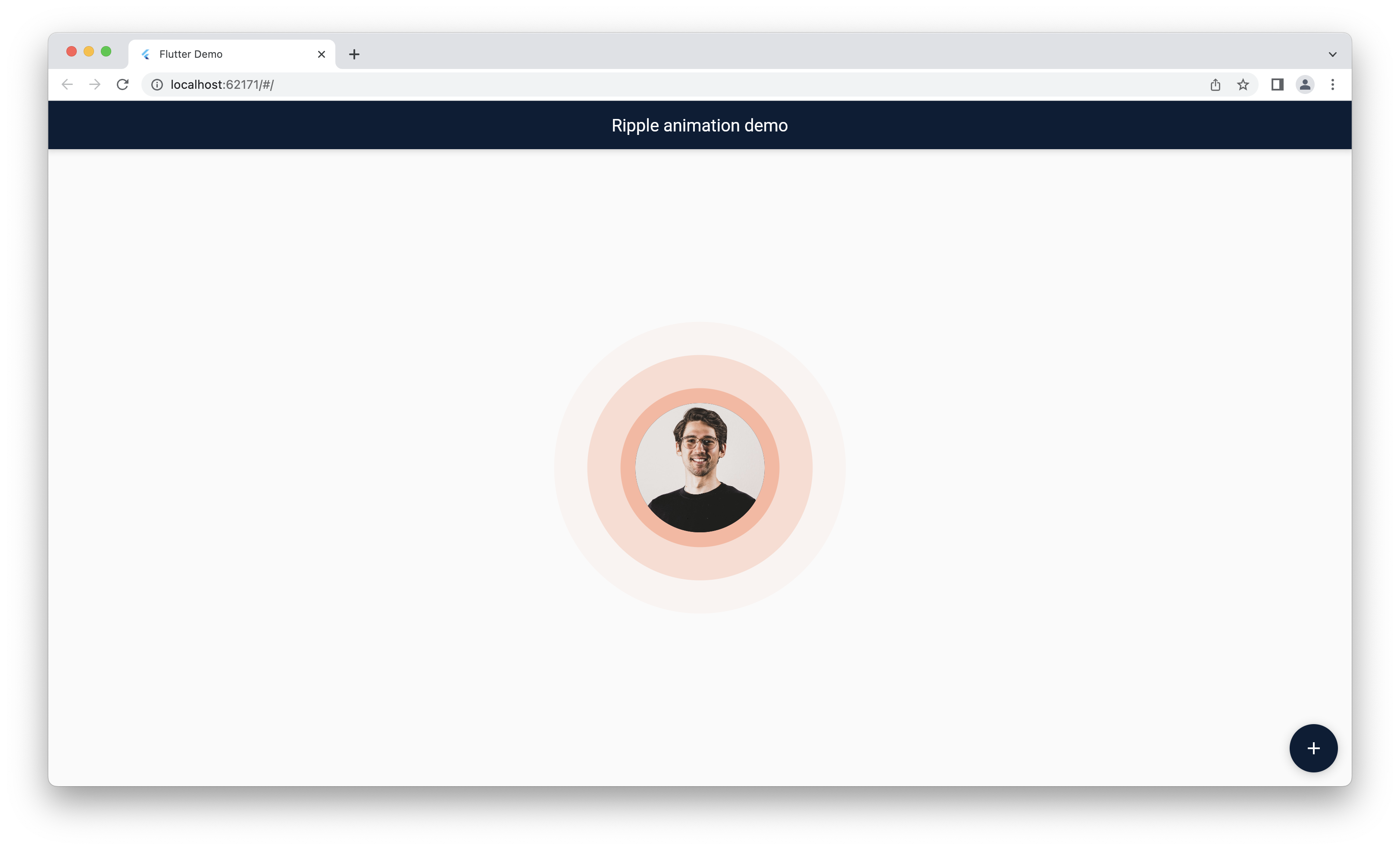 Web |
 Jemis Goti |
 Furkan Arslan |
Thank you for using this package and keep supporting opensource community.
依存関係一覧 3 件
{"sdk":"flutter"}{"sdk":"flutter"}^0.0.2用途で絞り込み、開発状況を比較し、採用前に元のリポジトリで要件を確認しましょう。
“A repository is the most basic element of GitHub.”
GitHub Docs — About repositories ↗