パッケージ、リポジトリ、アプリカテゴリを検索

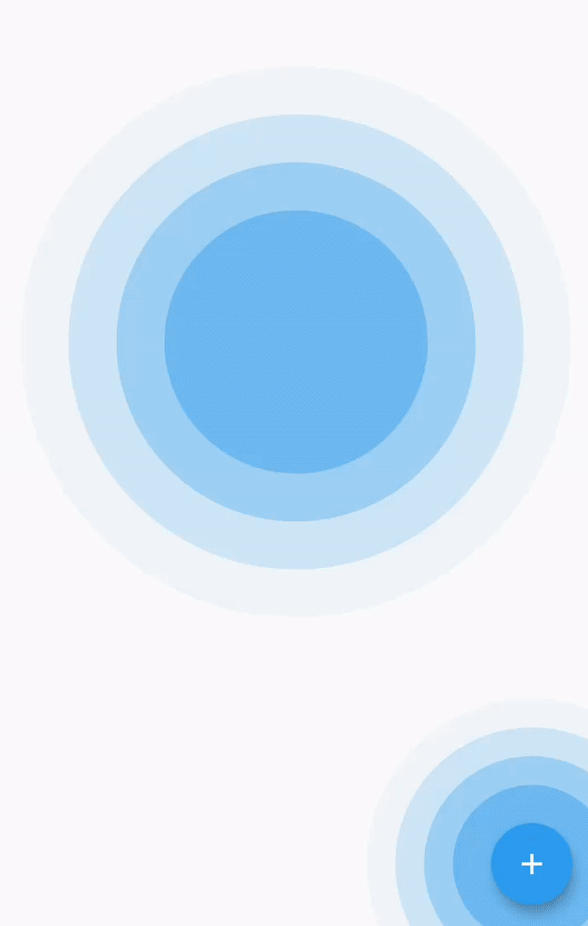
simple_ripple_animation のカバー
パッケージ詳細v0.1.1

simple_ripple_animation

このパッケージは、簡単にセットアップしてカスタマイズできるリップルアニメーションウィジェットを提供しており、選択した色に関係なく美しいです。

AndroidiOSWebmacOSWindowsLinux
30日間ダウンロード
7660
いいね数
153
Pub ポイント
160

パッケージをインストール

flutter pub add simple_ripple_animation

パッケージ概要

公開情報に基づく選定ガイドです。参考としてご利用ください。

シンプルでカスタマイズ可能なリップルアニメーションウィジェットを提供するFlutterパッケージです。開発者はボタンやタップ、または任意のインタラクティブ要素に視覚的に魅力的なリップル効果を簡単に追加できます。複数のプラットフォームに対応しており、滑らかなアニメーションとカスタムカラー、サイズ、持続時間のサポートにより、アプリ内のユーザーフィードバックを強化するのに最適です。最小限のセットアップで既存プロジェクトにスムーズに統合可能です。

用途

  • ボタンにタッチフィードバックを追加する
  • 視覚効果によるUIインタラクションの向上
  • アニメーション背景の作成
  • モバイルアプリにおけるユーザー参加の向上
  • ウェブ上のインタラクティブ要素の設計
  • ブランディング用にリップルの外観をカスタマイズする

主な機能

  • 最小限のコードで簡単なセットアップ
  • カスタムカラーおよびサイズをサポート
  • 滑らかでパフォーマンスの高いアニメーション
  • クロスプラットフォーム互換性
  • カスタマイズ可能なリップルの持続時間と強度
  • カスタマイズ用のシンプルな API

適している対象

  • ビジュアルの洗練を求めるUI/UXデザイナー
  • インタラクティブなアプリを開発する開発者
  • 繊細なタッチフィードバックを必要とするプロジェクト
  • 複数のプラットフォームをターゲットにするアプリ
  • アニメーションの迅速な実装を望むチーム
  • 動的なフィードバックを備えたクリエイティブなインターフェース

注意事項

  • 過剰に使用するとパフォーマンスに影響を与える可能性があります
  • 限定された高度なアニメーションコントロール
  • 小さなスケールのリップル効果に最適
  • 複雑なモーションデザインには向かない
  • 可視性のため、色の選択に注意が必要です
  • プラットフォーム固有のレンダリング動作に依存しています

元の README

関連するソースリポジトリの README 原文のスナップショットです。最新の内容はリポジトリをご覧ください。

Simple Ripple Animation

style: very good analysis License: MIT

This package provide ripple animation widget that can be customised to meet your needs. It's easy to set up and customize, and it looks beautiful in any color you choose.

Features

This package support following parameter and methods.

Parameter

RippleAnimationwidget provide follwoing parameter to config your ripple animation effect.

Parameter defined for RippleAnimation widget:

Name Type Description
child Widget This child will be placed at center of the animation.
delay Duration This will be delay between two ripple wave.
minRadius double Minimum radius of the ripple wave.
maxRadius double Maximum radius of the ripple wave.
color Color Color of the animation.
ripplesCount int number of rippleCount in the wave.
duration Duration duration of the animation
repeat bool Provide true if you want to repeat animation

Getting started

Installing

  1. Add dependencies to pubspec.yaml

    Get the latest version in the 'Installing' tab on pub.dev

    dependencies:
        simple_ripple_animation: <latest-version>
    
  2. Run pub get.

    flutter pub get
    
  3. Import package.

    import 'package:simple_ripple_animation/simple_ripple_animation.dart';
    

Implementation

  1. Wrap Widget with RippleAnimation and assign needed parameter.

             RippleAnimation(
                child: CircleAvatar(
                  minRadius: 75,
                  maxRadius: 75,
                  backgroundImage: NetworkImage(Constants.avtarUrl),
                ),
                color: Colors.deepOrange,
                delay: const Duration(milliseconds: 300),
                repeat: true,
                minRadius: 75,
                maxRadius: 140,
                ripplesCount: 6,
                duration: const Duration(milliseconds: 6 * 300),
              )
    

Preview

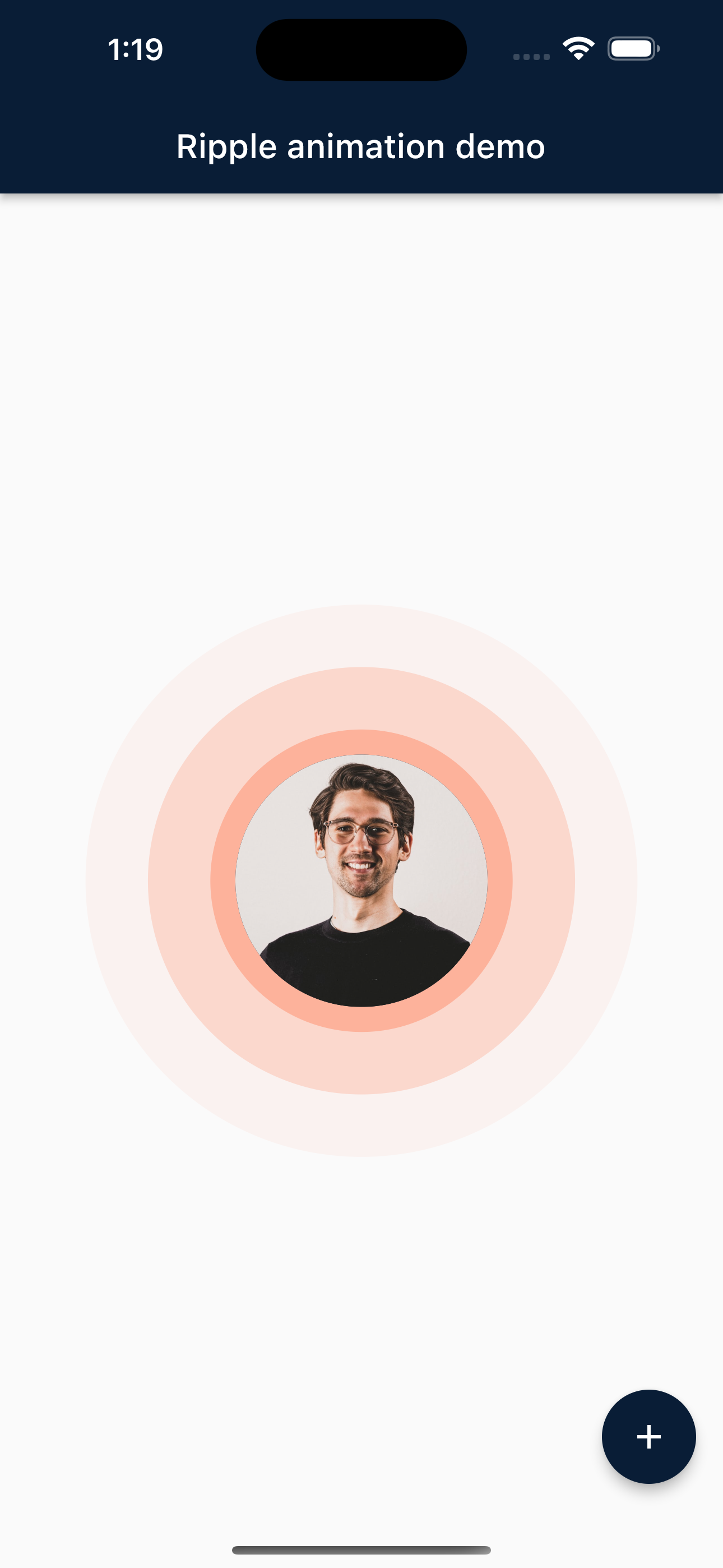
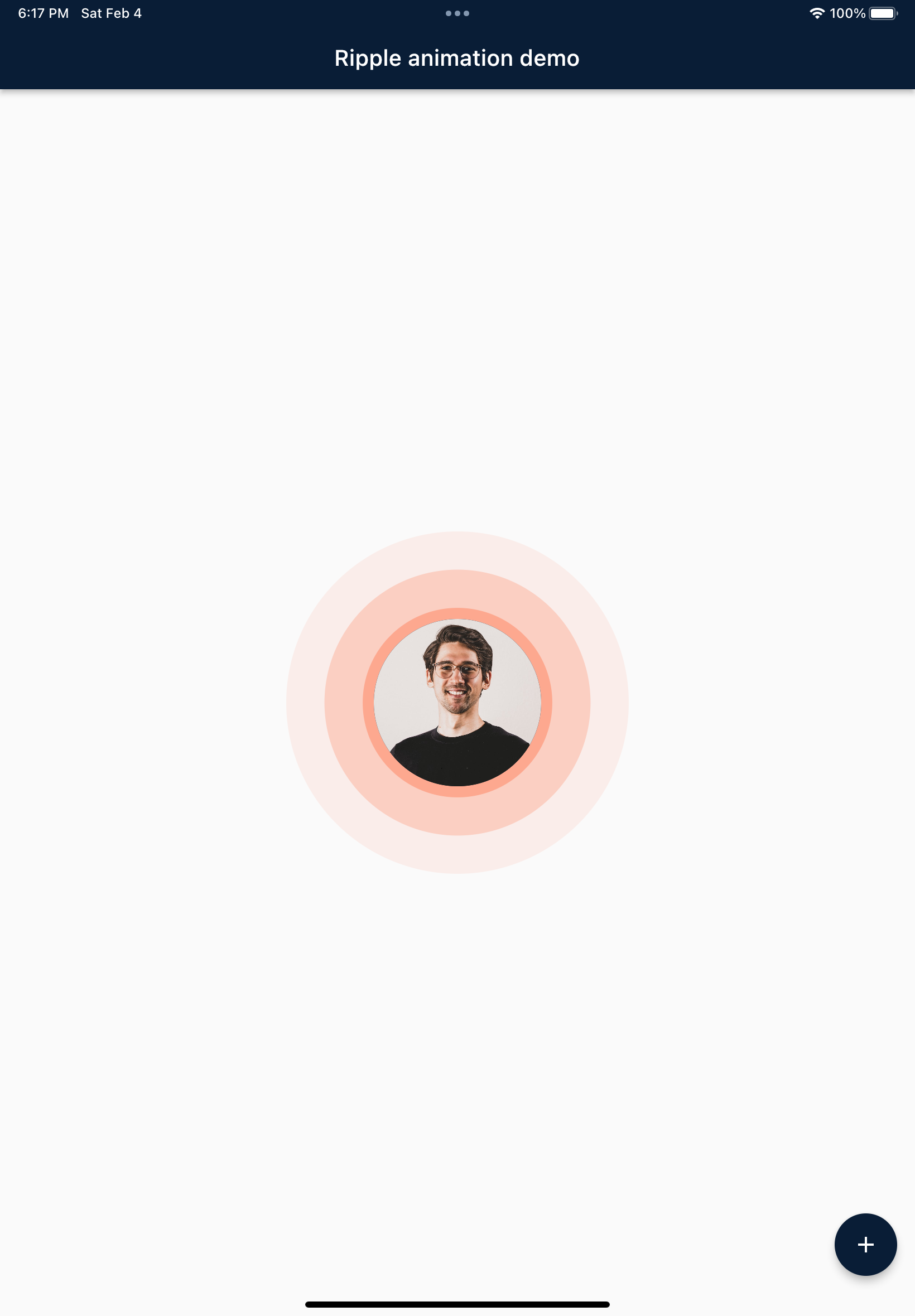
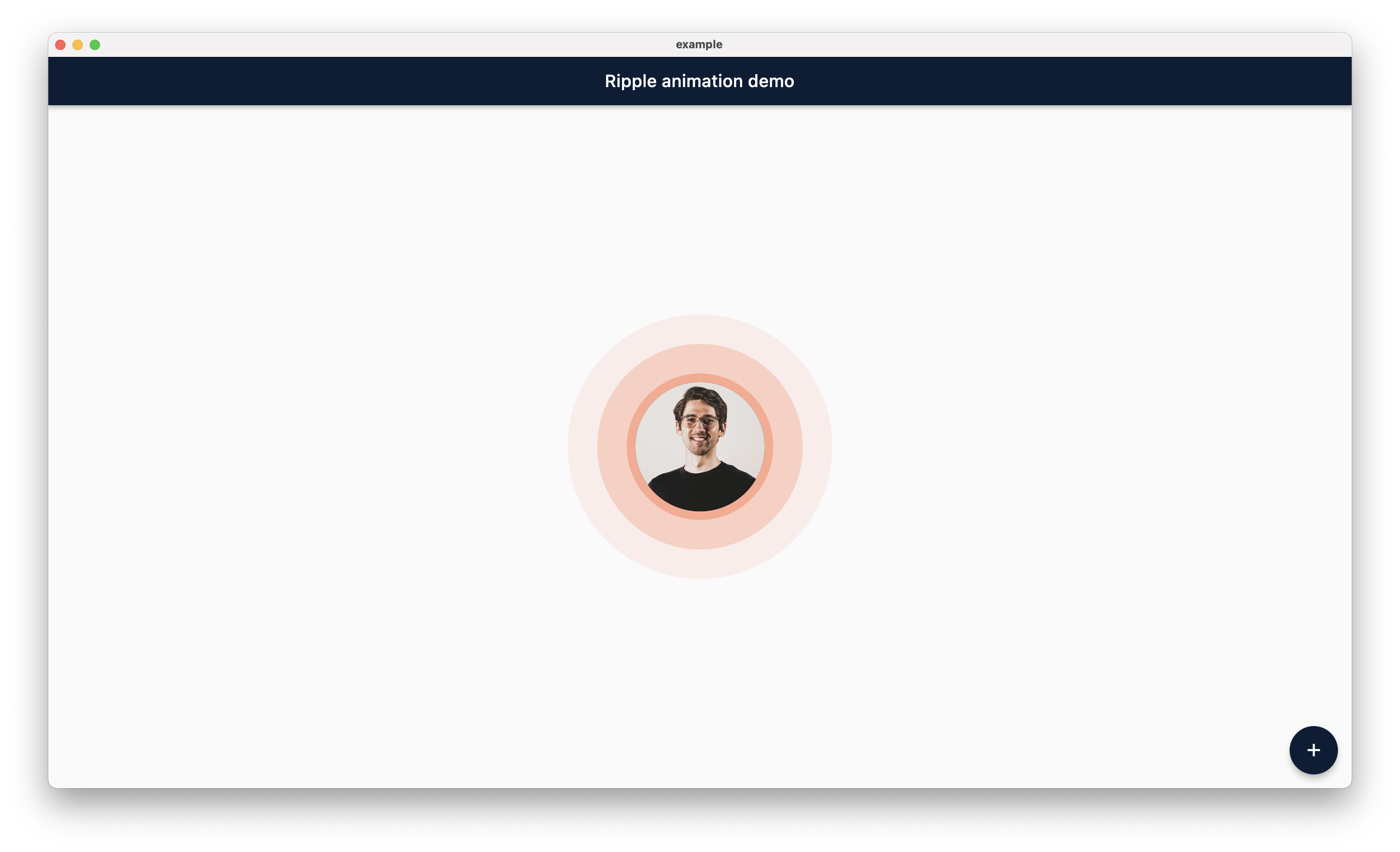
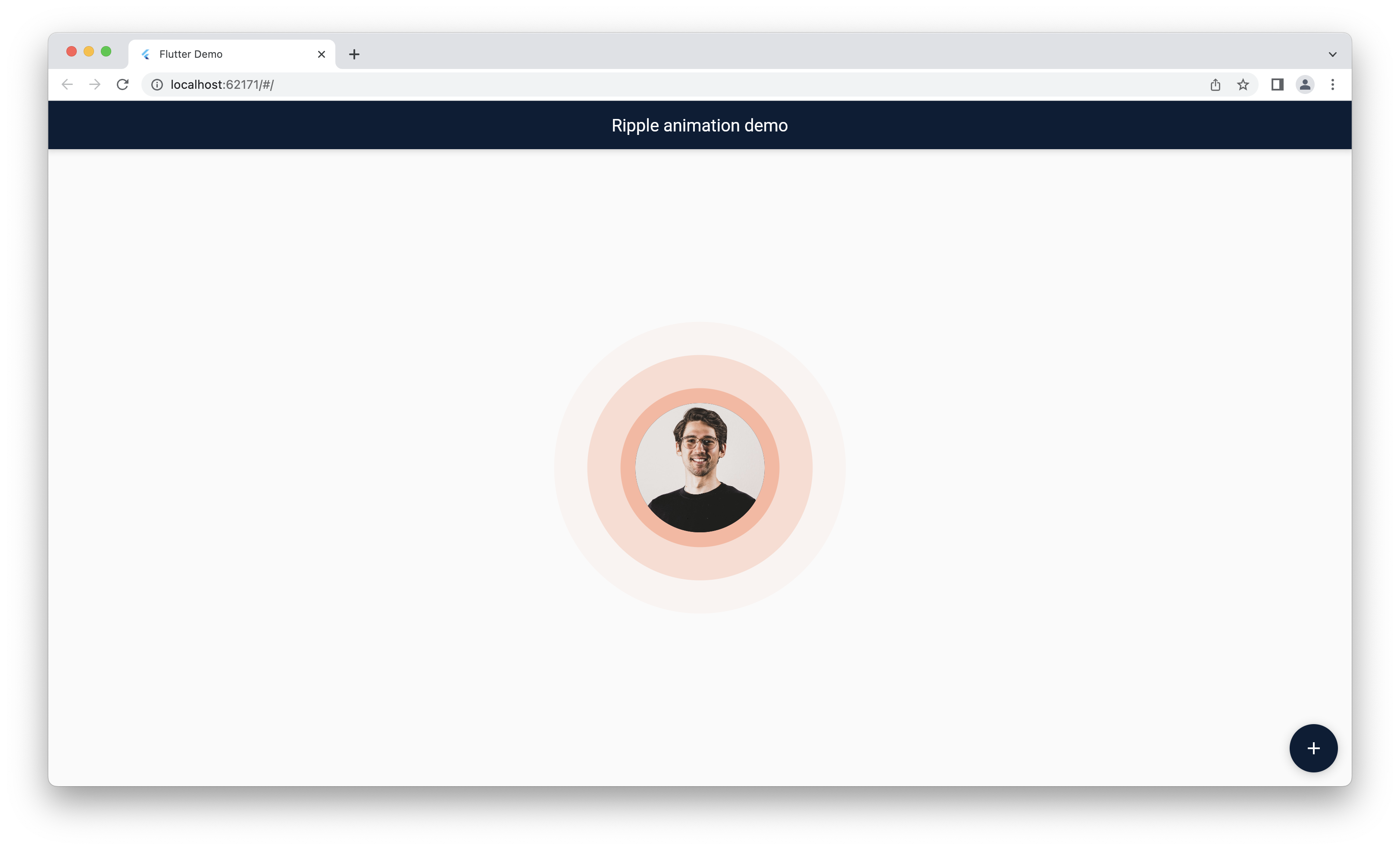
Screenshot

TODO: Here is the few screenshot for the preview. This will be remove in new verison becuase pub.dev now support screenshot.


Mobile

Tablet

Desktop

Web

Main Contributors


Jemis Goti

Furkan Arslan

Thanks

Thank you for using this package and keep supporting opensource community.

カテゴリー

ソースリポジトリ

このパッケージを使用しているプロジェクト

データはまだありません。