
 v5.0.0
in_app_update
公式の Android API を使用して、Android でのアプリ内更新を有効にします。
1310いいね 37.5万30日間ダウンロード160Pub ポイント
Android
Flutter プラグイン:公式の Android API を使用して、Android でのアプリ内更新を有効にします。
以下は英語原文のスナップショットです。最新版は GitHub をご覧ください。

Maintained by Jonas Bark
Enables In App Updates on Android using the official Android APIs.
https://developer.android.com/guide/app-bundle/in-app-updates
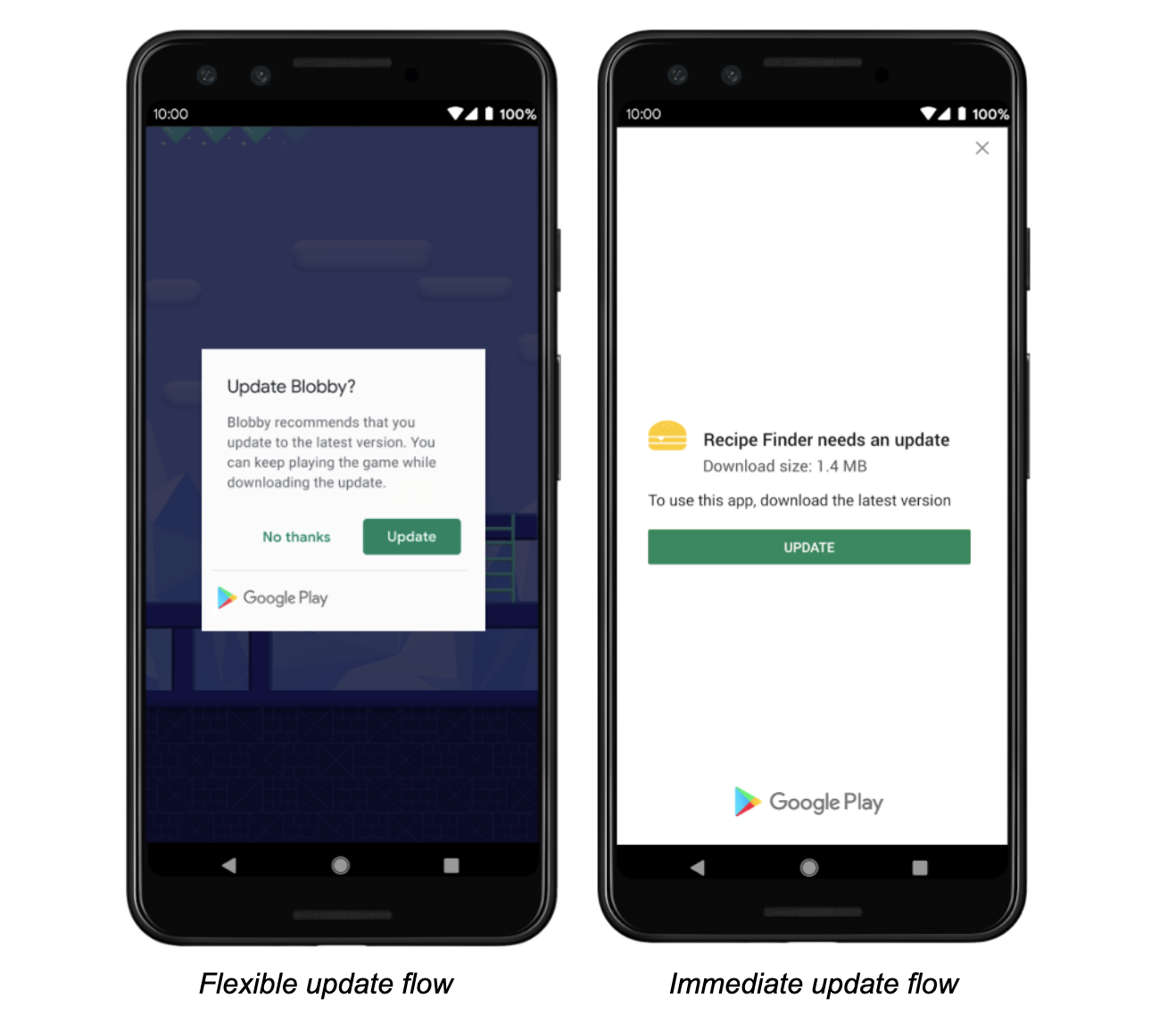
The following methods are exposed:
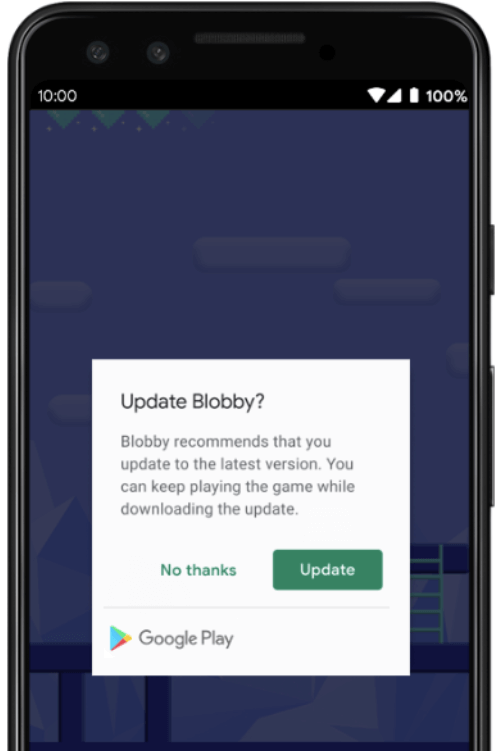
Future<AppUpdateInfo> checkForUpdate(): Checks if there's an update availableFuture<void> performImmediateUpdate(): Performs an immediate update (full-screen)Future<void> startFlexibleUpdate(): Starts a flexible update (background download)Future<void> completeFlexibleUpdate(): Actually installs an available flexible updatePlease have a look in the example app on how to use it!
This plugin integrates the official Android APIs to perform in app updated that were released in 2019: https://developer.android.com/guide/app-bundle/in-app-updates
iOS does not offer such a functionality. You might want to look into e.g. https://pub.dev/packages/upgrader. If you call the methods above on a iOS device you'll run into a not-implemented exception.
Be aware that this plugin cannot be tested locally. It must be installed via Google Play to work. Please check the official documentation about In App Updates from Google:
https://developer.android.com/guide/playcore/in-app-updates/test
In App Updates are only available from API Versions >= 21, as mentioned here.

依存関係一覧 2 件
{"sdk":"flutter"}{"sdk":"flutter"}用途で絞り込み、開発状況を比較し、採用前に元のリポジトリで要件を確認しましょう。
“A repository is the most basic element of GitHub.”
GitHub Docs — About repositories ↗