パッケージ、リポジトリ、アプリカテゴリを検索

in_app_update のカバー
パッケージ詳細v5.0.0

in_app_update

公式の Android API を使用して、Android でのアプリ内更新を有効にします。

Android
30日間ダウンロード
37.5万
いいね数
1310
Pub ポイント
160

パッケージをインストール

flutter pub add in_app_update

パッケージ概要

公開情報に基づく選定ガイドです。参考としてご利用ください。

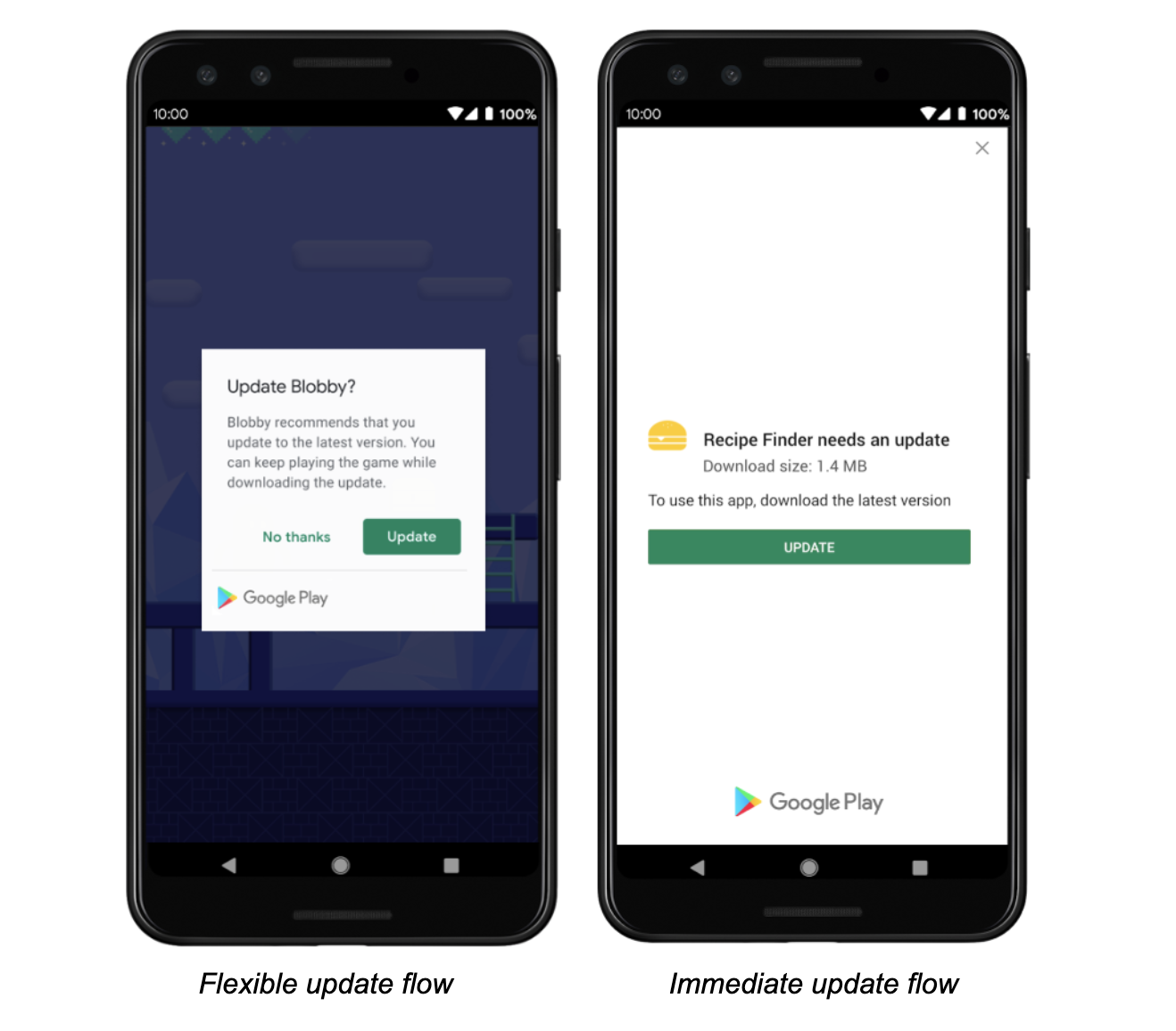
in_app_update パッケージは、公式の Android In-App Updates API を活用して、Android でのスムーズなアプリ内更新を可能にします。開発者はアプリ内からユーザーにアプリの更新を促すことができ、ユーザーの継続率を向上させるとともに、新しい機能やセキュリティパッチを迅速に配信できます。このパッケージは柔軟な更新と即時更新の両方のフローを処理し、ユーザーが Google Play ストアを手動で開く必要なく、スムーズなアップグレード体験を提供します。Flutter アプリへの統合は最小限の構成で簡単に行えます。

用途

  • 実行時にユーザーにアプリの更新を促す
  • 即時または柔軟な更新戦略の実装
  • アプリ更新の導入率を向上させる
  • ユーザーが最新バージョンを維持していることを確認する
  • 外部アプリストアによる更新への依存の削減

主な機能

  • 公式Android API統合
  • 柔軟で即時の更新タイプのサポート
  • シンプルな Flutter インターフェース
  • 自動更新ステータスのチェック
  • バージョン間互換性

適している対象

  • Android専用のFlutterアプリケーション
  • 高い更新準拠を必要とするアプリ
  • アプリのライフサイクルを社内にて管理する開発者
  • アップデート中にユーザー体験を最優先とするプロジェクト
  • Google Play を配布に使用するチーム

注意事項

  • Android プラットフォームに限定
  • Google Play サービスが必要です
  • iOS をサポートしていません
  • 更新フロー状態の適切な処理が必要です
  • 追加の権限または構成が必要になる場合があります

元の README

関連するソースリポジトリの README 原文のスナップショットです。最新の内容はリポジトリをご覧ください。

pub package

Maintained by Jonas Bark

in_app_update

Enables In App Updates on Android using the official Android APIs.

https://developer.android.com/guide/app-bundle/in-app-updates

Documentation

The following methods are exposed:

  • Future<AppUpdateInfo> checkForUpdate(): Checks if there's an update available
  • Future<void> performImmediateUpdate(): Performs an immediate update (full-screen)
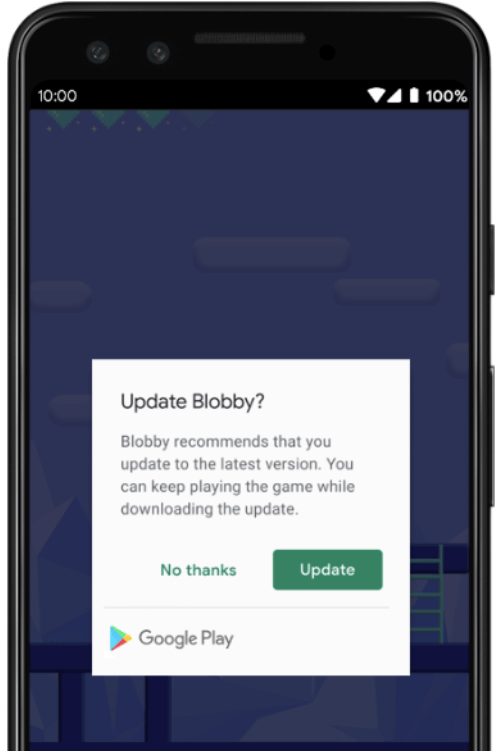
  • Future<void> startFlexibleUpdate(): Starts a flexible update (background download)
  • Future<void> completeFlexibleUpdate(): Actually installs an available flexible update

Please have a look in the example app on how to use it!

Android

This plugin integrates the official Android APIs to perform in app updated that were released in 2019: https://developer.android.com/guide/app-bundle/in-app-updates

iOS

iOS does not offer such a functionality. You might want to look into e.g. https://pub.dev/packages/upgrader. If you call the methods above on a iOS device you'll run into a not-implemented exception.

Troubleshooting

Getting ERROR_API_NOT_AVAILABLE error

Be aware that this plugin cannot be tested locally. It must be installed via Google Play to work. Please check the official documentation about In App Updates from Google:

https://developer.android.com/guide/playcore/in-app-updates/test

Update does not work on old Android versions

In App Updates are only available from API Versions >= 21, as mentioned here.

カテゴリー

ソースリポジトリ

このパッケージを使用しているプロジェクト

ランキング