


 v0.0.2
slide_action
アクションを実行するための高度にカスタマイズ可能なスライドウィジェット。このパッケージは、複数のプラットフォームでサポートされる使いやすいウィジェットを提供します。
93いいね 361030日間ダウンロード160Pub ポイント
AndroidiOSWebmacOSWindowsLinux
kay-af/slide-action open-source repository details.

以下は英語原文のスナップショットです。最新版は GitHub をご覧ください。

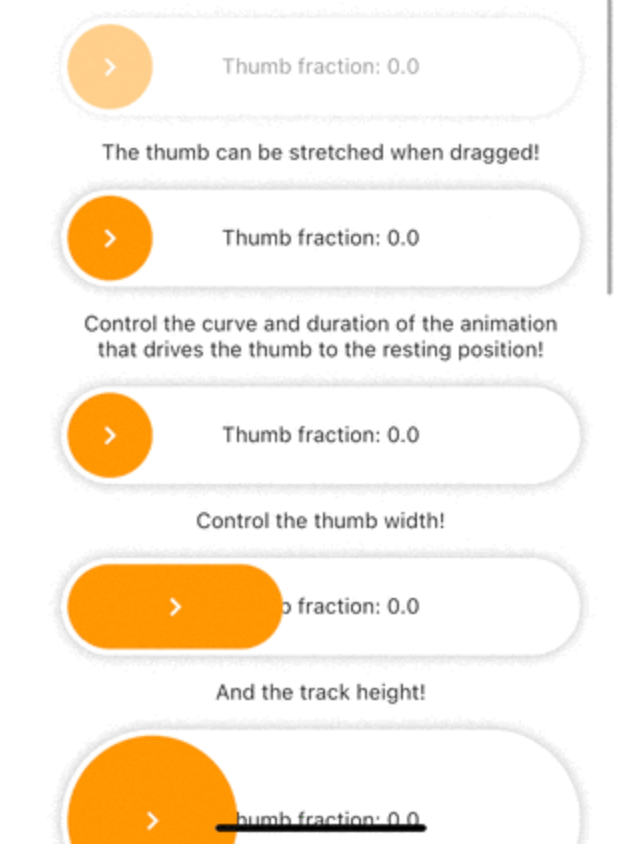
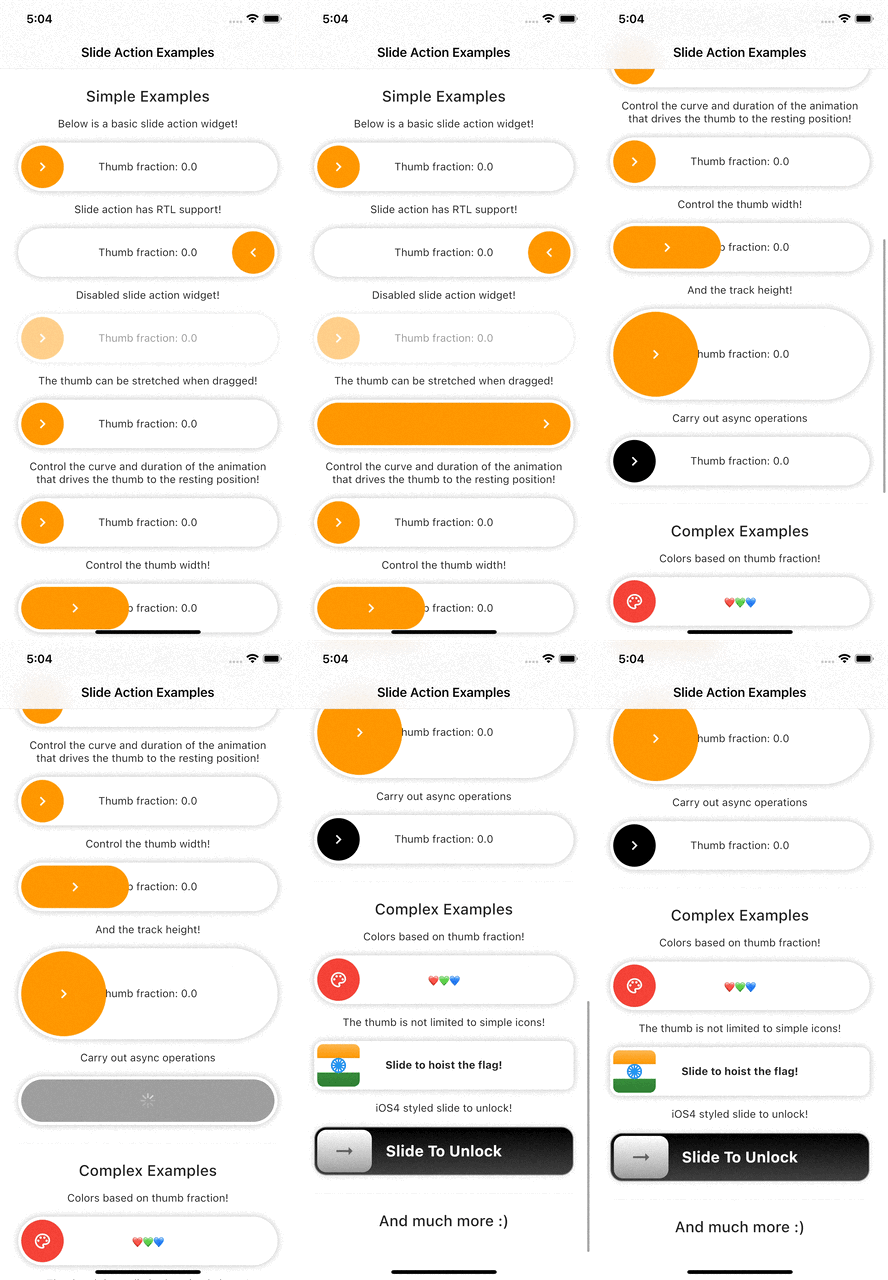
Slide action is a simple to use widget where the user has to slide to perform an action.
Add this line to your pubspec.yaml under the dependencies:
dependencies:
  slide_action: ^0.0.1+3
alternatively, you can use this command:
flutter pub add slide_action
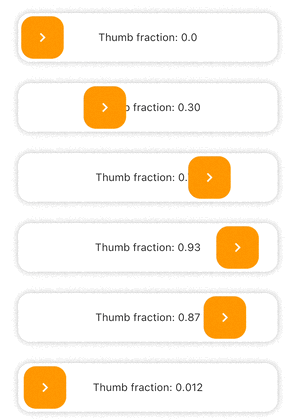
Simple Example
SlideAction(
    trackBuilder: (context, state) {
        return Container(
            decoration: BoxDecoration(
                borderRadius: BorderRadius.circular(16),
                color: Colors.white,
                boxShadow: const [
                    BoxShadow(
                        color: Colors.black26,
                        blurRadius: 8,
                    ),
                ],
            ),
            child: Center(
                child: Text(
                    "Thumb fraction: ${state.thumbFractionalPosition.toStringAsPrecision(2)}",
                ),
            ),
        );
    },
    thumbBuilder: (context, state) {
        return Container(
            margin: const EdgeInsets.all(4),
            decoration: BoxDecoration(
                color: Colors.orange,
                borderRadius: BorderRadius.circular(16),
            ),
            child: const Center(
                child: Icon(
                    Icons.chevron_right,
                    color: Colors.white,
                ),
            ),
        );
    },
    action: () {
        debugPrint("Hello World");
    },
);
SlideAction(
    trackBuilder: (context, state) {
        return Container(
            decoration: BoxDecoration(
                borderRadius: BorderRadius.circular(16),
                color: Colors.white,
                boxShadow: const [
                    BoxShadow(
                        color: Colors.black26,
                        blurRadius: 8,
                    ),
                ],
            ),
            child: Center(
                child: Text(
                    // Show loading if async operation is being performed
                    state.isPerformingAction
                        ? "Loading..."
                        : "Thumb fraction: ${state.thumbFractionalPosition.toStringAsPrecision(2)}",
                ),
            ),
        );
    },
    thumbBuilder: (context, state) {
        return Container(
            margin: const EdgeInsets.all(4),
            decoration: BoxDecoration(
                color: Colors.orange,
                borderRadius: BorderRadius.circular(16),
            ),
            child: Center(
                // Show loading indicator if async operation is being performed
                child: state.isPerformingAction
                    ? const CupertinoActivityIndicator(
                        color: Colors.white,
                    )
                    : const Icon(
                        Icons.chevron_right,
                        color: Colors.white,
                    ),
            ),
        );
    },
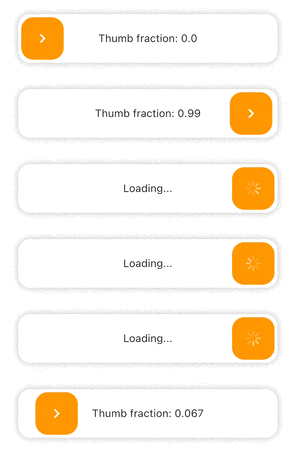
    action: () async {
        // Async operation
        await Future.delayed(
            const Duration(seconds: 2),
            () => debugPrint("Hello World"),
        );
    },
);
Check the documentation or example project on github for advanced usage.
Facing issues? Feel free to report an issue on the Github Page
依存関係一覧 3 件
{"sdk":"flutter"}{"sdk":"flutter"}^1.0.0用途で絞り込み、開発状況を比較し、採用前に元のリポジトリで要件を確認しましょう。
“A repository is the most basic element of GitHub.”
GitHub Docs — About repositories ↗