 v3.0.0
modal_bottom_sheet
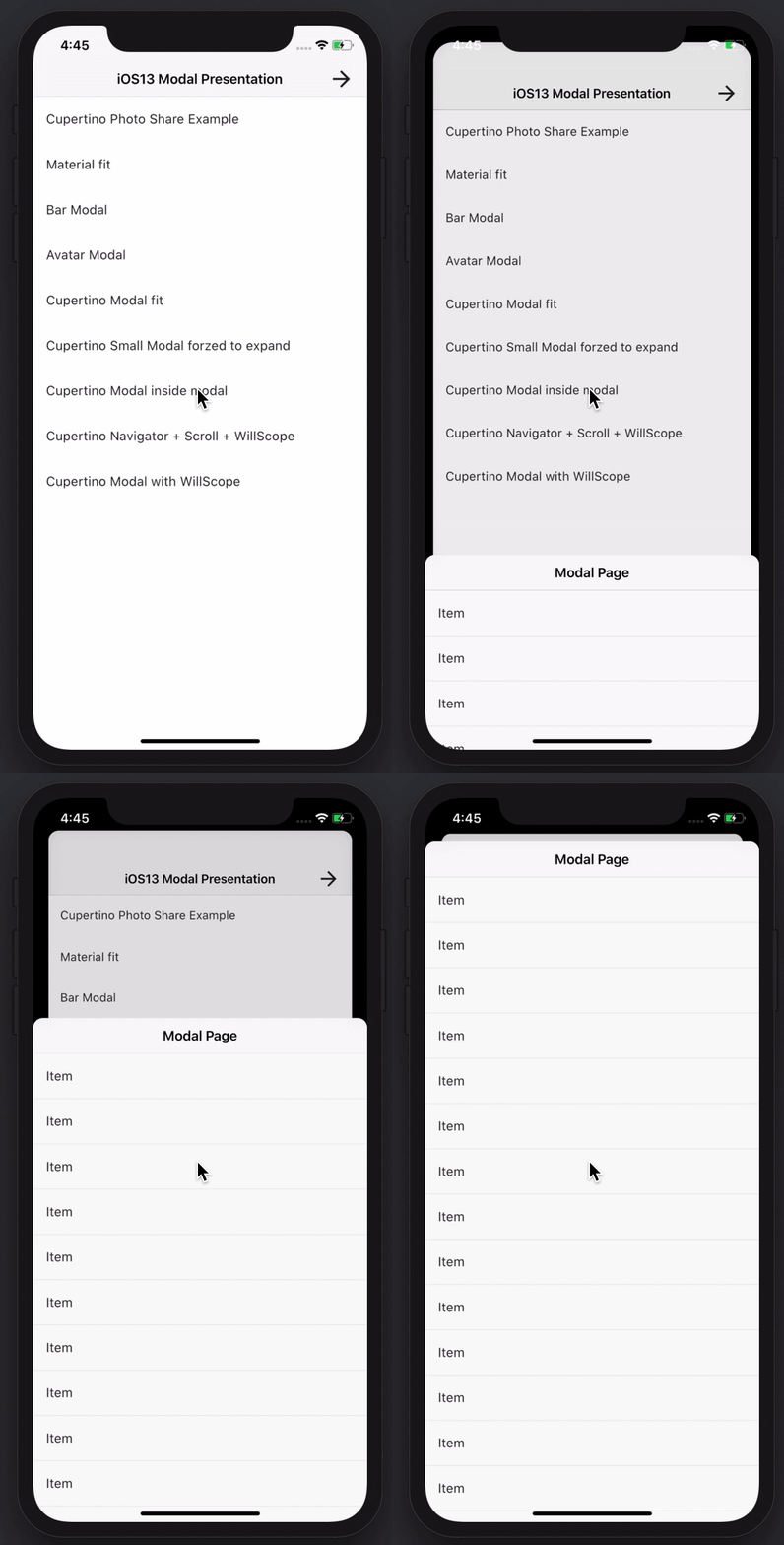
素晴らしい機能を持つモーダルボトムシートを作成します。Material、Cupertino iOS 13、または独自のスタイルを構築できます
3600いいね 30.6万30日間ダウンロード150Pub ポイント
AndroidiOSWebmacOSWindowsLinux
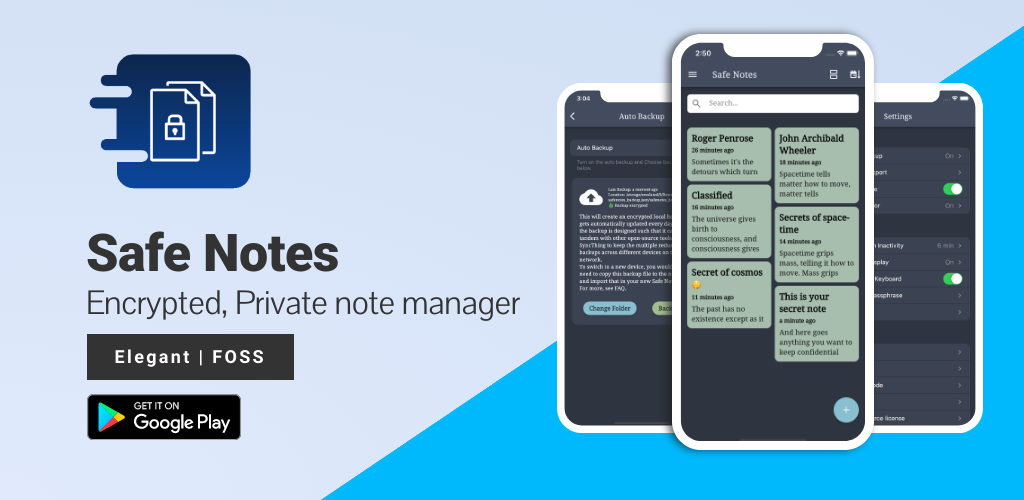
Safe Notesは、ローカルで動作し、さまざまな脅威アクターからノートを保護する暗号化されたプライベートメモマネージャーを提供することを目的としたセキュリティプロジェクトです。

以下は英語原文のスナップショットです。最新版は GitHub をご覧ください。








Screenshots • Description • Features • Installation and updates • Contribution • Privacy Policy • License
Website • Reporting a Bug • FAQ • Press
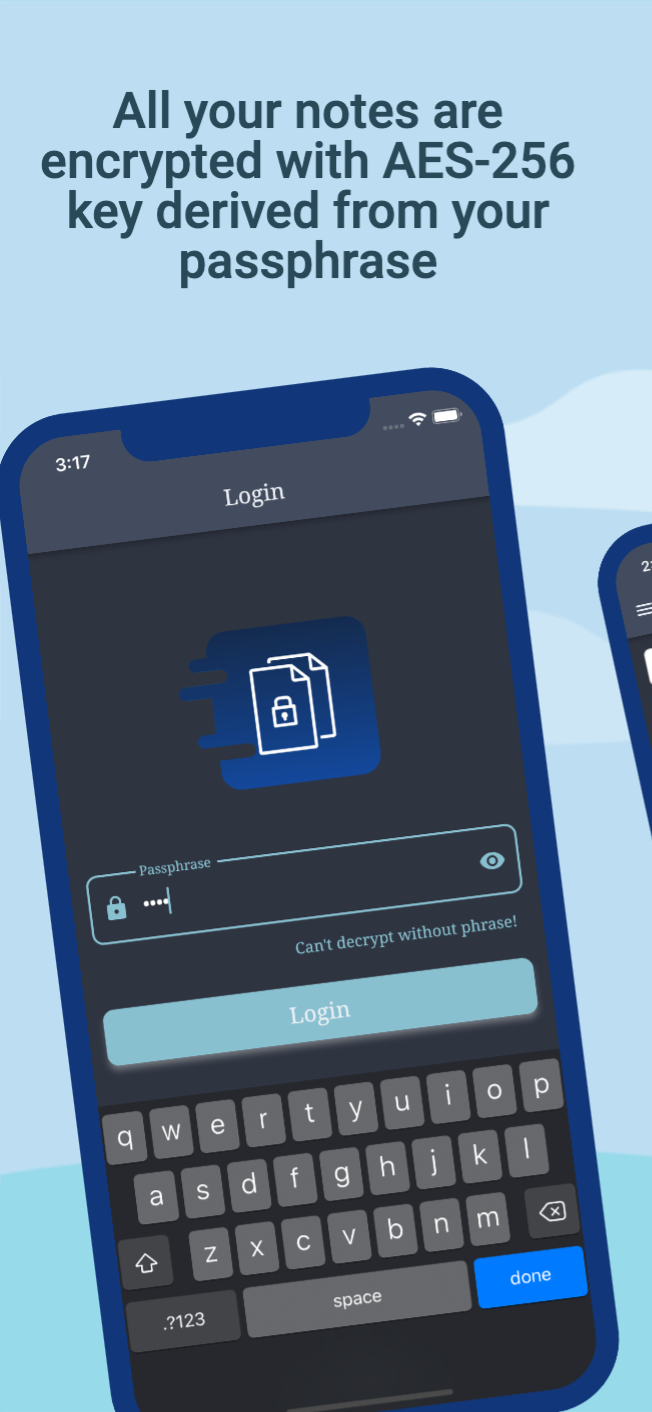
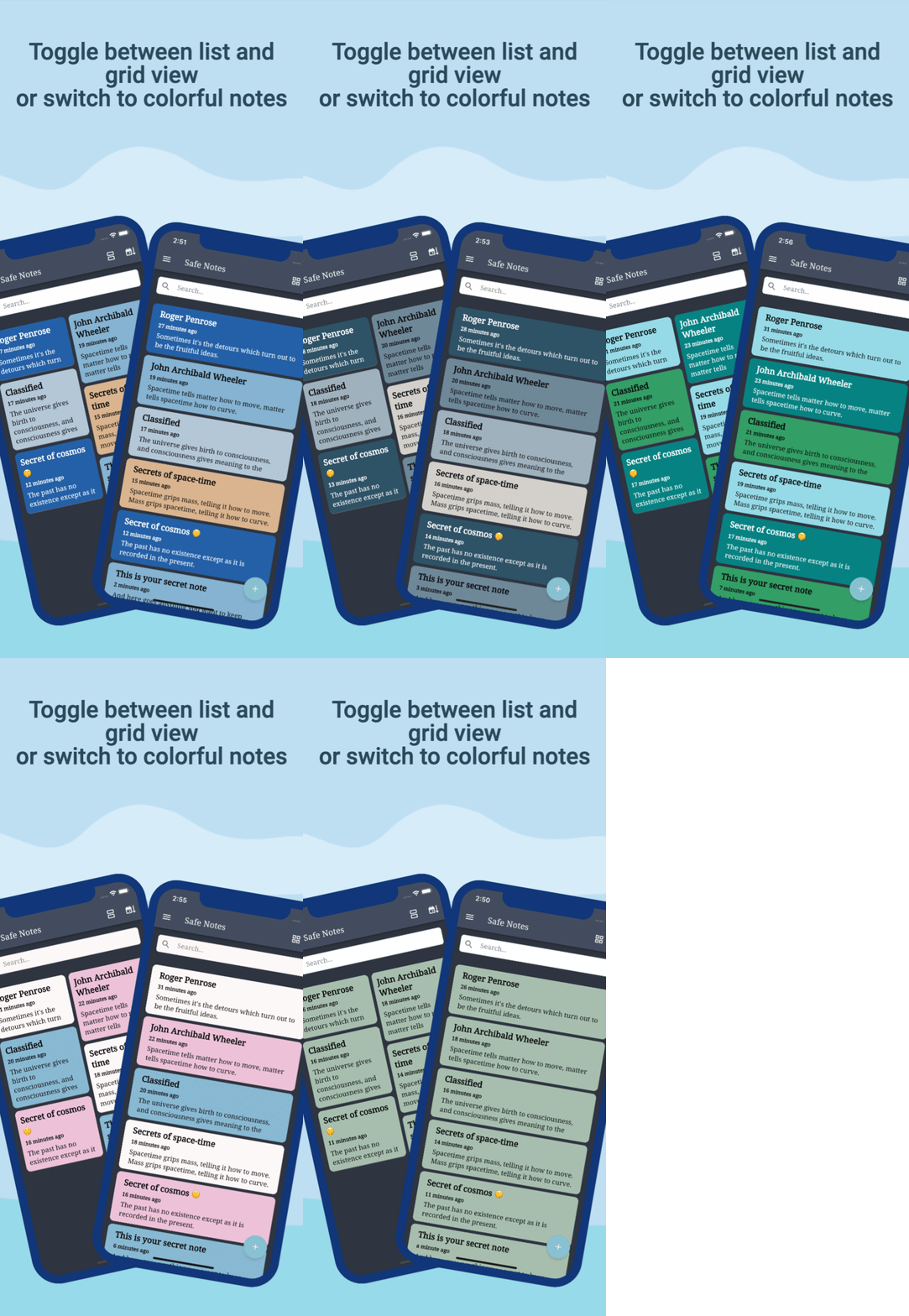
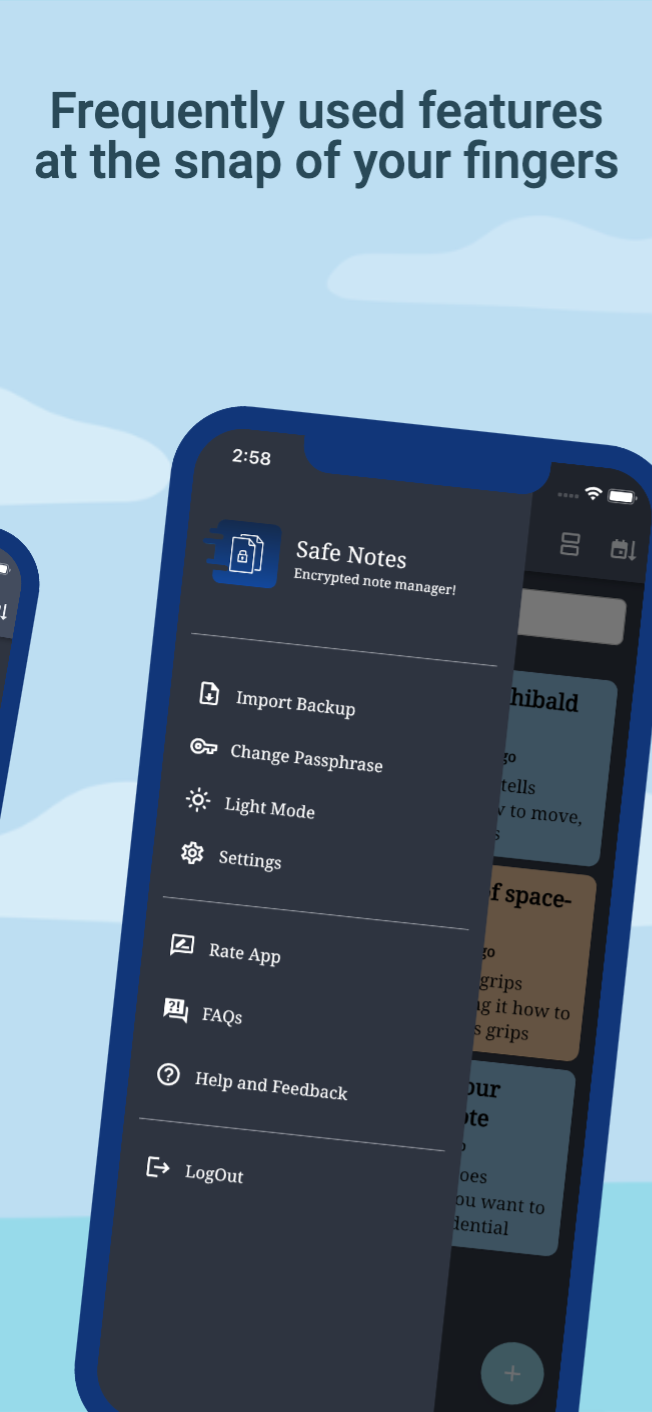
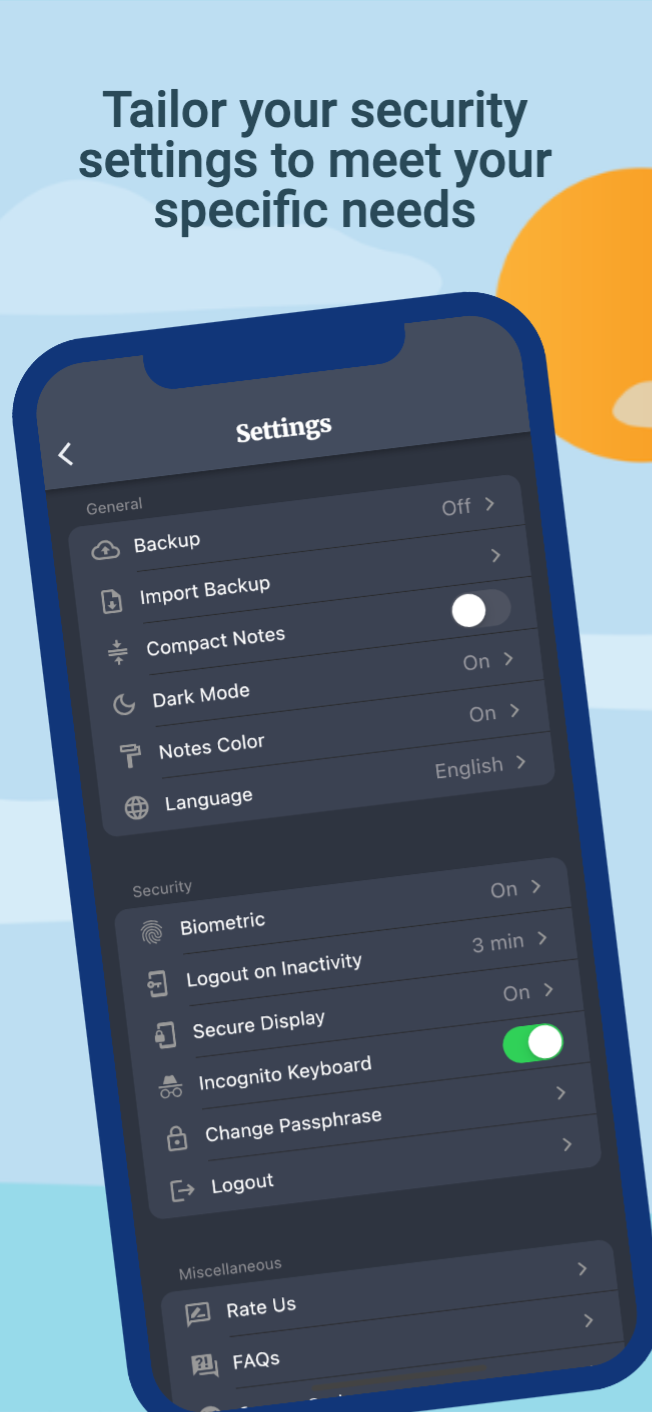
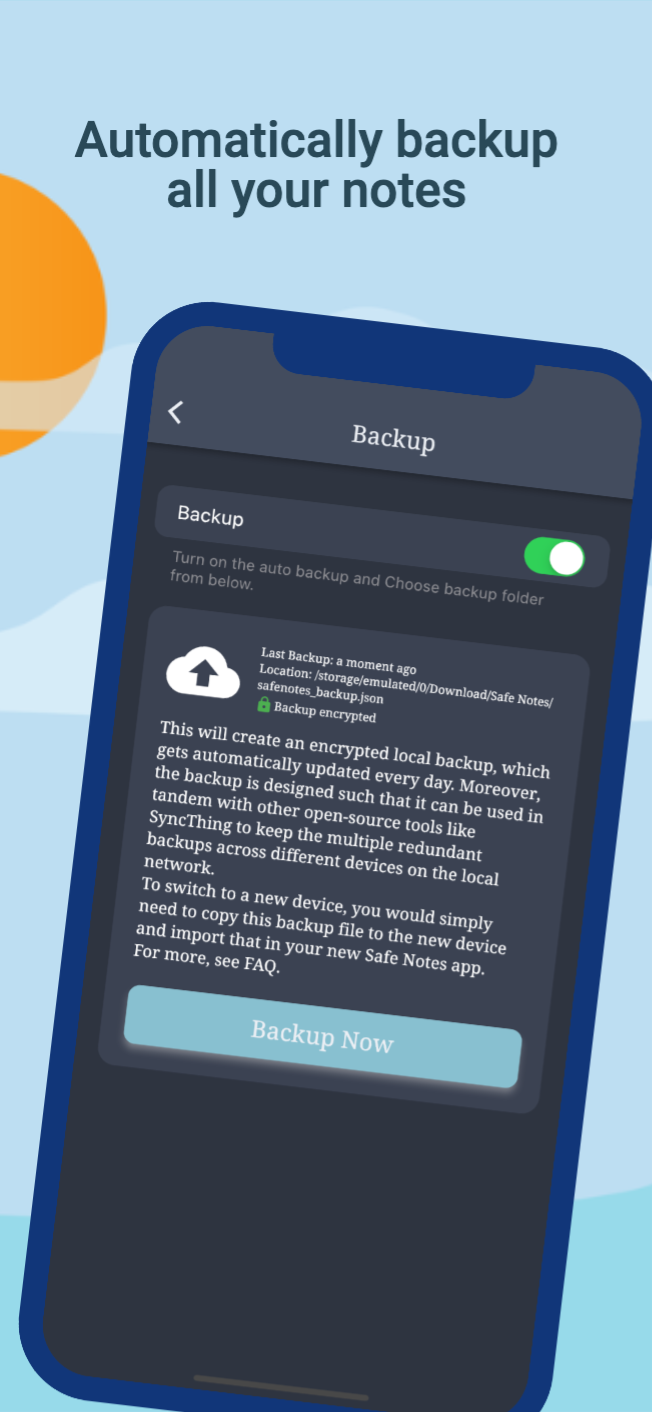
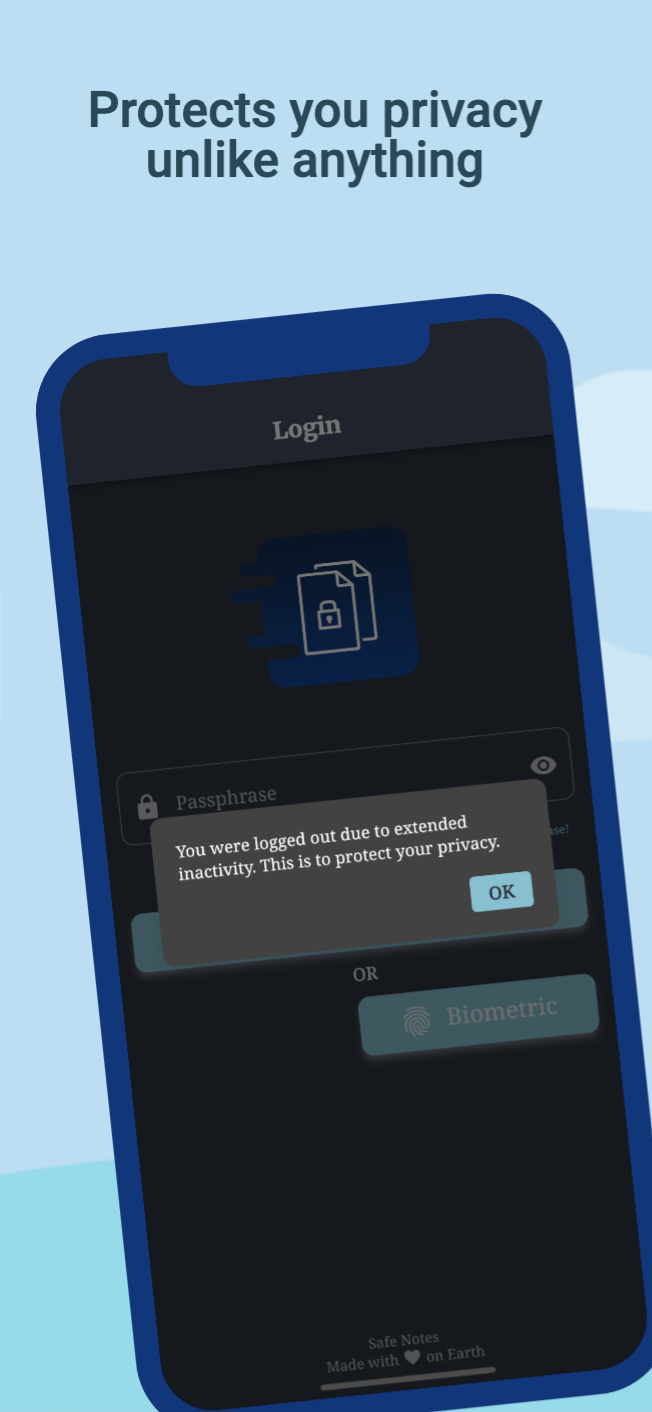
Safe Notes is a privacy-focused note manager which provides an inbuild encrypted storage. It imploys rigorously tested AES-256 encryption standard to store user notes. All the notes are stored locally on the user's device. Contrary to the ongoing frenzy of "move everything to cloud" we believe in "localization of user data" giving you the control of your data and not some third-party cloud service provider. We know you gotta change your device once in a while that's why Safe Notes also provides a secure migration facility, which allows you to export and import your notes without having to compromise the sanctity of your data. Word of advice, keep your passphrase long and secret. May encryption protect us all!
[!IMPORTANT] With great security comes the great responsibility of remembering the passphrase!
[!WARNING] Some security features cannot be guaranteed to work if you are using a rooted device.
You can install Safe Notes using one of the following methods:
We recommend method 1 or 2 for most users. Building a debug APK using method 4 excludes a key entirely. Signing keys help ensure that a user isn't tricked into installing a malicious update to an app.
Whether you have ideas, design changes, code cleaning, or real heavy code changes, help is always welcome.
The more is done the better it gets!
If you'd like to get involved, check our contribution notes.
Help translate Safe Notes on Hosted Weblate

The Safe Notes project aims to provide a encrypted, private, anonymous experience for local note storage. The app doesn't send any outbound requests neither does it receives any inbound requests. Hence, it doesn't collect any data whatsoever. You can find the document here.

Safe Notes is Free Software: You can use, study share and improve it at your will. Specifically GNU General Public License as published by the Free Software Foundation, either version 3 of the License, or (at your option) any later version.
| Weblate is helping with continuous localization as part of their ongoing support for libre software projects. |
|---|
素晴らしい機能を持つモーダルボトムシートを作成します。Material、Cupertino iOS 13、または独自のスタイルを構築できます
Flutterアプリの国際化とローカライズを簡単かつ迅速に行う。このパッケージは国際化プロセスを簡素化します。
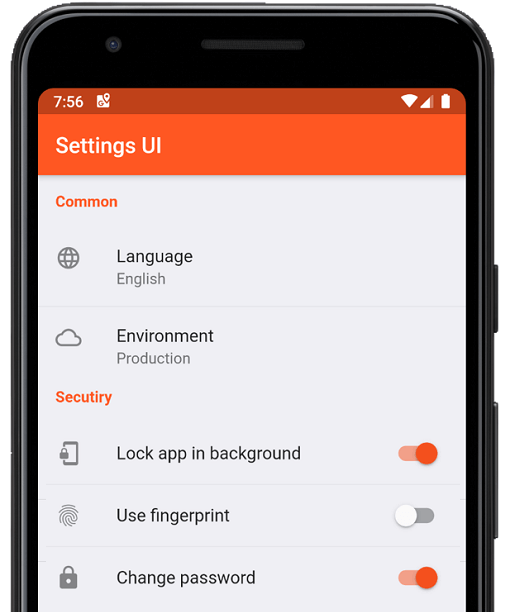
数分でFlutterアプリ用のネイティブ設定を作成します。単一のインターフェースを使用して構築します
曖昧なタイムスタンプを作成するのに便利なライブラリです(例:「15分前」)。
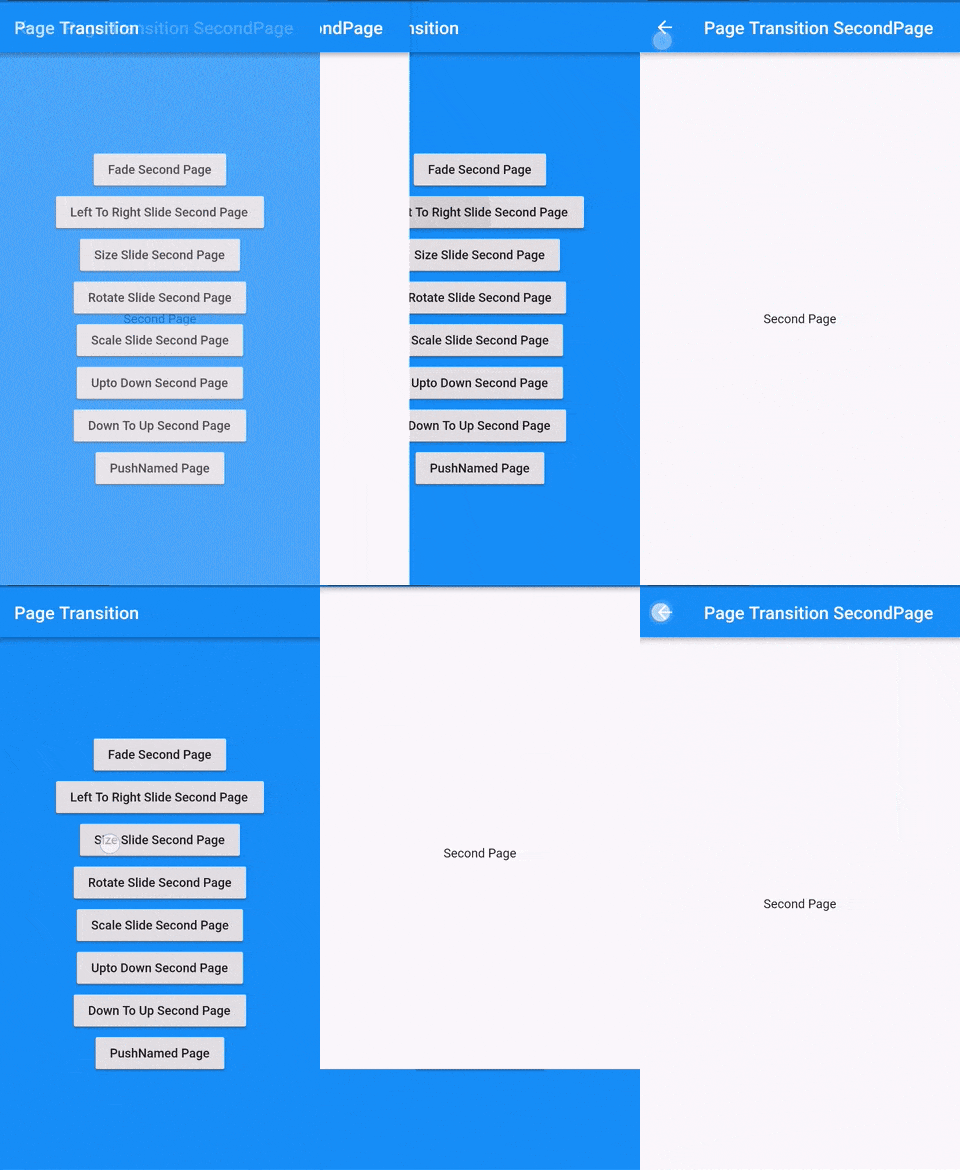
Flutter ページ遷移パッケージで、2番目のページの遷移
ウィジェットの最初のレイアウトが完了した後、つまり最初のフレームが表示された後にコードを実行します。
PointyCastle をベースとした双方向暗号化のための高レベルAPIセット。
Dartのインポートを自動的に整理する
iOS、Android、macOS、Linux プラットフォーム用に、Flutter プロジェクトのバンドルIDおよびアプリ名を変更またはリネームするのに役立ちます
Flutter用にコミュニティが設計したマテリアルデザインアイコン
欠落している、不十分にプロモートされた、過剰にプロモートされた、および使用されていない依存関係を確認します。
アプリケーションがユーザーの操作を受け取らない、または「x」期間にわたりバックグラウンドで実行されている場合、ユーザーを認証ページにリダイレクトします。
依存関係一覧 37 件
{"sdk":"flutter"}^1.2.0^3.0.0^3.0.3^1.0.6^10.0.1^3.0.1^5.0.0^8.0.0+1^9.0.0^0.7.0^0.18.1^2.1.2^2.1.1^2.1.0^7.0.7296^2.1.0^3.0.0^2.0.9^1.9.0^2.0.2^11.3.0^6.0.3^3.0.2^2.0.2^2.0.6^2.1.0+1^3.3.0^2.0.0^6.1.5{"git":{"url":"https://github.com/keshav-space/safenotes-nord-theme.git","ref":"main"}}{"sdk":"flutter"}^0.13.1^2.2.11^4.6.0^3.0.0^3.0.2用途で絞り込み、開発状況を比較し、採用前に元のリポジトリで要件を確認しましょう。
“A repository is the most basic element of GitHub.”
GitHub Docs — About repositories ↗