
v1.19.0
meta
ソースコードの静的解析では他の方法で導き出せない開発者の意図を表現するために使用される注釈です。
479いいね 1530万30日間ダウンロード150Pub ポイント
AndroidiOSWebmacOSWindowsLinux
Lichess モバイルアプリ

ソースコードの静的解析では他の方法で導き出せない開発者の意図を表現するために使用される注釈です。
複数の Firebase アプリに接続できる Firebase Core 用 Flutter プラグイン。
Firebase Crashlytics用のFlutterプラグイン。未処理のエラーをFirebaseコンソールに報告します。
Firebase Cloud Messaging用のFlutterプラグイン。AndroidおよびiOSで信頼性のあるメッセージ配信を可能にするクロスプラットフォームメッセージングソリューションです。
 v1.2.0
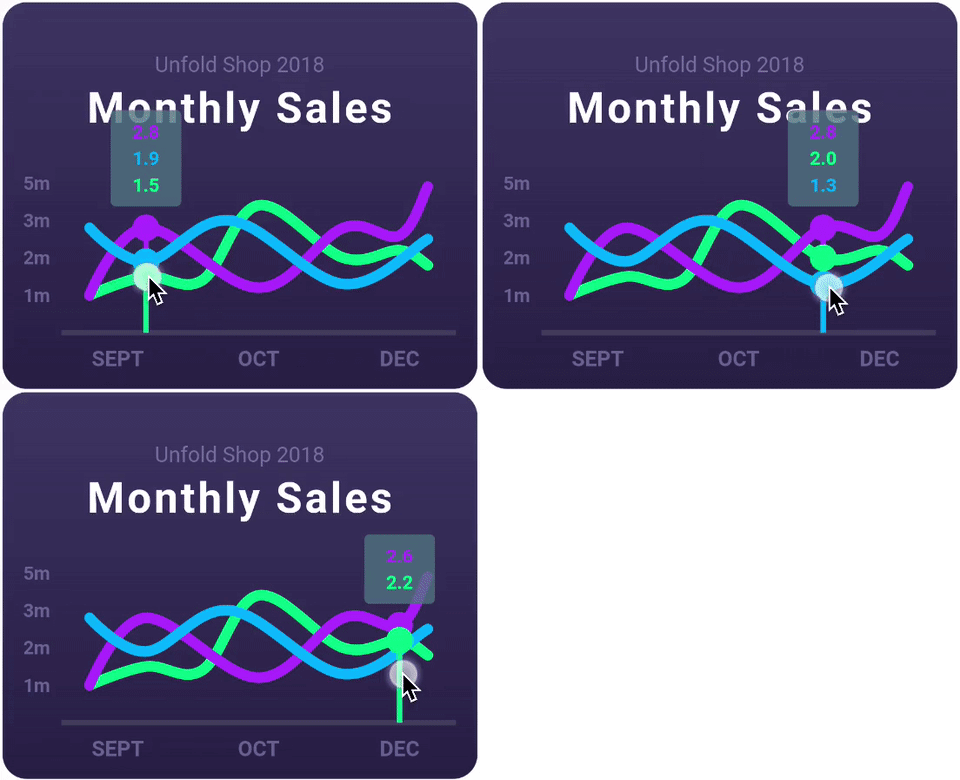
ラインチャート、棒グラフ、円グラフ、散布図、レーダーチャートをサポートする、非常にカスタマイズ可能なFlutterチャートライブラリです。
リアクティブなキャッシュおよびデータバインディングフレームワーク。Riverpod は非同期コードの扱いを簡単にする。
 v2.0.0
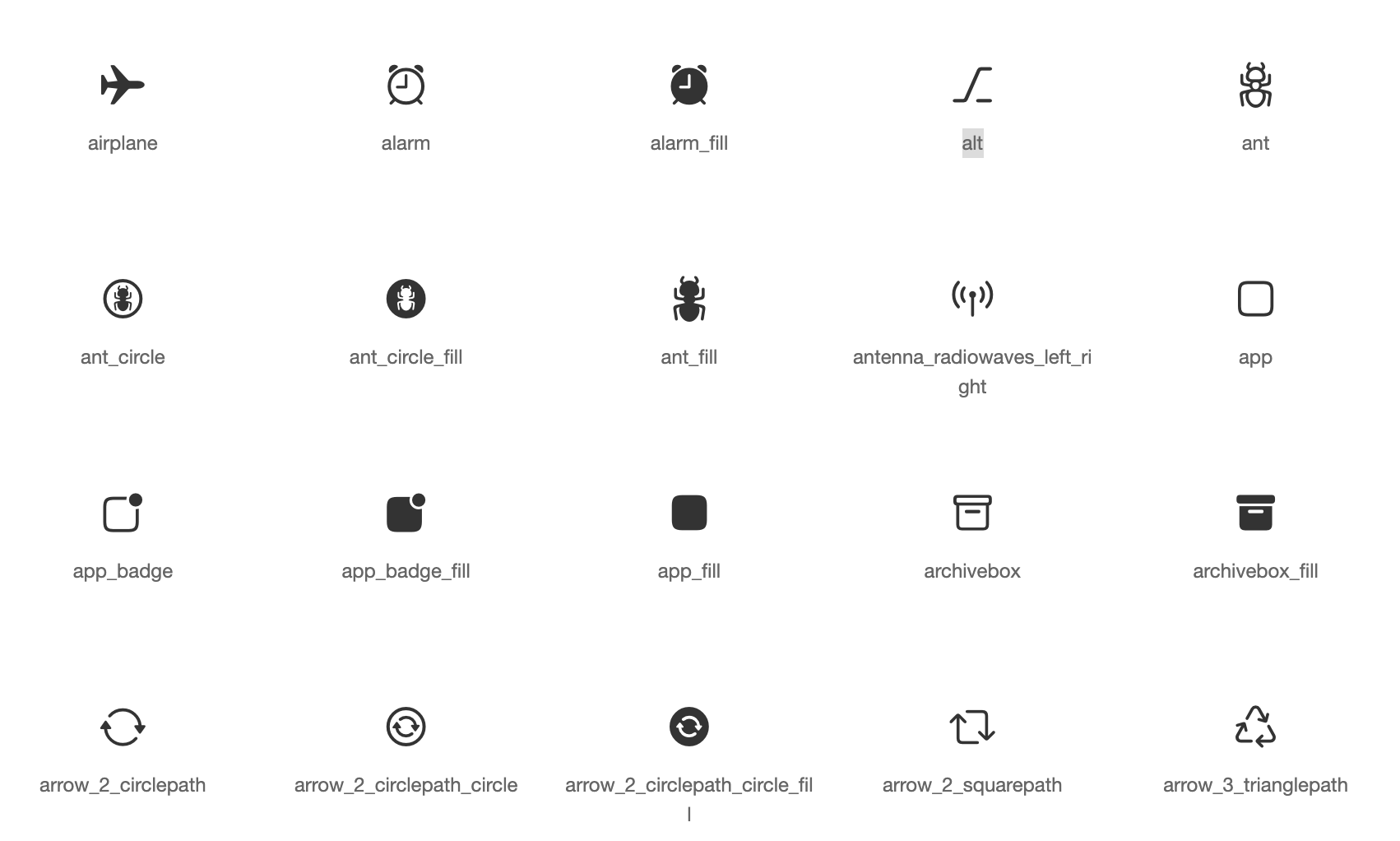
Apple風のアイコンに基づくCupertinoウィジェット用のデフォルトアイコンアセット
AndroidおよびiOSの画像ライブラリから画像を選択し、カメラで新しい写真を撮影するためのFlutterプラグイン。
 v1.1.1
ホーム画面にショートカットを作成するためのFlutterプラグインで、iOSではクイックアクション、Androidではアプリショートカットとも呼ばれます。
 v5.2.2
Flutterでアニメーション化されたローディングインジケーターのコレクション。@tobiasahlin の SpinKit に強く影響されています。
SQLite 用の Flutter プラグイン。自己完結型で、信頼性が高く、埋め込み型の SQL データベースエンジンです。
デスクトップおよびユニットテスト用の、FFIベースの sqflite 実装。
^7.2.1^9.0.0^2.13.1^3.0.0^10.2.0^1.1.2^1.19.1^7.3.1^1.9.0^3.0.7^3.0.2^1.0.9^1.0.0^0.13.1^1.1.0^13.2.0^1.9.0^11.2.0^13.1.0^4.13.0^5.2.7^16.5.0^1.2.0{"sdk":"flutter"}^12.0.2^0.7.0^2.0.8^22.3.0{"sdk":"flutter"}^1.0.12^2.4.8^3.4.2^11.0.0^4.0.3^5.2.2^3.1.0^0.9.3^1.6.0^1.2.3^0.20.3^4.12.0^3.0.0{"git":{"url":"https://github.com/lichess-org/dart-lc0.git","ref":"04284fa88176930a0e2ffd475979fa289710169e"}}^1.3.0^0.13.0^4.2960.0^1.0.1^1.19.0{"git":{"url":"https://github.com/lichess-org/dart-multistockfish.git","ref":"896c3884921ae1d775fcd3088ddcd1559fb87308","path":"pkgs/multistockfish"}}^10.2.1^1.9.1^2.1.6^0.4.0^2.2.0^4.1.0^1.1.0^0.2.0^13.3.0^2.5.5^0.5.0^0.2.0^2.4.3^2.4.2+1^2.1.1^6.3.2^0.4.0+2^1.7.0^3.0.3^2.15.1^1.3.3{"sdk":"flutter"}^4.0.1^6.14.1^2.14.0^1.0.5^2.1.4^1.6.0以下は英語原文のスナップショットです。最新版は GitHub をご覧ください。
Second iteration of the Lichess mobile app.
Contributions to this project are welcome!
If you want to contribute, please read the contributing guide.
If you are new to this project, you can read the documentation to get started. The CLAUDE.md is also a good resource to understand the codebase.
tl;dr: Install Flutter, clone the repo, run in order:
flutter pub getdart run build_runner watchflutter analyze --watchand you're ready to code!
See the dev environment docs for detailed instructions.
To run the app, you can use the following command:
# if not already done, run the code generation
dart run build_runner build

# run the app on all available devices
flutter run -d all
To run the tests, you can use the following command:
# if not already done, run the code generation
dart run build_runner build

flutter test
Do not edit the files in translation/ folder (except translation/source/mobile.xml), nor the app_en.arb file: these files are generated.
For more information, see Internationalisation.
Only for members of lichess team.