

 v0.4.2
drag_and_drop_lists
2段階のリストのドラッグアンドドロップによる並べ替えを可能にするFlutterパッケージ。
457いいね 2.1万30日間ダウンロード150Pub ポイント
AndroidiOSWebmacOSWindowsLinux
2段階リストのドラッグアンドドロップによる並べ替え用のFlutterパッケージ

以下は英語原文のスナップショットです。最新版は GitHub をご覧ください。
Two-level drag and drop reorderable lists.

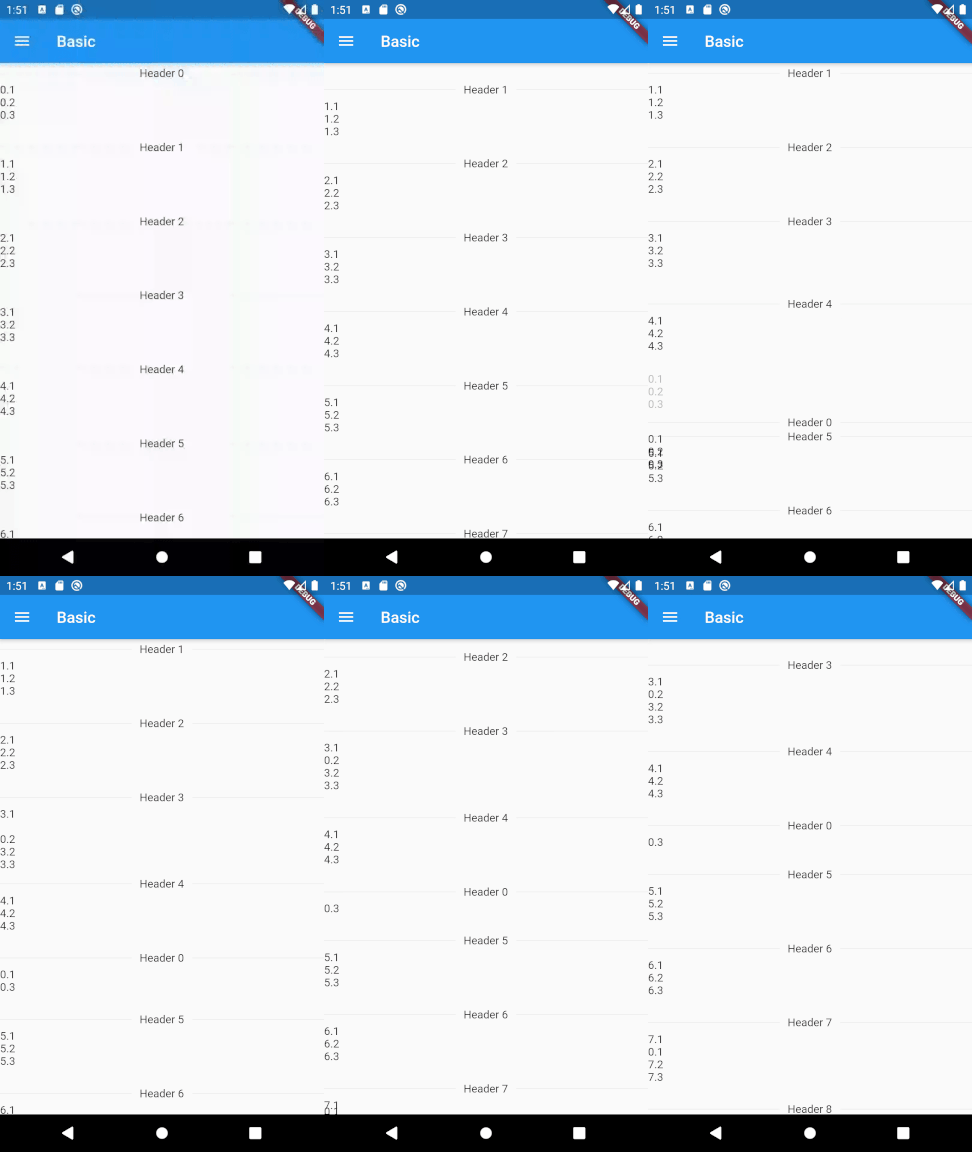
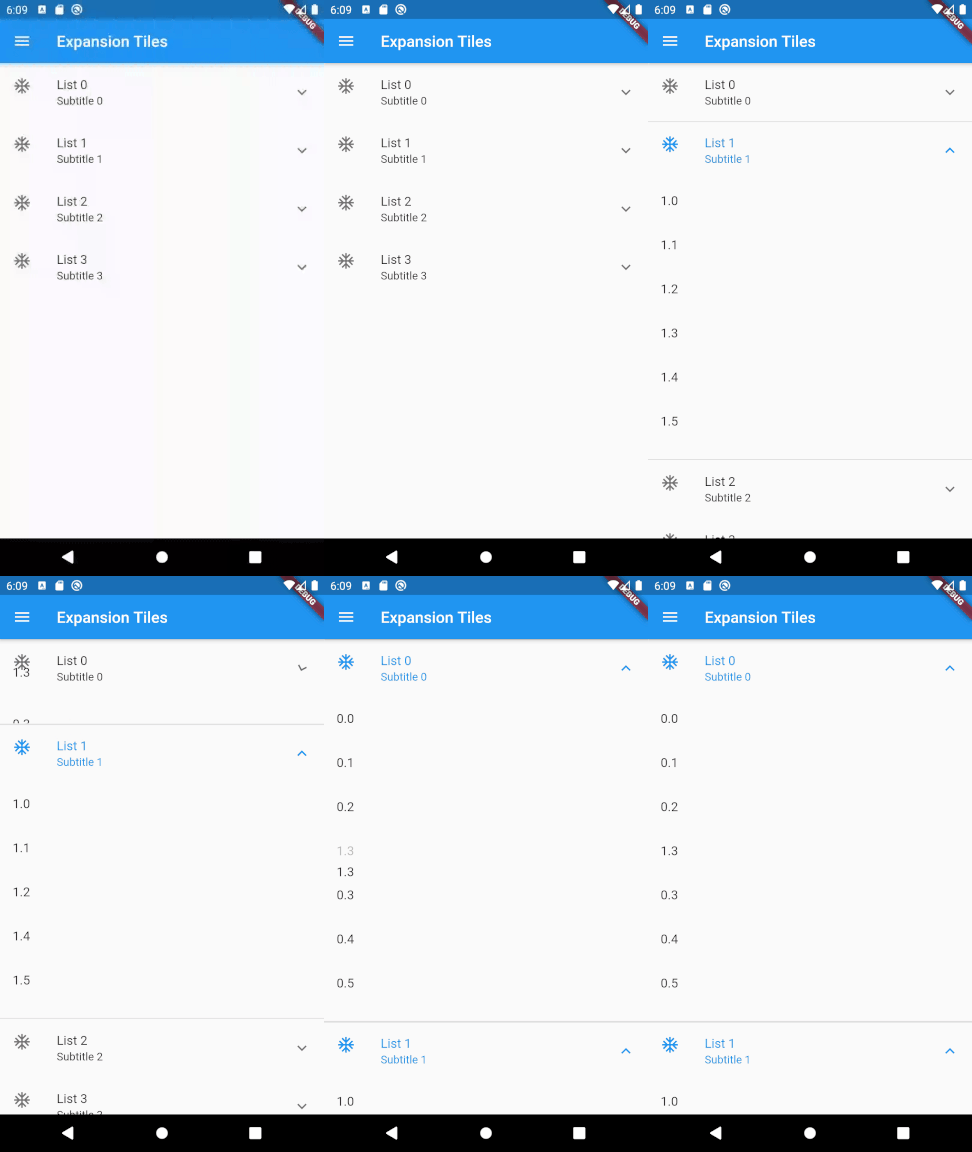
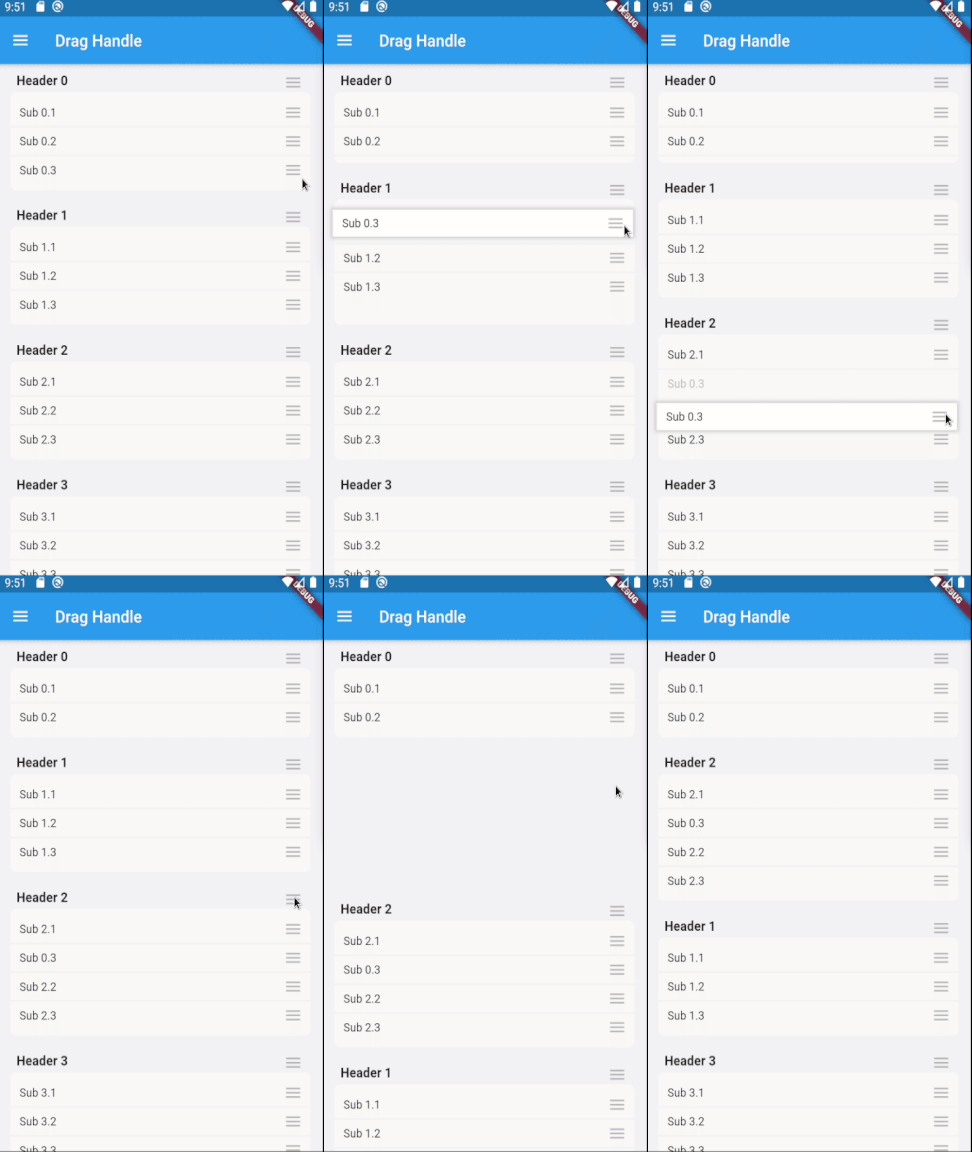
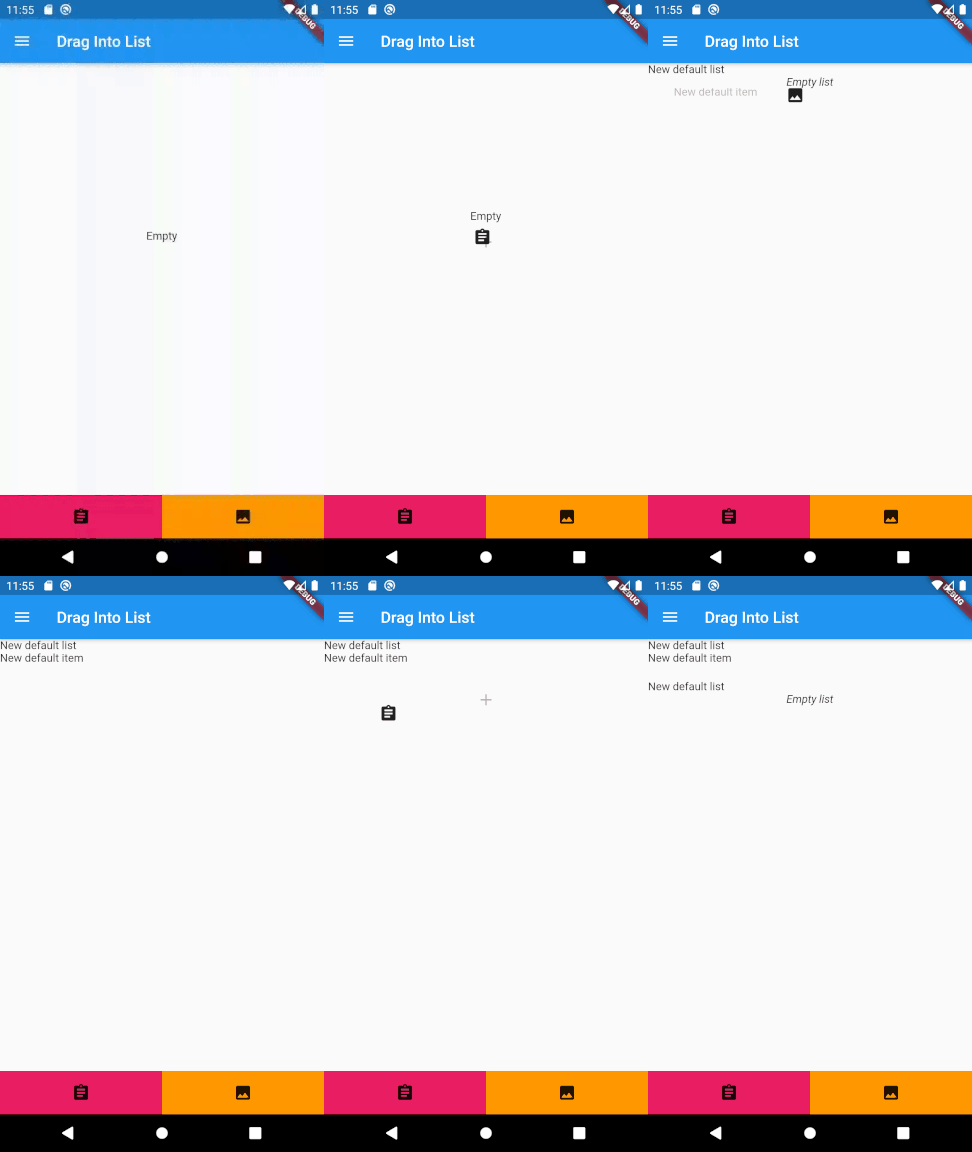
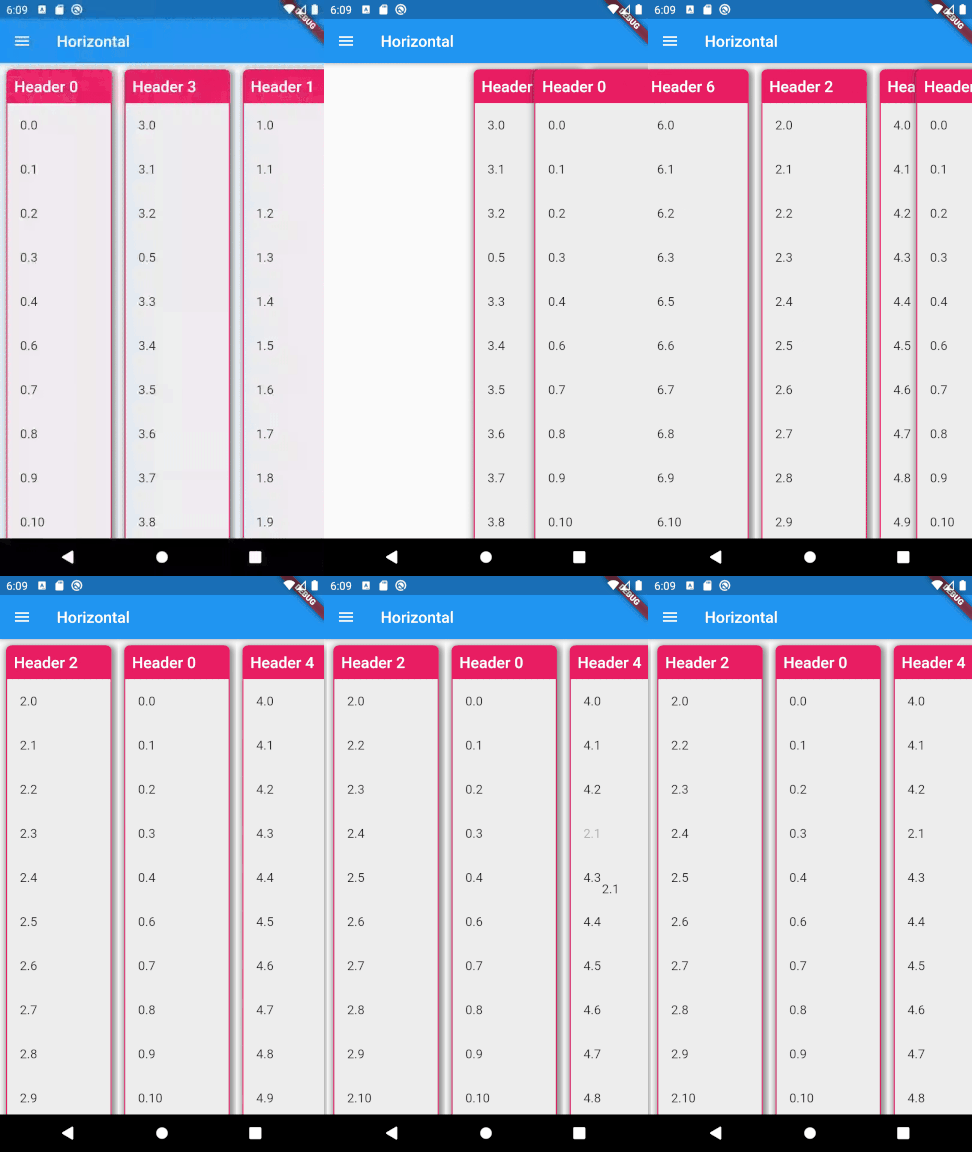
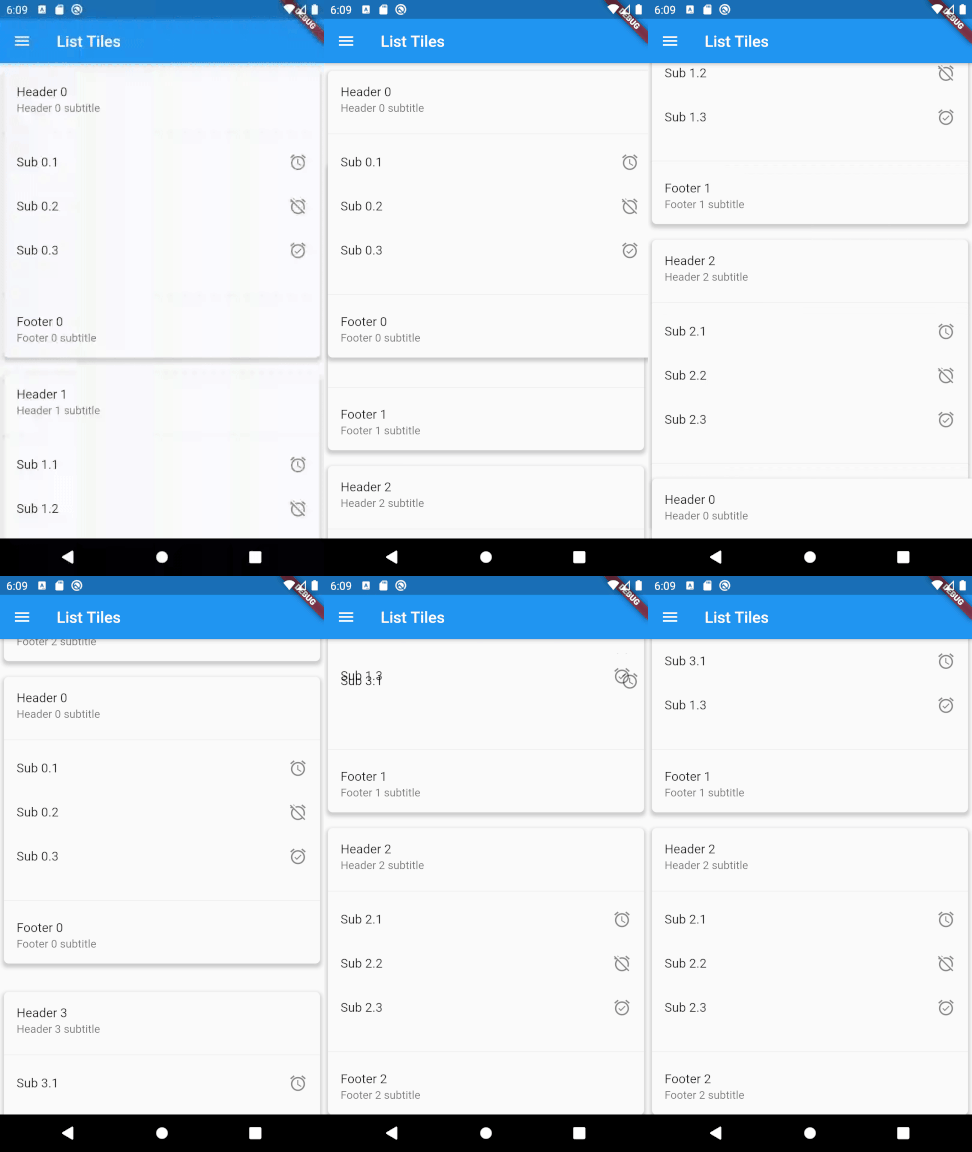
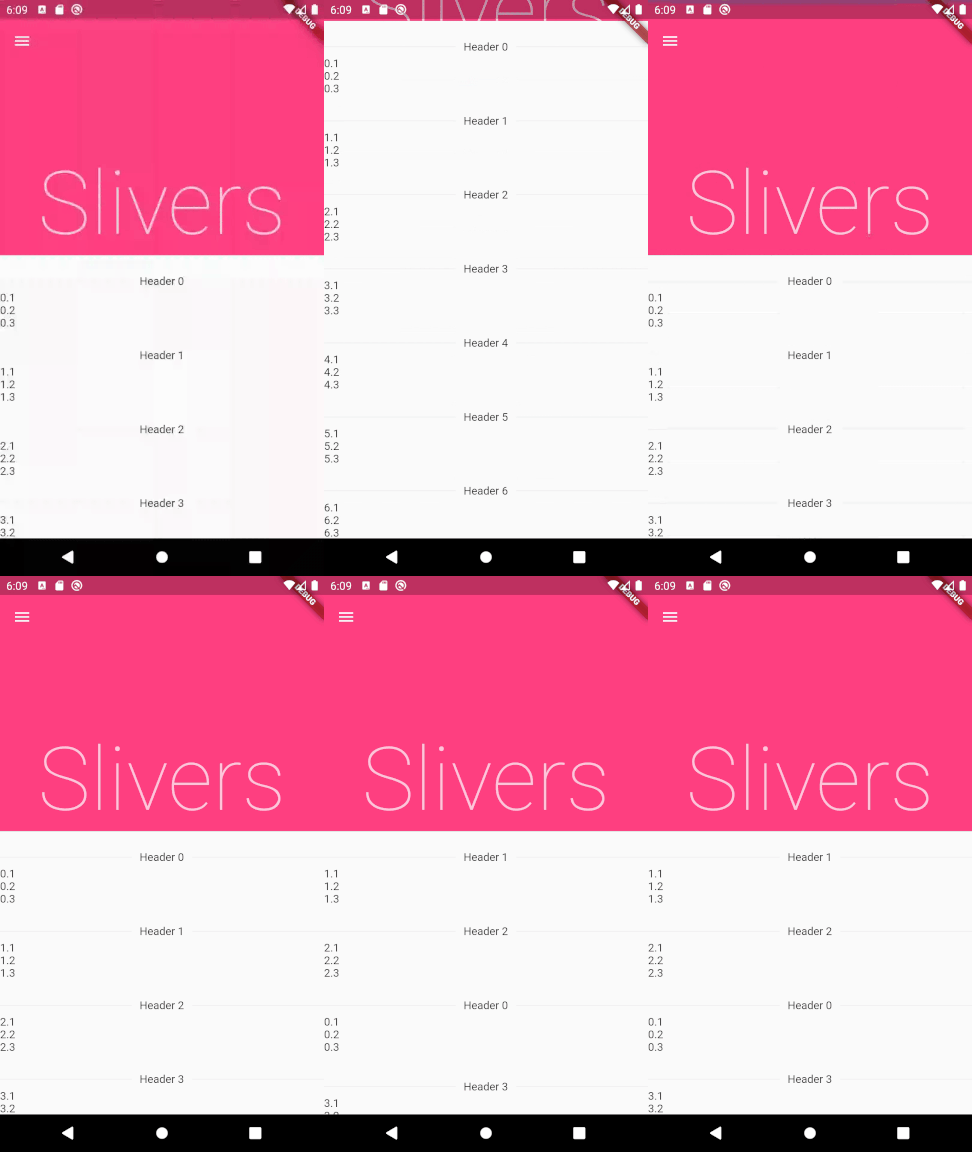
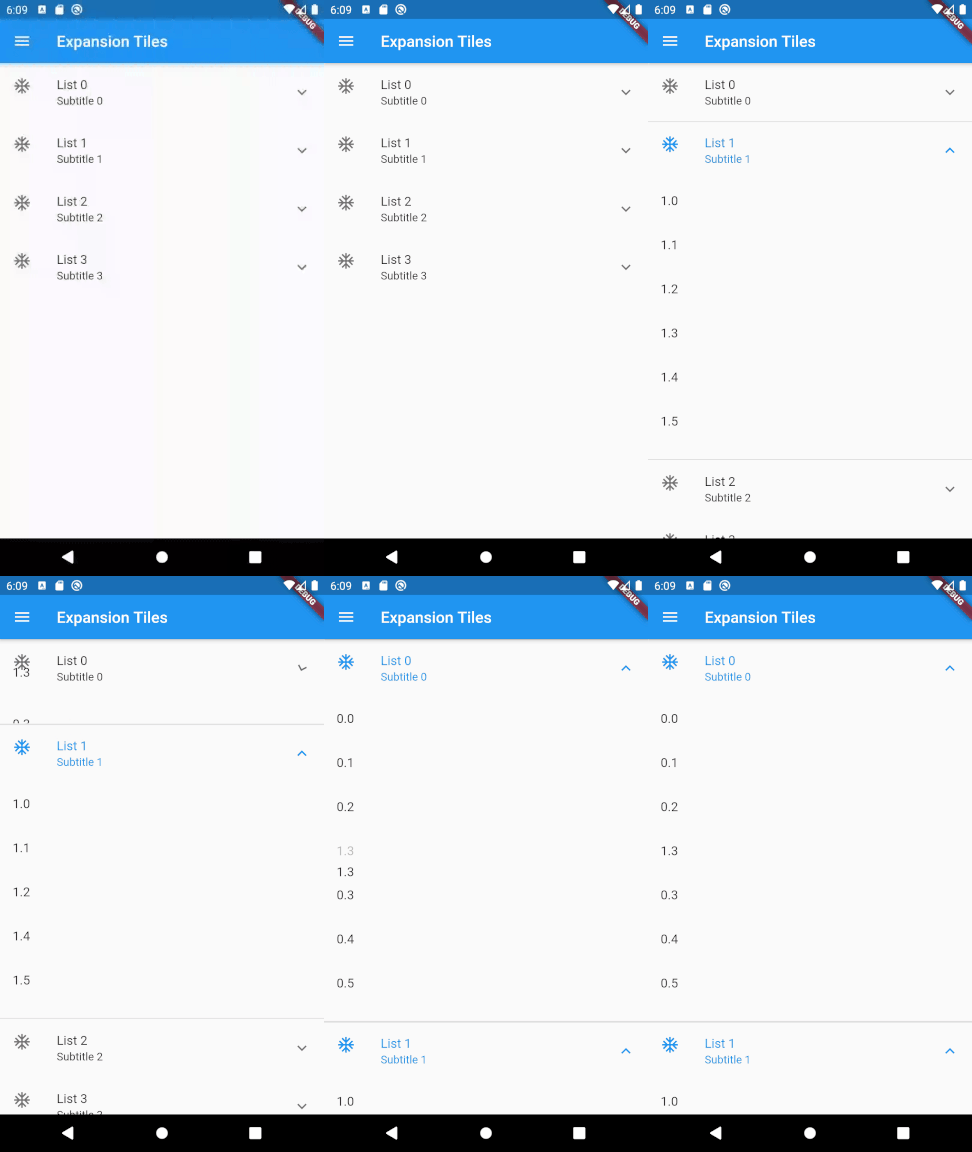
To use this plugin, add drag_and_drop_lists as a dependency in your pubspec.yaml file.
For example:
dependencies:
  drag_and_drop_lists: ^0.4.0
Now in your Dart code, you can use: import 'package:drag_and_drop_lists/drag_and_drop_lists.dart';
To add the lists, add a DragAndDropLists widget. Set its children to a list of DragAndDropList. Likewise, set the children of DragAndDropList to a list of DragAndDropItem.
For example:
  // Outer list
  List<DragAndDropList> _contents;

  @override
  void initState() {
    super.initState();

    // Generate a list
    _contents = List.generate(10, (index) {
      return DragAndDropList(
        header: Text('Header $index'),
        children: <DragAndDropItem>[
          DragAndDropItem(
            child: Text('$index.1'),
          ),
          DragAndDropItem(
            child: Text('$index.2'),
          ),
          DragAndDropItem(
            child: Text('$index.3'),
          ),
        ],
      );
    });
  }

  @override
  Widget build(BuildContext context) {
    // Add a DragAndDropLists. The only required parameters are children,
    // onItemReorder, and onListReorder. All other parameters are used for
    // styling the lists and changing its behaviour. See the samples in the
    // example app for many more ways to configure this.
    return DragAndDropLists(
      children: _contents,
      onItemReorder: _onItemReorder,
      onListReorder: _onListReorder,
    );
  }

  _onItemReorder(int oldItemIndex, int oldListIndex, int newItemIndex, int newListIndex) {
    setState(() {
      var movedItem = _contents[oldListIndex].children.removeAt(oldItemIndex);
      _contents[newListIndex].children.insert(newItemIndex, movedItem);
    });
  }

  _onListReorder(int oldListIndex, int newListIndex) {
    setState(() {
      var movedList = _contents.removeAt(oldListIndex);
      _contents.insert(newListIndex, movedList);
    });
  }
For further examples, see the example app or view the example code directly.
依存関係一覧 3 件
{"sdk":"flutter"}^4.0.0{"sdk":"flutter"}用途で絞り込み、開発状況を比較し、採用前に元のリポジトリで要件を確認しましょう。
“A repository is the most basic element of GitHub.”
GitHub Docs — About repositories ↗