
 v2.0.1
zoom_widget
変更可能なサイズのキャンバス上でズームできるウィジェットで、子ウィジェットを保持できます。
215いいね 739030日間ダウンロード125Pub ポイント
AndroidiOSWebmacOSWindowsLinux
semakers/zoom-widget open-source repository details.

依存関係一覧 3 件
{"sdk":"flutter"}^2.1.1{"sdk":"flutter"}以下は英語原文のスナップショットです。最新版は GitHub をご覧ください。
With this widget you can create a customizable canvas in which you can zoom in flutter.
It is possible to customize virtually all the canvases of the canvas such as color, background color, acitvate and deactivate scrolls, change the color of scrolls, modify the sensitivity of the zoom, the initial zoom enters other aspects found in the construction of the Zoom class.
Add to pubspec.yaml:
dependencies:
zoom_widget: ^2.0.0
You only need to create an instance of the Zoom class in the child of your Scaffold or within the widget of your choice, within the child attribute, put the widget that you want to zoom in and the width and height of the canvas where it will be made zoom.
import 'package:zoom_widget/zoom_widget.dart';
Center flutter logo using all space of view port:
 Zoom(
        initTotalZoomOut: true,
        child: Center(
          child: FlutterLogo(
            size: 1000,
          ),
        ),
      );
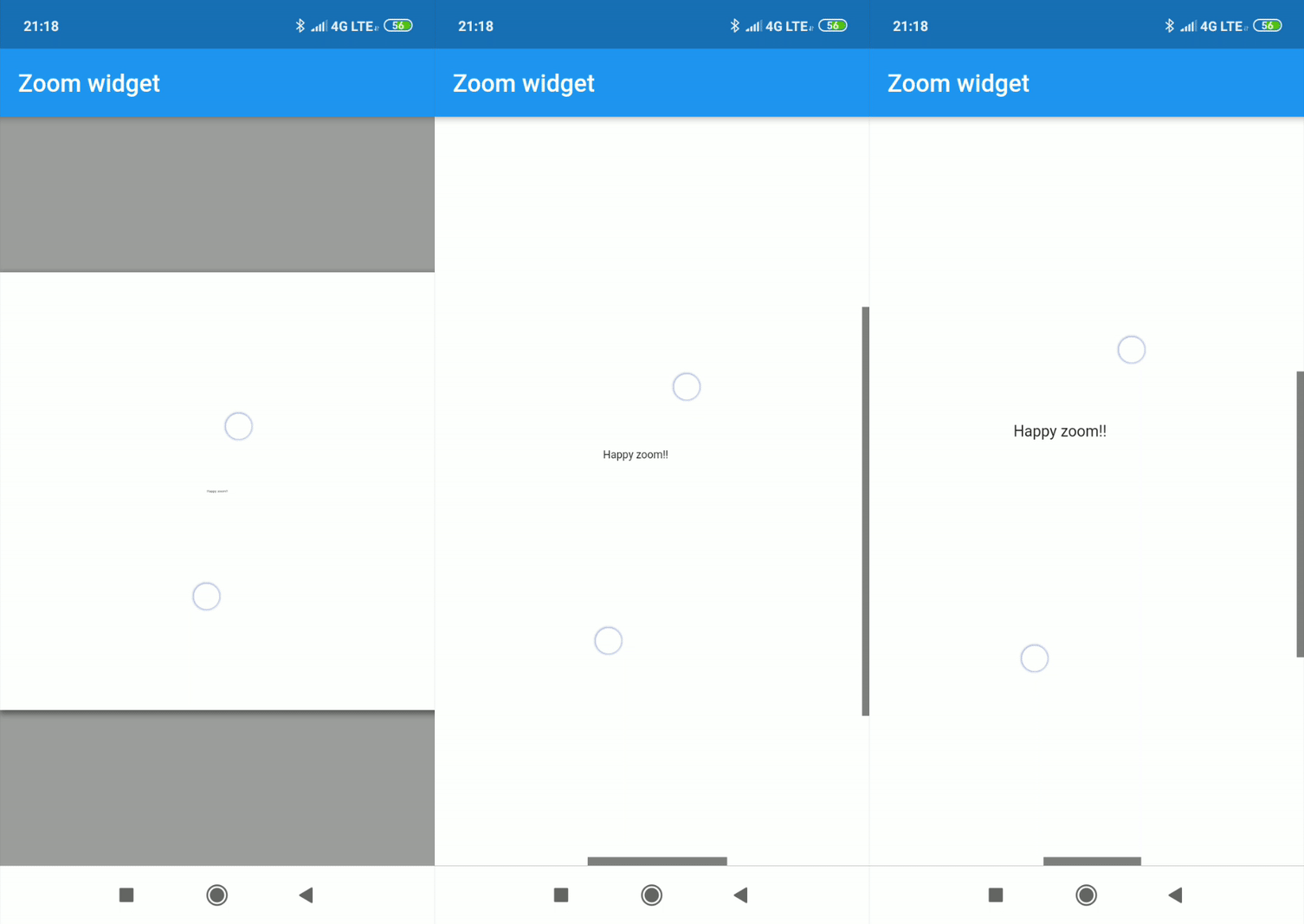
Center text with max width and max height:
Zoom(
    maxZoomWidth: 1800,
    maxZoomHeight: 1800,
    child: Center(
        child: Text("Happy zoom!!"),
    )
);
It is possible to obtain the x and y position of our canvas with respect to the scrolls and and the zoom and scale of our canvas using two simple callbacks in our Zoom instance.
Zoom(
    maxZoomWidth: 1800,
    maxZoomHeight: 1800,
    onTap: (){
        print("Widget clicked");
    },
    onPositionUpdate: (Offset position){
        print(position);
    },
    onScaleUpdate: (double scale,double zoom){
        print("$scale  $zoom");
    },
    child: Center(
        child: Text("Happy zoom!!"),
    )
);
Customizing the properties you can get amazing results.
Zoom(
    maxZoomWidth: 1800,
    maxZoomHeight: 1800,
    canvasColor: Colors.grey,
    backgroundColor: Colors.orange,
    colorScrollBars: Colors.purple,
    opacityScrollBars: 0.9,
    scrollWeight: 10.0,
    centerOnScale: true,
    enableScroll: true,
    doubleTapZoom: true,
    zoomSensibility: 0.05,
    onTap: (){
        print("Widget clicked");
    }
    onPositionUpdate: (position){
        setState(() {
            x=position.dx;
            y=position.dy;
        });
    },
    onScaleUpdate: (scale,zoom){
        setState(() {
            _zoom=zoom;
        });
    },
    child: Center(
        child: Text("x:${x.toStringAsFixed(2)} y:${y.toStringAsFixed(2)} zoom:${_zoom.toStringAsFixed(2)}",style: TextStyle(color: Colors.deepPurple,fontSize: 50),),
    ),
);
It can be used for more complex things like an image gallery.
https://raw.githubusercontent.com/semakers/zoom-widget/master/gif_examples/image_gallery.gifAll examples of gifs are inside the example