パッケージ、リポジトリ、アプリカテゴリを検索

zoom_widget のカバー
パッケージ詳細v2.0.1

zoom_widget

変更可能なサイズのキャンバス上でズームできるウィジェットで、子ウィジェットを保持できます。

AndroidiOSWebmacOSWindowsLinux
30日間ダウンロード
8160
いいね数
215
Pub ポイント
125

パッケージをインストール

flutter pub add zoom_widget

パッケージ概要

公開情報に基づく選定ガイドです。参考としてご利用ください。

zoom_widget パッケージは、サイズを調整可能なキャンバス上でインタラクティブなズームを可能にするカスタマイズ可能な Flutter ウィジェットを提供します。開発者は任意の子ウィジェットをズームおよびパン機能でラップでき、画像やマップ、詳細な探索が必要な複雑な UI 要素に最適です。このウィジェットは、Android、iOS、Web、macOS、Windows、Linux の複数プラットフォームでタッチジェスチャーとマウス操作をサポートしており、一貫した動作を保証します。軽量であり、既存の Flutter アプリケーションへのシームレスな統合を目的として設計されています。

用途

  • インタラクティブな画像ビューア
  • デジタルホワイトボード
  • マップナビゲーションインターフェース
  • データ可視化ツール
  • 拡張可能なコンテンツを備えた教育アプリ

主な機能

  • ピンチツーズームおよびドラッグジェスチャーに対応
  • 調整可能なキャンバスサイズ
  • クロスプラットフォーム互換性
  • スムーズなアニメーション遷移
  • カスタマイズ可能なズーム範囲
  • 既存のウィジェットとの簡単な統合

適している対象

  • インタラクティブな可視化を構築する開発者
  • スケーラブルなコンテンツ表示を必要とするアプリ
  • マルチタッチ対応が必要なプロジェクト
  • ジェスチャー制御を備えたクロスプラットフォームアプリケーション
  • 詳細なグラフィックや図表を含むUI

注意事項

  • 非常に大きなキャンバスではパフォーマンスが異なる場合があります
  • 子ウィジェットのサイズ調整に注意が必要です
  • オーバーフローなどのエッジケースに対応するための追加ロジックが必要になる場合があります
  • 高頻度の更新には最適化されていません
  • 静的または頻繁に更新されないコンテンツに最適

元の README

関連するソースリポジトリの README 原文のスナップショットです。最新の内容はリポジトリをご覧ください。

Flutter zoom widget

With this widget you can create a customizable canvas in which you can zoom in flutter.

It is possible to customize virtually all the canvases of the canvas such as color, background color, acitvate and deactivate scrolls, change the color of scrolls, modify the sensitivity of the zoom, the initial zoom enters other aspects found in the construction of the Zoom class.

Installation

Add to pubspec.yaml:

dependencies:
zoom_widget: ^2.0.0

How to use

You only need to create an instance of the Zoom class in the child of your Scaffold or within the widget of your choice, within the child attribute, put the widget that you want to zoom in and the width and height of the canvas where it will be made zoom.

Import
import 'package:zoom_widget/zoom_widget.dart';
Simple examples

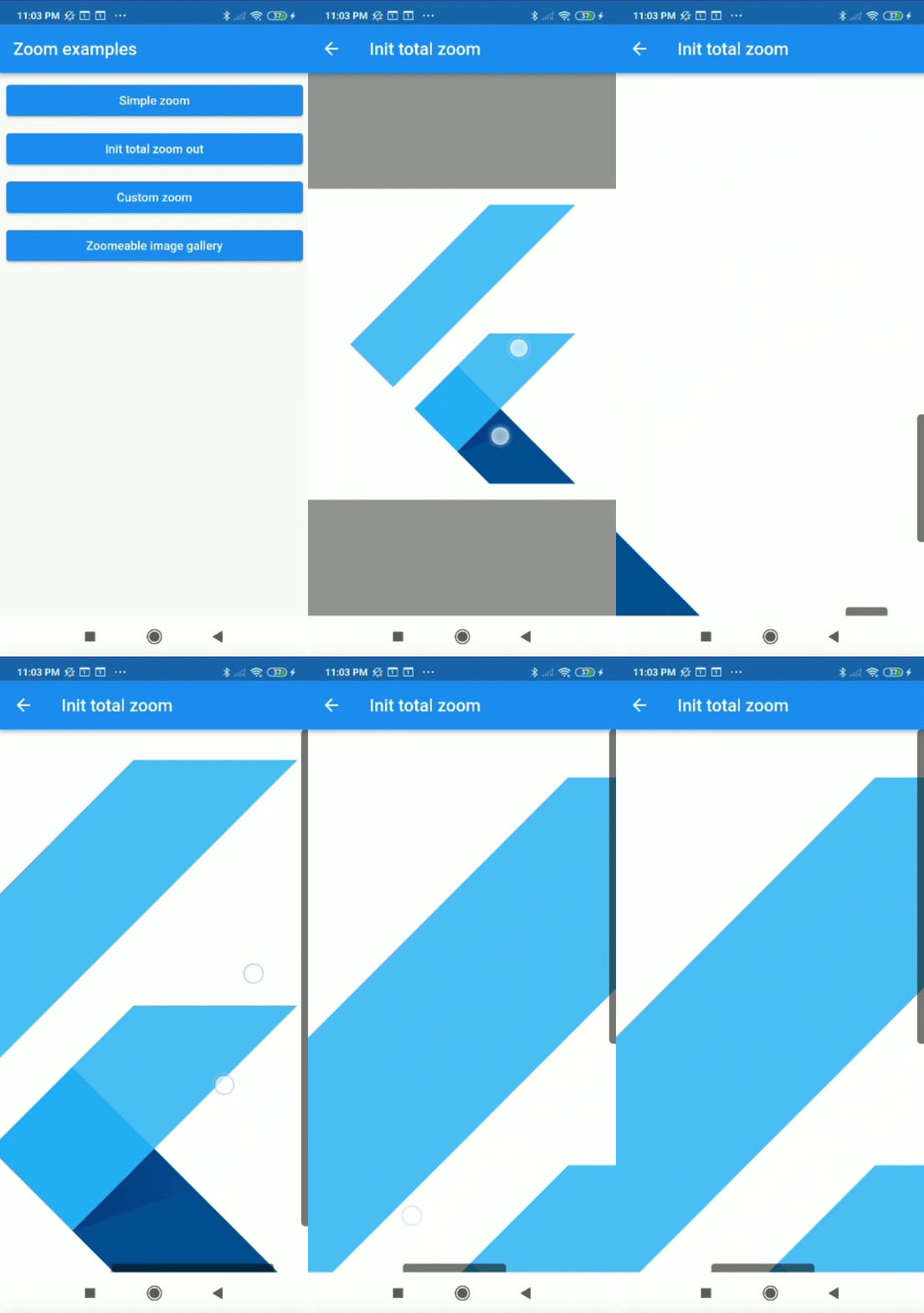
Center flutter logo using all space of view port:

 Zoom(
        initTotalZoomOut: true,
        child: Center(
          child: FlutterLogo(
            size: 1000,
          ),
        ),
      );

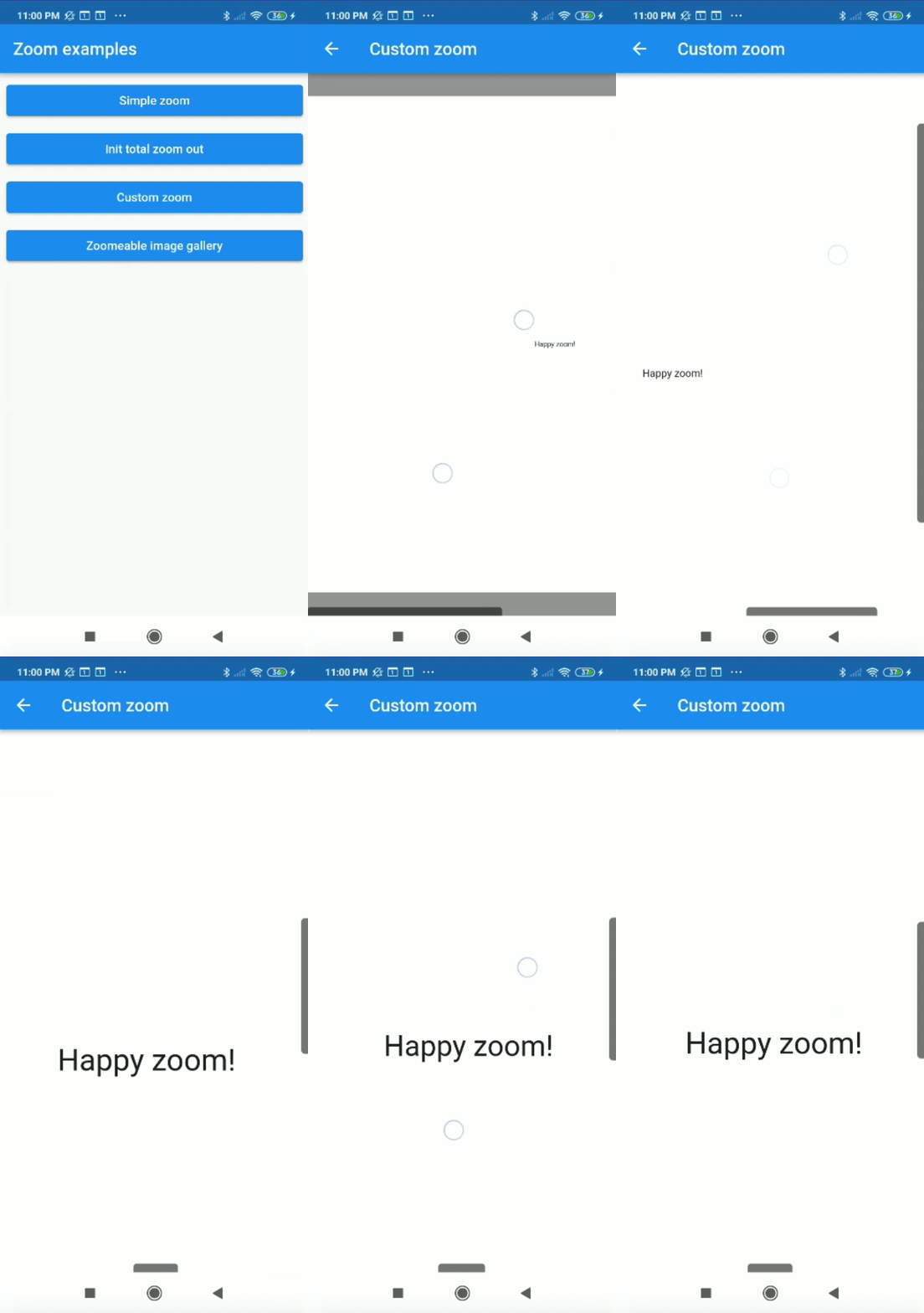
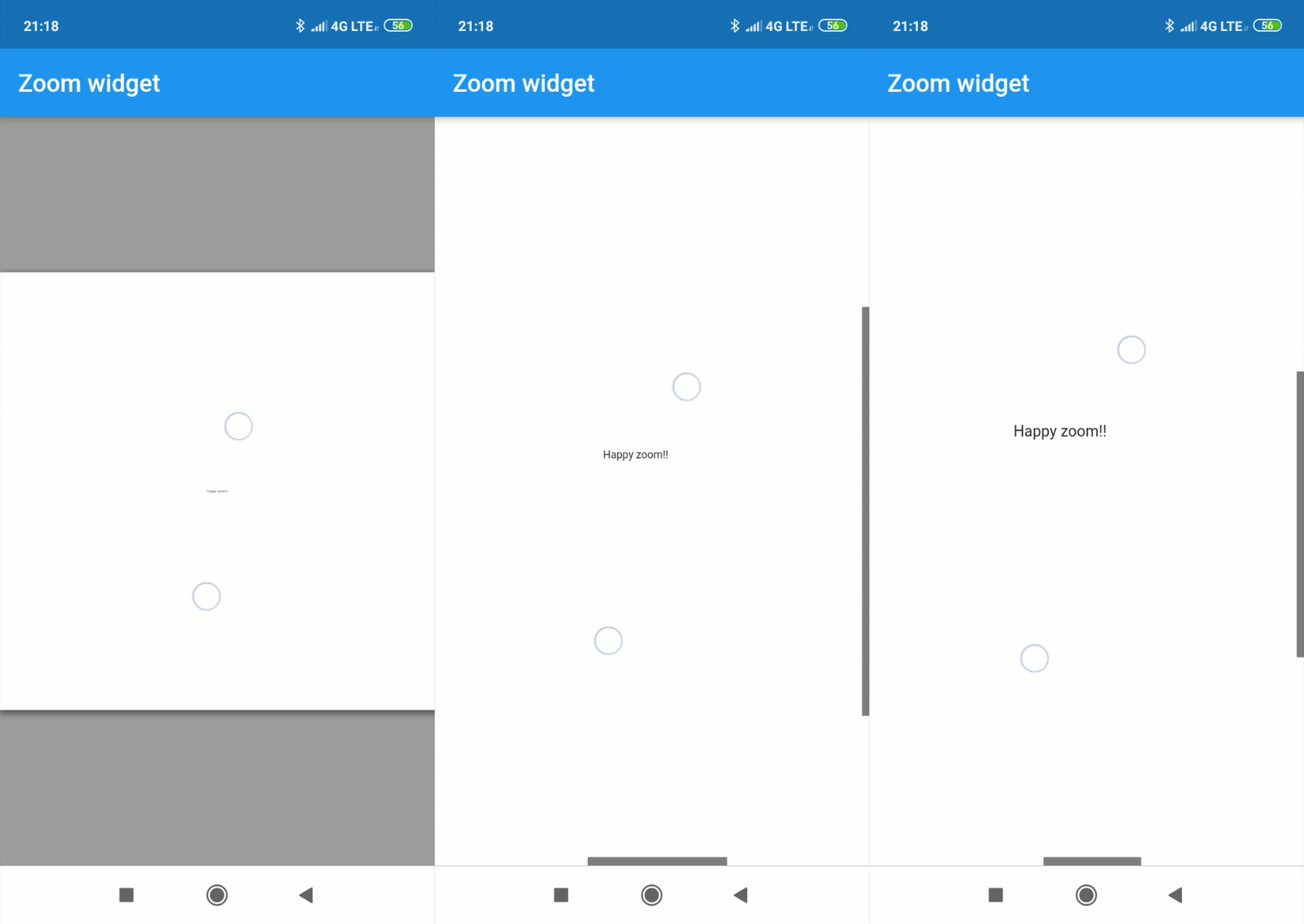
Center text with max width and max height:

Zoom(
    maxZoomWidth: 1800,
    maxZoomHeight: 1800,
    child: Center(
        child: Text("Happy zoom!!"),
    )
);
Callbacks

It is possible to obtain the x and y position of our canvas with respect to the scrolls and and the zoom and scale of our canvas using two simple callbacks in our Zoom instance.

Zoom(
    maxZoomWidth: 1800,
    maxZoomHeight: 1800,
    onTap: (){
        print("Widget clicked");
    },
    onPositionUpdate: (Offset position){
        print(position);
    },
    onScaleUpdate: (double scale,double zoom){
        print("$scale  $zoom");
    },
    child: Center(
        child: Text("Happy zoom!!"),
    )
);
Customize properties

Customizing the properties you can get amazing results.

  • width (Depreceted) double.
  • height (Depreceted) double.
  • maxZoomWidth double.
  • maxZoomHeight double.
  • backgroundColor Color.
  • canvasColor Color.
  • onPositionUpdate() Callaback.
  • onScaleUpdate() Callaback.
  • onTap() Callaback.
  • scrollWeight double.
  • opacityScrollBars double 0.0-1.0.
  • colorScrollBars Color.
  • centerOnScale bool.
  • initZoom (Depreceted) double.
  • initPosition Offset.
  • initScale double
  • enableScroll bool.
  • zoomSensibility double.
  • doubleTapZoom bool.
  • transformationController TransformationController.
  • radiusScrollBars double.
  • doubleTapScaleChange double.
  • doubleTapAnimDuration Duration.
  • initTotalZoomOut bool.
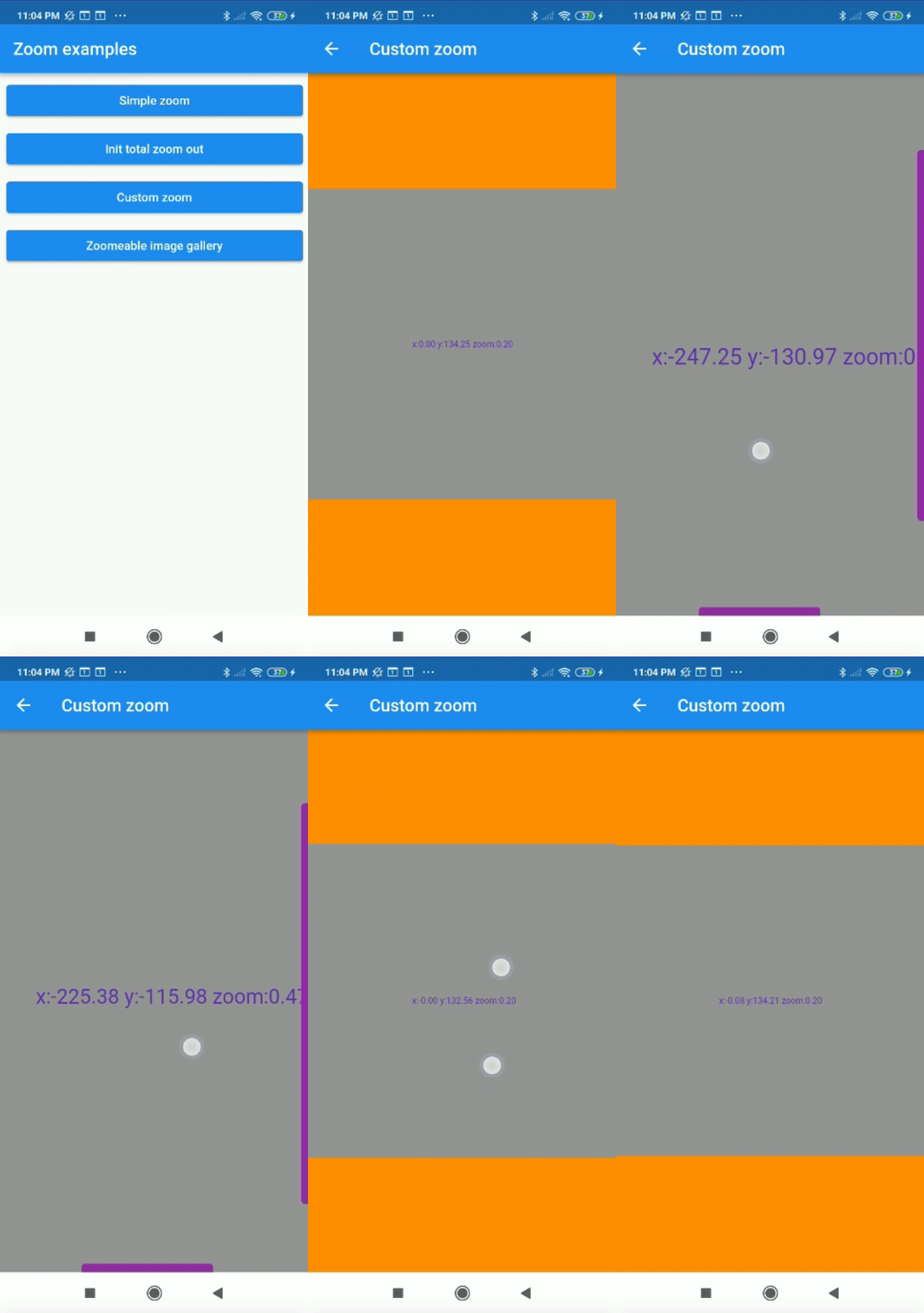
Customized properties example
Zoom(
    maxZoomWidth: 1800,
    maxZoomHeight: 1800,
    canvasColor: Colors.grey,
    backgroundColor: Colors.orange,
    colorScrollBars: Colors.purple,
    opacityScrollBars: 0.9,
    scrollWeight: 10.0,
    centerOnScale: true,
    enableScroll: true,
    doubleTapZoom: true,
    zoomSensibility: 0.05,
    onTap: (){ 
        print("Widget clicked");
    }
    onPositionUpdate: (position){
        setState(() {
            x=position.dx;
            y=position.dy;
        });
    },
    onScaleUpdate: (scale,zoom){
        setState(() {
            _zoom=zoom;
        });
    },
    child: Center(
        child: Text("x:${x.toStringAsFixed(2)} y:${y.toStringAsFixed(2)} zoom:${_zoom.toStringAsFixed(2)}",style: TextStyle(color: Colors.deepPurple,fontSize: 50),),
    ),
);
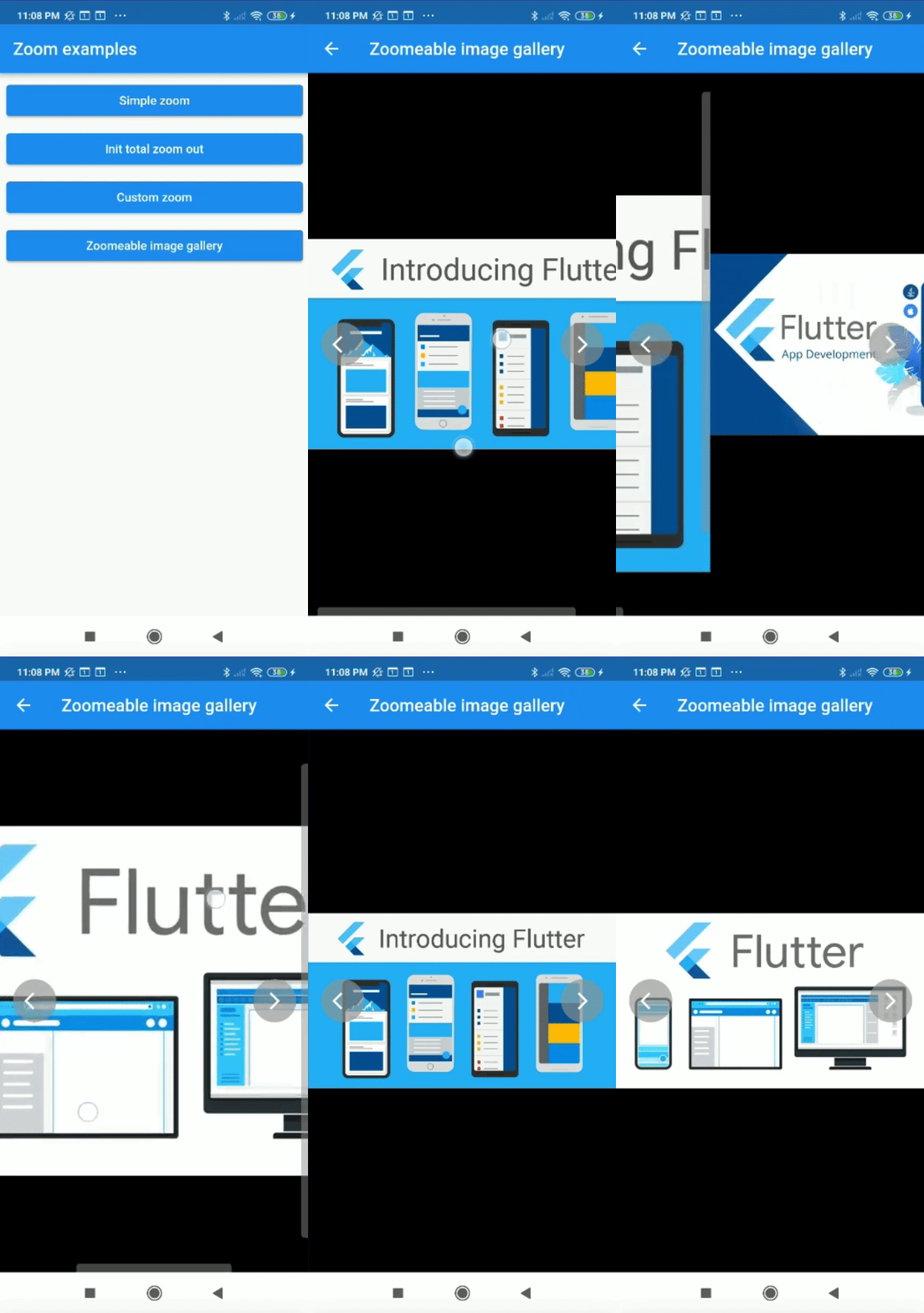
Complex example

It can be used for more complex things like an image gallery.

All examples of gifs are inside the example

カテゴリー

依存関係

依存関係一覧 1 件

ソースリポジトリ

このパッケージを使用しているプロジェクト