

 v0.10.0+1
scribble
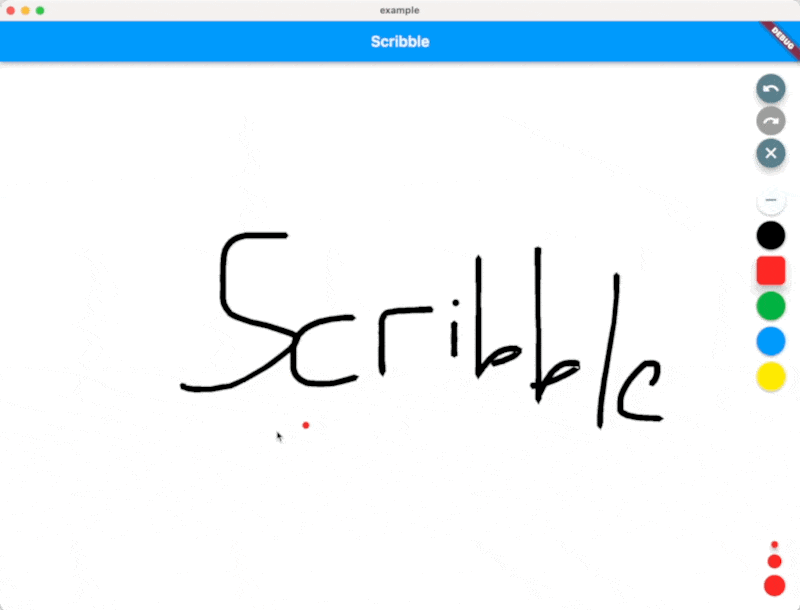
Scribble は、圧力、変化する線幅などをサポートする、Flutter用の軽量なフリーハンド描画ライブラリです!
227いいね 35030日間ダウンロード140Pub ポイント
AndroidiOSWebmacOSWindowsLinux
Scribble は、圧力、変化する線幅などをサポートする、Flutter用の軽量なフリーハンド描画ライブラリです!

以下は英語原文のスナップショットです。最新版は GitHub をご覧ください。



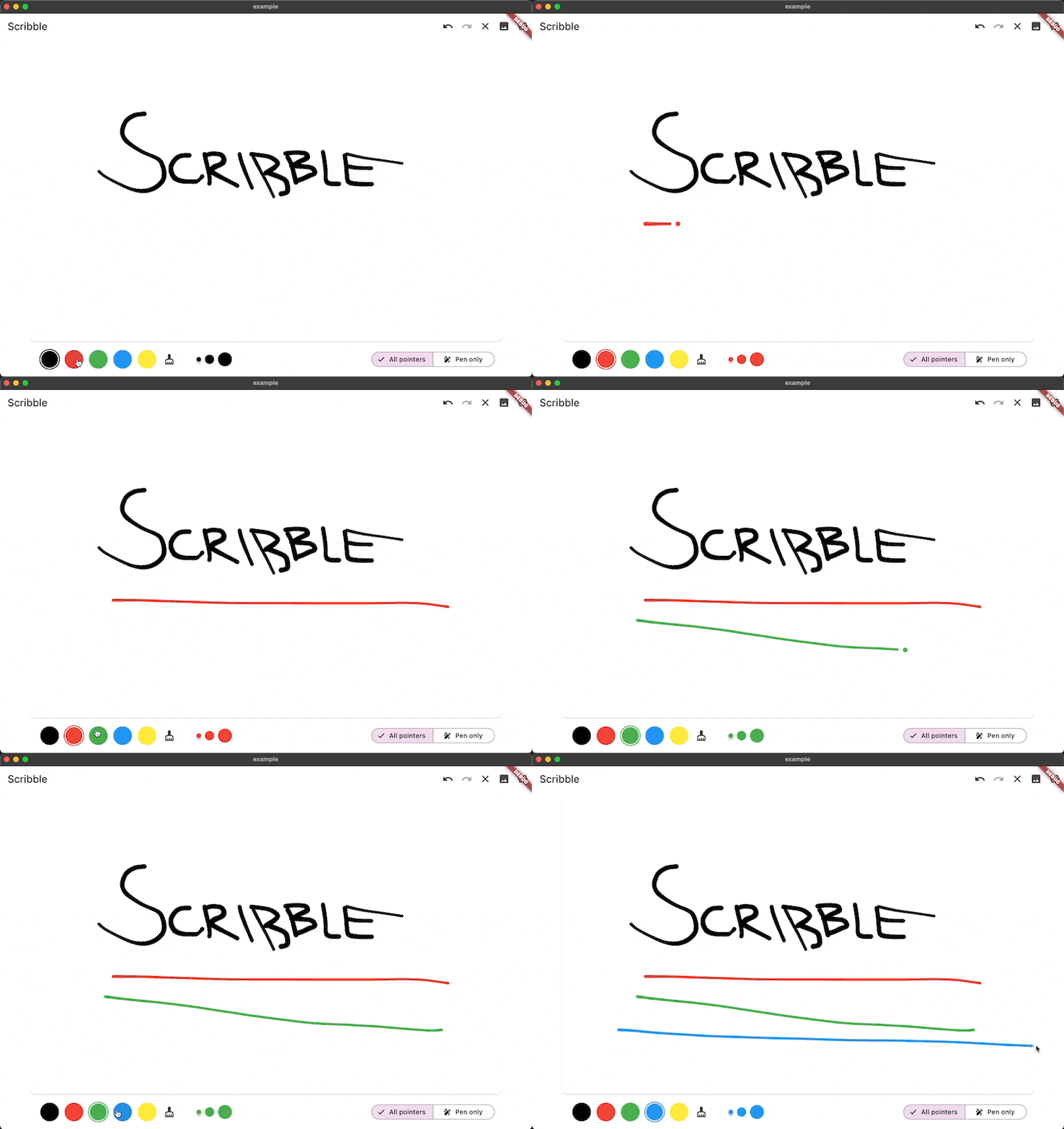
Scribble is a lightweight library for freehand drawing in Flutter supporting pressure, variable line width and more!
❗ In order to start using Scribble you must have the Dart SDK installed on your machine.
Install via dart pub add:
dart pub add scribble
You can find a full working example in the example directory
You can create a drawing surface by adding the Scribble widget to your widget tree and passing in
a ScribbleNotifier.
import 'package:flutter/material.dart';
import 'package:flutter_riverpod/flutter_riverpod.dart';

class App extends StatelessWidget {
  @override
  Widget build(BuildContext context) {
    return Scaffold(
      body: Scribble(
        notifier: notifier,
      ),
    );
  }
}
Use the public methods on ScribbleNotifier to control the behavior (for example from a button in the UI):
notifier = ScribbleNotifier();


// Set color
notifier.setColor(Colors.black);

// Clear
notifier.clear();

// Undo
notifier.undo();

// Export to Image
notifier.renderImage(pixelRatio: 2.0);

// Line details will be simplified to save space from now on
notifier.setSimplificationFactor(2);

// Simplify the entire existing sketch
notifier.simplify();

// And more ...
As mentioned above, the package is still under development, but we already use it in the app we are currently developing.
Feel free to contribute, or open issues in our GitHub repo.
依存関係一覧 12 件
{"sdk":"flutter"}>=2.4.1 <3.0.0^2.3.2^0.1.1^0.1.2^2.4.9{"sdk":"flutter"}^2.4.7^6.9.5^0.3.1^6.3.3^1.0.3用途で絞り込み、開発状況を比較し、採用前に元のリポジトリで要件を確認しましょう。
“A repository is the most basic element of GitHub.”
GitHub Docs — About repositories ↗