

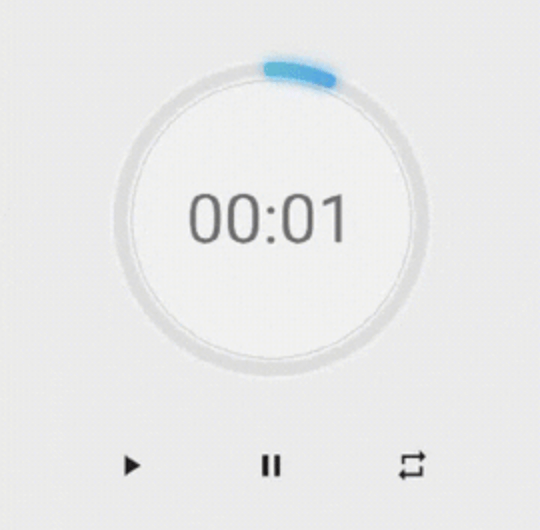
 v0.0.8
neon_circular_timer
美しいUIで素早くタイマーを構築するのを手伝うパッケージです。高度にカスタマイズ可能で、タイマーの色、太さ、時計のテキストスタイルを変更できます。
69いいね 21130日間ダウンロード140Pub ポイント
AndroidiOSWebmacOSWindowsLinux
美しいネオンエフェクトと洗練されたUIを備えたタイマーアプリを作成する

以下は英語原文のスナップショットです。最新版は GitHub をご覧ください。
Make a timer application with a fancy neon effect and beautiful UI
v0.0.3 and above now the timer has also a neumorphic border
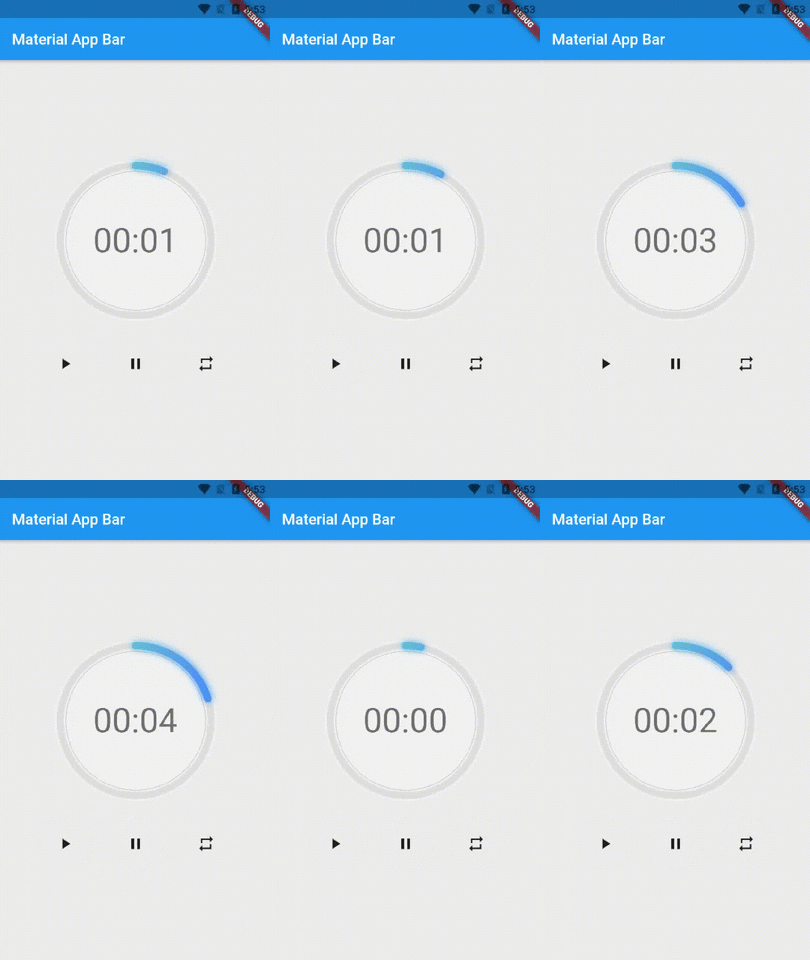
Use neumorphicEffect to show or hide the neumorphic border
Use isTimerTextShown to show or hide the text
With neumorphicEffect is true and isTimerTextShown is false
  NeonCircularTimer(
                width: 200,
                    duration: 20,
                    controller : your_controller
                    isTimerTextShown: false,
                    neumorphicEffect: true,
                    innerFillGradient: LinearGradient(colors: [
                      Colors.greenAccent.shade200,
                      Colors.blueAccent.shade400
                    ]),
                    neonGradient: LinearGradient(colors: [
                      Colors.greenAccent.shade200,
                      Colors.blueAccent.shade400
                    ]),
                   ),
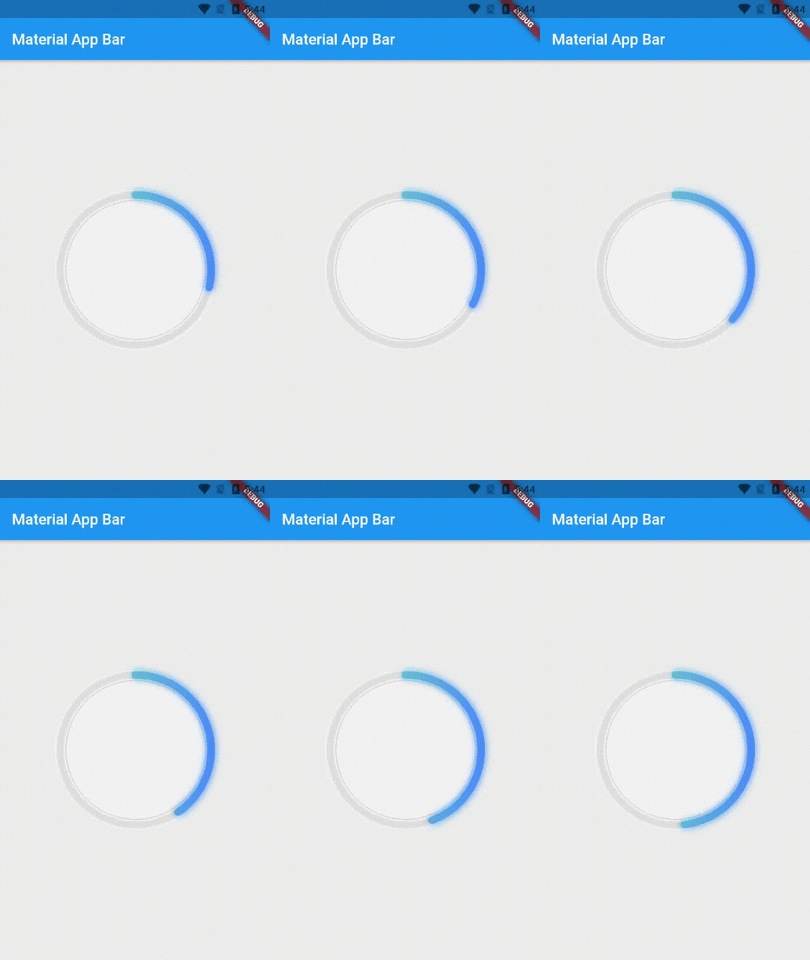
neumorphicEffect is false and isTimerTextShown is false
  NeonCircularTimer(
                width: 200,
                    duration: 20,
                    controller : your_controller
                    isTimerTextShown: false,
                    neumorphicEffect: false,
                    innerFillGradient: LinearGradient(colors: [
                      Colors.greenAccent.shade200,
                      Colors.blueAccent.shade400
                    ]),
                    neonGradient: LinearGradient(colors: [
                      Colors.greenAccent.shade200,
                      Colors.blueAccent.shade400
                    ]),
                   ),

| Name | Type | Default Value | Description |
|---|---|---|---|
key |
Key |
null | Key for Countdown Timer. |
neon |
double |
4.0 | The itensity of the neon |
duration |
int |
required | Countdown duration in Seconds. |
initialDuration |
int |
0 | Countdown initial elapsed Duration in Seconds. |
controller |
CountDownController |
required | Controls (i.e Start, Pause, Resume, Restart) the Countdown Timer. |
width |
double |
required | Width of the rectangle that surrounds the circle ( Diameter of the Countdown Timer). |
neonColor |
Color |
Colors.white54 | neon Color for Countdown Widget. |
neonGradient |
Gradient |
null | neon Gradient for Countdown Widget. Note that neonColor will not be effective if gradient is provided. |
neumorphicEffect |
bool |
true | show neumorphic border |
innerFillColor |
Color |
Colors.black12 | Filling Color for Countdown Widget. |
innerFillGradient |
Gradient |
null | Filling Gradient for Countdown Widget. Note that fillColor will not be effective if gradient is provided. |
outerStrokeColor |
Color |
Colors.white | border Color for Countdown Widget. |
backgroundColor |
Color |
Colors.white54 | must be provided if you choose to use neumorphic effect . |
outerStrokeGradient |
Gradient |
null | border Gradient for Countdown Widget. Note that backgroundColor will not be effective if gradient is provided. |
strokeWidth |
double |
10.0 | Border Thickness of the Countdown Ring. |
strokeCap |
StrokeCap |
StrokeCap.round | Begin and end contours with a flat edge and no extension. |
textStyle |
TextStyle |
Theme.of(context).textTheme.headline3 | Text Style for Countdown Text. |
textFormat |
String |
TextFormat.MM_SS | Format for the Countdown Text. |
isReverse |
bool |
false | Handles Countdown Timer (true for Reverse Countdown (max to 0), false for Forward Countdown (0 to max)). |
isReverseAnimation |
bool |
false | Handles Animation Direction (true for Reverse Animation, false for Forward Animation). |
isTimerTextShown |
bool |
true | Handles visibility of the Countdown Text. |
autoStart |
bool |
true | Handles the timer start. |
onStart |
VoidCallback |
null | This Callback will execute when the Countdown Starts. |
onComplete |
VoidCallback |
null | This Callback will execute when the Countdown Ends. |
to get the time in seconds use :
controller.getCurrentTimeInSeconds();
to get the time formated into the selected TextFormat use:
controller.getTime();
to control the timer use :
controller.restart(); // to reset the timer
controller.start(); // to start the timer from 0
controller.pause(); // to pause the timer
controller.resume(); // to continue from the value where the timer stopped
依存関係一覧 2 件
{"sdk":"flutter"}{"sdk":"flutter"}用途で絞り込み、開発状況を比較し、採用前に元のリポジトリで要件を確認しましょう。
“A repository is the most basic element of GitHub.”
GitHub Docs — About repositories ↗