
 v1.0.2
flutter_chunked_upload
다시 시작, 진행률 추적 및 대기열 관리 기능이 있는 청크 파일 업로드용 플러터 패키지입니다. 큰 파일에 대한 일시 저장, 일시 정지, 재개, 취소를 지원합니다.
12좋아요 3530일 다운로드150Pub 점수
AndroidiOSmacOSWindowsLinux
Akshya107/flutter_chunked_upload open-source repository details.
아래는 영문 원문 스냅샷입니다. 최신 내용은 GitHub에서 확인하세요.
A Flutter package for handling chunked file uploads with resume capability, progress tracking, and queue management.
| Android Demo | iOS Demo |
|---|---|
 |
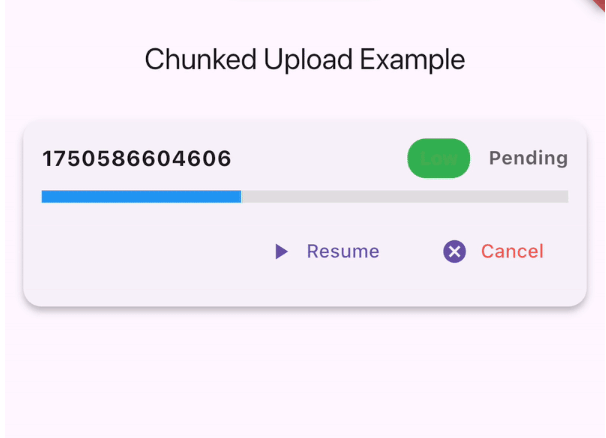
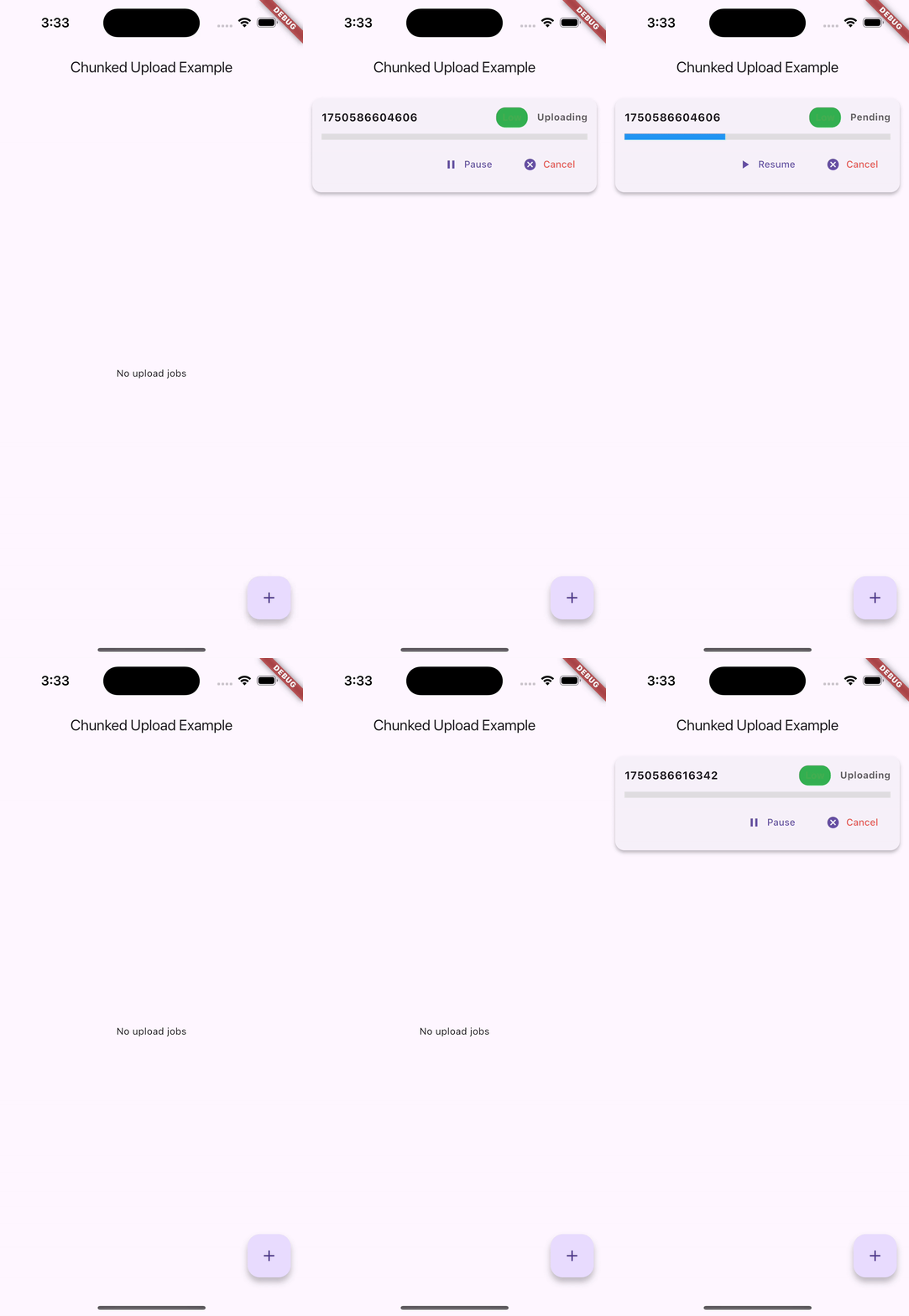 |
Add this to your package's pubspec.yaml file:
dependencies:
  flutter_chunked_upload: ^1.0.0
This package requires the following dependencies:
dependencies:
  hive: ^2.2.3
  hive_flutter: ^1.1.0
  http: ^1.4.0
  path_provider: ^2.1.5
  flutter_local_notifications: ^19.2.1
  rxdart: ^0.28.0
  collection: ^1.19.0
import 'package:flutter_chunked_upload/flutter_chunked_upload.dart';

// Initialize the upload queue manager
final queueManager = UploadQueueManager();
await queueManager.initAsync();
// Create an upload job
final job = UploadJob(
  id: 'unique_job_id',
  filePath: '/path/to/your/file.mp4',
  url: 'https://api.example.com/upload',
  chunkSize: 1024 * 1024, // 1MB chunks
  priority: 5, // Higher number = higher priority
  onProgress: (id, progress) {
    print('Upload $id progress: ${(progress * 100).toStringAsFixed(1)}%');
  },
  onComplete: (id) {
    print('Upload $id completed successfully!');
  },
  onFailed: (id, error) {
    print('Upload $id failed: $error');
  },
  headerBuilder: (chunkIndex, totalChunks) {
    // Custom headers for each chunk
    return {
      'Content-Type': 'application/octet-stream',
      'X-Chunk-Index': chunkIndex.toString(),
      'X-Total-Chunks': totalChunks.toString(),
    };
  },
);

// Add to queue
await queueManager.addToQueue(job);
The package automatically handles internet connectivity changes:
// The connectivity handling is automatic - no additional code needed!
// Uploads will pause when internet is lost and resume when restored
// Pause an upload
queueManager.pauseJob('job_id');

// Resume an upload
queueManager.resumeJob('job_id');

// Cancel an upload
queueManager.cancelJob('job_id');

// Get all pending jobs
final pendingJobs = await queueManager.getPendingJobs();

// Get paused jobs
final pausedJobs = await queueManager.getPausedJobs();

// Clear all jobs
queueManager.clearAllJobs();
import 'package:flutter/material.dart';
import 'package:flutter_chunked_upload/flutter_chunked_upload.dart';

class MyApp extends StatelessWidget {
  @override
  Widget build(BuildContext context) {
    return MaterialApp(
      home: Scaffold(
        appBar: AppBar(title: Text('Upload Manager')),
        body: UploadJobsDebugPanel(), // Shows all upload jobs with controls
      ),
    );
  }
}
You can implement custom storage adapters for different persistence needs:
class CustomJobStorageAdapter implements UploadJobStorageAdapter {
  // Implement the required methods
  @override
  Future<void> saveJob(UploadJob job) async {
    // Your custom implementation
  }

  // ... implement other methods
}

// Use custom adapters
await queueManager.initAsync(
  jobStorage: CustomJobStorageAdapter(),
  chunkStorage: CustomChunkStorageAdapter(),
);
The main class representing an upload job.
class UploadJob {
  String id;                    // Unique identifier
  String filePath;              // Path to file
  String url;                   // Upload endpoint
  int chunkSize;                // Size of each chunk
  UploadJobStatus status;       // Current status
  int retryCount;               // Number of retries
  int maxRetries;               // Maximum retries
  bool isPaused;                // Pause state
  int priority;                 // Queue priority
  double progress;              // Upload progress (0.0-1.0)

  // Callbacks
  ProgressCallback? onProgress;
  UploadCompleteCallback? onComplete;
  UploadFailedCallback? onFailed;
  HeaderBuilder? headerBuilder;
}
enum UploadJobStatus {
  pending,    // Waiting in queue
  uploading,  // Currently uploading
  success,    // Upload completed
  failed,     // Upload failed
}
Singleton class for managing upload queue.
class UploadQueueManager {
  // Initialize the manager
  Future<void> initAsync({...});

  // Queue management
  Future<void> addToQueue(UploadJob job);
  void pauseJob(String jobId);
  void resumeJob(String jobId);
  void cancelJob(String jobId);

  // Query methods
  Future<List<UploadJob>> getPendingJobs();
  Future<List<UploadJob>> getPausedJobs();

  // Cleanup
  void clearAllJobs();
  void dispose();
}
Choose appropriate chunk sizes based on your needs:
final job = UploadJob(
  // ... other properties
  maxRetries: 5, // Increase for unreliable networks
  retryCount: 0, // Start with 0
);
The package handles various error scenarios:
FileSystemExceptionThis project is licensed under the MIT License - see the LICENSE file for details.

의존성 목록 14 개
^1.19.0^6.0.5{"sdk":"flutter"}^19.2.1^2.2.3^1.1.0^1.4.0^1.9.0^2.1.5^0.28.0{"sdk":"flutter"}^5.0.0^2.0.1^2.4.6사용 목적에 따라 검색하고 개발 활동을 비교한 뒤 원본 저장소에서 요구 사항을 확인하세요.
“A repository is the most basic element of GitHub.”
GitHub Docs — About repositories ↗