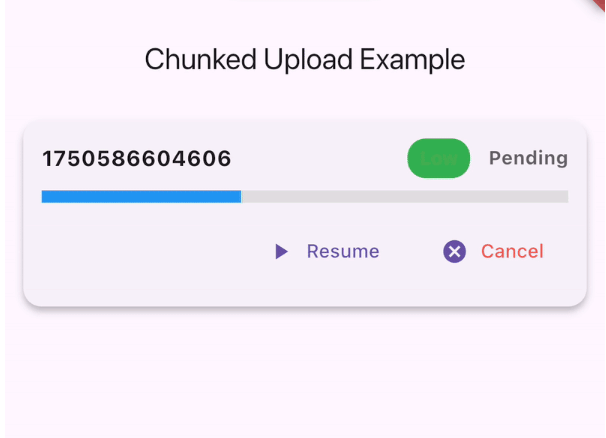
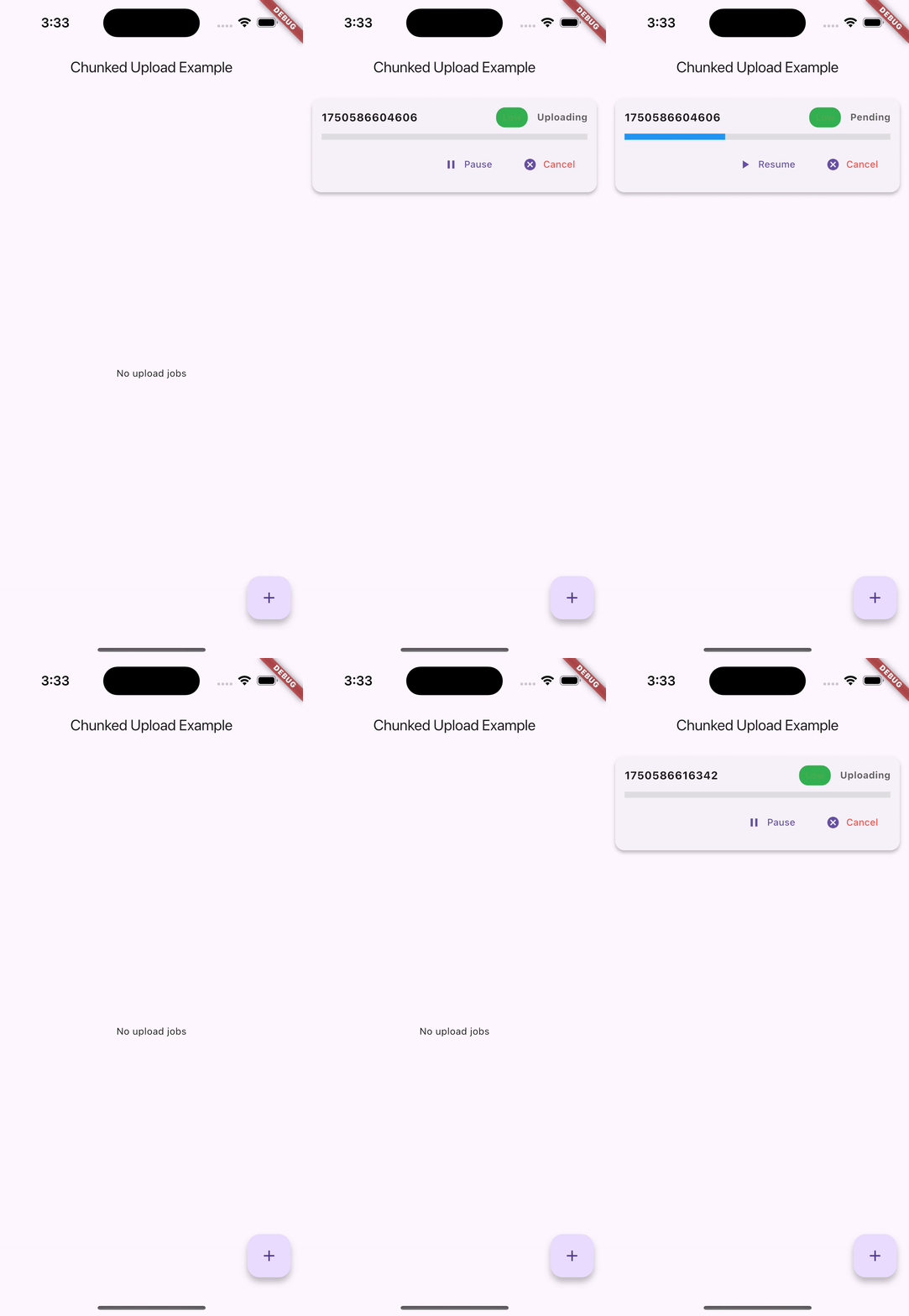
대용량 파일을 청크 단위로 업로드하기 위한 Flutter 패키지로, 재시도 가능 기능, 실시간 진행률 추적 및 효율적인 큐 관리를 지원합니다. 일시정지, 재개, 취소 작업을 지원하며, 앱 재시작 후에도 업로드 상태를 유지할 수 있도록 지속성 저장소를 제공합니다. 안드로이드, iOS, macOS, 윈도우, 리눅스 등 다양한 플랫폼에서 대용량 파일 전송을 신뢰성 있게 처리하는 데 이상적입니다.
사용 사례
큰 비디오 파일 업로드
중단된 업로드 재개
큐에서 여러 파일 업로드 관리하기
불안정한 네트워크 연결 처리
오프라인 우선 파일 전송 워크플로
주요 기능
체크된 파일 업로드 지원
중단된 업로드 재개
실시간 진행 상황 추적
일시정지 및 재개 기능
지속적인 업로드 상태 저장
크로스 플랫폼 호환성
적합한 대상
대용량 파일 업로드가 필요한 앱
네트워크 집약형 애플리케이션
오프라인 사용 가능한 데이터 동기화 기능
파일 공유 또는 백업 서비스
신뢰할 수 없는 연결을 가진 애플리케이션
고려 사항
저장소 권한을 신중하게 다뤄야 합니다
큰 파일 처리 시 상당한 메모리를 사용할 수 있습니다
네트워크 실패에 대한 적절한 오류 처리가 필요합니다
작은 파일 전송에 적합하지 않음
일부 플랫폼에서는 안정적인 백그라운드 실행에 의존합니다
원본 README
연결된 소스 저장소의 README 원문 스냅샷입니다. 최신 내용은 저장소에서 확인하세요.
flutter_chunked_upload
A Flutter package for handling chunked file uploads with resume capability, progress tracking, and queue management.
🚀 Demo
Android Demo
iOS Demo
🌟 Features
Chunked File Uploads: Split large files into manageable chunks for reliable uploads
Resume Capability: Automatically resume uploads from where they left off
Queue Management: Manage multiple uploads with priority support
Progress Tracking: Real-time progress updates with callbacks
Pause/Resume/Cancel: Full control over upload operations
Automatic Connectivity Handling: Pause uploads when internet is lost, resume when restored
Persistent Storage: Upload progress saved using Hive for app restarts
Cross-Platform: Works on iOS, Android, Web, and Desktop
Backend Agnostic: Works with any server that supports chunked uploads
Notifications: Built-in success, retry, and failure notifications
Error Handling: Comprehensive error handling with automatic retries
The package automatically handles internet connectivity changes:
Internet Lost: All active uploads are automatically paused
Internet Restored: All paused uploads are automatically resumed
No Manual Intervention: Works seamlessly in the background
Progress Preserved: No data loss during connectivity changes
// The connectivity handling is automatic - no additional code needed!// Uploads will pause when internet is lost and resume when restored
Managing Uploads
// Pause an upload
queueManager.pauseJob('job_id');
// Resume an upload
queueManager.resumeJob('job_id');
// Cancel an upload
queueManager.cancelJob('job_id');
// Get all pending jobsfinal pendingJobs = await queueManager.getPendingJobs();
// Get paused jobsfinal pausedJobs = await queueManager.getPausedJobs();
// Clear all jobs
queueManager.clearAllJobs();
Using the Debug Panel
import'package:flutter/material.dart';
import'package:flutter_chunked_upload/flutter_chunked_upload.dart';
classMyAppextendsStatelessWidget{
@overrideWidgetbuild(BuildContext context) {
returnMaterialApp(
home: Scaffold(
appBar: AppBar(title: Text('Upload Manager')),
body: UploadJobsDebugPanel(), // Shows all upload jobs with controls
),
);
}
}
Custom Storage Adapters
You can implement custom storage adapters for different persistence needs:
classCustomJobStorageAdapterimplementsUploadJobStorageAdapter{
// Implement the required methods@overrideFuture<void> saveJob(UploadJob job) async {
// Your custom implementation
}
// ... implement other methods
}
// Use custom adaptersawait queueManager.initAsync(
jobStorage: CustomJobStorageAdapter(),
chunkStorage: CustomChunkStorageAdapter(),
);
API Reference
UploadJob
The main class representing an upload job.
classUploadJob{
String id; // Unique identifierString filePath; // Path to fileString url; // Upload endpointint chunkSize; // Size of each chunkUploadJobStatus status; // Current statusint retryCount; // Number of retriesint maxRetries; // Maximum retriesbool isPaused; // Pause stateint priority; // Queue prioritydouble progress; // Upload progress (0.0-1.0)// CallbacksProgressCallback? onProgress;
UploadCompleteCallback? onComplete;
UploadFailedCallback? onFailed;
HeaderBuilder? headerBuilder;
}
UploadJobStatus
enumUploadJobStatus {
pending, // Waiting in queue
uploading, // Currently uploading
success, // Upload completed
failed, // Upload failed
}