
 v0.6.1
simple_barcode_scanner
모바일, 웹 및 윈도우에서 바코드와 QR 코드를 스캔할 수 있는 simple_barcode_scanner입니다.
217좋아요 1만30일 다운로드150Pub 점수
AndroidiOSWebWindows
간단한 바코드 스캐너
아래는 영문 원문 스냅샷입니다. 최신 내용은 GitHub에서 확인하세요.
simple_barcode_scanner that let you scan barcode and qr code in mobile,web and windows.
| Android | IOS |
|---|---|
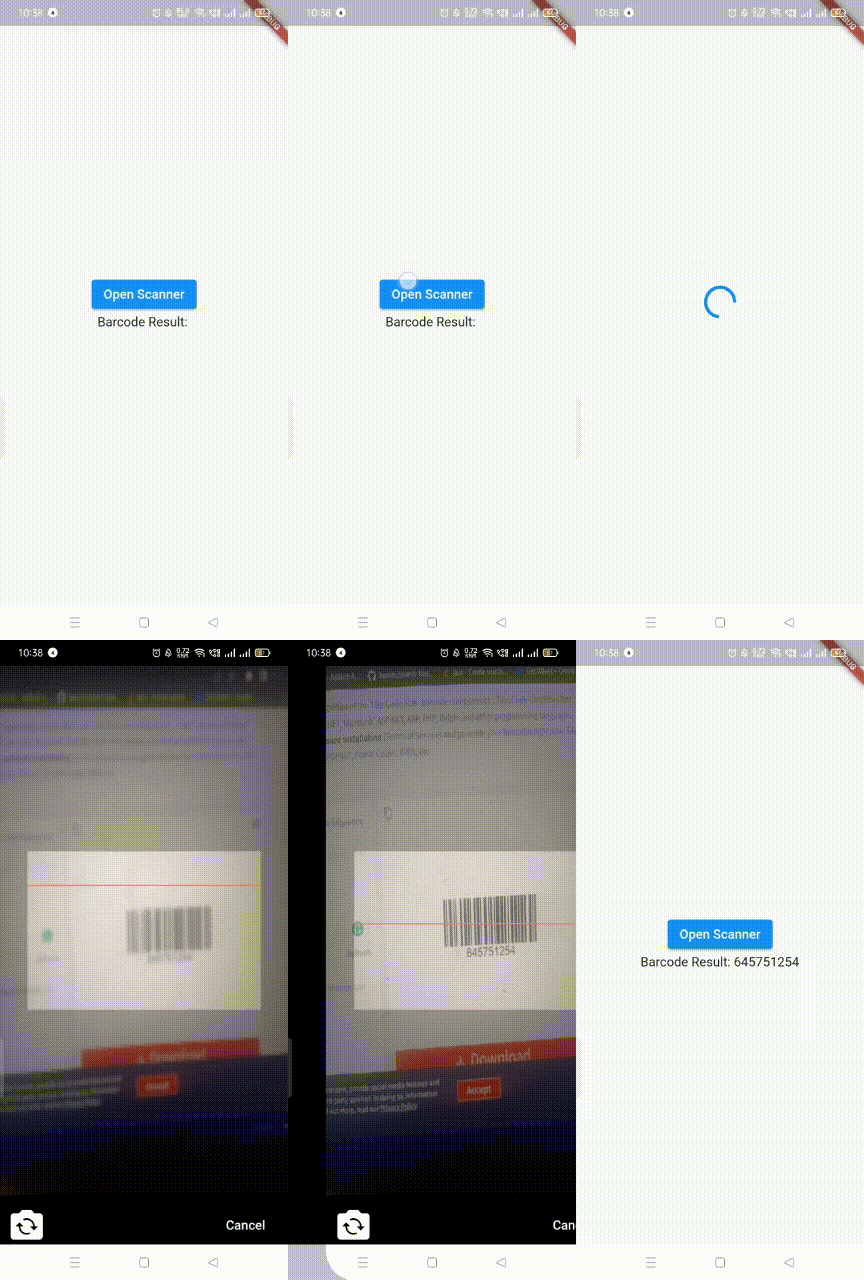 |
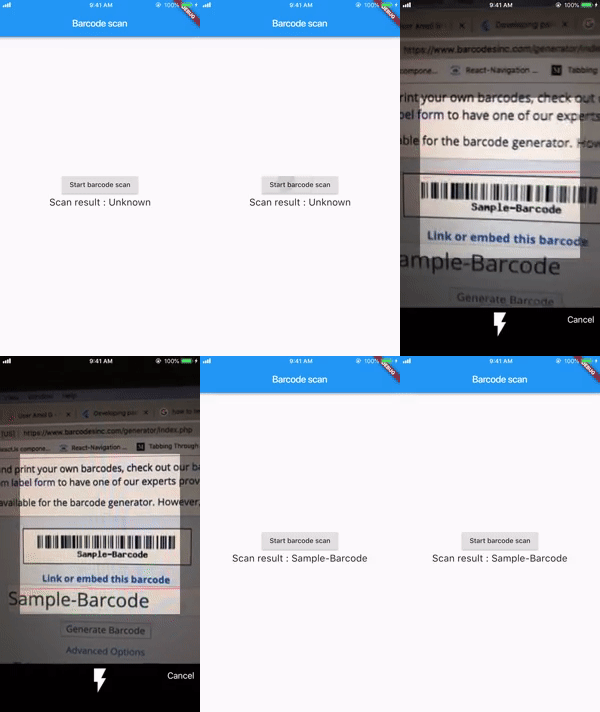 |
| Window | Web |
|---|---|
 |
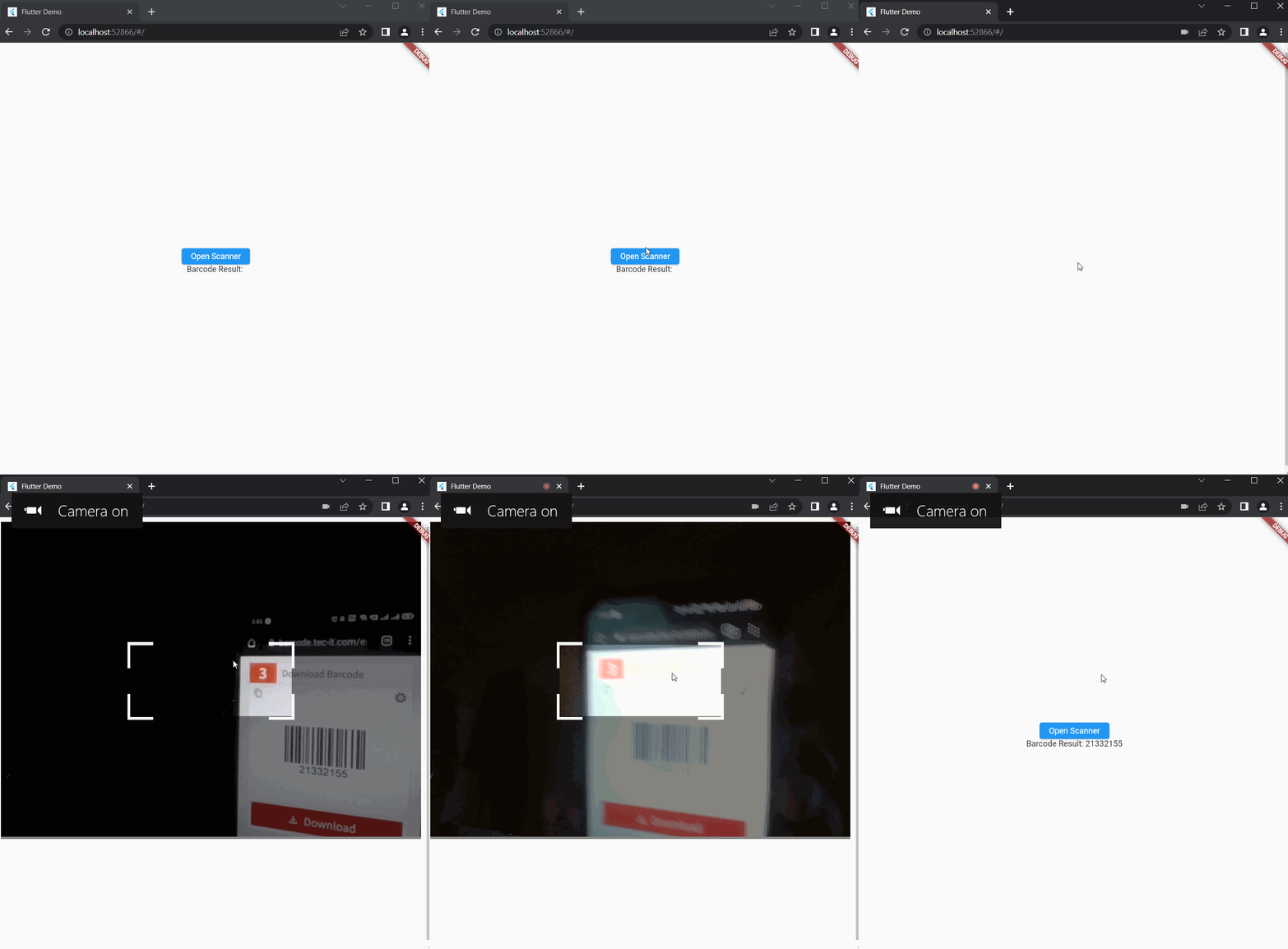 |
simple_barcode_scanner: ^0.3.1
Import the library:
import 'package:simple_barcode_scanner/simple_barcode_scanner.dart';
   ElevatedButton(
              onPressed: () async {

String? res = await SimpleBarcodeScanner.scanBarcode(
                  context,
                  barcodeAppBar: const BarcodeAppBar(
                    appBarTitle: 'Test',
                    centerTitle: false,
                    enableBackButton: true,
                    backButtonIcon: Icon(Icons.arrow_back_ios),
                  ),
                  isShowFlashIcon: true,
                  delayMillis: 2000,
                  cameraFace: CameraFace.front,
                );
                setState(() {
                  result = res as String;
                });
              },
              child: const Text('Open Scanner'),
            )
   ElevatedButton(
              onPressed: () async {

                SimpleBarcodeScanner.streamBarcode(
                  context,
                  barcodeAppBar: const BarcodeAppBar(
                    appBarTitle: 'Test',
                    centerTitle: false,
                    enableBackButton: true,
                    backButtonIcon: Icon(Icons.arrow_back_ios),
                  ),
                  isShowFlashIcon: true,
                  delayMillis: 2000,
                ).listen((event) {
                  print("Stream Barcode Result: $event");
                });
              },
              child: const Text('Open Scanner'),
            )
   SizedBox(
                width: 200,
                height: 200,
                child: SimpleBarcodeScanner(
                  scaleHeight: 200,
                  scaleWidth: 400,
                  onScanned: (code) {
                    setState(() {
                      result = code;
                    });
                  },
                  continuous: true,
                  onBarcodeViewCreated: (BarcodeViewController controller) {
                    this.controller = controller;
                  },
                )),
Feel free to fork and send pull request.

dart pub publish --dry-run
dart pub publish

의존성 목록 8 개
{"sdk":"flutter"}^0.4.0^1.9.1^12.0.1^1.1.1^2.0.32{"sdk":"flutter"}^6.0.0사용 목적에 따라 검색하고 개발 활동을 비교한 뒤 원본 저장소에서 요구 사항을 확인하세요.
“A repository is the most basic element of GitHub.”
GitHub Docs — About repositories ↗