

 v2.3.2
scaled_app
전체 UI 디자인을 비례적으로 확대/축소하여 고정 너비의 UI 디자인에 유용합니다.
96좋아요 6.7만30일 다운로드160Pub 점수
AndroidiOSWebmacOSWindowsLinux
전체 UI 디자인을 비례적으로 확대/축소하여 고정 너비의 UI 디자인에 유용합니다.

아래는 영문 원문 스냅샷입니다. 최신 내용은 GitHub에서 확인하세요.
Scale the entire UI design proportionally.
Button, image, font, every widget is scaled simultaneously.
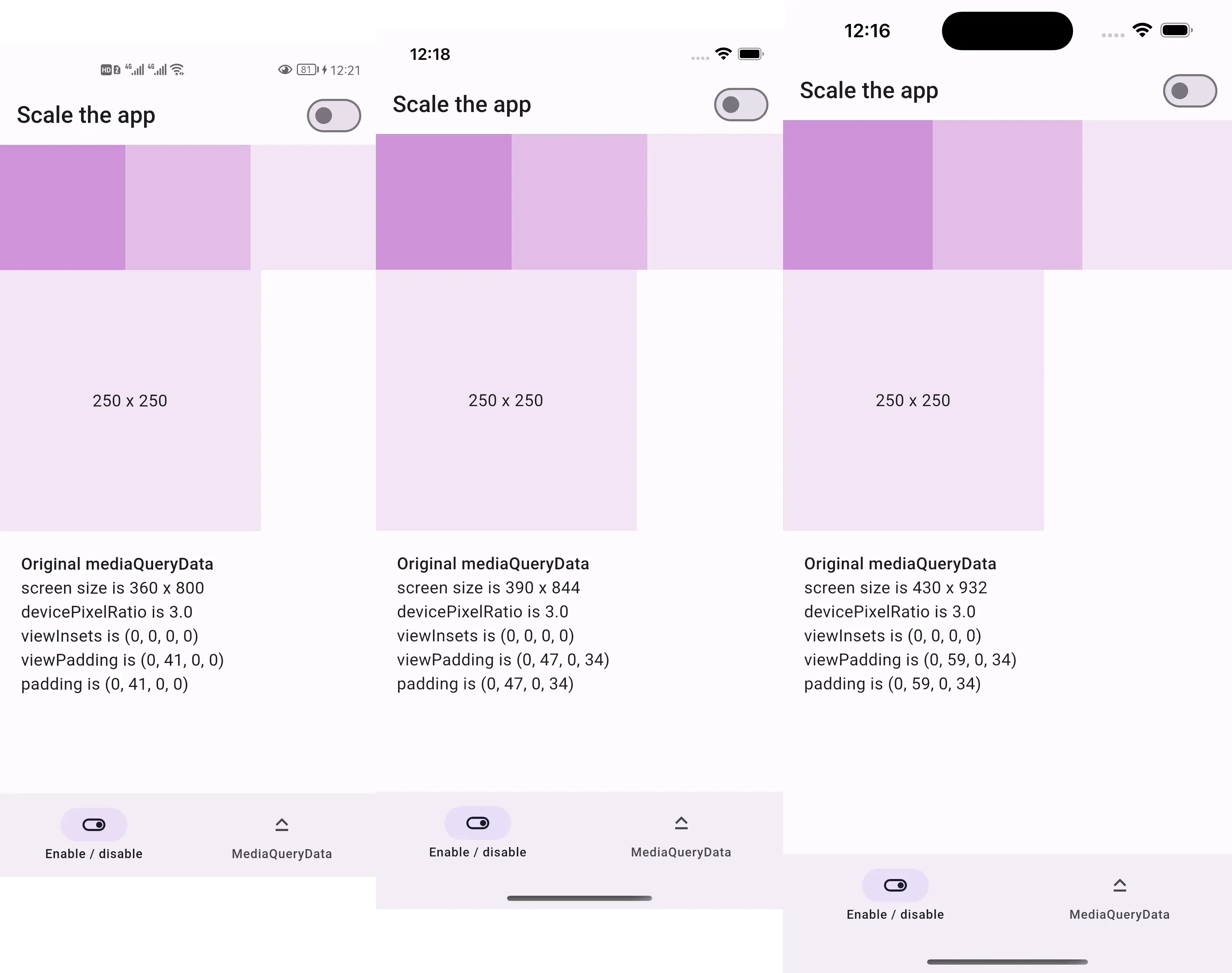
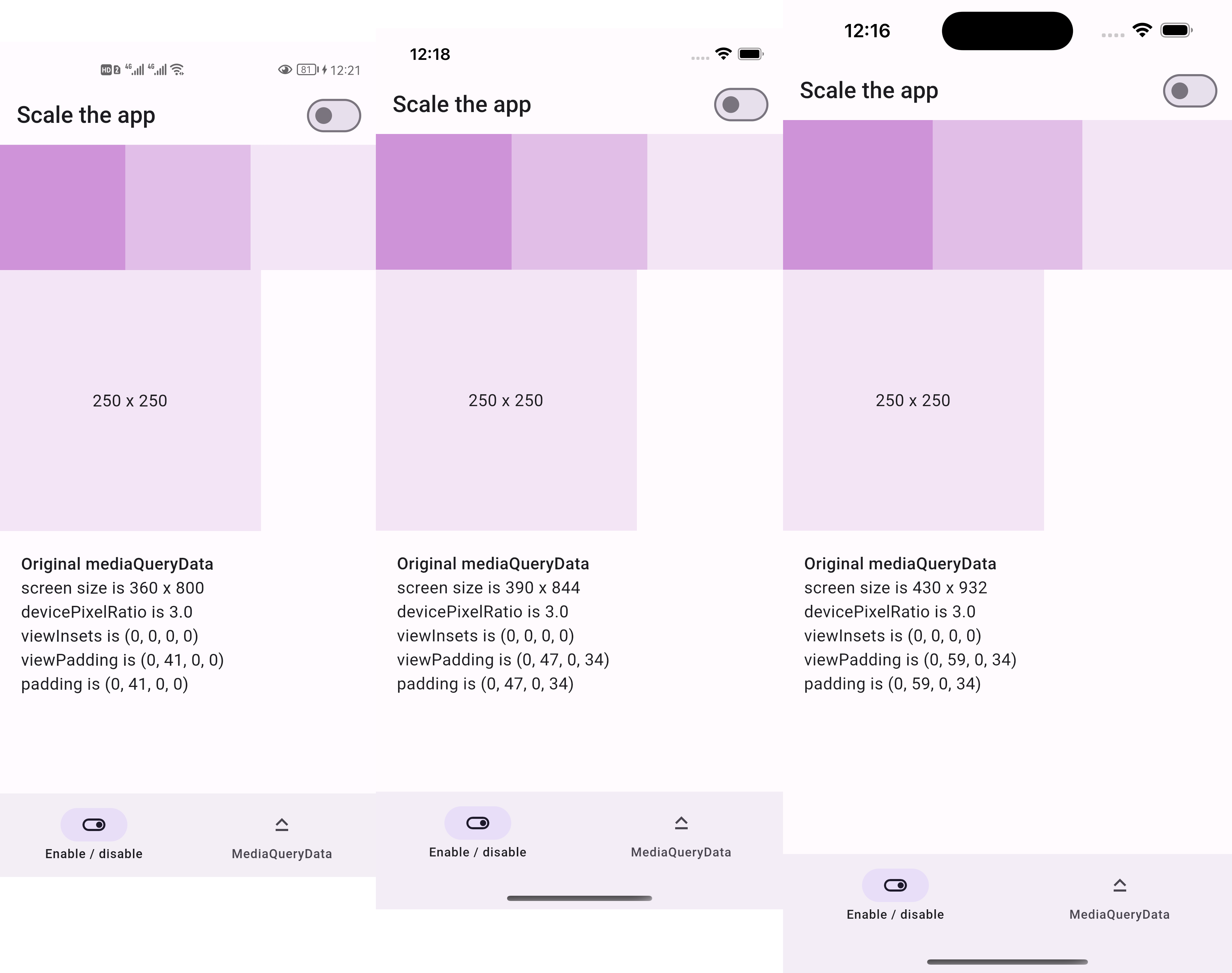
Before:
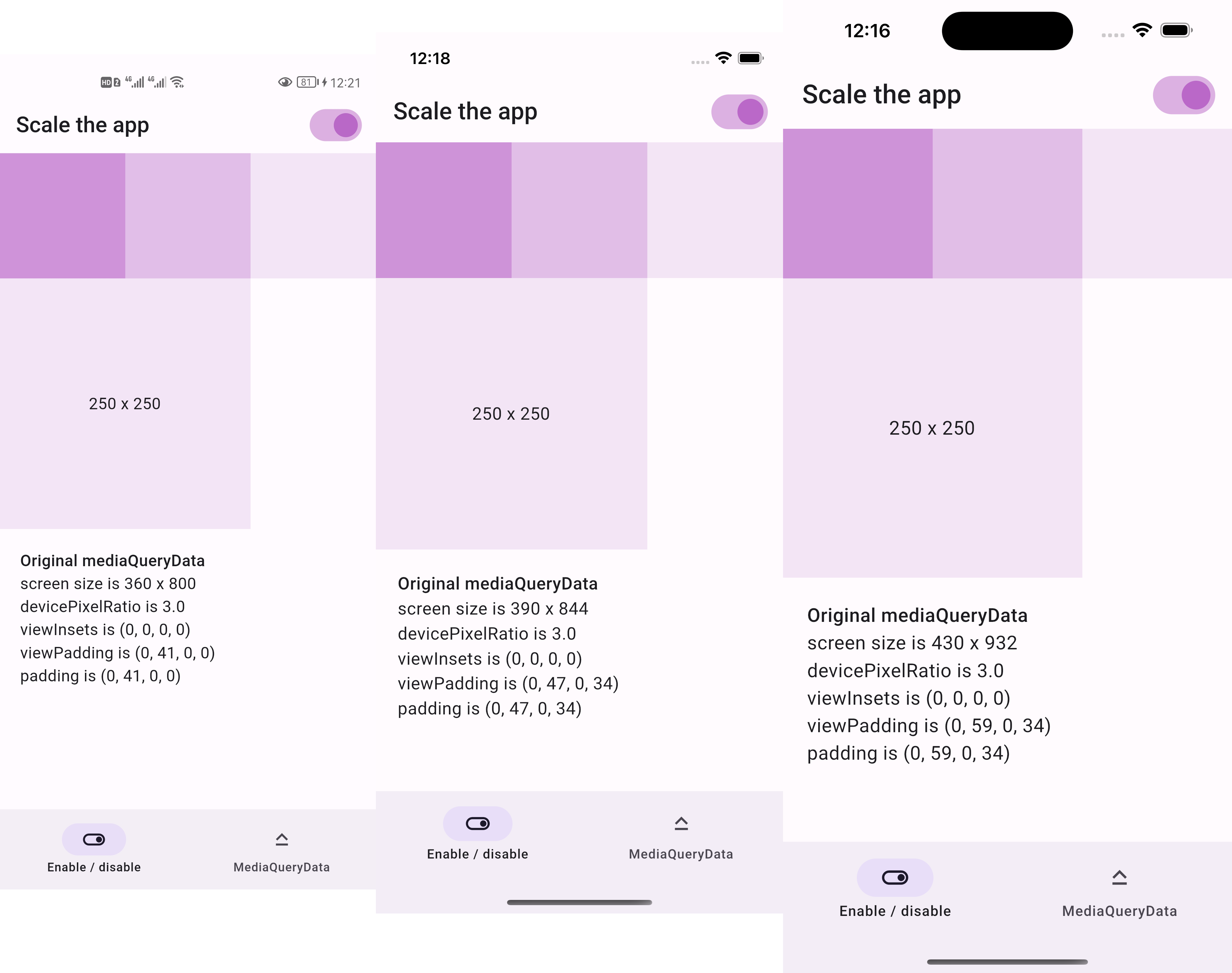
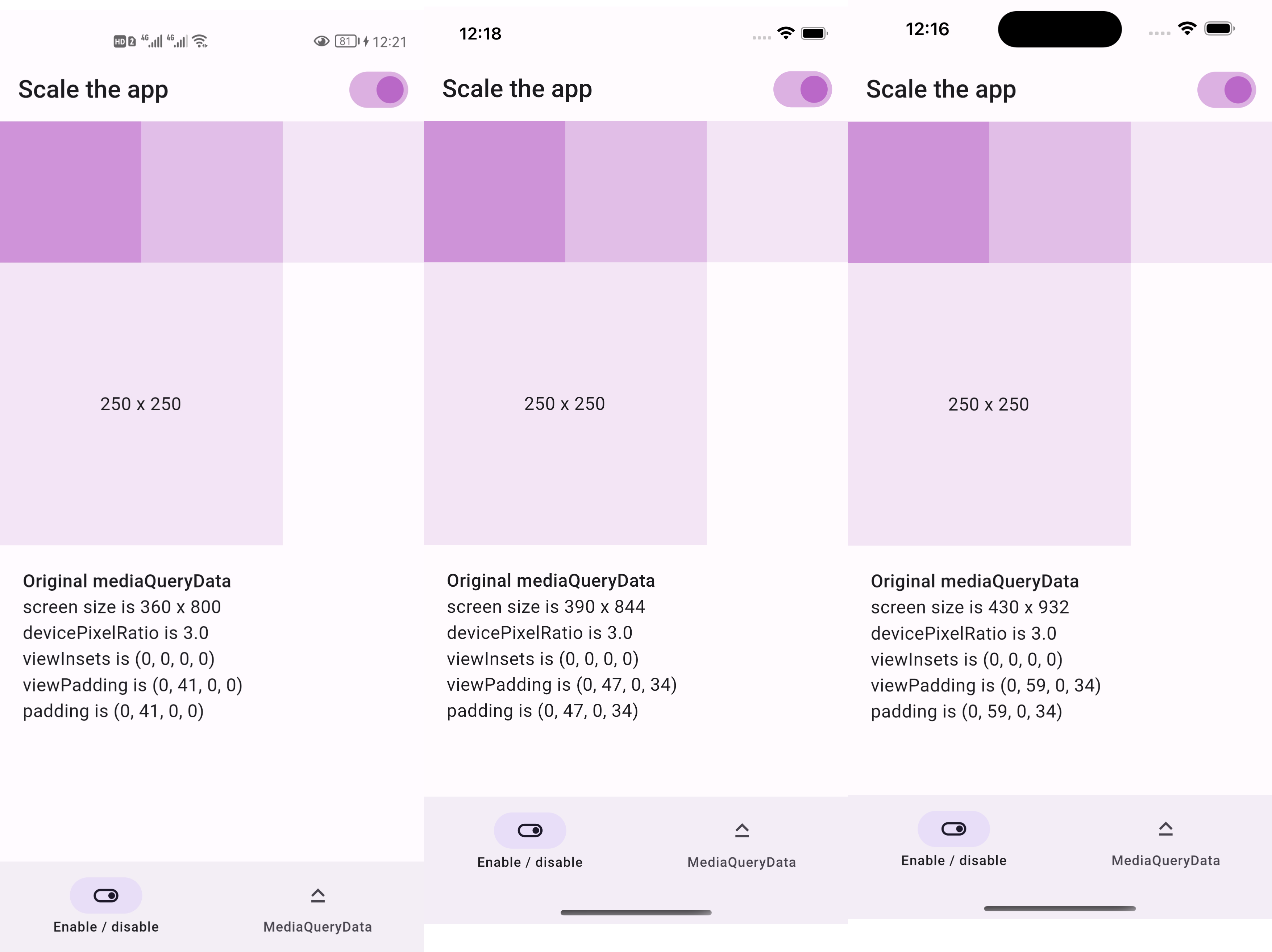
After:
This package is sponsored by 庞征博引, which breaks complex subjects into 5–10 minute reads you work through, and ask questions about, at your own pace.
https://lastmonopoly.github.io/flutter_web_app/scaled_app_demo/
Use this package in your Flutter app when:
Firstly, replace runApp with runAppScaled
void main() {
  // 1st way to use this package
  runAppScaled(const MyApp(), scaleFactor: (deviceSize) {
    // screen width used in your UI design
    const double widthOfDesign = 375;
    return deviceSize.width / widthOfDesign;
  });
}
Or, replace WidgetsFlutterBinding with ScaledWidgetsFlutterBinding
void main() {
  // 2nd way to use this package
  // Scaling will be applied based on [scaleFactor] callback.
  ScaledWidgetsFlutterBinding.ensureInitialized(
    scaleFactor: (deviceSize) {
      // screen width used in your UI design
      const double widthOfDesign = 375;
      return deviceSize.width / widthOfDesign;
    },
  );
  runApp(const MyApp());
}
Then, use MediaQueryData.scale to scale size, viewInsets, viewPadding, etc.
class PageRoute extends StatelessWidget {
  const PageRoute({Key? key}) : super(key: key);

  @override
  Widget build(BuildContext context) {
    return MediaQuery(
      data: MediaQuery.of(context).scale(),
      child: const Scaffold(...),
    );
  }
}
Optionally, update ScaledWidgetsFlutterBinding.instance.scaleFactor to enable / disable scaling on demand.
https://juejin.cn/post/7078816723666731021
의존성 목록 3 개
{"sdk":"flutter"}{"sdk":"flutter"}^6.0.0사용 목적에 따라 검색하고 개발 활동을 비교한 뒤 원본 저장소에서 요구 사항을 확인하세요.
“A repository is the most basic element of GitHub.”
GitHub Docs — About repositories ↗