 v5.9.3
flutter_screenutil
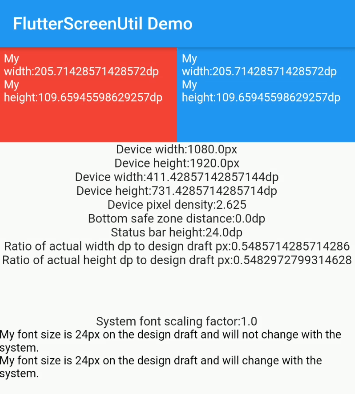
화면 및 글자 크기 조정을 위한 플러터 플러그인입니다. 다양한 모델에서 잘 보이도록 보장됩니다
5.1천좋아요 42.1만30일 다운로드150Pub 점수
AndroidiOSWebmacOSWindowsLinux
운명 – 다중 플랫폼 마법 웜홀 그래픽 클라이언트

아래는 영문 원문 스냅샷입니다. 최신 내용은 GitHub에서 확인하세요.

Destiny is a secure file transfer application that allows people to transfer files without needing to reveal their identities to each other or the service provider. All files are end-to-end encrypted, meaning no one except the sender and the receiver can decrypt the contents. Users select a file on their device and then share the generated code with the intended recipient for safe delivery. No sign-up is needed.
Key security features:
Based on the wormhole-william implementation of the Magic Wormhole protocol. This application relies on a plugin that wraps the wormhole-william client with a Dart API.
Supported platforms
You can find detailed instructions on how to install applications on various platforms
Windows, Linux, macOS files can be downloaded from the latest release.
Available on external stores:


Alternatively, apps can be downloaded directly from GitHub release assets and installed manually.
We recommend verifying every downloaded file against the corresponding signature.
git clone --recurse-submodules git@github.com:LeastAuthority/destiny.git
Builds for magic-wormhole.io by default:
flutter build linux
flutter build apk
flutter build appbundle
flutter build macos
flutter build ipa
Builds for Least Authority servers:
flutter build linux -t lib/main_la.dart
Builds for local instances:
flutter build linux -t lib/main_local.dart
Checkout detailed instructions for building.
If flutter is not used for web application, worth to set to avoid additional files generation and static analysis warnings:
flutter config --no-enable-web
Checkout detailed instructions on how to sign releases](https://github.com/LeastAuthority/destiny/blob/main/docs/releases.md).
cd docker
docker-compose up -d
To disable debug label on the app in the emulator, set debugShowCheckedModeBanner: false (two places)
iOS downloaded files are stored in the app/Documents folder, which is displayed in Files App as a dedicated application folder. If Files doesn't display the application folder, try restarting the phone. Note, that if the App is deleted, all downloaded files in the same App folder will be deleted too.
Delete default settings:
defaults delete com.leastauthority.destiny화면 및 글자 크기 조정을 위한 플러터 플러그인입니다. 다양한 모델에서 잘 보이도록 보장됩니다
flutter로 애니메이션 처리된 로딩 인디케이터 모음입니다. @tobiasahlin의 SpinKit에서 많은 영감을 받았습니다.
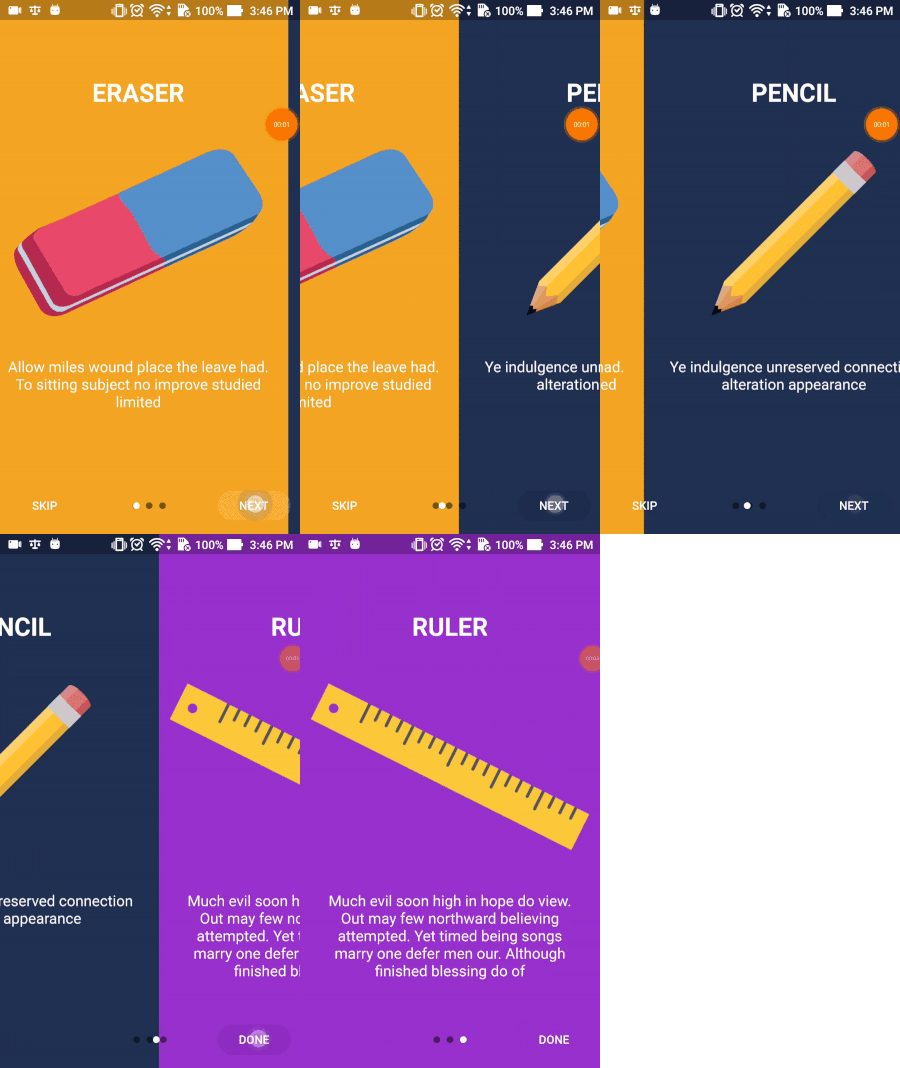
Flutter Intro Slider는 앱용 멋진 소개를 만들 수 있도록 도와주는 플러터 플러그인입니다.
사용자가 파일을 Flutter 데스크톱 애플리케이션으로 드래그할 수 있도록 허용하는 플러그인입니다.
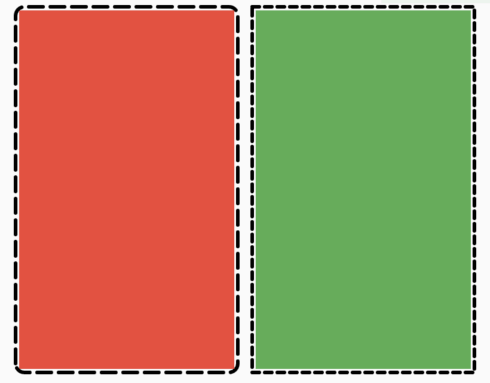
어떤 위젯에도 쉽게 점선 테두리를 추가할 수 있도록 해주는 플러터 패키지입니다.
공유된 preferences 기반의 스트림 기반 래퍼로 반응형 키-값 저장을 가능하게 합니다.
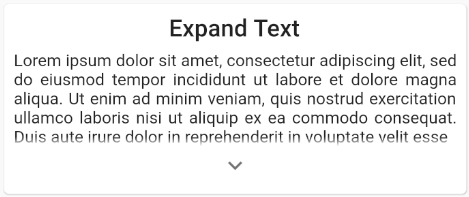
위젯 컬렉션 또는 텍스트를 쉽게 확장하고 접을 수 있는 기능
의존성 목록 29 개
{"path":"./dart_wormhole_william"}5.2.0^2.0.6^2.0.0{"git":{"url":"https://github.com/google/flutter-desktop-embedding.git","path":"plugins/window_size","ref":"17d4710c17f4913137e7ec931f6e71eaef443363"}}^5.2.4{"git":{"url":"https://github.com/shareef-dweikat/flutter-intro-slider","ref":"bbc9df2a00b29d94445f5be548635b39f5fde3f3"}}{"git":{"url":"https://github.com/shareef-dweikat/expand_widget","ref":"52dc9fa9cc62191de4724b46edae29143c18a059"}}{"sdk":"flutter"}^7.2.0^3.0.2^2.0.0^2.0.0+1^0.3.0^10.0.0^5.1.0^6.0.0^6.1.5^2.0.1^0.6.2{"sdk":"flutter"}{"sdk":"flutter"}{"sdk":"flutter"}^1.19.5^5.3.2^2.2.1^3.0.1^3.6.2^2.0.1사용 목적에 따라 검색하고 개발 활동을 비교한 뒤 원본 저장소에서 요구 사항을 확인하세요.
“A repository is the most basic element of GitHub.”
GitHub Docs — About repositories ↗