

 v2.0.5
keep_keyboard_popup_menu
키보드를 열어둔 상태로 유지하는 팝업 메뉴입니다.
29좋아요 2730일 다운로드45Pub 점수
플랫폼 정보 없음
키보드를 열어둔 상태로 유지하는 Flutter 팝업 메뉴입니다.

아래는 영문 원문 스냅샷입니다. 최신 내용은 GitHub에서 확인하세요.
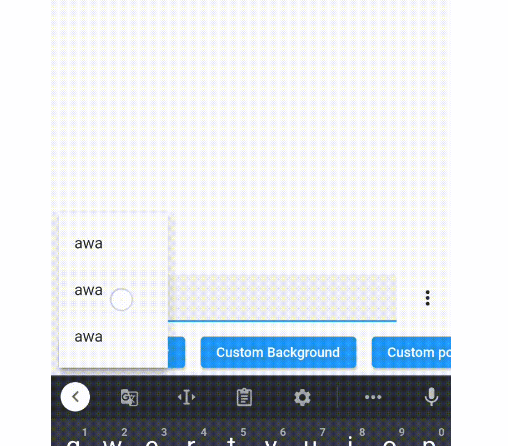
A popup menu that will keep the soft keyboard open. This package is created to solve issue #24843 and #50567.
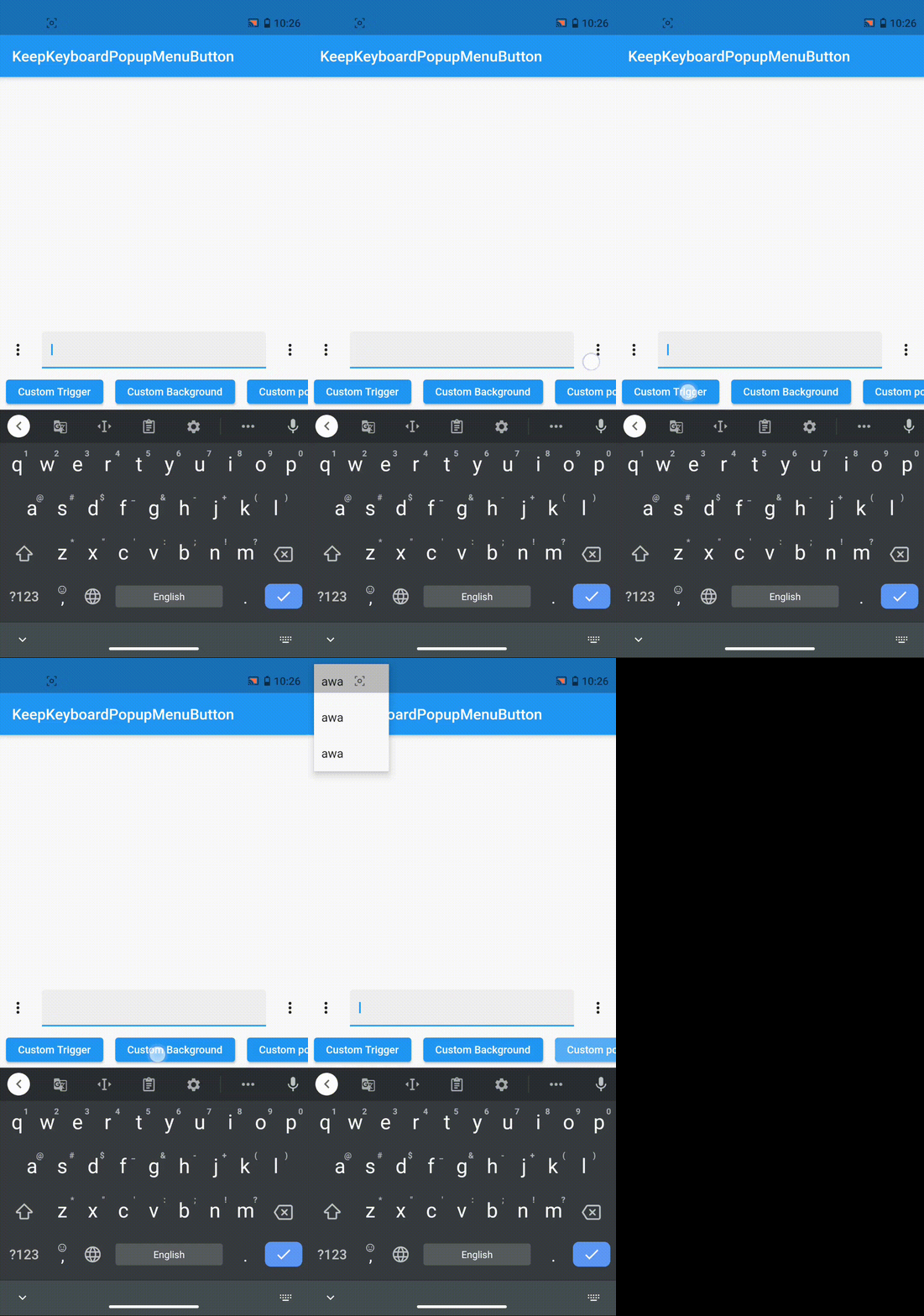
Unlike the popup menu created by PopupMenuButton, which works by pushing
a new route to the navigator and causes the soft keyboard to hide, the popup
menu created by this package works by adding an entry to
Overlay and will keep the soft keyboard open.
(I'm sorry for the long names, please pr if there are shorter alternatives.)
KeepKeyboardPopupMenuItemIntended to replace PopupMenuItem. Works similarly to a ListTile. PopupMenuItem won't work with this package because it will pop the current route when tapped. (This package shows popup menu using overlay, not route.)
KeepKeyboardPopupMenuItem(
    child: Text('awa'),
    onTap: () {},
)
KeepKeyboardPopupMenuButtonIntended to replace PopupMenuButton. Despite the similar name, the usage is quite different. The closePopup passed to the menuItemBuilder is used to programmatically close the popup.
KeepKeyboardPopupMenuButton(
    menuItemBuilder: (context, closePopup) => [
        KeepKeyboardPopupMenuItem(
            child: Text('awa'),
            onTap: closePopup,
        ),
    ]
)
You can also use the menuBuilder property to show any widget you want in the popup menu. For details, see the documentation and example.
WithKeepKeyboardPopupMenuWithKeepKeyboardPopupMenu allows opening a popup menu on any widget.
WithKeepKeyboardPopupMenu(
    menuItemBuilder: (context, closePopup) => [
        KeepKeyboardPopupMenuItem(
            child: Text('awa'),
            onTap: closePopup,
        ),
    ],
    childBuilder: (context, openPopup) => ElevatedButton(
        onPressed: openPopup,
        child: Text('Custom Trigger'),
    ),

)
You can also use the menuBuilder property to show any widget you want in the popup menu, use backgroundBuilder property to customize background of the popup menu, and calculatePopupPosition property to customize the position of the popup menu. For details, see the documentation and example.
의존성 목록 2 개
{"sdk":"flutter"}^5.0.0사용 목적에 따라 검색하고 개발 활동을 비교한 뒤 원본 저장소에서 요구 사항을 확인하세요.
“A repository is the most basic element of GitHub.”
GitHub Docs — About repositories ↗