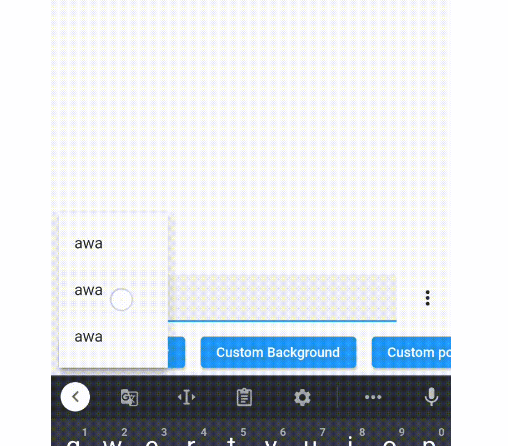
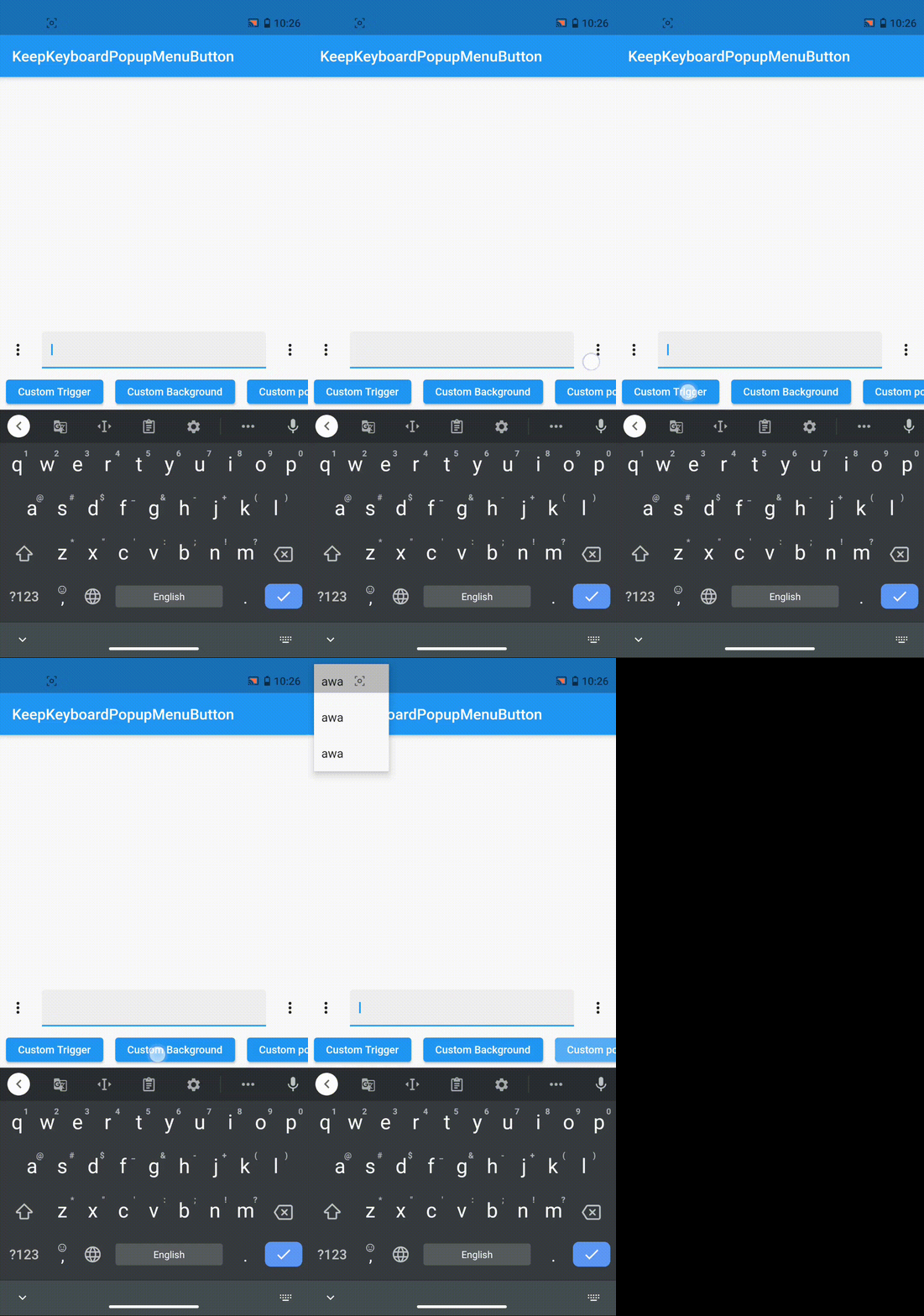
키보드를 활성 상태로 유지하면서 팝업 메뉴를 열어두는 것을 허용하는 플러터 패키지입니다. 입력 중심 상호작용 중 사용자 경험을 원활하게 유지합니다. 특히 텍스트 필드에서 포커스를 잃지 않고 메뉴에서 옵션을 선택해야 하는 양식이나 텍스트 입력 시나리오에서 특히 유용합니다. 이 패키지는 팝업 메뉴가 트리거될 때 키보드가 닫히지 않도록 하여 사용자 워크플로우의 연속성을 유지합니다. 단순성과 신뢰성을 고려하여 설계되었으며 기존 플러터 애플리케이션과 원활하게 통합됩니다.
사용 사례
드롭다운 선택이 있는 폼 입력
자주 메뉴에 접근이 필요한 텍스트 필드
지속적인 키보드 포커스가 필요한 사용자 흐름
입력 요소가 있는 상호작용 대화상자
입력 중 동적 옵션 선택
주요 기능
메뉴가 나타난 후 키보드를 열어 둠
최소 설정 및 통합
표준 TextField 위젯과 호환됩니다
상호작용 중에 입력 포커스를 유지합니다
가볍고 효율적
적합한 대상
양식 중심 앱을 개발하는 개발자
자주 메뉴 상호작용을 하는 앱
원활한 입력 흐름을 요구하는 UX 중심 인터페이스
복잡한 데이터 입력을 가진 모바일 앱
Flutter 프로젝트는 사용자 유지율을 우선시합니다
고려 사항
모바일 플랫폼에 한정됨(웹/데스크톱 지원 없음)
다른 포커스 관리 패키지와 충돌할 수 있습니다
중첩 스크롤 컨텍스트에서 주의 깊은 처리가 필요합니다
전체 화면 전환을 필요로 하는 모달 대화 상자에 적합하지 않습니다
기반 플랫폼 고유의 키보드 동작에 따라 다릅니다
원본 README
연결된 소스 저장소의 README 원문 스냅샷입니다. 최신 내용은 저장소에서 확인하세요.
This Library was meant for an old version of flutter (v1) and doesn't work on the new version!
keep_keyboard_popup_menu
A popup menu that will keep the soft keyboard open. This package is created to solve issue #24843 and #50567.
How Does It Work?
Unlike the popup menu created by PopupMenuButton, which works by pushing
a new route to the navigator and causes the soft keyboard to hide, the popup
menu created by this package works by adding an entry to
Overlay and will keep the soft keyboard open.
Quick Start
(I'm sorry for the long names, please pr if there are shorter alternatives.)
KeepKeyboardPopupMenuItem
Intended to replace PopupMenuItem. Works similarly to a ListTile. PopupMenuItem won't work with this package because it will pop the current route when tapped. (This package shows popup menu using overlay, not route.)
Intended to replace PopupMenuButton. Despite the similar name, the usage is quite different. The closePopup passed to the menuItemBuilder is used to programmatically close the popup.
You can also use the menuBuilder property to show any widget you want in the popup menu, use backgroundBuilder property to customize background of the popup menu, and calculatePopupPosition property to customize the position of the popup menu. For details, see the documentation and example.