
 v2.3.1
social_share
특정 유명 앱으로 직접 공유하기 위해 필요한 다양한 공유 옵션.
409좋아요 1.8천30일 다운로드140Pub 점수
AndroidiOS
소셜 미디어에서 이미지/비디오/텍스트를 공유하기 위한 플러터 패키지
아래는 영문 원문 스냅샷입니다. 최신 내용은 GitHub에서 확인하세요.
Wide variety of sharing options you'll need to share directly to certain popular apps or just share with default native share.
Works on both platforms Android and iOS
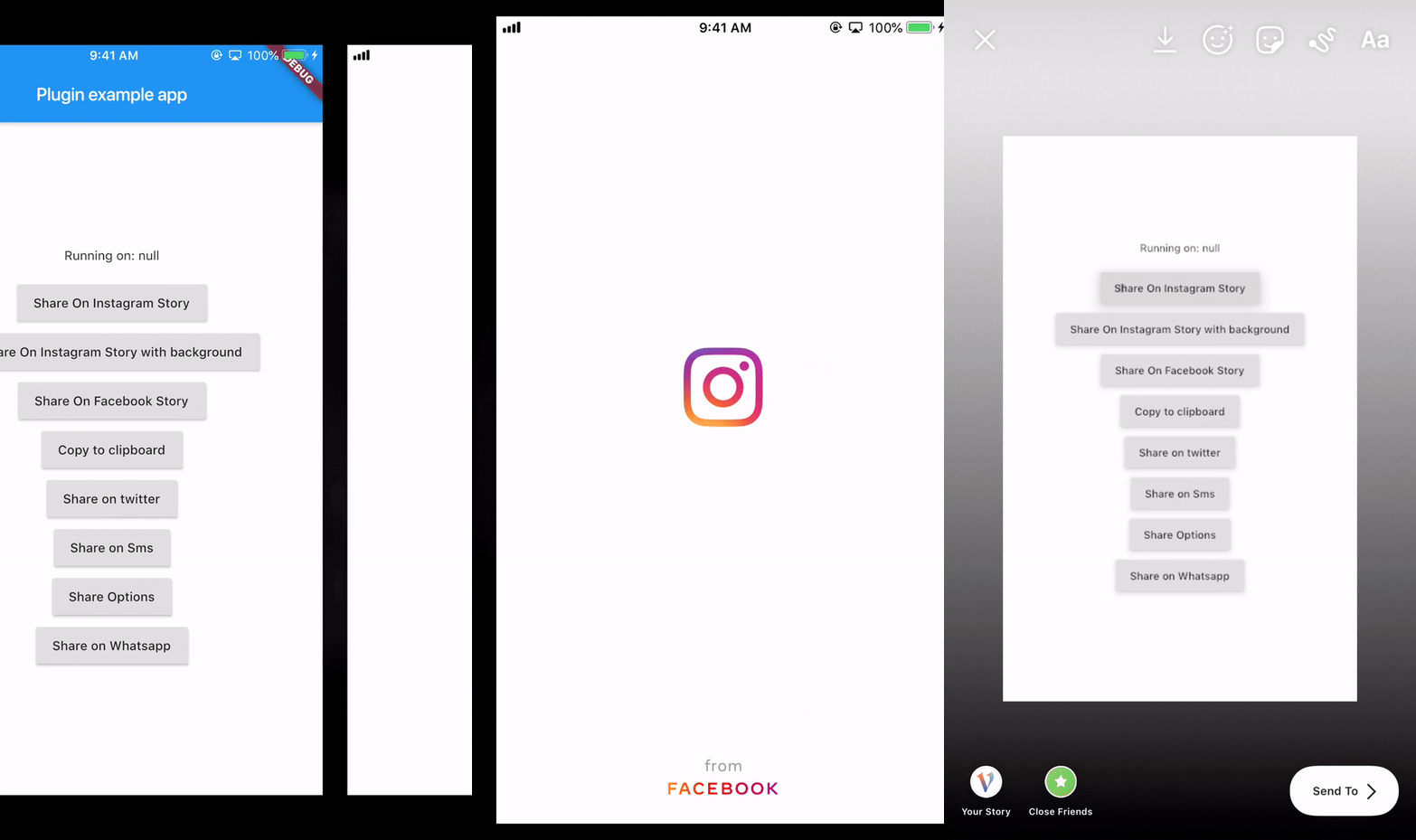
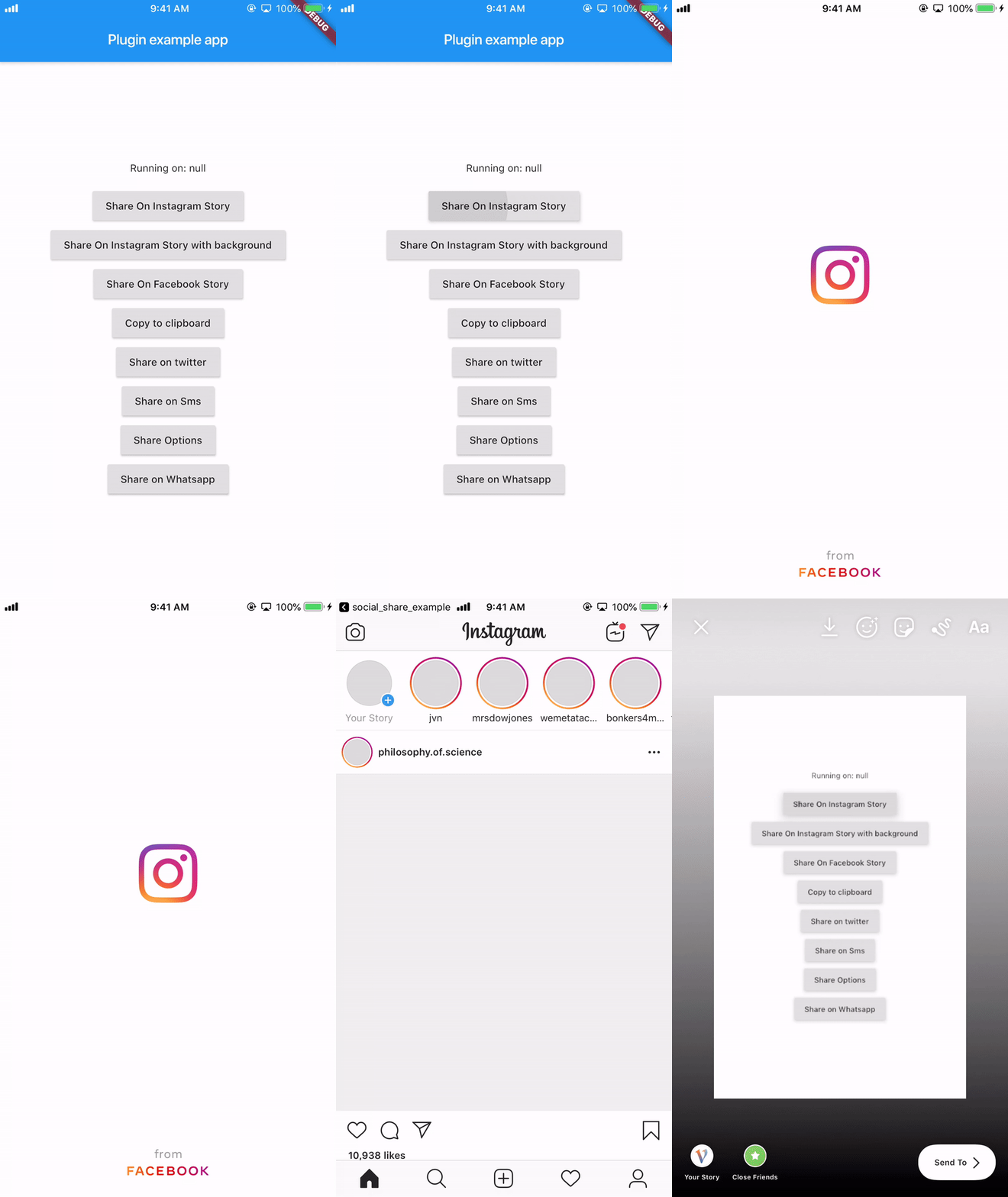
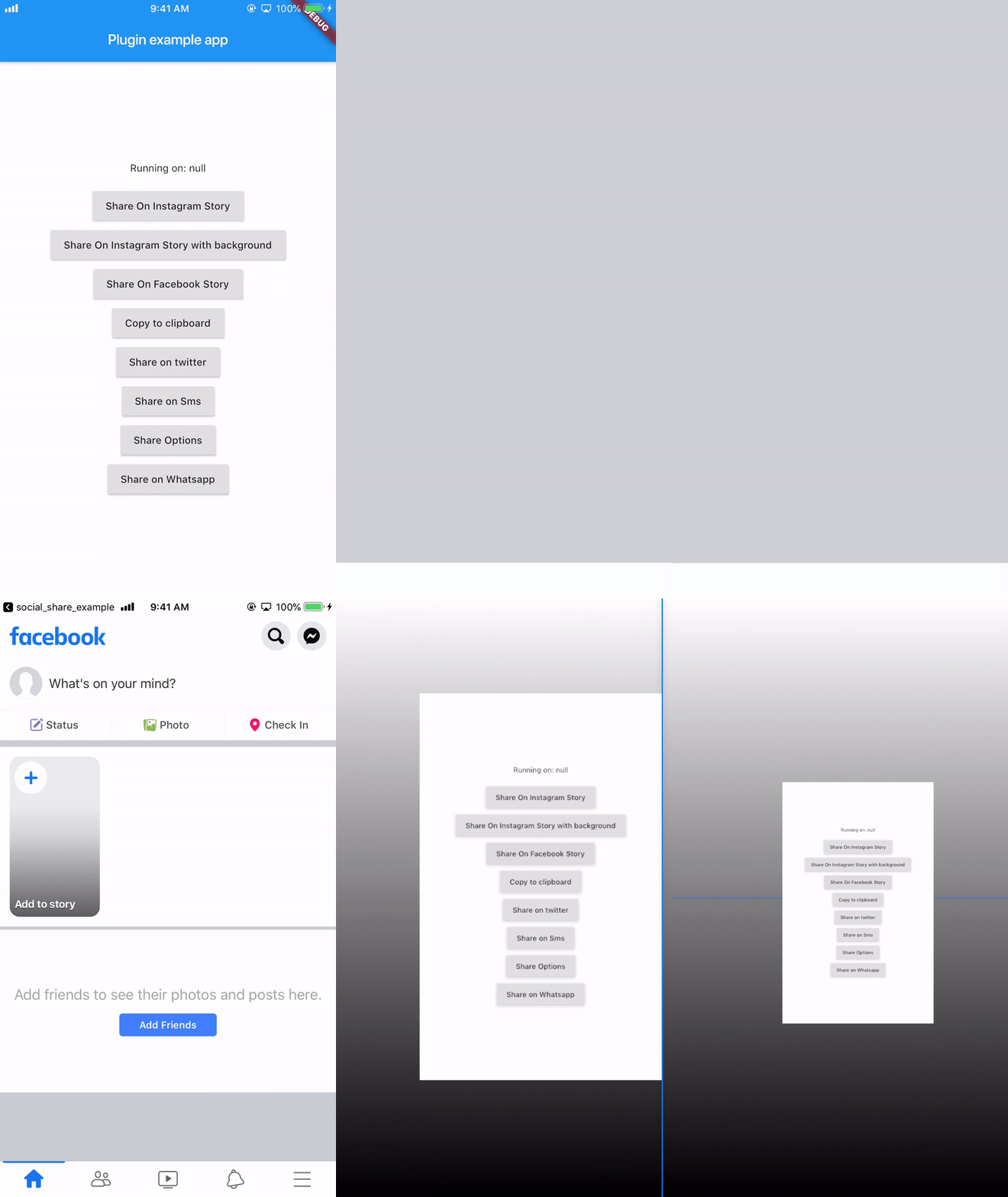
It provides you with most of the popular sharing options With this plugin you can share on instagram stories and facebook stories and also copy to clipboard
manifest tag in the android/app/src/main/AndroidManifest.xml: `xmlns:tools="http://schemas.android.com/tools"`
        <manifest xmlns:android="http://schemas.android.com/apk/res/android"
                xmlns:tools="http://schemas.android.com/tools"
                package="your package...">
manifest/application in the android/app/src/main/AndroidManifest.xml: <provider
android:name="androidx.core.content.FileProvider"
android:authorities="${applicationId}.com.shekarmudaliyar.social_share"
android:exported="false"
android:grantUriPermissions="true"
tools:replace="android:authorities">
<meta-data
android:name="android.support.FILE_PROVIDER_PATHS"
android:resource="@xml/filepaths" />
</provider>
filepaths.xml in the app/src/main/res/xml folder and paste this code in the file :<?xml version="1.0" encoding="utf-8"?>
<paths xmlns:android="http://schemas.android.com/apk/res/android">
<cache-path name="image" path="/"/>
</paths>
Info.plist to use share on instagram and facebook story<key>LSApplicationQueriesSchemes</key>
<array>
<string>instagram-stories</string>
<string>facebook-stories</string>
<string>facebook</string>
<string>instagram</string>
<string>twitter</string>
<string>whatsapp</string>
<string>tg</string>
</array>
<key>FacebookAppID</key>
<string>xxxxxxxxxxxxxxx</string>
SocialShare.shareInstagramStory(imageFile.path, "#ffffff",
                              "#000000", "https://deep-link-url");
 SocialShare.shareInstagramStorywithBackground(image.path, "https://deep-link-url",
                              backgroundImagePath: backgroundimage.path);
For iOS
SocialShare.shareFacebookStory(image.path,"#ffffff","#000000",
                              "https://deep-link-url","facebook-app-id");
For Android appID is mandatory if using shareFacebookStory or else it wont work
SocialShare.shareFacebookStory(image.path,"#ffffff","#000000",
                              "https://deep-link-url","facebook-app-id",
							  appId: "xxxxxxxxxxxxx");
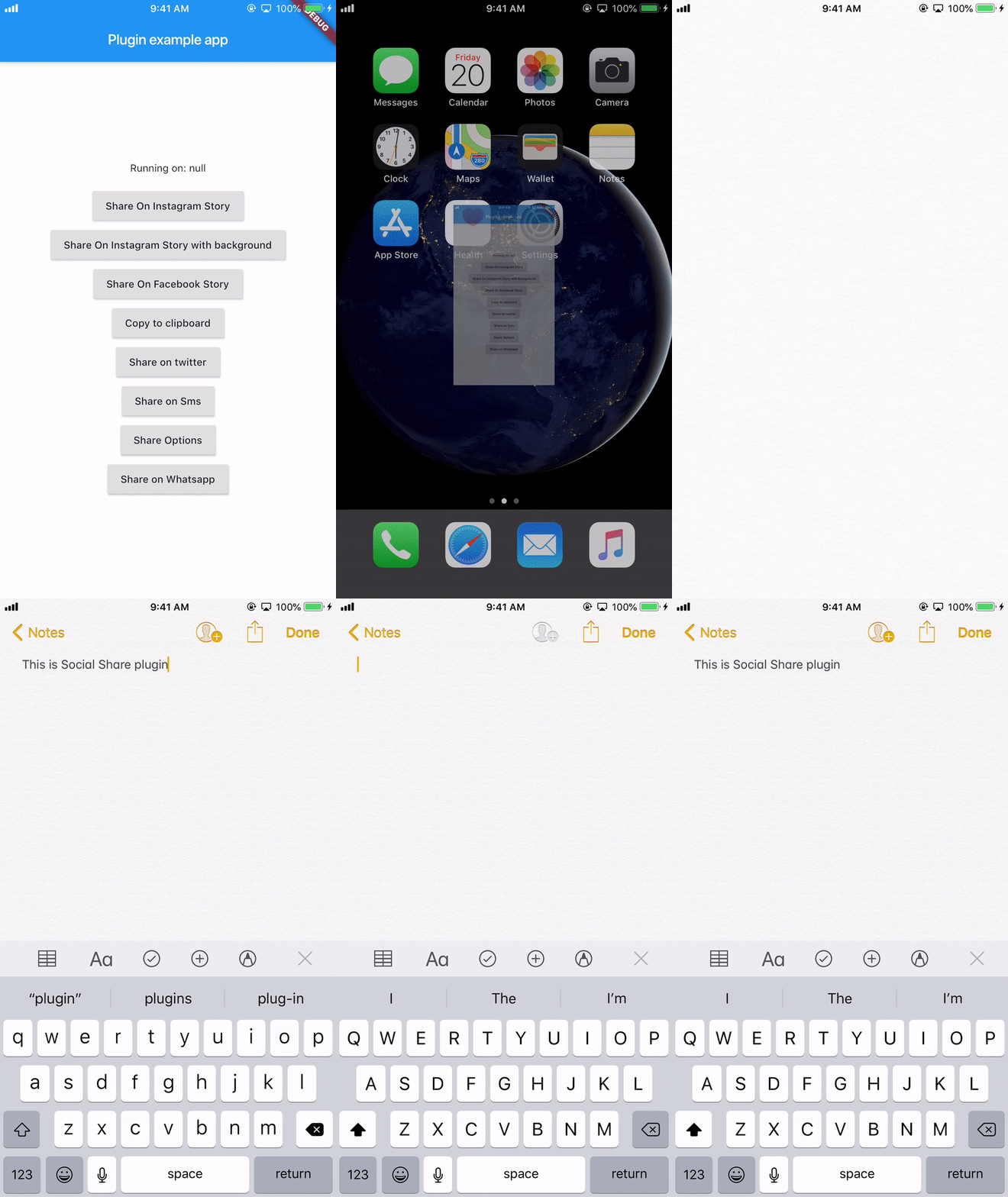
SocialShare.copyToClipboard("This is Social Share plugin");
//without hashtags
SocialShare.shareTwitter("This is Social Share plugin");

//with hashtags
SocialShare.shareTwitter(
                              "This is Social Share twitter example",
                              hashtags: ["hello", "world", "foo", "bar"]);

//with hashtags and link
SocialShare.shareTwitter(
                              "This is Social Share twitter example",
                              hashtags: ["hello", "world", "foo", "bar"],url:"https://your-url-here/");
//without url link in message
SocialShare.shareSms("This is Social Share Sms example");

//with url link in message
SocialShare.shareSms("This is Social Share Sms example",url: "https://your-url-here/");
SocialShare.shareWhatsapp("Hello World");
SocialShare.shareTelegram("Hello World");
This will open the default native share options
//without an image
SocialShare.shareOptions("Hello world");

//with an image
SocialShare.shareOptions("Hello world",imagePath: image.path);
SocialShare.checkInstalledAppsForShare();
On Android 6, Share to Instagram Stories may not open Instagram app or load the specified image.
((More coffee == more code) == faster updates)


의존성 목록 3 개
{"sdk":"flutter"}^2.0.5{"sdk":"flutter"}사용 목적에 따라 검색하고 개발 활동을 비교한 뒤 원본 저장소에서 요구 사항을 확인하세요.
“A repository is the most basic element of GitHub.”
GitHub Docs — About repositories ↗