social_share 패키지는 안드로이드 및 iOS의 인기 있는 소셜 미디어 앱으로 콘텐츠를 직접 공유할 수 있는 간단하고 효율적인 방법을 제공합니다. WhatsApp, Facebook, Instagram, Twitter 등 다양한 플랫폼에 콘텐츠를 빠르게 게시할 수 있도록 광범위한 공유 옵션을 지원합니다. 네이티브 인텐트 통합을 기반으로 구현되어 장치 간 원활한 공유 경험을 보장합니다. 가볍고 쉽게 구현할 수 있어, 복잡한 설정 없이 강력한 공유 기능이 필요한 앱에 적합합니다.
사용 사례
소셜 미디어에 링크 공유
WhatsApp를 통해 메시지 보내기
Instagram에 콘텐츠 게시하기
페이스북과의 통합
빠른 사용자 주도 공유 활성화
다중 플랫폼 공유 지원
주요 기능
여러 소셜 플랫폼을 지원합니다
네이티브 의도 기반 공유
간단한 API 통합
크로스 플랫폼 호환성 (Android 및 iOS)
가볍고 빠름
간편한 구성
적합한 대상
소셜 공유가 필요한 모바일 앱
광범위한 사용자 참여를 목표로 하는 앱
빠른 공유 구현을 찾는 개발자
플랫폼별 공유가 필요한 프로젝트
사용자 생성 콘텐츠 공유 기능이 있는 앱
사회적 또는 커뮤니티 기반 애플리케이션
고려 사항
Android에서 적절한 앱 권한이 필요합니다
특정 플랫폼에 대해 추가 설정이 필요할 수 있습니다
지원되는 소셜 앱에 한정
외부 앱의 가용성에 따라 다름
사용자 지정 공유 대상에 적합하지 않습니다
플랫폼별 동작은 다를 수 있습니다
원본 README
연결된 소스 저장소의 README 원문 스냅샷입니다. 최신 내용은 저장소에서 확인하세요.
social_share
Wide variety of sharing options you'll need to share directly to certain popular apps or just share with default native share.
Introduction
Works on both platforms Android and iOS
It provides you with most of the popular sharing options
With this plugin you can share on instagram stories and facebook stories and also copy to clipboard
Usage
Android Configuration
Paste the following attribute in the manifest tag in the android/app/src/main/AndroidManifest.xml:
SocialShare.copyToClipboard("This is Social Share plugin");
shareTwitter
//without hashtagsSocialShare.shareTwitter("This is Social Share plugin");
//with hashtagsSocialShare.shareTwitter(
"This is Social Share twitter example",
hashtags: ["hello", "world", "foo", "bar"]);
//with hashtags and linkSocialShare.shareTwitter(
"This is Social Share twitter example",
hashtags: ["hello", "world", "foo", "bar"],url:"https://your-url-here/");
shareSms
//without url link in messageSocialShare.shareSms("This is Social Share Sms example");
//with url link in messageSocialShare.shareSms("This is Social Share Sms example",url: "https://your-url-here/");
shareWhatsapp
SocialShare.shareWhatsapp("Hello World");
shareTelegram
SocialShare.shareTelegram("Hello World");
shareOptions
This will open the default native share options
//without an imageSocialShare.shareOptions("Hello world");
//with an imageSocialShare.shareOptions("Hello world",imagePath: image.path);
checkInstalledAppsForShare
SocialShare.checkInstalledAppsForShare();
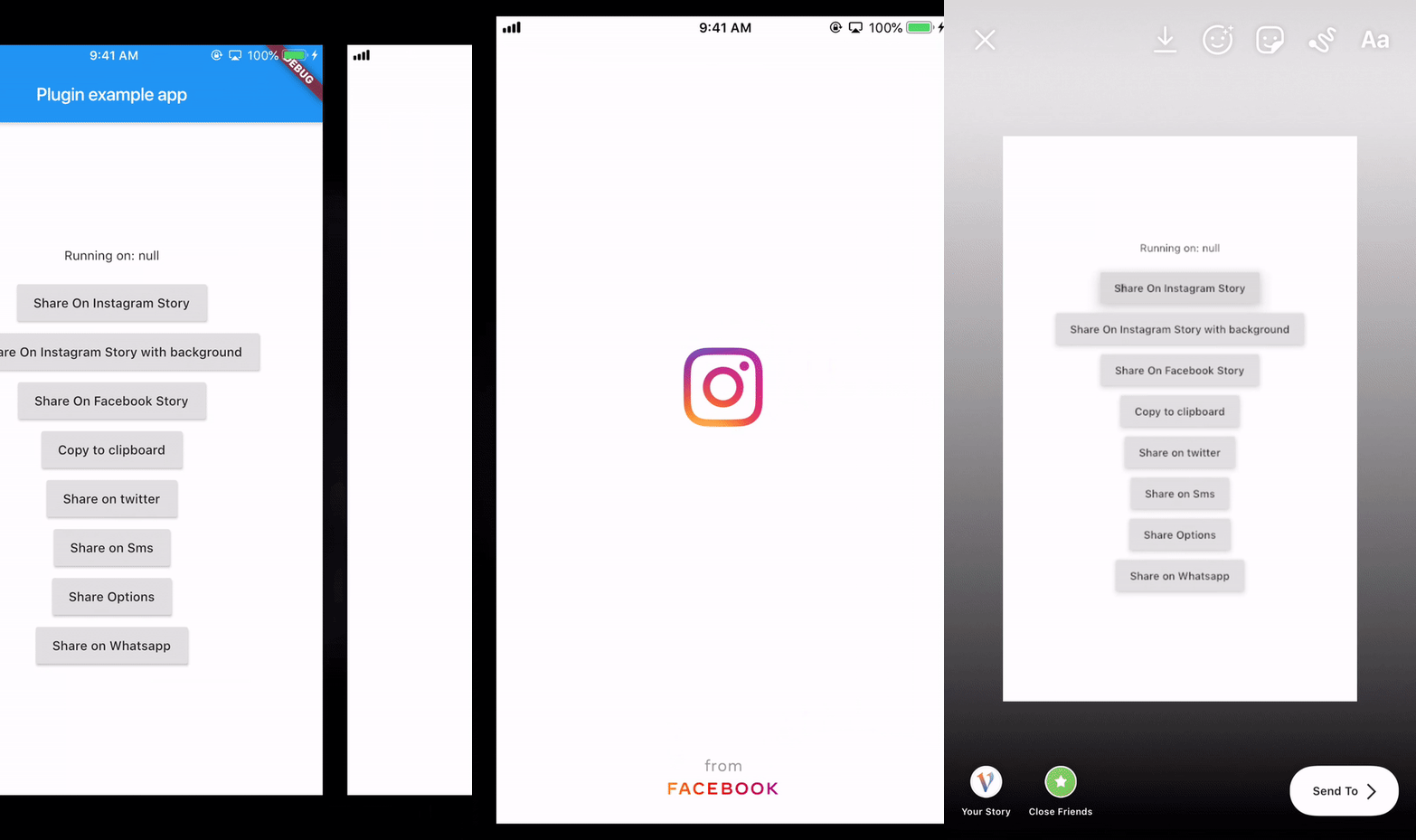
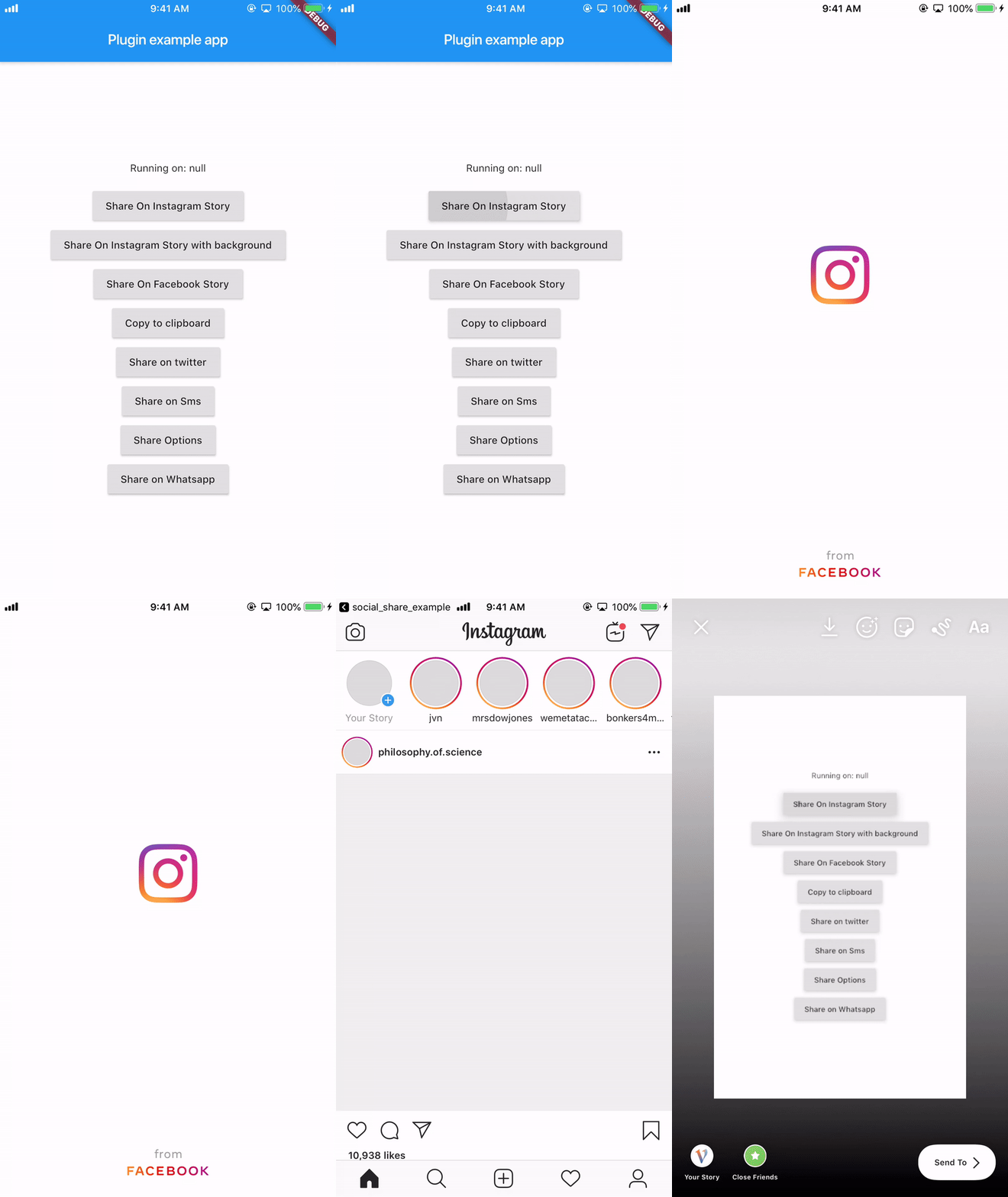
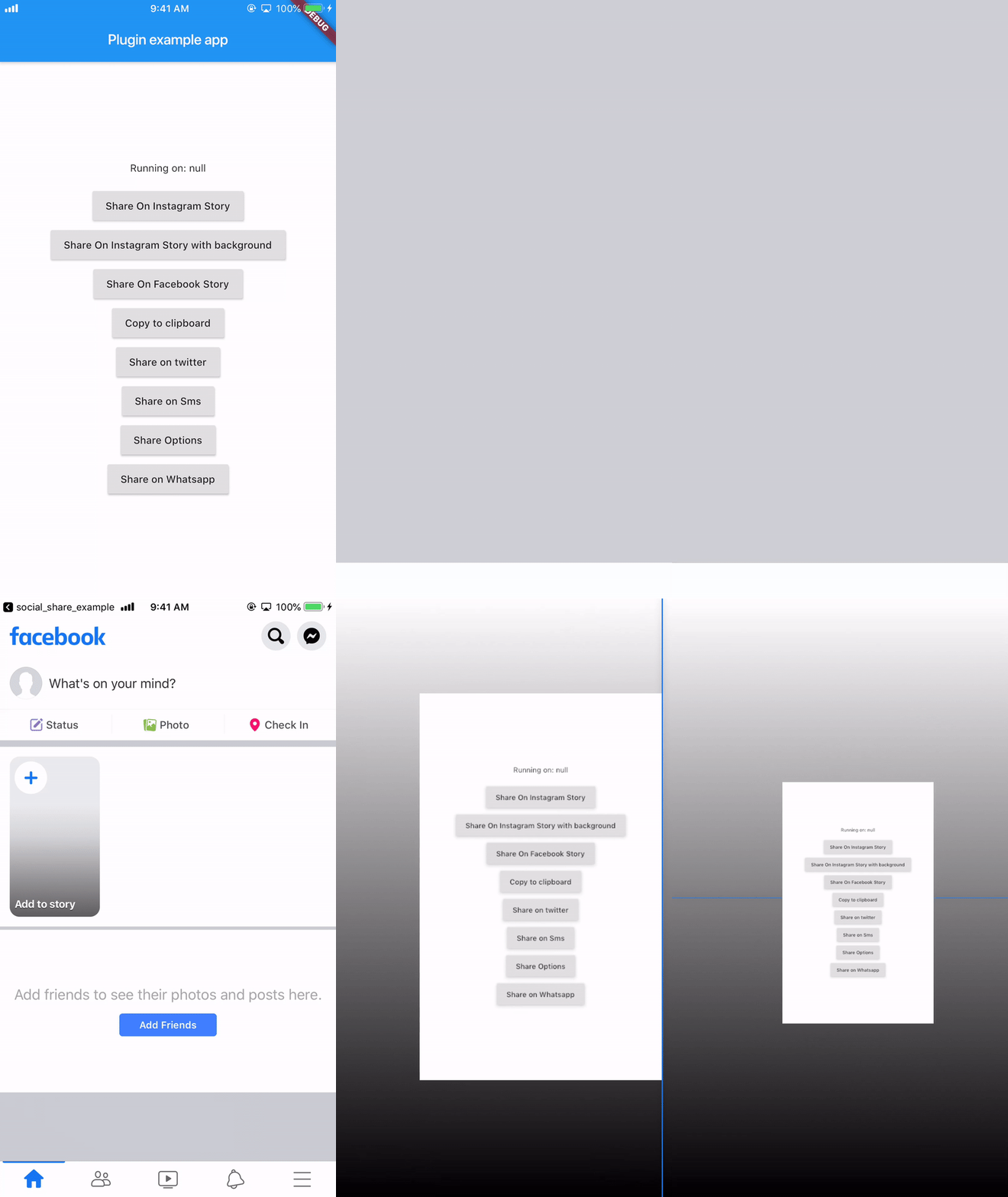
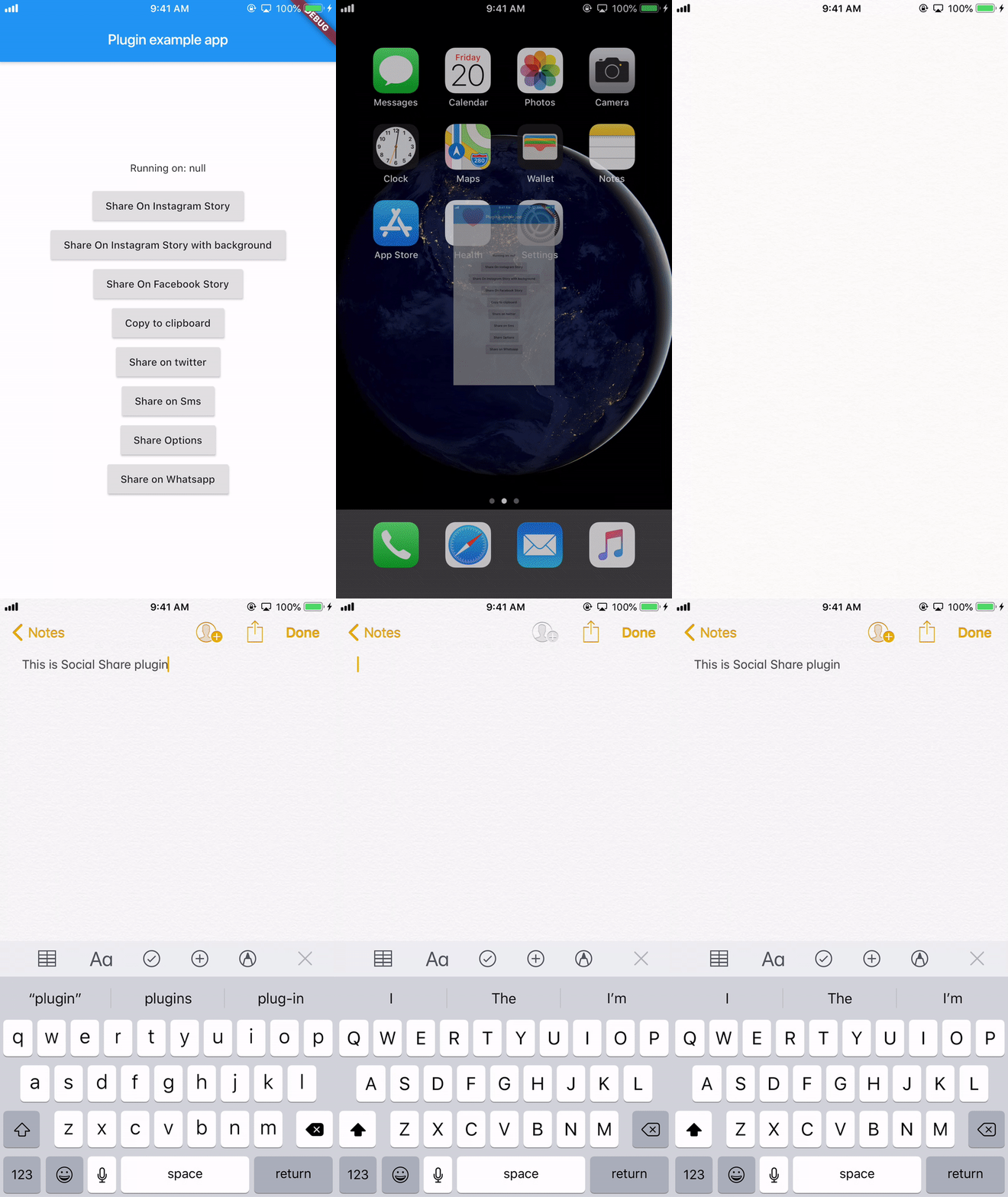
Here's few demo!
Story share on Instagram
Story share on Facebook
Copy to Clipboard
Known issues
On Android 6, Share to Instagram Stories may not open Instagram app or load the specified image.