
 v1.0.1
yoda
어떤 종류의 자식 위젯이든 격자 형태의 타일로 나누고 다양한 방식으로 애니메이션 처리할 수 있는 Flutter 위젯입니다. 현재는 폭발, 와이어스, 조각 효과를 지원합니다.
57좋아요 3330일 다운로드130Pub 점수
AndroidiOSWebmacOSWindowsLinux
어떤 종류의 자식 위젯이든 격자 형태의 타일로 나누고 다양한 방식으로 애니메이션할 수 있는 Flutter 위젯입니다. 현재는 폭발, 바이러스, 조각 효과를 지원합니다. 모든 플랫폼에서 작동합니다.

{"sdk":"flutter"}{"sdk":"flutter"}아래는 영문 원문 스냅샷입니다. 최신 내용은 GitHub에서 확인하세요.
Flutter widget that let's you slice any kind of child widget in a matrix of tiles and animate them with different kind of ways. Currently with Explode, Vortex and Flakes. Works on all platforms.
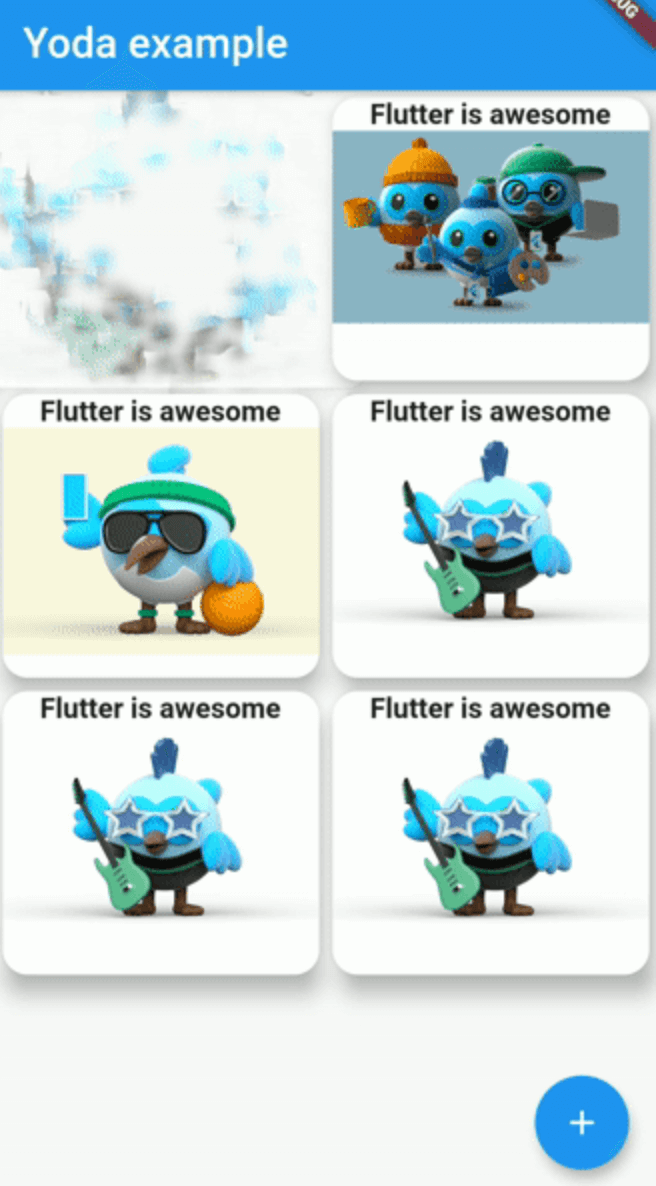
Screenshot
If you need to control the animation status:
late YodaController _yodaControllerExplode;

@override
  void initState() {
    super.initState();
    _yodaControllerExplode = YodaController()
    ..addStatusListener((status) {
      if (status == AnimationStatus.completed) {
        _yodaControllerExplode.reset();
      }
    });
  }
YodaController accepts start() and reset() methods. Note: calling those methods will not work when a setState() is called at the same time.
Yoda(
  yodaEffect: YodaEffect.Explosion,
  controller: _yodaControllerExplode,
  duration: Duration(milliseconds: 2500),
  animParameters: AnimParameters(
    yodaBarrier: YodaBarrier(bottom: true, left: true, right: true),
    fractionalCenter: Offset(0.5, 1.0),
    hTiles: 20,
    vTiles: 20,
    effectPower: 0.2,
    blurPower: 5,
    gravity: 0.1,
    randomness: 30,
  ),
  startWhenTapped: true,
  child: SizedBox(
    width: 250,
    height: 180,
    child: Image.asset('assets/dash.png', fit: BoxFit.fill)
  )
)