패키지, 저장소 및 앱 카테고리 검색

yoda 표지
패키지 상세v1.0.1

yoda

어떤 종류의 자식 위젯이든 격자 형태의 타일로 나누고 다양한 방식으로 애니메이션 처리할 수 있는 Flutter 위젯입니다. 현재는 폭발, 와이어스, 조각 효과를 지원합니다.

AndroidiOSWebmacOSWindowsLinux
30일 다운로드
70
좋아요
57
Pub 점수
130

패키지 설치

flutter pub add yoda

패키지 개요

공개 정보를 바탕으로 생성한 선택 가이드입니다.

Yoda는 Flutter 위젯으로, 개발자가 자식 위젯을 타일 그리드로 나누고 Explode, Vortex, Flakes와 같은 다양한 효과를 사용하여 애니메이션 처리할 수 있게 해줍니다. 앱에서 동적이고 시각적으로 매력적인 전환 효과를 만들기 위해 설계되었습니다. 이 패키지는 Android, iOS, Web, macOS, Windows, Linux 등 여러 플랫폼을 지원하여 크로스플랫폼 개발에 유용합니다. pub add를 통해 간단히 통합할 수 있으며, 사용자 정의 가능한 애니메이션을 통해 UI 상호작용을 향상시킵니다.

사용 사례

  • 애니메이션 스플래시 화면 만들기
  • 페이지 간 상호작용 전환 설계
  • 버튼 탭에 시각적 요소 추가하기
  • 이미지 또는 콘텐츠 애니메이션 표시
  • 온보딩 경험 향상

주요 기능

  • 타일 기반 애니메이션 슬라이싱
  • 여러 종류의 애니메이션(폭발, 바람개비, 조각)
  • 크로스 플랫폼 호환성
  • pub와의 간편한 통합
  • 사용자 지정 가능한 애니메이션 매개변수
  • 기기 간 원활한 성능

적합한 대상

  • 창의적인 애니메이션을 찾는 UI 디자이너
  • 인터랙티브 앱 인터페이스를 구축하는 개발자
  • 동적 콘텐츠 전환을 필요로 하는 프로젝트
  • 매력적인 사용자 경험 프로토타이핑
  • 강력한 시각적 스토리텔링을 갖춘 앱

고려 사항

  • 큰 타일 수량은 성능에 영향을 미칠 수 있습니다
  • 부드러운 애니메이션을 위해 신중한 튜닝이 필요합니다
  • 상태 관리와 결합되지 않는 한 정적 자식 위젯에 국한됨
  • 간단하고 미니멀한 디자인에 적합하지 않음
  • 애니메이션의 복잡도는 빌드 시간을 늘릴 수 있습니다

원본 README

연결된 소스 저장소의 README 원문 스냅샷입니다. 최신 내용은 저장소에서 확인하세요.

Yoda Flutter plugin

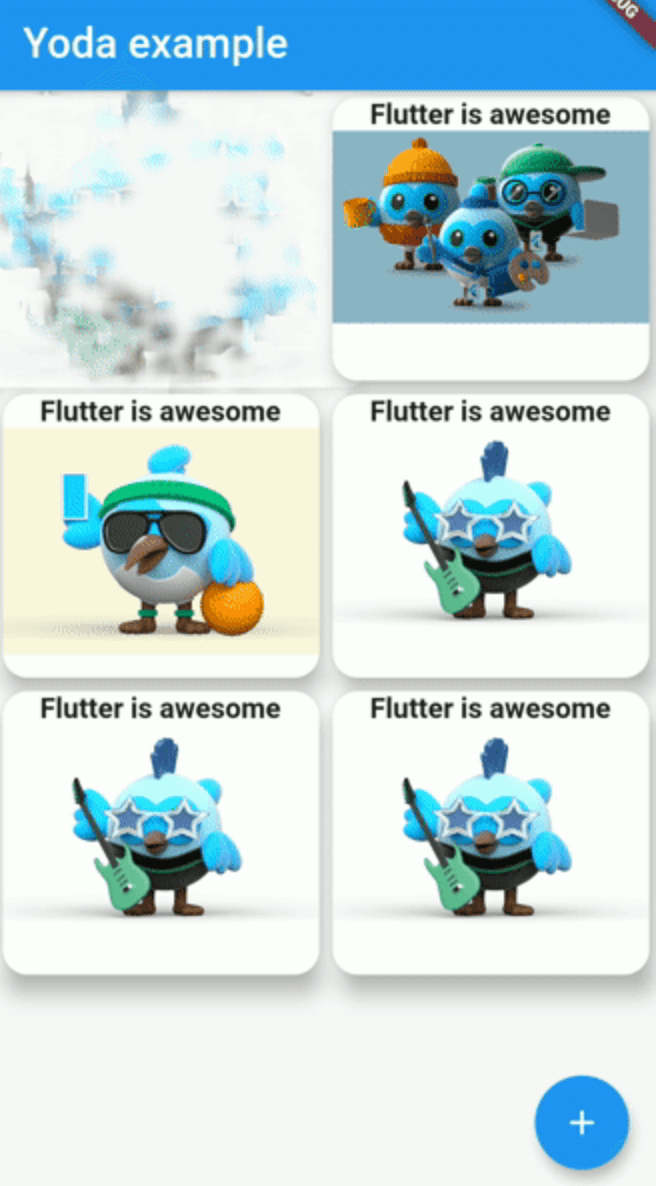
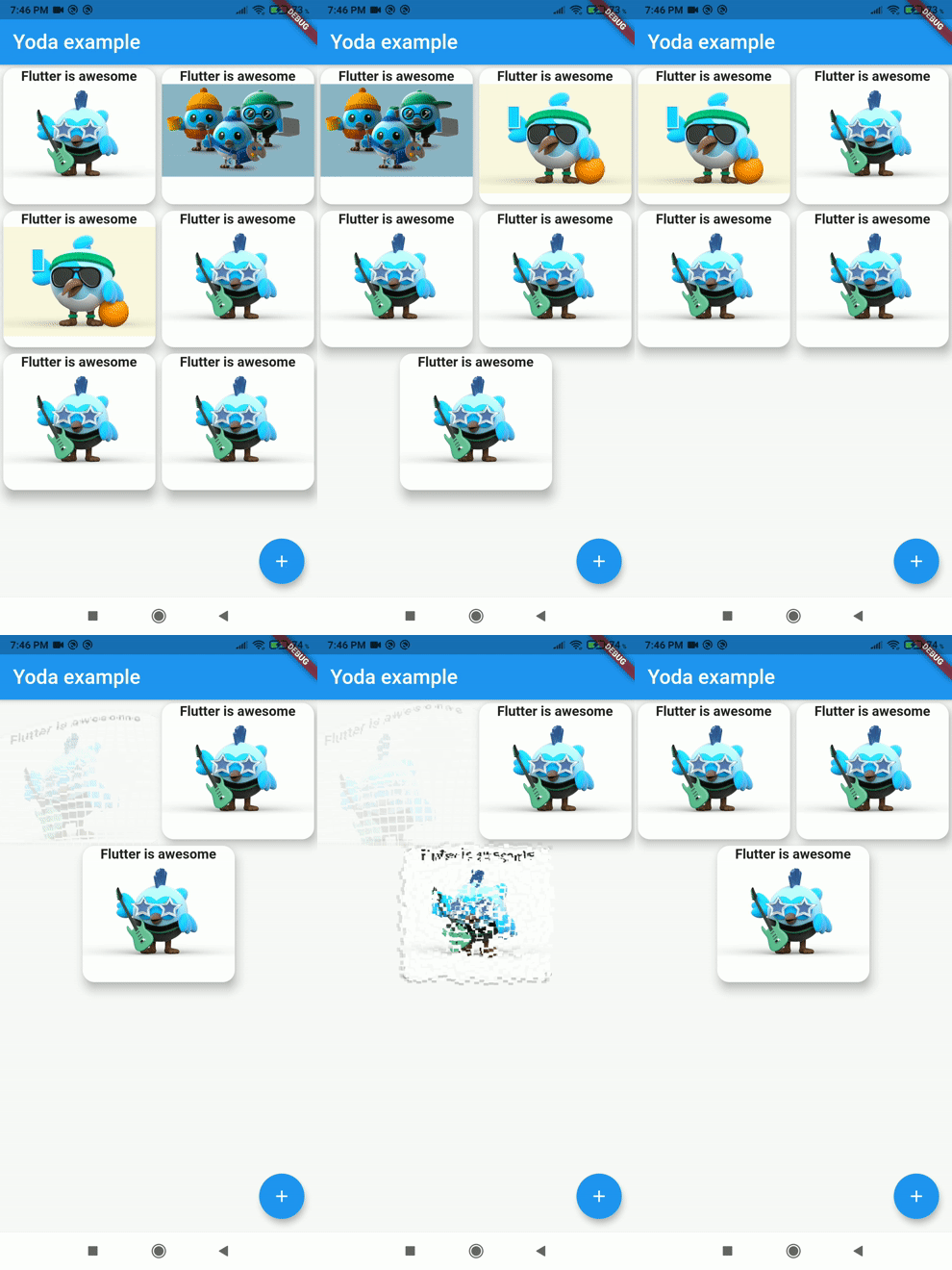
Flutter widget that let's you slice any kind of child widget in a matrix of tiles and animate them with different kind of ways. Currently with Explode, Vortex and Flakes. Works on all platforms.

Screenshot

Yoda Widget Properties

Yoda widget
  • [yodaEffect] Animation effect to use (see below).
  • [controller] Animation controller.
  • [duration] Animation duration.
  • [startWhenTapped] Enable tap gesture to start animation.
  • [animParameters] Parameters used to animate tiles (see below).
  • [child] Whatever widget to slice.
YodaEffect enum
  • [Explosion]
  • [Vortex]
  • [Flakes]
AnimParameters properties
  • [yodaBarrier] Define which edges are barraged (see below).
  • [hTiles] Number of horizontal tiles to divide the child widget.
  • [vTiles] Number of vertical tiles to divide the child widget.
  • [fractionalCenter] Default center where force is given when not tapping on it.
  • [gravity] Vertical force.
  • [effectPower] Effect strength.
  • [blurPower] Blur strength.
  • [randomness] Random strength.
YodaBarrier properties
  • [left] Block tiles moving over the left edge.
  • [right] Block tiles moving over the right edge.
  • [top] Block tiles moving over the top edge.
  • [bottom] Block tiles moving over the bottom edge.

How to use

If you need to control the animation status:

late YodaController _yodaControllerExplode;
  
@override
  void initState() {
    super.initState();
    _yodaControllerExplode = YodaController()
    ..addStatusListener((status) {
      if (status == AnimationStatus.completed) {
        _yodaControllerExplode.reset();
      }
    });
  }

YodaController accepts start() and reset() methods. Note: calling those methods will not work when a setState() is called at the same time.

Yoda(
  yodaEffect: YodaEffect.Explosion,
  controller: _yodaControllerExplode,
  duration: Duration(milliseconds: 2500),
  animParameters: AnimParameters(
    yodaBarrier: YodaBarrier(bottom: true, left: true, right: true),
    fractionalCenter: Offset(0.5, 1.0),
    hTiles: 20,
    vTiles: 20,
    effectPower: 0.2,
    blurPower: 5,
    gravity: 0.1,
    randomness: 30,
  ),
  startWhenTapped: true,
  child: SizedBox(
    width: 250,
    height: 180,
    child: Image.asset('assets/dash.png', fit: BoxFit.fill)
  )
)

TODO
  • Find a better way to capture the widget
  • When changing Yoda widget parameters, 2 hot reloads are needed to make it to work!

카테고리

소스 저장소

이 패키지를 사용하는 프로젝트

아직 데이터가 없습니다.