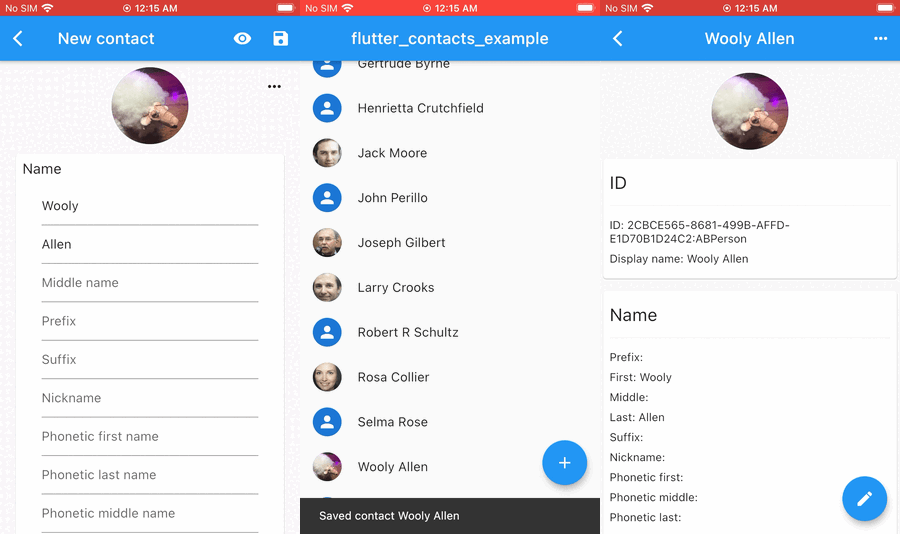
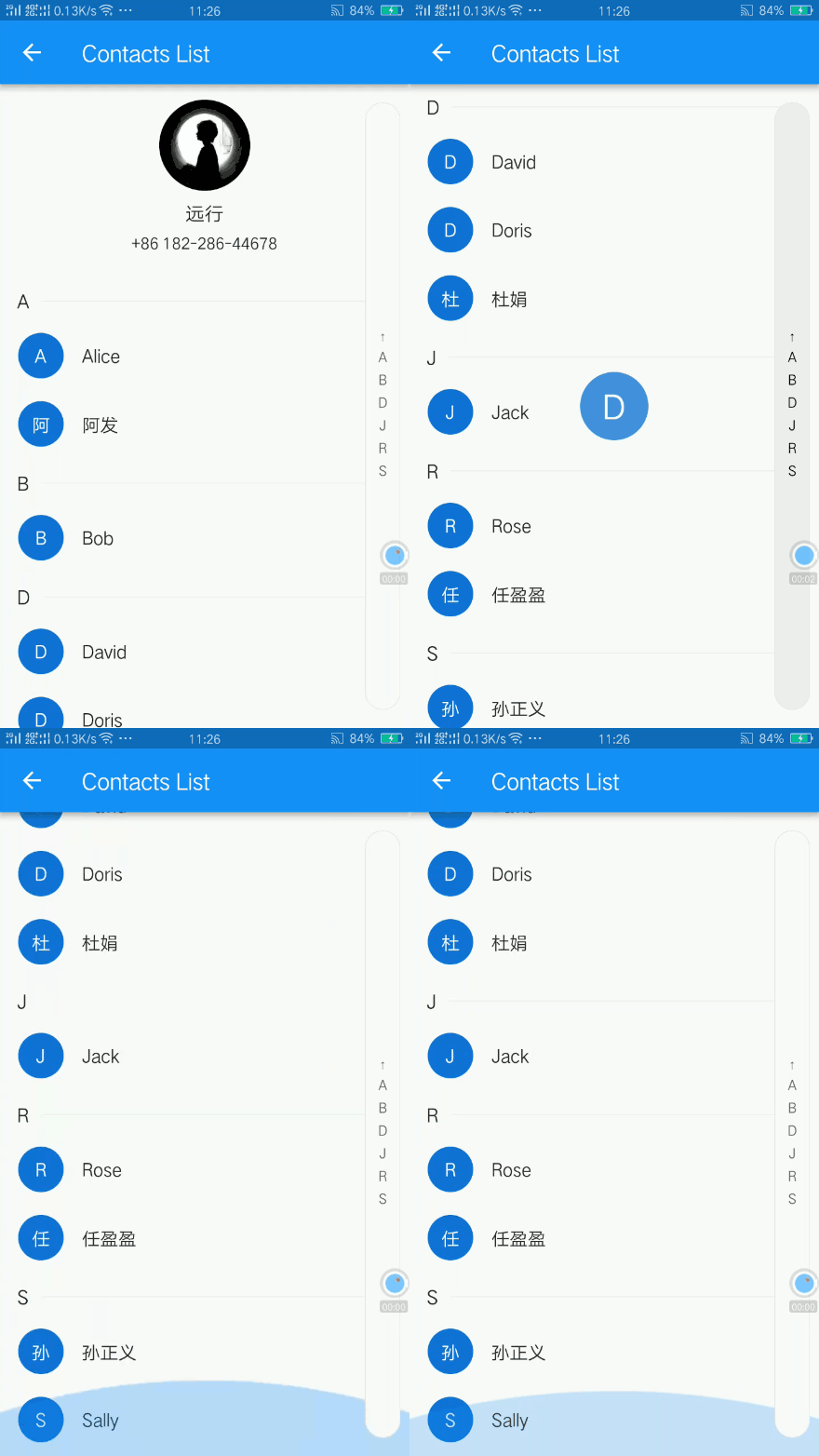
 v2.0.0
azlistview
Flutter 스티키 헤더 및 인덱스 ListView입니다. IndexBar. 예를 들어 도시 목록, 연락처 목록. 인덱스 및 호버 효과.
318좋아요 3.4만30일 다운로드130Pub 점수
AndroidiOSWebmacOSWindowsLinux
WhatsApp에 연락처 접근 권한을 부여하지 않고도 WhatsApp 연락처를 추가할 수 있습니다!

아래는 영문 원문 스냅샷입니다. 최신 내용은 GitHub에서 확인하세요.
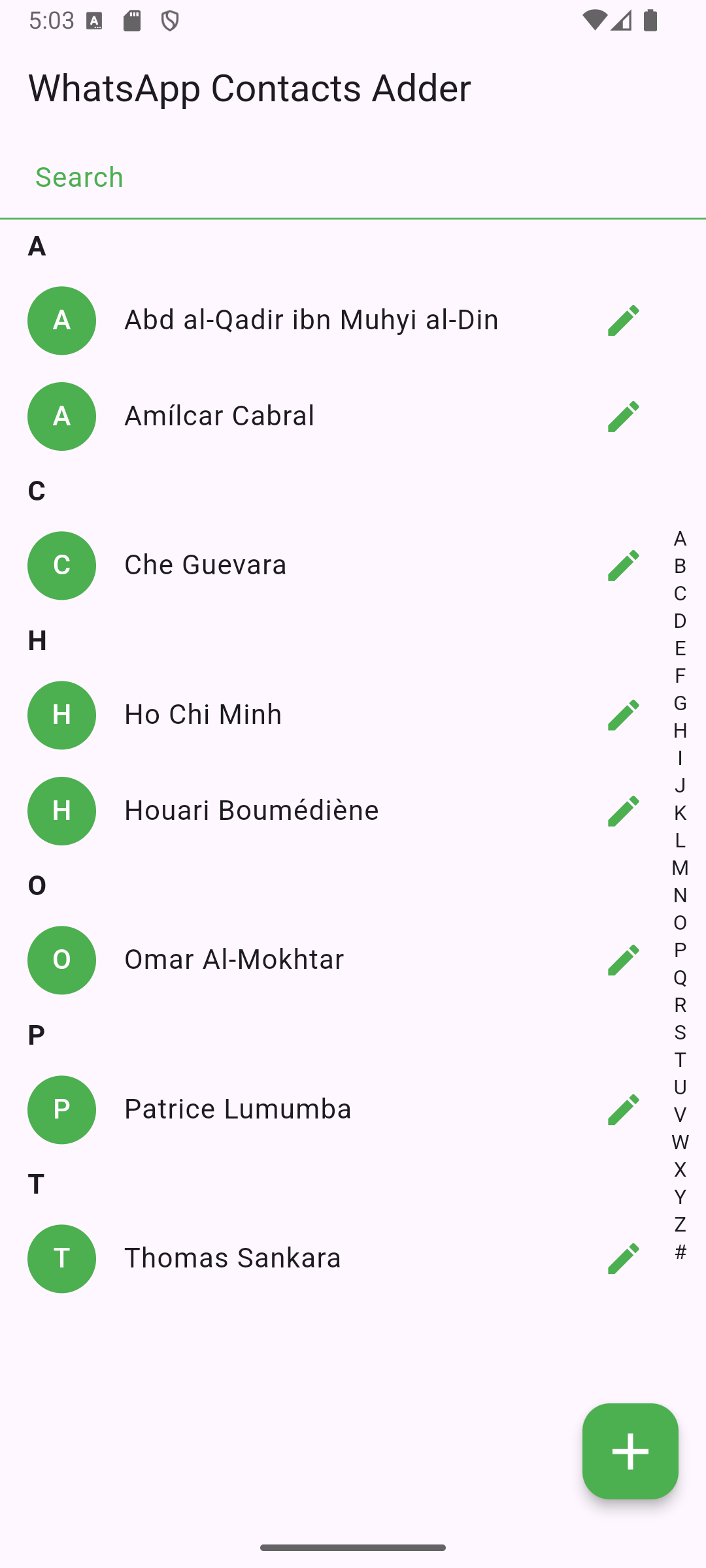
WhatsApp Contacts Adder is an Android app built with Flutter that allows users to add WhatsApp contacts, without giving WhatsApp access to their contacts.
Important: For this app to work, make sure your contacts (or the number you enter) has the country code.
Unlike other apps (e.g. Telegram), WhatsApp doesn't work properly without having access to the phone's contacts. Most functionalities work, but you practically can't add contacts.
So, for it to work, you'd have to ask people to add you.
This FOSS app basically acts as a man-in-the-middle that gets access to your contacts, and then through a simple mock API call, initiates a chat with whichever contact you prefer.
You can also start chatting with a phone number directly without adding it as a contact in your phone book!
Simply, get it on F-Droid store!

Or, to manually install the app on your Android device:
Settings > Apps & notifications > Special app access > Install unknown apps.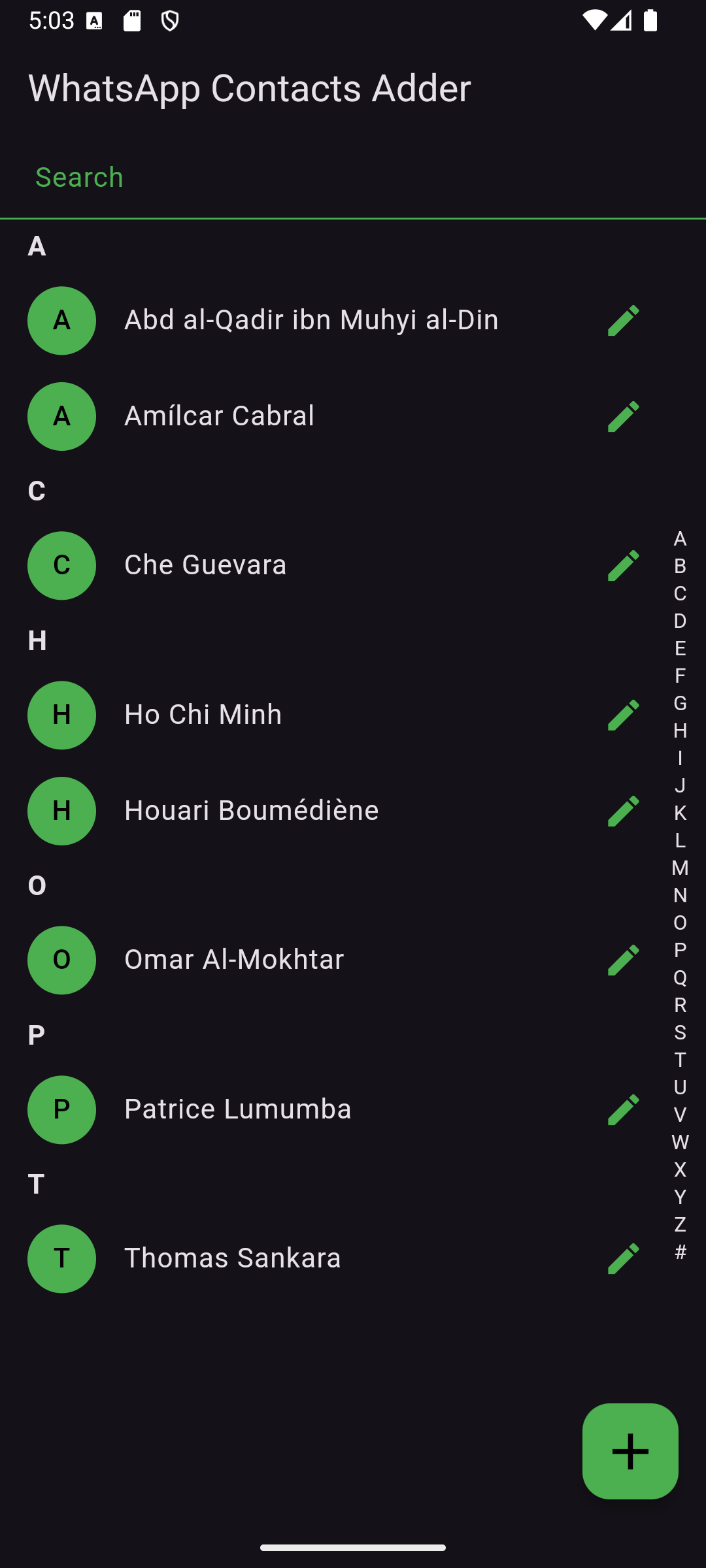


The app uses a custom icon stored in assets/. Ensure it's correctly referenced in pubspec.yaml.
This project is licensed under the GPL-3 License. See LICENSE for details.
For questions or suggestions, feel free to reach out!
Flutter 스티키 헤더 및 인덱스 ListView입니다. IndexBar. 예를 들어 도시 목록, 연락처 목록. 인덱스 및 호버 효과.
Android, iOS 및 macOS용 빠르고 완전한 연락처 관리 — 모든 필드, 그룹, 계정, vCard, 네이티브 다이얼로그, 리스너, SIM 연락처 및 번호 차단
의존성 목록 9 개
{"sdk":"flutter"}^1.0.81.1.9+26.3.1^2.0.0^0.14.3^8.1.1{"sdk":"flutter"}^5.0.0사용 목적에 따라 검색하고 개발 활동을 비교한 뒤 원본 저장소에서 요구 사항을 확인하세요.
“A repository is the most basic element of GitHub.”
GitHub Docs — About repositories ↗