
v0.2.3+4
webview_flutter_web
웹에서 WebView 위젯을 제공하는 Flutter 플러그인입니다.
133좋아요 19030일 다운로드160Pub 점수
Web
Flutter로 구현된 Flutter 전용 IDE

웹에서 WebView 위젯을 제공하는 Flutter 플러그인입니다.
 v4.0.0
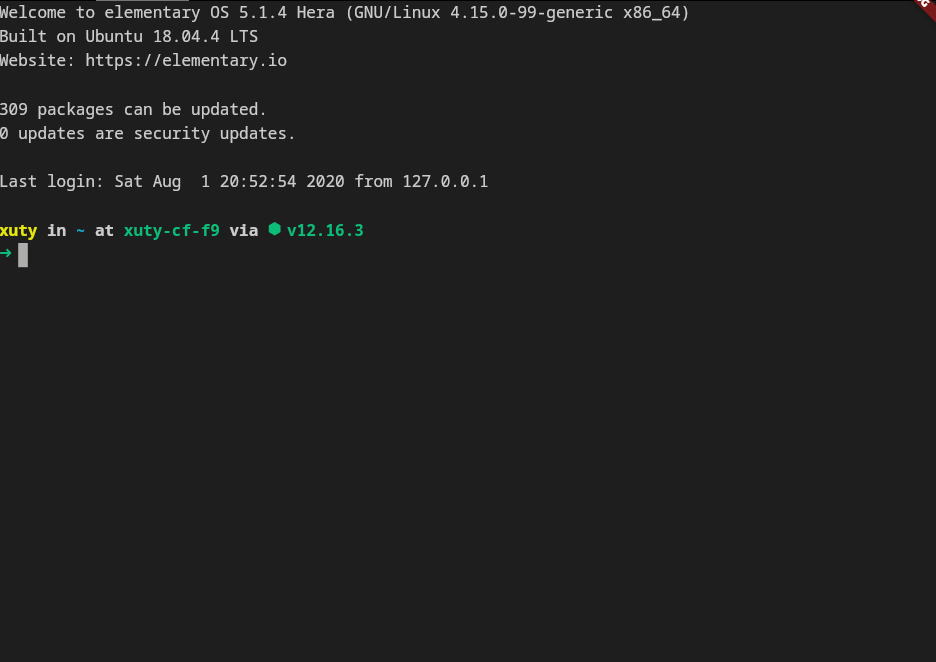
xterm.dart는 모바일 및 데스크톱 플랫폼을 지원하는 Flutter 애플리케이션용 빠르고 기능이 풍부한 터미널 에뮬레이터입니다.
JSON-RPC 2.0 사양을 사용하여 클라이언트 또는 서버를 작성하는 데 도움이 되는 유틸리티입니다.
Pub의 공개 패키지 정보와 상호 작용하기 위한 API 클라이언트입니다.
 v4.0.0
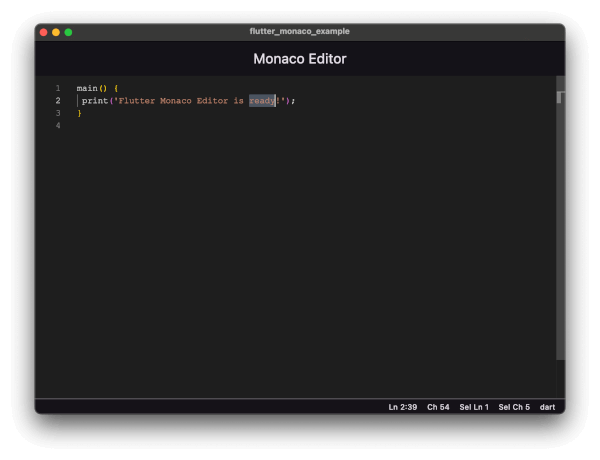
Flutter 앱에 Monaco 편집기(VS Code의 편집기)를 통합하세요. 100개 이상의 언어, 구문 강조, 테마 및 완전한 API 기능을 제공합니다.
의존성 목록 18 개
{"sdk":"flutter"}^1.0.8^1.1.1^10.3.7^1.9.1^2.1.5^4.10.0^0.2.3^4.0.0^4.0.0^0.4.0^2.5.0^1.2.0^2.2.3^1.17.0^10.12.0{"sdk":"flutter"}^6.0.0아래는 영문 원문 스냅샷입니다. 최신 내용은 GitHub에서 확인하세요.
A lightweight, cross-platform code editor built with Flutter. Features a VS Code-inspired interface with Monaco Editor integration, file tree navigation, multi-tab editing, integrated terminal, and pub.dev package search.
flutter_monaco for a rich code editing experience with syntax highlightingCmd+P to quickly search and open filesflutter pub addflutter run, flutter pub get, and other commandsrunTerminalCommand()Main IDE interface showing file explorer, code editor with main.dart open, and integrated terminal
Pub.dev package search sidebar showing popular Flutter packages
Package details view for flutter_svg with installation options and metadata
Embedded pub.dev documentation view for flutter_svg package
The editor features:
Clone the repository:
git clone <repository-url>
cd flutter_ide
Navigate to the demo project:
cd flutter_ide_demo
Install dependencies:
flutter pub get
Run the application:
# For desktop (recommended)
flutter run -d macos  # or windows, linux

# For mobile
flutter run -d <device-id>
flutter_ide_demo/
├── lib/
│   ├── main.dart                 # App entry point
│   ├── editor_screen.dart        # Main editor UI with Monaco integration
│   ├── file_tree.dart            # File explorer tree widget
│   ├── flutter_sidebar.dart      # Flutter project structure sidebar
│   ├── pubdev_sidebar.dart       # Pub.dev package search sidebar
│   ├── output_panel.dart         # Integrated terminal panel
│   ├── models/
│   │   └── file_system_entity.dart   # File/Directory node models
│   └── services/
│       ├── file_service.dart         # Platform-aware service factory
│       ├── file_service_interface.dart   # Abstract file service
│       ├── file_service_io.dart      # Native platform implementation
│       └── file_service_web.dart     # Web platform implementation
├── pubspec.yaml
└── test/
The app uses a platform-aware file service pattern:
FileService (interface) - Defines operations: pickDirectory, readFile, createFile, createDirectory, saveFile, deleteFile, deleteDirectory, renameFileServiceIO - Implementation for native platforms (macOS, Windows, Linux, iOS, Android)FileServiceWeb - Implementation for web browsers using File System Access APIRun terminal commands from anywhere in the app:
import 'editor_screen.dart';

// Execute any command
runTerminalCommand('flutter run');
runTerminalCommand('flutter pub get');
runTerminalCommand('dart analyze');
FileNode - Abstract base class for file system entitiesFileNodeDirectory - Represents a folder with childrenFileNodeFile - Represents a file with optional cached contentWebTab - Represents a WebView tab with title and URL| Package | Version | Purpose |
|---|---|---|
flutter_monaco |
^1.1.1 | Monaco Editor integration |
file_picker |
^10.3.7 | Native file/folder selection |
path |
^1.9.1 | Path manipulation utilities |
path_provider |
^2.1.5 | Platform-specific directories |
webview_flutter |
^4.10.0 | WebView for embedded browser |
xterm |
^4.0.0 | Terminal emulator UI |
flutter_pty |
^0.4.0 | PTY for terminal functionality |
pub_api_client |
^2.5.0 | Pub.dev API client |
http |
^1.2.0 | HTTP client |
Cmd+P to search for files by nameflutter run| Shortcut | Action |
|---|---|
| Cmd/Ctrl + P | Quick file search |
| Cmd/Ctrl + O | Open folder |
| Cmd/Ctrl + N | New file |
| Cmd/Ctrl + Click | Go to definition (placeholder) |
flutter runrunTerminalCommand() APIContributions are welcome! Please feel free to submit a Pull Request.
This project is open source and available under the MIT License.