패키지, 저장소 및 앱 카테고리 검색

xterm 표지
패키지 상세v4.0.0

xterm

xterm.dart는 모바일 및 데스크톱 플랫폼을 지원하는 Flutter 애플리케이션용 빠르고 기능이 풍부한 터미널 에뮬레이터입니다.

AndroidiOSWebmacOSWindowsLinux
30일 다운로드
24.2만
좋아요
239
Pub 점수
140

패키지 설치

flutter pub add xterm

패키지 개요

공개 정보를 바탕으로 생성한 선택 가이드입니다.

xterm.dart는 Flutter용 고성능 터미널 에뮬레이터로, 개발자가 모바일 및 데스크톱 애플리케이션에 완전한 기능을 갖춘 터미널 인터페이스를 내장할 수 있게 해줍니다. ANSI 이스케이프 시퀀스, 키보드 입력 처리, 그리고 다양한 플랫폼에서 부드러운 텍스트 렌더링을 지원합니다. CLI 도구, 개발 환경 또는 원격 셸 클라이언트에 통합하기 위해 설계되었으며, Flutter 앱 내에서 원활한 터미널 경험을 제공합니다. 이 패키지는 지속적으로 유지 관리되며 Android, iOS, Web, macOS, Windows, Linux와 호환됩니다.

사용 사례

  • 코드 편집기 앱에 터미널 삽입하기
  • 원격 SSH 클라이언트 빌드
  • 상호작용형 명령줄 도구 만들기
  • 개발자 콘솔 인터페이스 개발
  • 데스크톱 앱에서 터미널 기반 워크플로우 지원

주요 기능

  • 완전한 ANSI 이스케이프 시퀀스 지원
  • 크로스 플랫폼 호환성
  • 효율적인 텍스트 렌더링
  • 키보드 입력 처리
  • 사용자 정의 테마
  • 스크롤백 및 줄 바꿈

적합한 대상

  • 터미널 기반 앱을 개발하는 플러터 개발자
  • 임베디드 쉘 액세스가 필요한 도구
  • 명령줄 사용법을 가르치는 교육용 앱
  • 원격 개발 환경
  • CLI 도구 통합

고려 사항

  • 터미널 프로토콜에 대한 이해가 필요합니다
  • UI 일관성을 위해 추가 스타일링이 필요할 수 있습니다
  • 성능은 터미널 콘텐츠의 복잡성에 따라 달라집니다
  • 제한된 내장 명령 실행(외부 프로세스 필요)
  • 최적화 없이 무거운 터미널 에뮬레이션에 적합하지 않음

원본 README

연결된 소스 저장소의 README 원문 스냅샷입니다. 최신 내용은 저장소에서 확인하세요.

xterm.dart

Actions Package version GitHub repo size GitHub issues GitHub pull requests

xterm.dart is a fast and fully-featured terminal emulator for Flutter applications, with support for mobile and desktop platforms.

This package requires Flutter version >=3.0.0

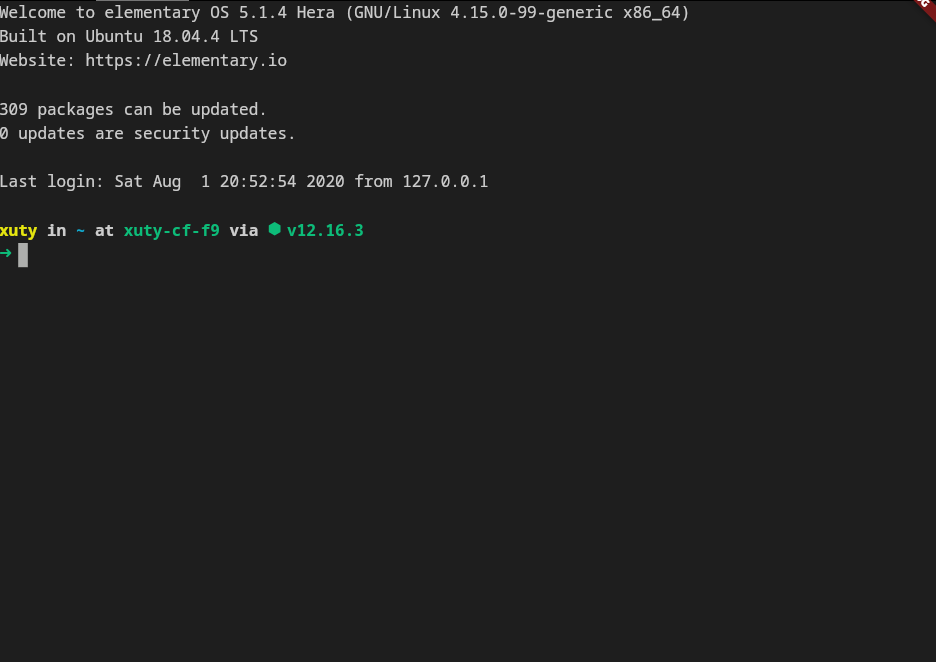
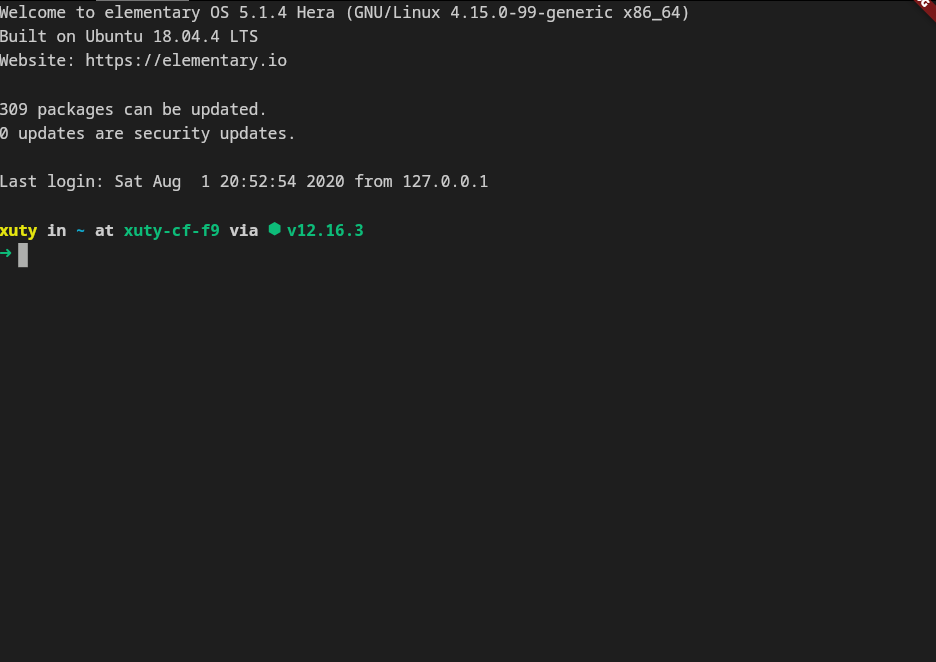
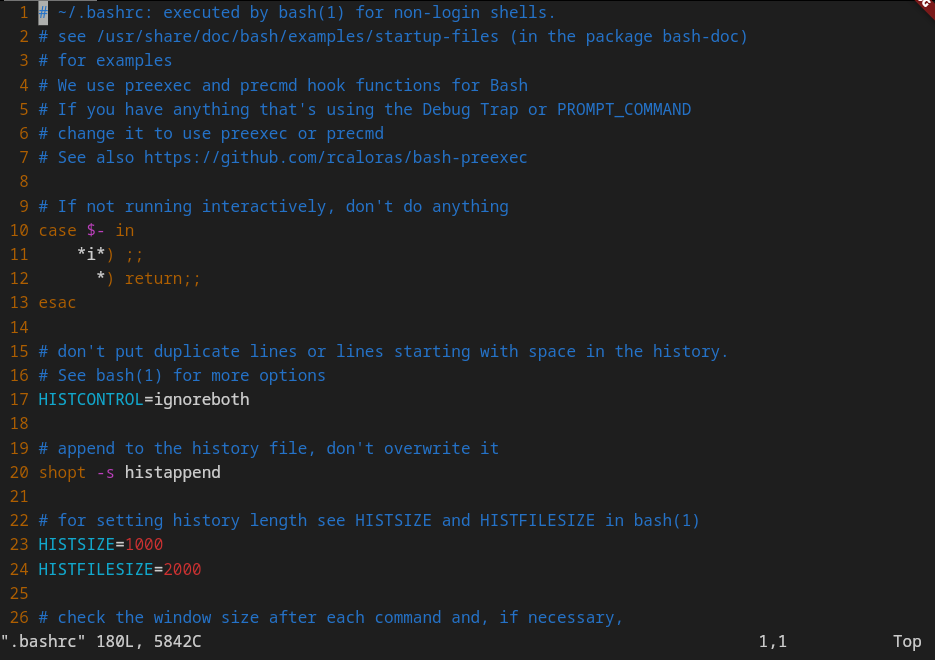
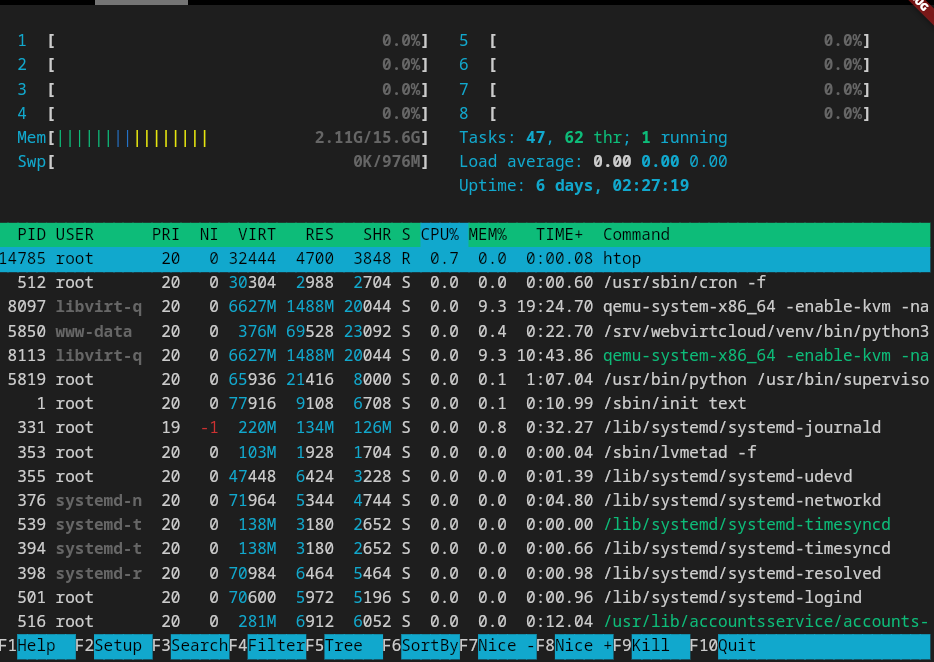
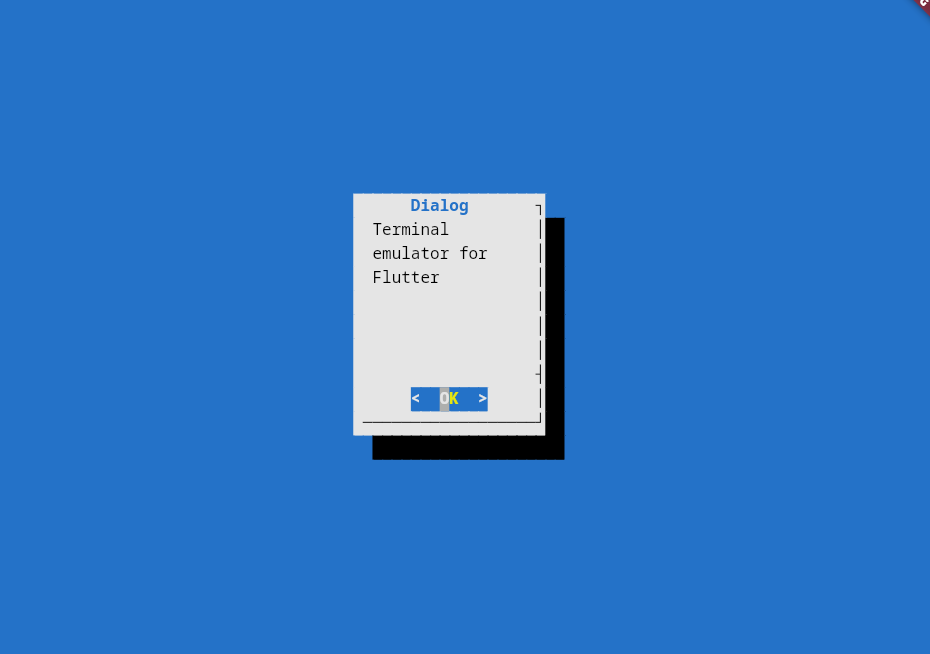
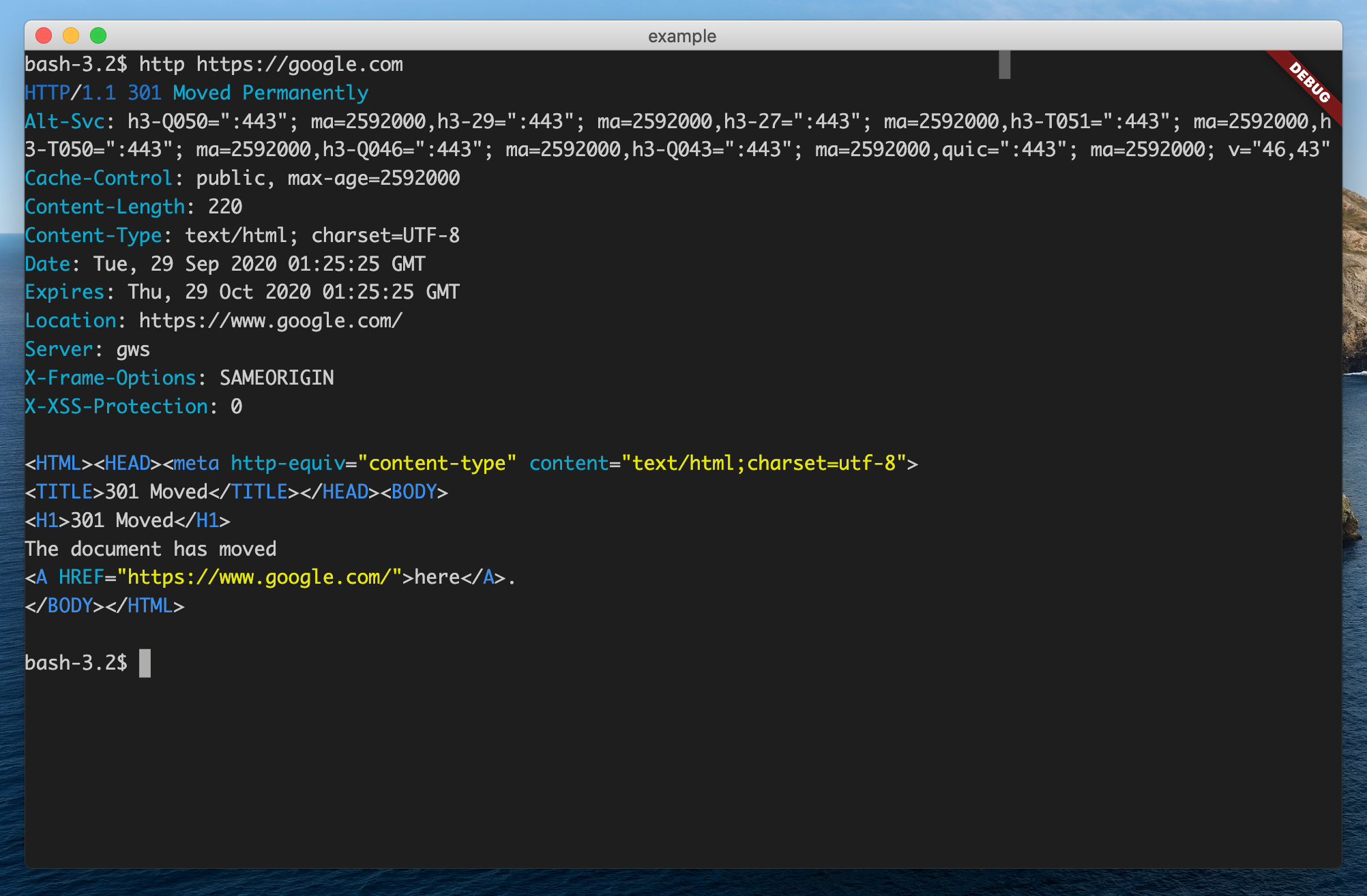
Screenshots

Features

  • 📦 Works out of the box No special configuration required.
  • 🚀 Fast Renders at 60fps.
  • 😀 Wide character support Supports CJK and emojis.
  • ✂️ Customizable
  • ✔ Frontend independent: The terminal core can work without flutter frontend.

What's new in 3.0.0:

  • 📱 Enhanced support for mobile platforms.
  • ⌨️ Integrates with Flutter's shortcut system.
  • 🎨 Allows changing theme at runtime.
  • 💪 Better performance. No tree rebuilds anymore.
  • 🈂️ Works with IMEs.

Getting Started

1. Add this to your package's pubspec.yaml file:

dependencies:
  ...
  xterm: ^3.2.6

2. Create the terminal:

import 'package:xterm/xterm.dart';
...
terminal = Terminal();

Listen to user interaction with the terminal by simply adding a onOutput callback:

terminal = Terminal();

terminal.onOutput = (output) {
  print('output: $output');
}

3. Create the view, attach the terminal to the view:

import 'package:xterm/flutter.dart';
...
child: TerminalView(terminal),

4. Write something to the terminal:

terminal.write('Hello, world!');

Done!

More examples

  • Write a simple terminal in ~100 lines of code: https://github.com/TerminalStudio/xterm.dart/blob/master/example/lib/main.dart

  • Write a SSH client in ~100 lines of code with dartssh2: https://github.com/TerminalStudio/xterm.dart/blob/master/example/lib/ssh.dart

For a complete project built with xterm.dart, check out TerminalStudio.

Features and bugs

Please file feature requests and bugs at the issue tracker.

Contributions are always welcome!

License

This project is licensed under an MIT license.

카테고리

의존성

의존성 목록 5 개

소스 저장소

이 패키지를 사용하는 프로젝트