
v6.1.0
android_intent_plus
Android Intents를 시작하기 위한 Flutter 플러그인입니다. iOS에서는 지원되지 않습니다.
495좋아요 45.8만30일 다운로드150Pub 점수
Android
안드로이드용 최소 및 강력한 IDE/코드 편집기

Android Intents를 시작하기 위한 Flutter 플러그인입니다. iOS에서는 지원되지 않습니다.
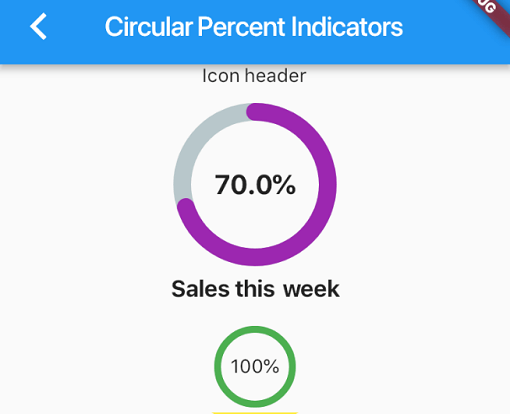 v4.2.5
백분율 기반으로 진행률 위젯을 표시할 수 있는 라이브러리로, 원형 또는 선형으로 사용할 수 있으며 필요에 따라 맞춤 설정할 수 있습니다.
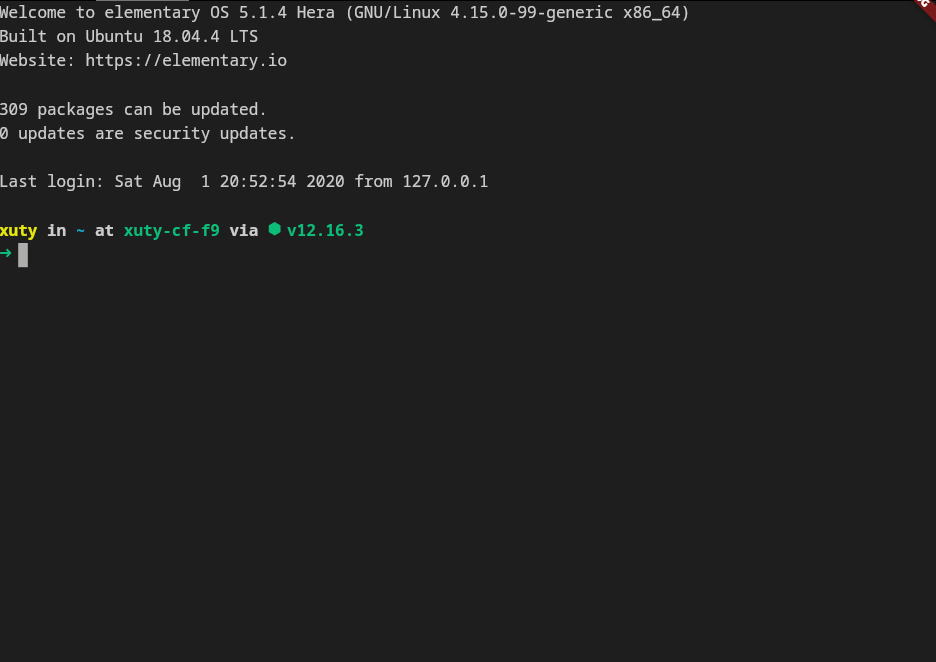 v4.0.0
xterm.dart는 모바일 및 데스크톱 플랫폼을 지원하는 Flutter 애플리케이션용 빠르고 기능이 풍부한 터미널 에뮬레이터입니다.
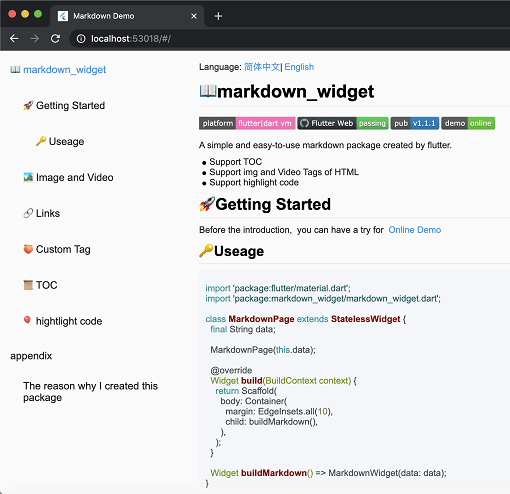 v2.3.2+8
새로운 마크다운 패키지입니다. 목차(TOC) 기능, 코드 강조 표시를 지원하며 모든 플랫폼을 지원합니다.
2D 및 3D 애플리케이션용 벡터 수학 라이브러리입니다.
안드로이드 및 iOS에서 PDFView 위젯을 제공하는 플러터 플러그인입니다.
AI 완성, LSP 지원, 구문 강조 및 고급 편집 기능을 갖춘 정교한 코드 에디터 패키지입니다.
Dart로 작성된 포터블 마크다운 라이브러리로, 마크다운을 HTML로 변환할 수 있습니다.
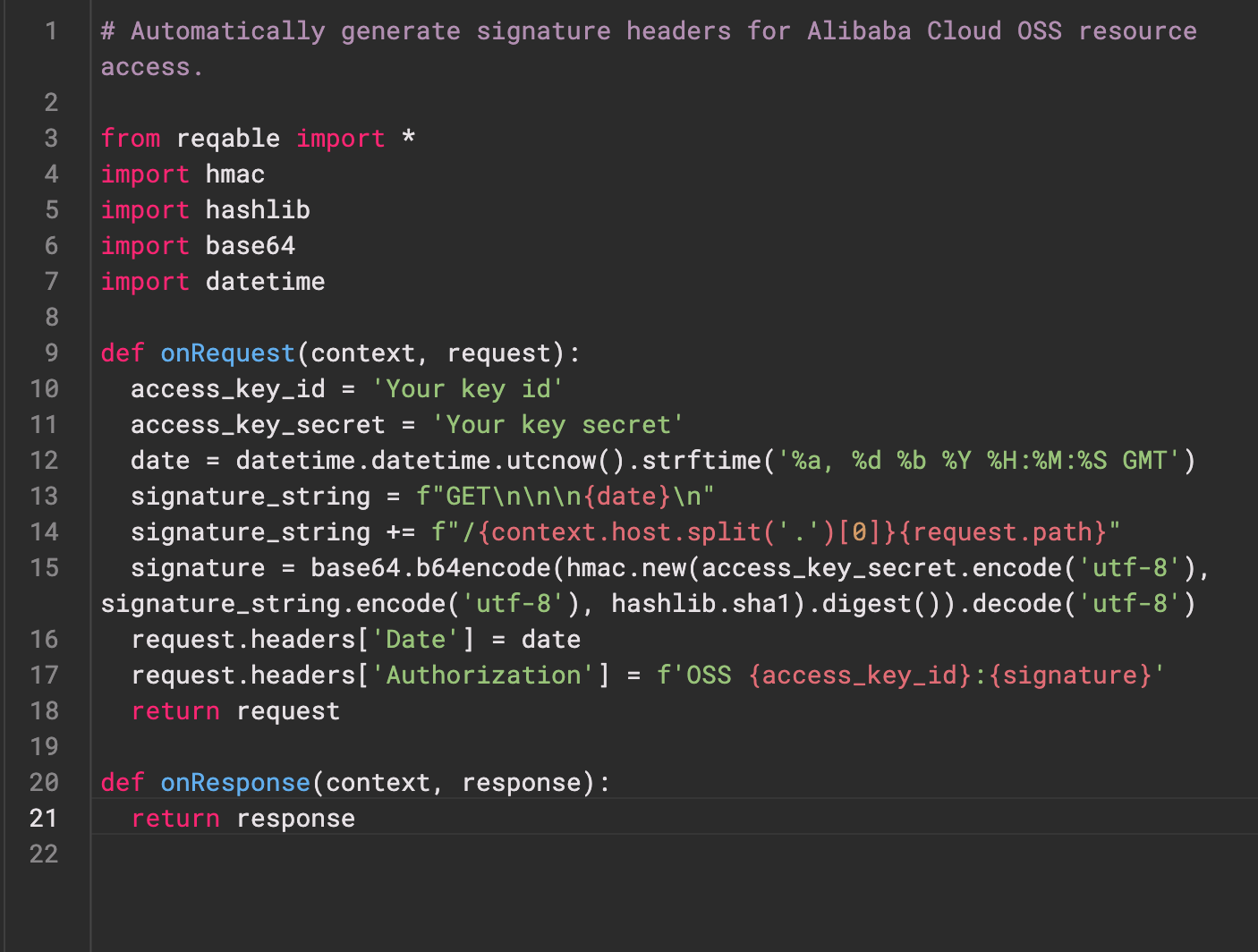 v0.0.3
Re-Highlight는 강력한 텍스트 구문 강조 라이브러리입니다.
 v0.3.2
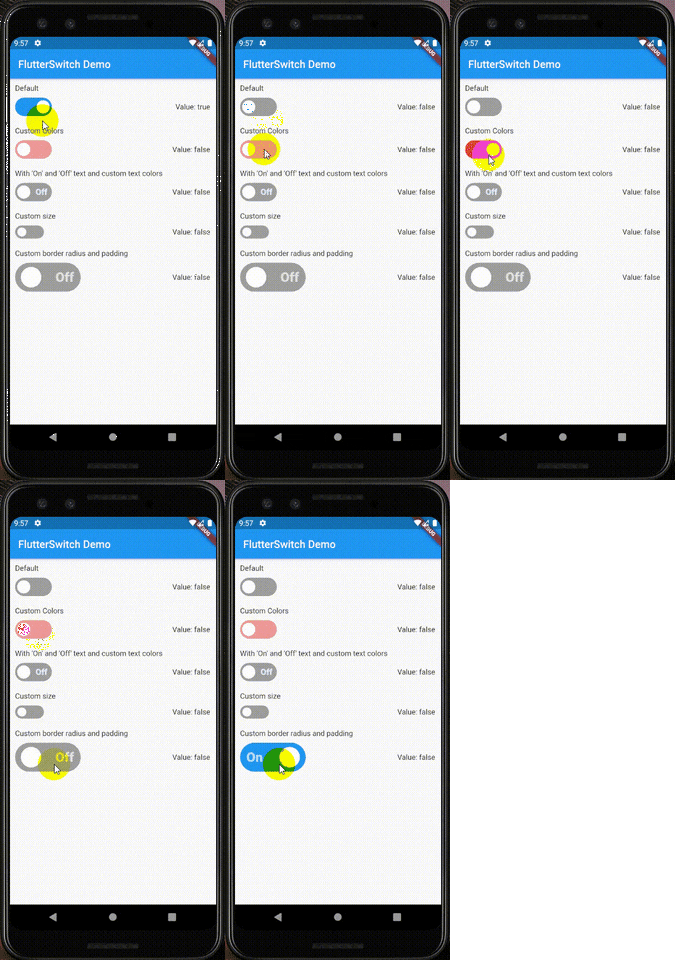
사용자 정의 높이와 너비, 테두리, 테두리 반지름, 색상, 전환 크기, 전환 내부의 사용자 지정 텍스트 및 아이콘을 가질 수 있는 사용자 지정 스위치 위젯입니다.
웹 서비스와 사용자 인증을 위한 Flutter 플러그인입니다.
Android, iOS 및 macOS에서 ZIP 아카이브 파일을 만들고 추출합니다. 디렉터리 내의 모든 파일을 재귀적으로 또는 지정된 파일 목록을 ZIP으로 압축합니다.
의존성 목록 39 개
^6.0.0^9.2.1^10.14.0^2.9.0^4.1.0^0.4.1^2.1.0^12.2.0{"sdk":"flutter"}^6.3.1^9.1.1^1.1.0^2.1.1{"git":{"url":"https://github.com/pichillilorenzo/flutter_inappwebview.git","ref":"master","path":"flutter_inappwebview"}}^0.2.0^0.14.4{"sdk":"flutter"}^0.20.2^1.4.5^0.4.1^11.1.0^2.3.0^5.1.0^11.0.0^0.15.6^1.2.2{"git":"https://github.com/heckmon/Llama-Flutter.git"}^7.3.1^2.3.2+8^1.17.0^1.9.0^4.2.5^0.0.3^2.5.5^6.3.2^2.2.0^4.0.0^6.0.0{"sdk":"flutter"}아래는 영문 원문 스냅샷입니다. 최신 내용은 GitHub에서 확인하세요.
Roxum IDE is a mobile-first code editor and mini IDE for Android, built with Flutter. It combines editing, terminal workflows, Git/GitHub tooling, AI assistance, runtime downloads, and deep customization in one app.
| https://raw.githubusercontent.com/heckmon/android-arm64-shared-libraries/refs/heads/main/scrnshots/home.jpg | https://raw.githubusercontent.com/heckmon/android-arm64-shared-libraries/refs/heads/main/scrnshots/ag.jpg | https://raw.githubusercontent.com/heckmon/android-arm64-shared-libraries/refs/heads/main/scrnshots/ag_diff.jpg | https://raw.githubusercontent.com/heckmon/android-arm64-shared-libraries/refs/heads/main/scrnshots/rt-roxum.jpg |
| https://lh3.googleusercontent.com/o8_GNH3SBQnbnrJWduWE9xbW-RF8NBO3iphBx1mEc_gVYbSkyAGZyy5zEcMTGupt_1oCQipOpZMwbjlhJgbjyEs | https://raw.githubusercontent.com/heckmon/android-arm64-shared-libraries/refs/heads/main/scrnshots/ext.jpg | https://raw.githubusercontent.com/heckmon/android-arm64-shared-libraries/refs/heads/main/scrnshots/diag.jpg | https://raw.githubusercontent.com/heckmon/android-arm64-shared-libraries/refs/heads/main/scrnshots/accnt.jpg |
| https://raw.githubusercontent.com/heckmon/android-arm64-shared-libraries/refs/heads/main/scrnshots/explorer.jpg | https://raw.githubusercontent.com/heckmon/android-arm64-shared-libraries/refs/heads/main/scrnshots/lsp.jpg | https://raw.githubusercontent.com/heckmon/android-arm64-shared-libraries/refs/heads/main/scrnshots/ai_cmpl.jpg | https://raw.githubusercontent.com/heckmon/android-arm64-shared-libraries/refs/heads/main/scrnshots/themes.jpg |
| https://raw.githubusercontent.com/heckmon/android-arm64-shared-libraries/refs/heads/main/scrnshots/git_diff.jpg | https://raw.githubusercontent.com/heckmon/android-arm64-shared-libraries/refs/heads/main/scrnshots/gguf.jpg | https://raw.githubusercontent.com/heckmon/android-arm64-shared-libraries/refs/heads/main/scrnshots/termenu.jpg | https://raw.githubusercontent.com/heckmon/android-arm64-shared-libraries/refs/heads/main/scrnshots/term.jpg |
This section is intended for users from countries like China where the Play Store isn't accessible. Otherwise, it is recommended to download the full-featured APK from the Play Store as mentioned above.
Clone this repo, then:
Make sure that git-lfs is installed in your system and accessible via the path. Don't skip this step; the compilers and interpreters are stored in the GitHub large file storage.
aab bundle.[!NOTE]
To include all compilers, interpreters and extensions in the build, we build it as a standalone
aabfile, which is bigger compared to the APK downloaded from the Play Store. The Play Store build is smaller because these external dependencies are downloaded on demand when the user requests the particular compiler/interpreter/extension.
cd android && ./gradlew :app:bundleRelease
This will generate the output file in build/app/outputs/bundle/release/app-release.aab
To install aab in your device, it needs to be converted to apk first. For that, download the latest bundletool from the official repo: https://github.com/google/bundletool/releases
Then build the APK:
java -jar path/to/bundletool.jar build-apks --bundle=your_app/build/app/outputs/bundle/release/app-release.aab --output=output.apks --mode=universal
This will generate a file called output.apks in the current directory
Make sure that you are connected to an emulator or physical device via adb.
java -jar /path/to/bundletool.jar install-apks --apks=output.apks
Special Thanks ♥️