

 v1.0.0
colorful_safe_area
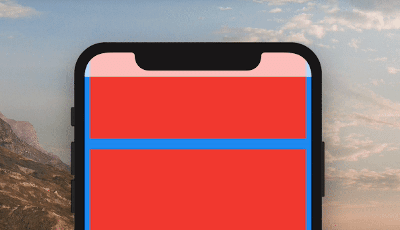
SafeArea 위젯의 더 사용자 정의 가능한 대체품입니다. 자식 요소의 색상에 영향을 주지 않고 SafeArea의 색상을 설정할 수 있습니다.
59좋아요 1만30일 다운로드150Pub 점수
AndroidiOSWebmacOSWindowsLinux
Flutter 기본 SafeArea 위젯의 대체품

아래는 영문 원문 스냅샷입니다. 최신 내용은 GitHub에서 확인하세요.

A more customizable replacement for the SafeArea widget. It lets you set the color of your SafeArea without affecting the color of its child.
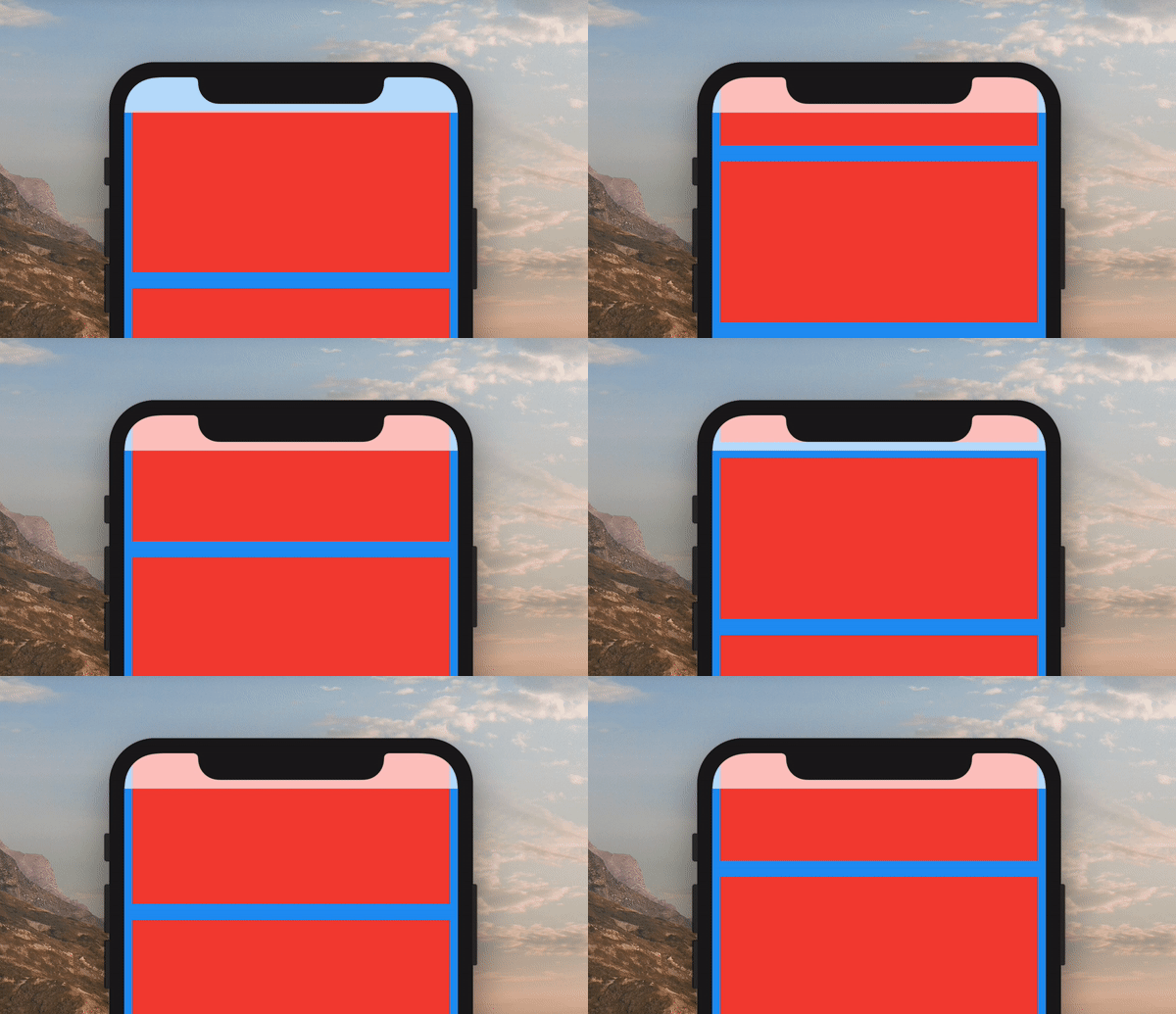
Use it just like a regular SafeArea widget.
Scaffold(
    body: ColorfulSafeArea(
        child: SomeWidget(),
    ),
);
The color of ColorfulSafeArea widgets are transparent by default. To change their color, set the color property.
Scaffold(
    body: ColorfulSafeArea(
        color: Colors.red,
        child: SomeWidget(),
    ),
);
You can use any color that has transparency
Scaffold(
    body: ColorfulSafeArea(
        color: Colors.red.withOpacity(0.7),
        child: SomeWidget(),
    ),
);
If you are using a transparent color and want the child of the ColorfulSafeArea to appear behind it, you can set overflowRules to define how the ColorfulSafeArea's child should appear. The default value is OverflowRules.all(false). The OverflowRules class works much like EdgeInsets.
// allows the child to overflow behind all sides
overflowRules: OverflowRules.all(true)

// allows the child to overflow only on the left and bottom sides
overflowRules: OverflowRules.only(left: true, bottom: true)

// allows the child to overflow on the top and bottom
overflowRules: OverflowRules.symmetric(vertical: true)
If you want to apply a blur effect to the ColorfulSafeArea, you can apply a filter.
Scaffold(
    body: ColorfulSafeArea(
        overflowRules: OverflowRules.all(true),
        filter: ImageFilter.blur(sigmaX: 10, sigmaY: 10),
        child: SomeWidget(),
    ),
);
When you set overflowRules and would like for the parts of the child that have overflowed to be interactable behind the ColorfulSafeArea, you can set overflowTappable to true.
Scaffold(
    body: ColorfulSafeArea(
        overflowRules: OverflowRules.all(true),
        overflowTappable: true
        child: SomeWidget(),
    ),
);
의존성 목록 2 개
{"sdk":"flutter"}{"sdk":"flutter"}사용 목적에 따라 검색하고 개발 활동을 비교한 뒤 원본 저장소에서 요구 사항을 확인하세요.
“A repository is the most basic element of GitHub.”
GitHub Docs — About repositories ↗