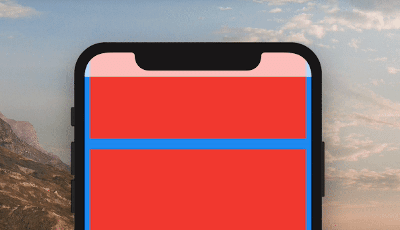
ColorfulSafeArea는 표준 SafeArea 위젯의 사용자 정의 가능한 대안으로, 자식 위젯의 외관에 영향을 주지 않고 안전 영역에 별도의 배경 색상을 설정할 수 있게 해줍니다. 패딩과 시각적 스타일에 대한 세밀한 제어를 제공하여 다양한 기기에서 정밀한 UI 레이아웃이 필요한 앱에 적합합니다. 이 패키지는 모든 주요 플랫폼을 지원하며 Flutter의 렌더링 파이프라인과 원활하게 통합됩니다.
사용 사례
안전 영역 배경 사용자 정의
시각적으로 구분되는 네비게이션 바 만들기
몰입형 전체 화면 경험 설계
플랫폼별 패딩 조정 구현
디바이스 간 UI 일관성 향상
주요 기능
안전 영역에 대한 별도 색상 제어
자식 위젯 스타일에 영향 없음
크로스 플랫폼 지원
기존 코드와의 간단한 통합
유연한 패딩 구성
적합한 대상
시각적 정밀도를 추구하는 UI 디자이너
반응형 레이아웃을 구축하는 개발자
복잡한 탭바를 가진 앱
일관된 에지 패딩이 필요한 프로젝트
다중 플랫폼을 대상으로 하는 팀
고려 사항
에지 케이스에 대한 추가 테스트가 필요할 수 있습니다
중첩된 안전 영역 시나리오에 적합하지 않습니다
배경색 사용자 정의에 제한됨
SafeArea의 핵심 기능을 대체하지 않습니다
배경 색상을 별도로 제어해야 할 때 가장 효과적입니다
원본 README
연결된 소스 저장소의 README 원문 스냅샷입니다. 최신 내용은 저장소에서 확인하세요.
ColorfulSafeArea
A more customizable replacement for the SafeArea widget. It lets you set the color of your SafeArea without affecting the color of its child.
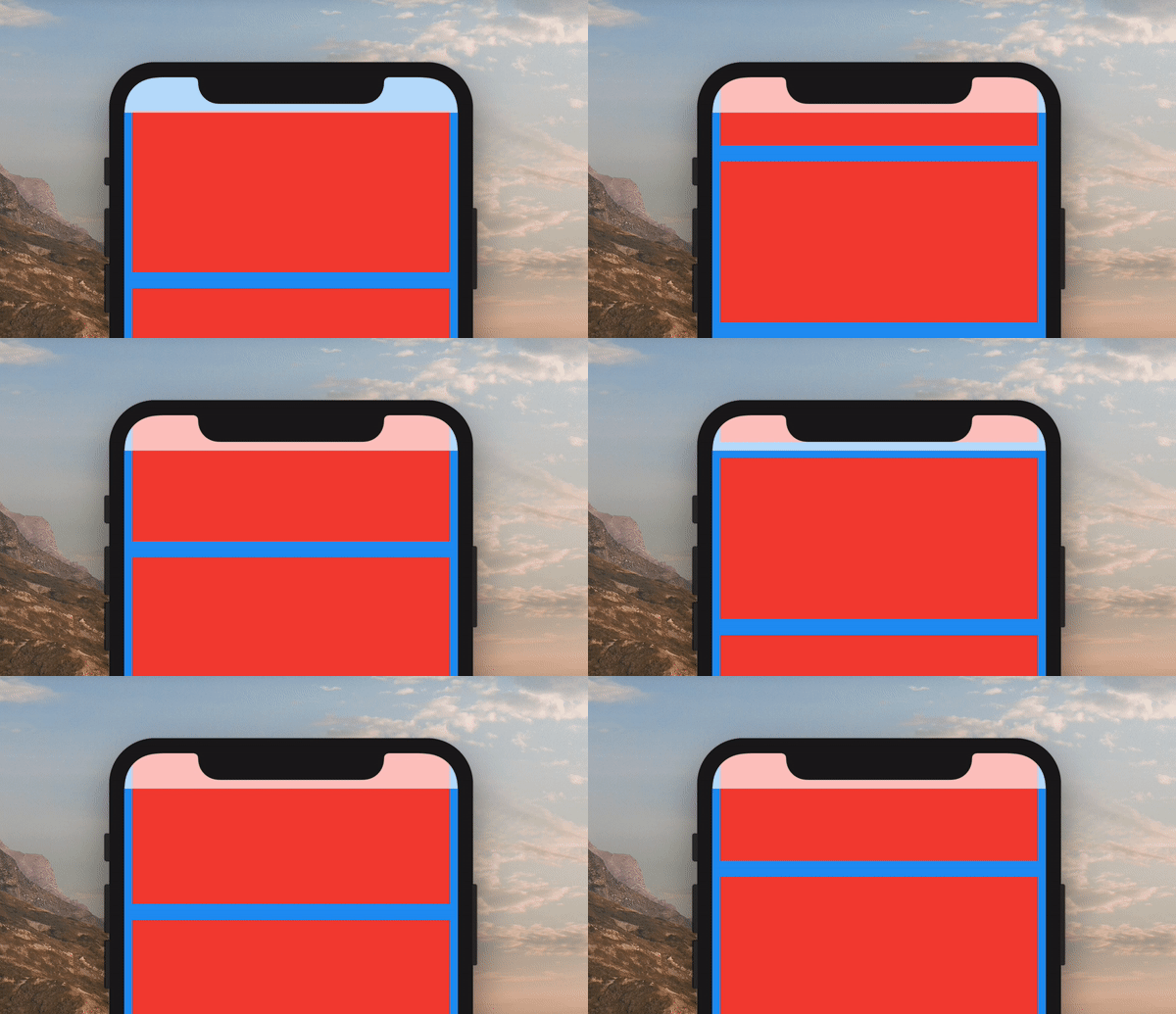
If you are using a transparent color and want the child of the ColorfulSafeArea to appear behind it, you can set overflowRules to define how the ColorfulSafeArea's child should appear. The default value is OverflowRules.all(false). The OverflowRules class works much like EdgeInsets.
// allows the child to overflow behind all sides
overflowRules: OverflowRules.all(true)

// allows the child to overflow only on the left and bottom sides
overflowRules: OverflowRules.only(left: true, bottom: true)

// allows the child to overflow on the top and bottom
overflowRules: OverflowRules.symmetric(vertical: true)
Blurring Overflow Area
If you want to apply a blur effect to the ColorfulSafeArea, you can apply a filter.
When you set overflowRules and would like for the parts of the child that have overflowed to be interactable behind the ColorfulSafeArea, you can set overflowTappable to true.