

 v1.2.1
cool_stepper
CoolStepper는 단계별 작업 시퀀스를 표시하는 위젯입니다. 폼 마법사나 온보딩에 유용할 수 있습니다.
147좋아요 1.3천30일 다운로드130Pub 점수
AndroidiOSWebmacOSWindowsLinux
emrade/flutter-cool-stepper open-source repository details.

아래는 영문 원문 스냅샷입니다. 최신 내용은 GitHub에서 확인하세요.
CoolStepper is a widget that displays a step by step sequence of operations. it could be helpful for a form wizard or onboarding.
To use this package, add cool_stepper as a dependency in your pubspec.yaml file. And add this import to your file.
import 'package:cool_stepper/cool_stepper.dart';
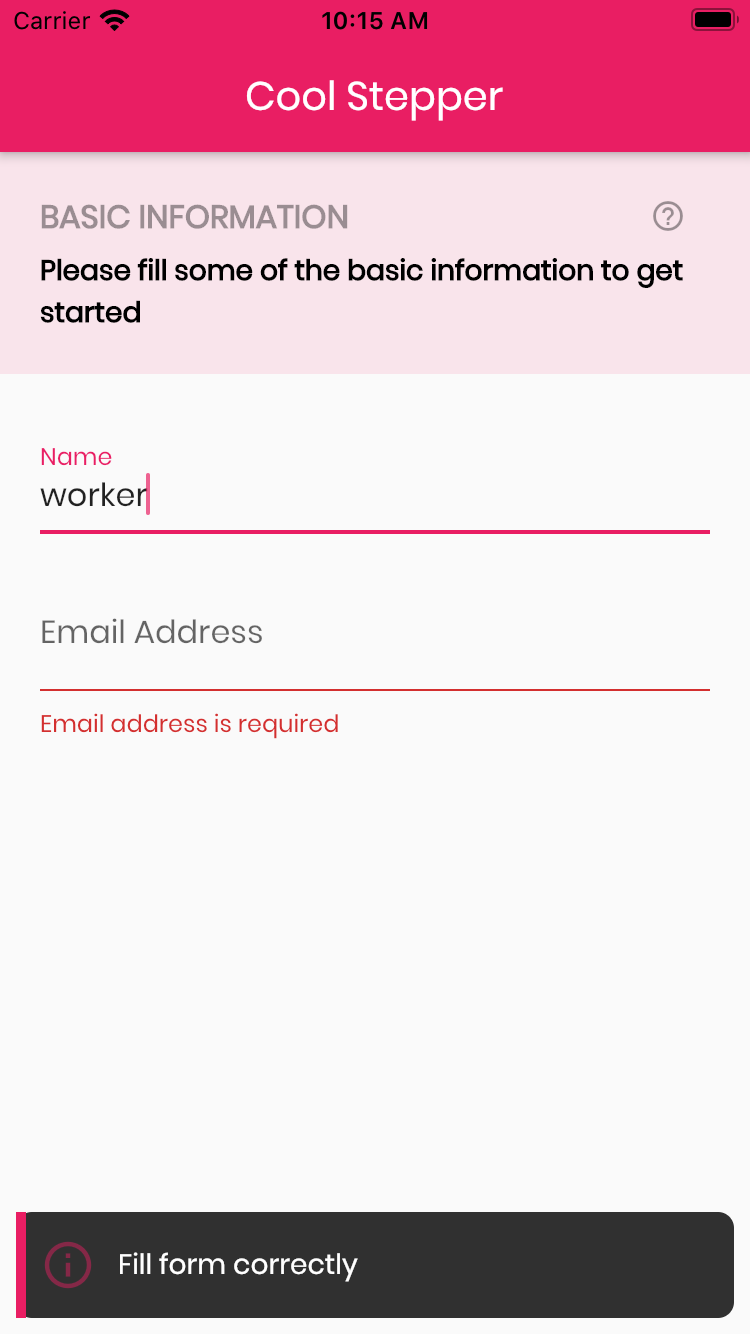

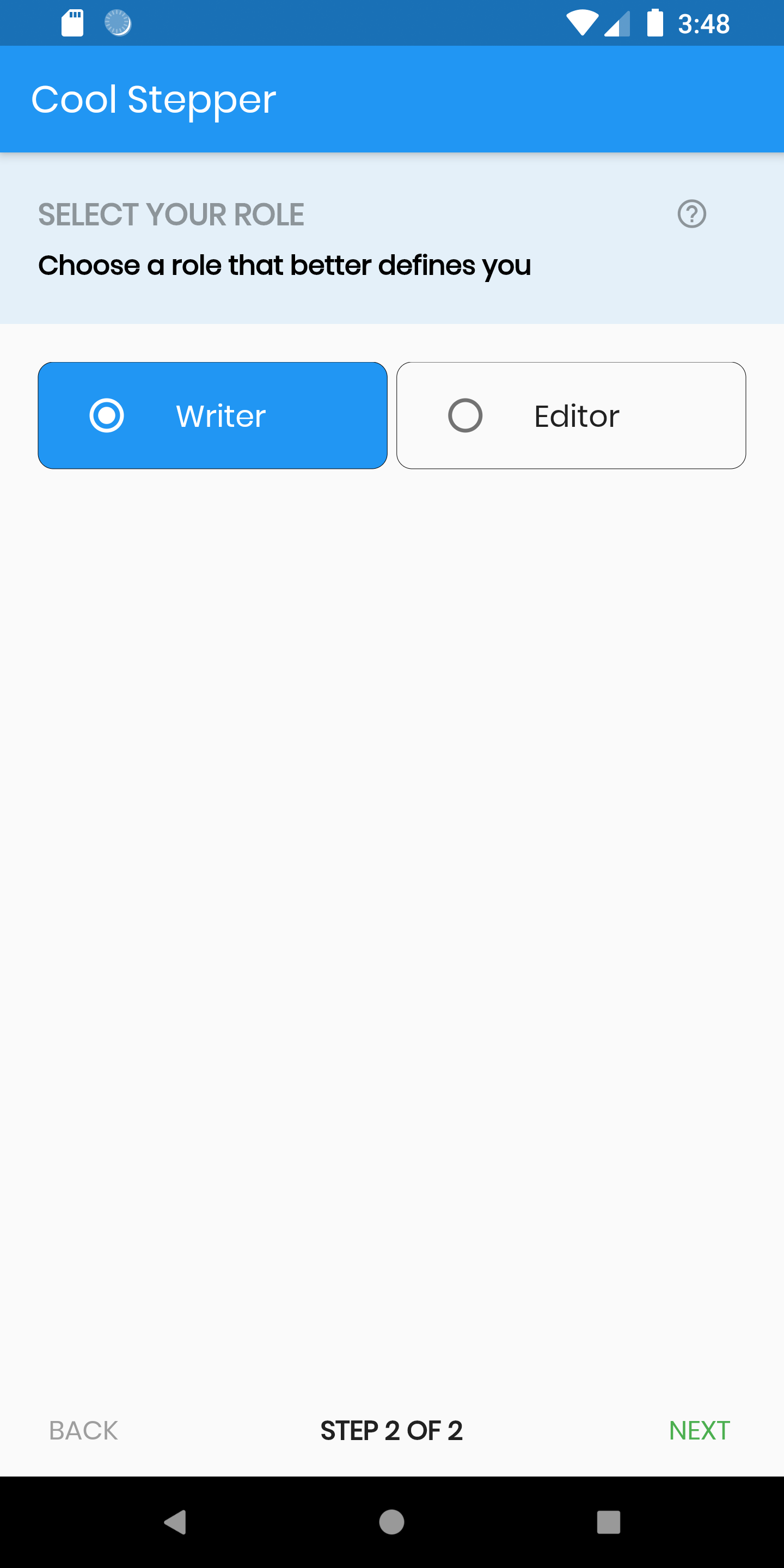
CoolStepper(
   onCompleted: () {},
   steps: List<CoolStep>[
       CoolStep(
        title: "Basic Information",
        subtitle: "Please fill some of the basic information to get started",
        content: Container()
       ),
   ],
);
For each step, return a null, if you want the validation to pass or a String message which would be displayed if you set the showErrorSnackbar attribute to true.
validation: () {
          if (!_formKey.currentState!.validate()) {
            return 'Fill form correctly';
          }
          return null;
        },
| Attribute | Data type | Description | Default Value |
|---|---|---|---|
| onCompleted | Void Function() | @required - A function that is triggers when all steps have been completed | Null |
| steps | List | @required | Null |
| config | CoolStepperConfig | Helps to customize your stepper | CoolStepperConfig(backText: "BACK", nextText: "NEXT", stepText: "STEP", ofText: "OF") |
| showErrorSnackbar | boolean | Shows a snakbar at the bottom of the page when a step validation fails if set to true | false |
| Attribute | Data type | Description | Default Value |
|---|---|---|---|
| backText | String | The text that should be displayed for the back button | BACK |
| nextText | String | The text that should be displayed for the next button | NEXT |
| finalText | String | The text that should be displayed for the next button on the final step | FINISH |
| stepText | String | The text that describes the progress | STEP |
| ofText | String | The text that describes the progress | OF |
| headerColor | Color | This is the background color of the header | Theme.of(context).primaryColor.withOpacity(0.1) |
| iconColor | Color | This is the color of the icon | Color.black38 |
| icon | Icon | This icon replaces the default icon | Icon(Icons.help_outline,size: 18,Colors.black38) |
| titleTextStyle | TextStyle | This is the textStyle for the title text | TextStyle(fontSize: 16.0,fontWeight: FontWeight.bold,color: Colors.black38) |
| subtitleTextStyle | TextStyle | This is the textStyle for the subtitle text | TextStyle(fontSize: 14.0,fontWeight: FontWeight.w600,color: Colors.black) |
| backTextList | List | A List of string that when supplied will override 'backText'. Must be one less than the number of steps since for the first step, the backText won't be visible | null |
| nextTextList | List | A List of string that when supplied will override 'nextText'Must be one less than the number of steps since the 'finalText' attribute is able to set the value for the final step's next button | null |
의존성 목록 4 개
^1.12.29{"sdk":"flutter"}^2.0.0{"sdk":"flutter"}사용 목적에 따라 검색하고 개발 활동을 비교한 뒤 원본 저장소에서 요구 사항을 확인하세요.
“A repository is the most basic element of GitHub.”
GitHub Docs — About repositories ↗