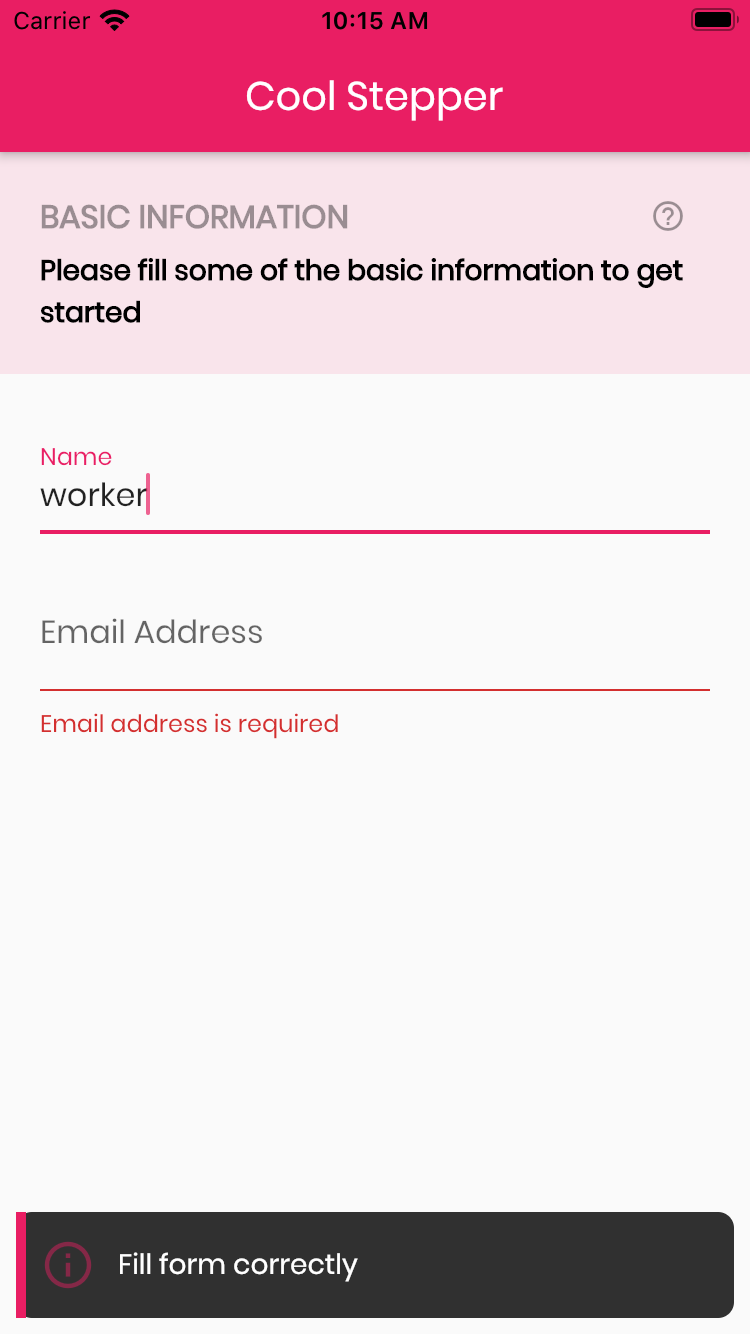
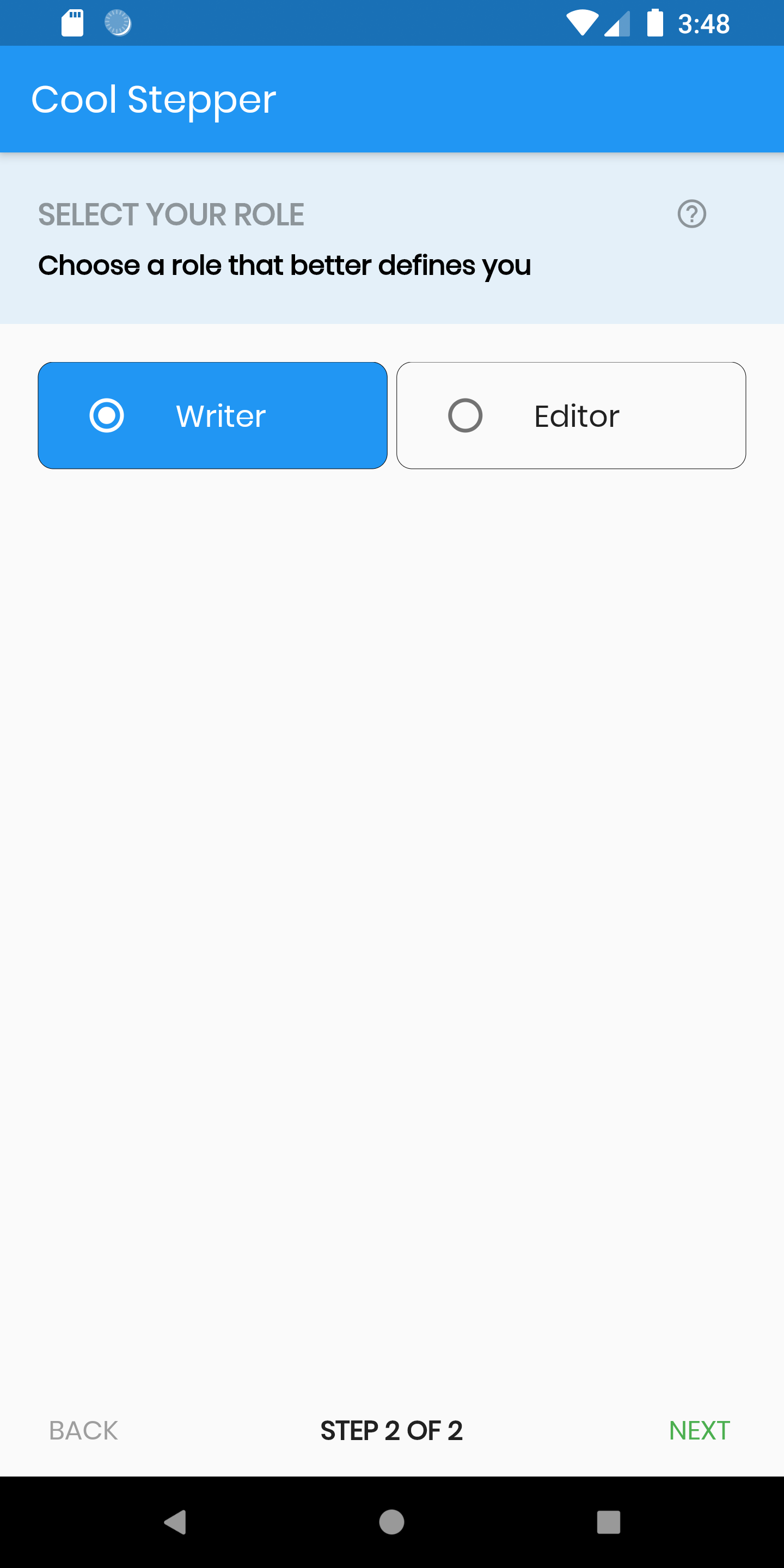
CoolStepper는 폼 마법사나 온보딩 흐름과 같은 순차적 프로세스를 사용자에게 안내하도록 설계된 사용자 정의 가능한 Flutter 위젯입니다. 명확하고 상호작용 가능한 방식으로 단계를 시각적으로 표현하며, 단계 간 부드러운 전환을 지원합니다. Android, iOS, Web, macOS, Windows, Linux 등 모든 주요 플랫폼에서 지원되어 일관된 사용자 경험을 보장합니다. 가볍고 쉽게 통합할 수 있어 단계별 탐색이 필요한 애플리케이션에 적합합니다.
사용 사례
온보딩 튜토리얼
다단계 폼
결제 프로세스
안내형 설정 워즈드
사용자 등록 흐름
주요 기능
사용자 정의 가능한 단계 표시기
부드러운 전환 애니메이션
크로스 플랫폼 호환성
기존 UI와의 간편한 통합
수평 및 수직 레이아웃을 지원합니다
사용자 정의 가능한 활성/비활성 상태
적합한 대상
가이드된 워크플로를 구축하는 개발자
직관적인 탐색이 필요한 앱
현대적인 스텝퍼 컴포넌트를 찾는 디자이너
최소한의 뼈대 코드가 필요한 프로젝트
다중 플랫폼을 대상으로 하는 팀
고려 사항
제한된 내장 검증 로직
수동 상태 관리가 필요합니다
복잡한 디자인의 경우 맞춤 스타일링이 필요할 수 있습니다
매우 큰 스텝 수에 최적화되지 않음
고급 기능을 위해 외부 종속성에 의존합니다
원본 README
연결된 소스 저장소의 README 원문 스냅샷입니다. 최신 내용은 저장소에서 확인하세요.
cool_stepper
CoolStepper is a widget that displays a step by step sequence of operations. it could be helpful for a form wizard or onboarding.
Usage
To use this package, add cool_stepper as a dependency in your pubspec.yaml file.
And add this import to your file.
import 'package:cool_stepper/cool_stepper.dart';
Screenshots
Example
CoolStepper(
   onCompleted: () {},
   steps: List<CoolStep>[
       CoolStep(
        title: "Basic Information",
        subtitle: "Please fill some of the basic information to get started",
        content: Container()
       ),
   ],
);
For each step, return a null, if you want the validation to pass or a String message which would be displayed if you set the showErrorSnackbar attribute to true.
validation: () {
if (!_formKey.currentState!.validate()) {
return'Fill form correctly';
}
returnnull;
},
CoolStepper Class
Attribute
Data type
Description
Default Value
onCompleted
Void Function()
@required - A function that is triggers when all steps have been completed
A List of string that when supplied will override 'backText'. Must be one less than the number of steps since for the first step, the backText won't be visible
null
nextTextList
List
A List of string that when supplied will override 'nextText'Must be one less than the number of steps since the 'finalText' attribute is able to set the value for the final step's next button