

 v1.0.5
flutter_dialpad
어떤 Flutter 애플리케이션에도 추가할 수 있는 전화 다이얼러 위젯으로, 번호를 걸 수 있는 기능을 제공합니다. 이 기능은 VoIP 애플리케이션과 결합하여 통화를 할 수 있도록 할 수 있습니다.
37좋아요 21830일 다운로드125Pub 점수
AndroidiOSWeb
귀하의 플러터 애플리케이션을 위한 전화 다이얼패드

아래는 영문 원문 스냅샷입니다. 최신 내용은 GitHub에서 확인하세요.
A phone dialer widget that can be added to any Flutter Application to enable the ability to dial a number. This could be combined with a VoIP application to enable placing calls.
This is a purely Dart widget with no dependency on Android or iOS except for the flutter_dtmf package it uses for DTMF tone generation on pressing a button. You can turn it off by setting enableDtmf: false
@override
  Widget build(BuildContext context) {
    return Scaffold(
      backgroundColor: Colors.black,
      body: SafeArea(
        child:
            DialPad(
                // temporarily disabled
                // enableDtmf: true,
                outputMask: "(000) 000-0000",
                backspaceButtonIconColor: Colors.red,
                makeCall: (number){
                    print(number);
                }
            )
        ),
    );
  }
Support has been added for custom UIs, using Dialpad.ios for iOS style keypad or DialPad.metro metro theme. Additional customization is available with many different options.
A few considerations:
ScalingTypeDialPad supports dynamic scaling of UI. Using either a ScalingType.fixed approach will use preset text & icon sizes. If you are using flutter_web_frame with some window constraints, you may wish to use ScalingType.height. For most cases ScalingType.min should suffice.
ScalingSizeScaling Size provides an easy way to specify the scalar multiplier for the scaling calculation. Instead of using a predefined value of e.g. 0.001, the ScalingSize.small is now used. Customization for buttons allows making the dial button large with a small backspace button.
If you wish to add your own Scalable button, feel free to create a widget with Scalable to make use of the rescale function.
Scaled UI elements may become extremely small, using minScalingSize and maxScalingSize you can clamp the scaling to a percentage of the original size. This is useful for ensuring the UI is still usable.
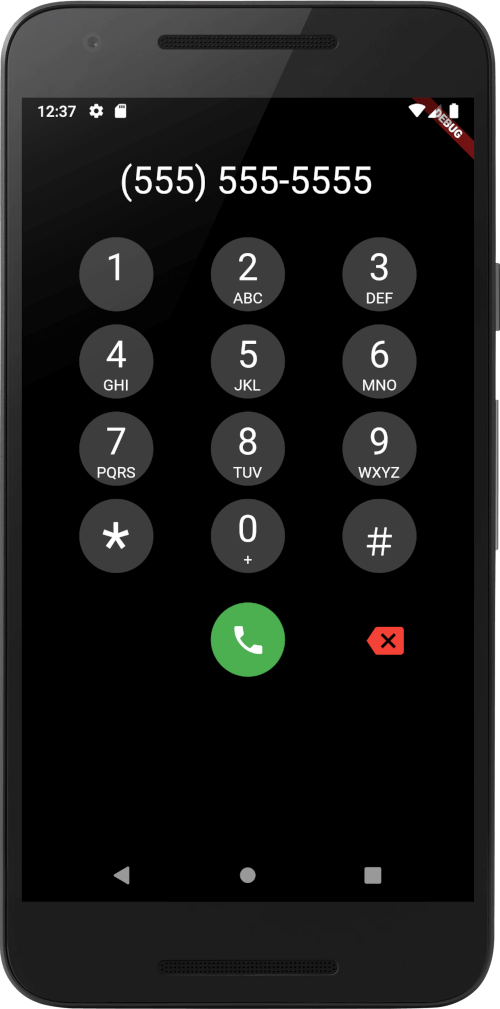
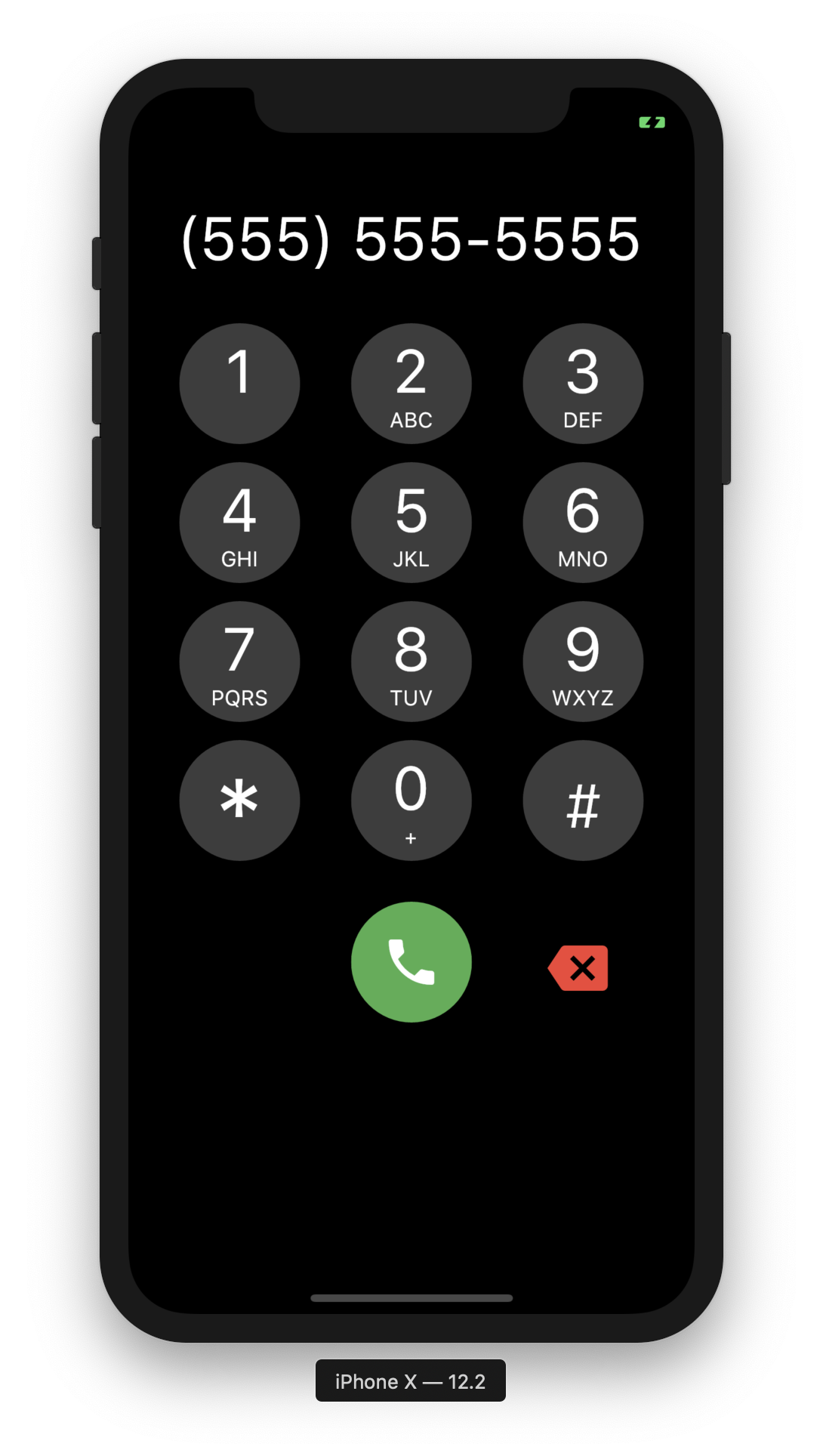 |
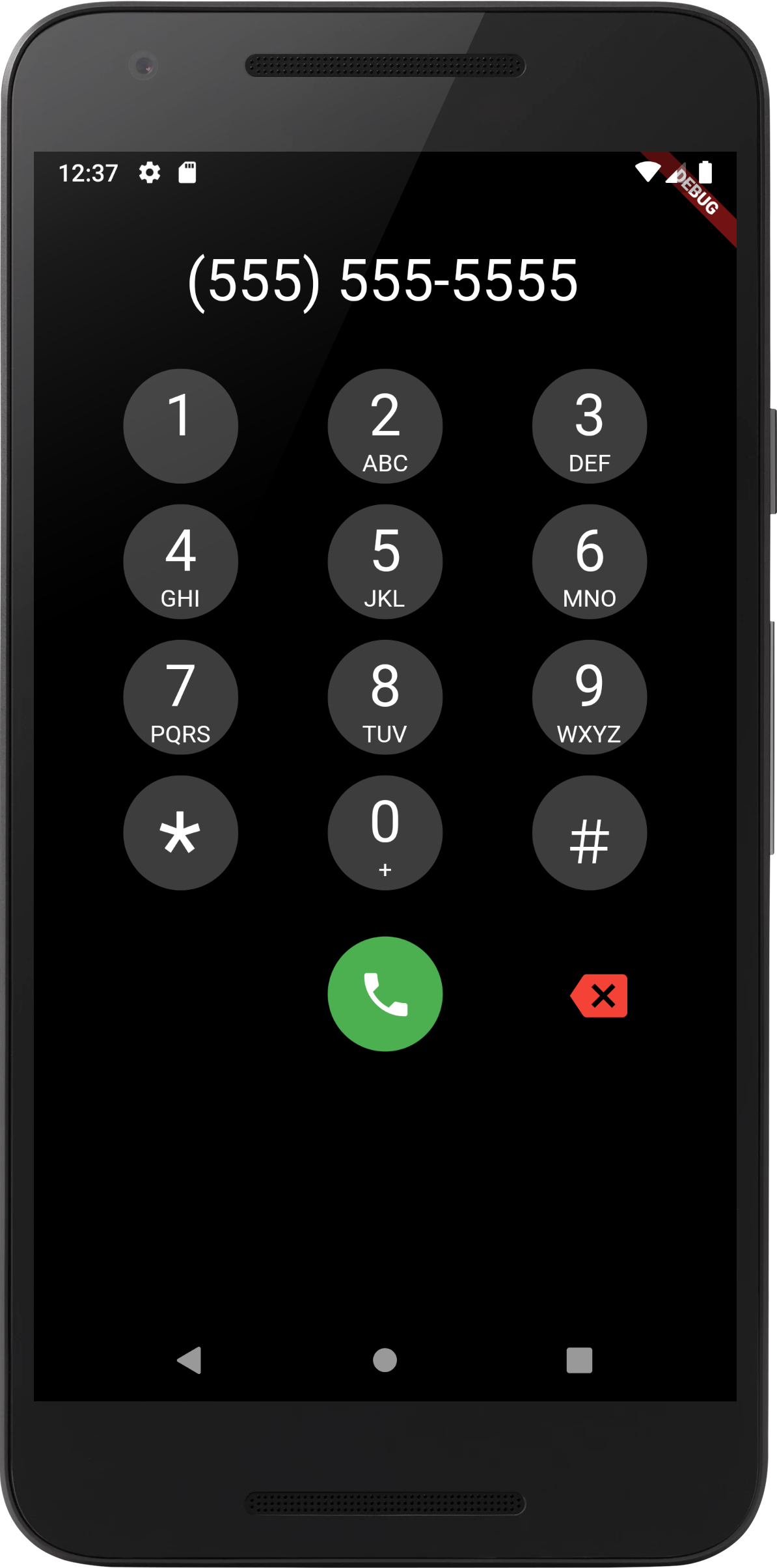 |
|---|---|
| iOS Screenshot | Android Screenshot |
[Done] Add DTMF Tones
의존성 목록 4 개
{"sdk":"flutter"}^3.0.0{"git":{"url":"https://github.com/cybex-dev/flutter_masked_text","ref":"156f63b77d23148d9f1544230e3201ab6172f470"}}{"sdk":"flutter"}사용 목적에 따라 검색하고 개발 활동을 비교한 뒤 원본 저장소에서 요구 사항을 확인하세요.
“A repository is the most basic element of GitHub.”
GitHub Docs — About repositories ↗