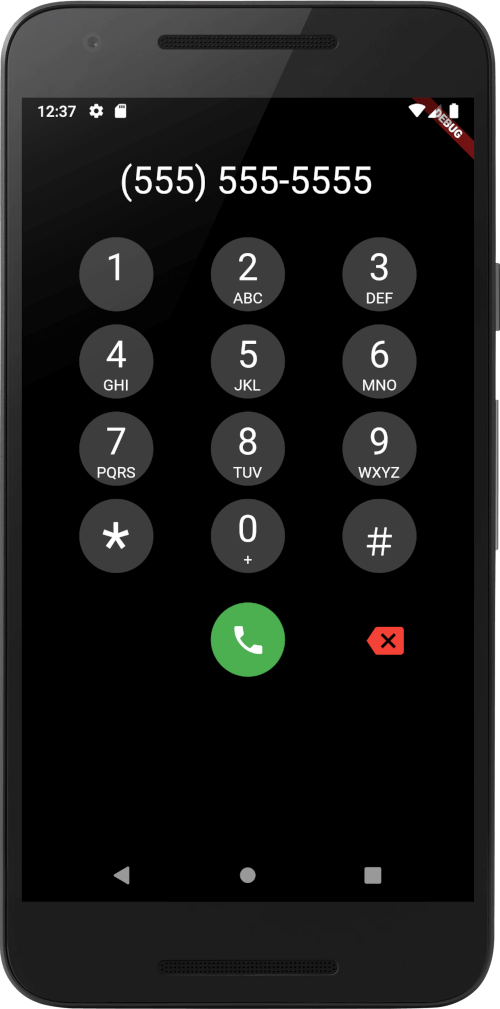
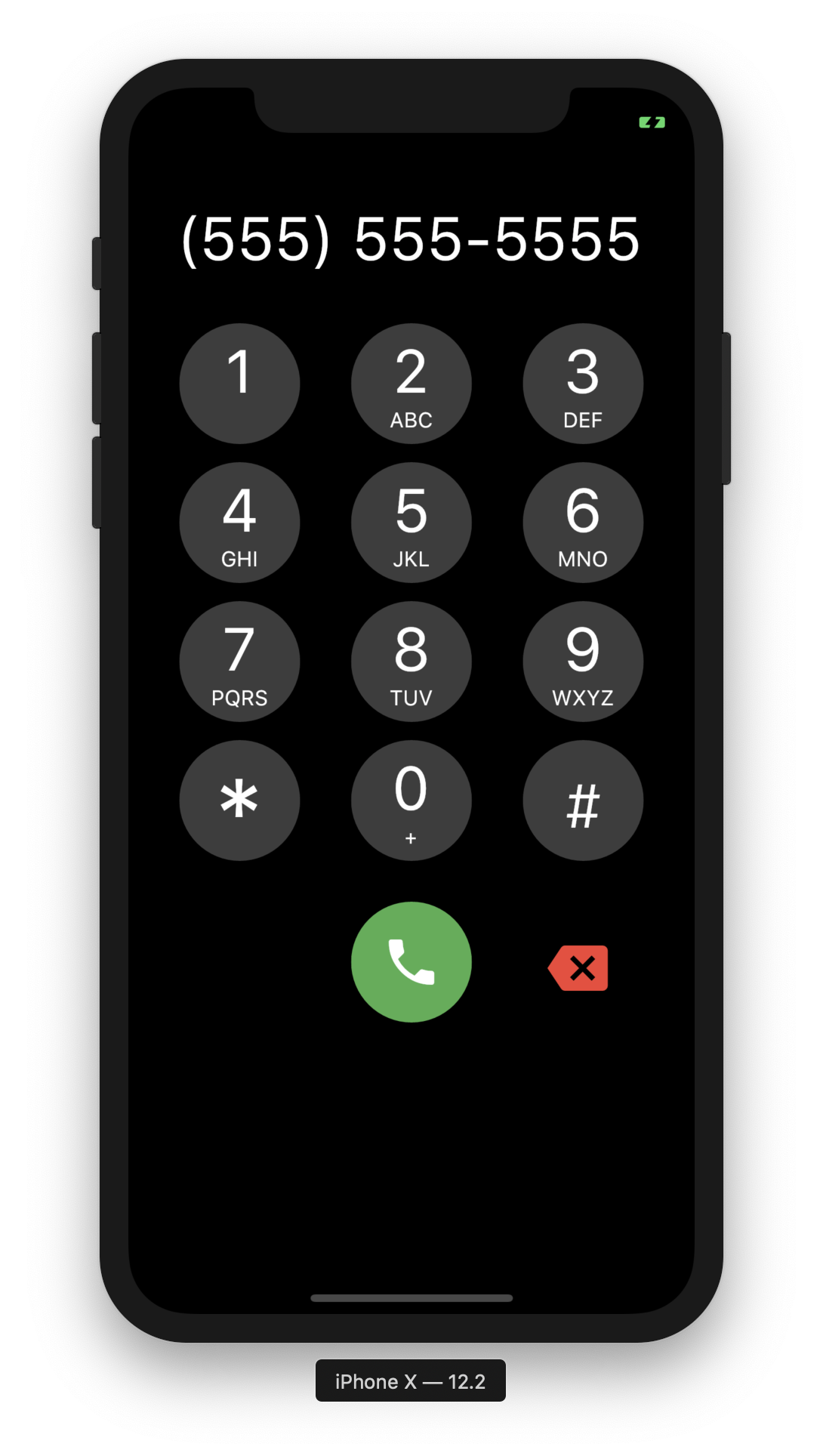
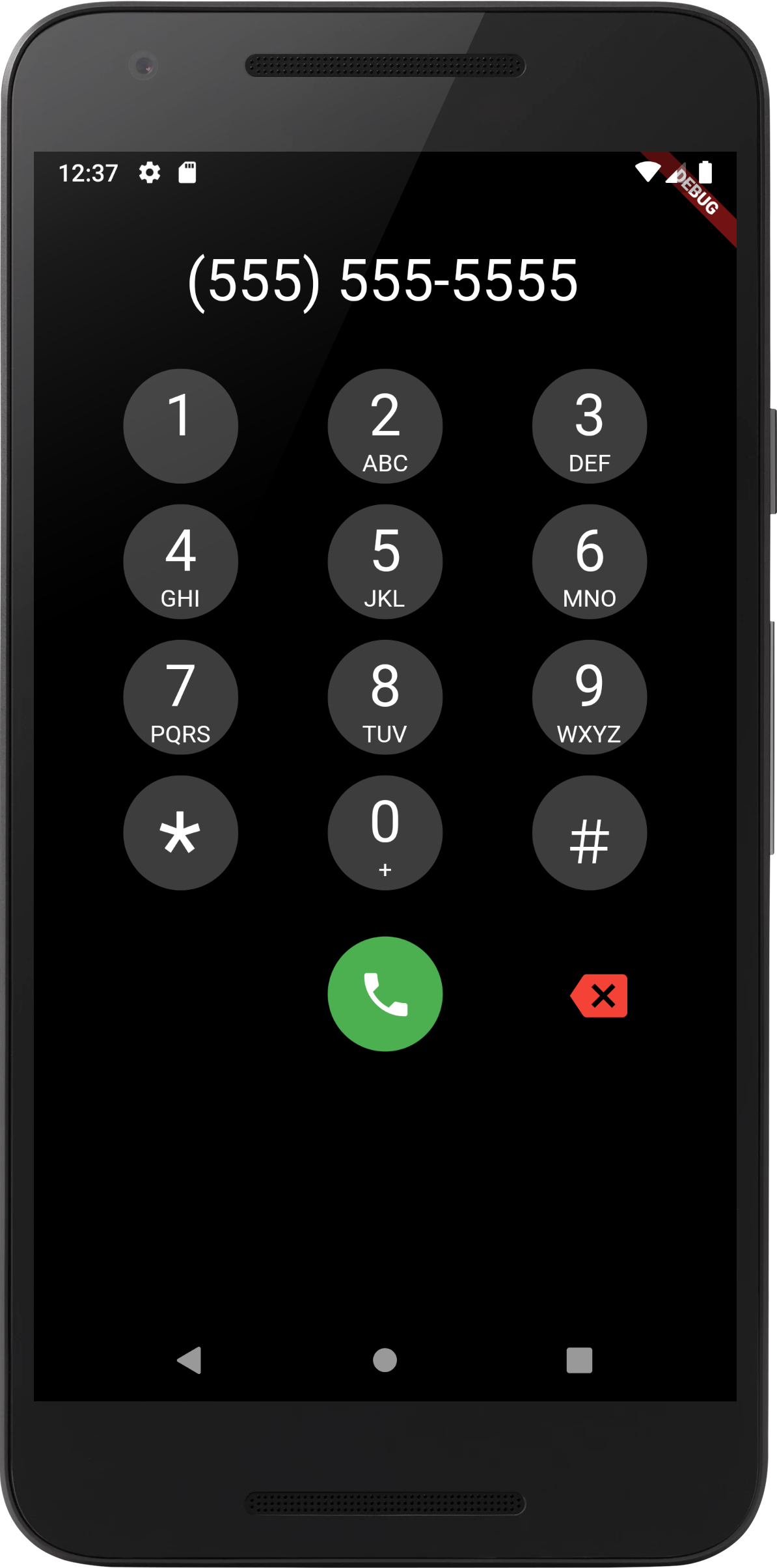
모든 Flutter 애플리케이션 내에서 전화번호를 입력하고 통화할 수 있도록 해주는 플러터 위젯입니다. VoIP 서비스나 전화 기능과의 통합을 위해 설계되었으며, 안드로이드, iOS 및 웹 플랫폼에서 표준 다이얼 패드 기능을 지원합니다. 가볍고 사용자 정의가 가능하여 개발자가 앱에 통화 기능을 원활하게 통합할 수 있습니다. 터치 상호작용에 최적화된 깔끔하고 반응성 있는 키패드 레이아웃을 포함하고 있습니다.
A phone dialer widget that can be added to any Flutter Application to enable the ability to dial a number. This could be combined with a VoIP application to enable placing calls.
This is a purely Dart widget with no dependency on Android or iOS except for the flutter_dtmf package it uses for DTMF tone generation on pressing a button. You can turn it off by setting enableDtmf: false
Support has been added for custom UIs, using Dialpad.ios for iOS style keypad or DialPad.metro metro theme. Additional customization is available with many different options.
UI Scaling
A few considerations:
ScalingType
DialPad supports dynamic scaling of UI. Using either a ScalingType.fixed approach will use preset text & icon sizes. If you are using flutter_web_frame with some window constraints, you may wish to use ScalingType.height. For most cases ScalingType.min should suffice.
ScalingSize
Scaling Size provides an easy way to specify the scalar multiplier for the scaling calculation. Instead of using a predefined value of e.g. 0.001, the ScalingSize.small is now used. Customization for buttons allows making the dial button large with a small backspace button.
Scalable
If you wish to add your own Scalable button, feel free to create a widget with Scalable to make use of the rescale function.
Clamping
Scaled UI elements may become extremely small, using minScalingSize and maxScalingSize you can clamp the scaling to a percentage of the original size. This is useful for ensuring the UI is still usable.