
 v0.32.0
nes_ui
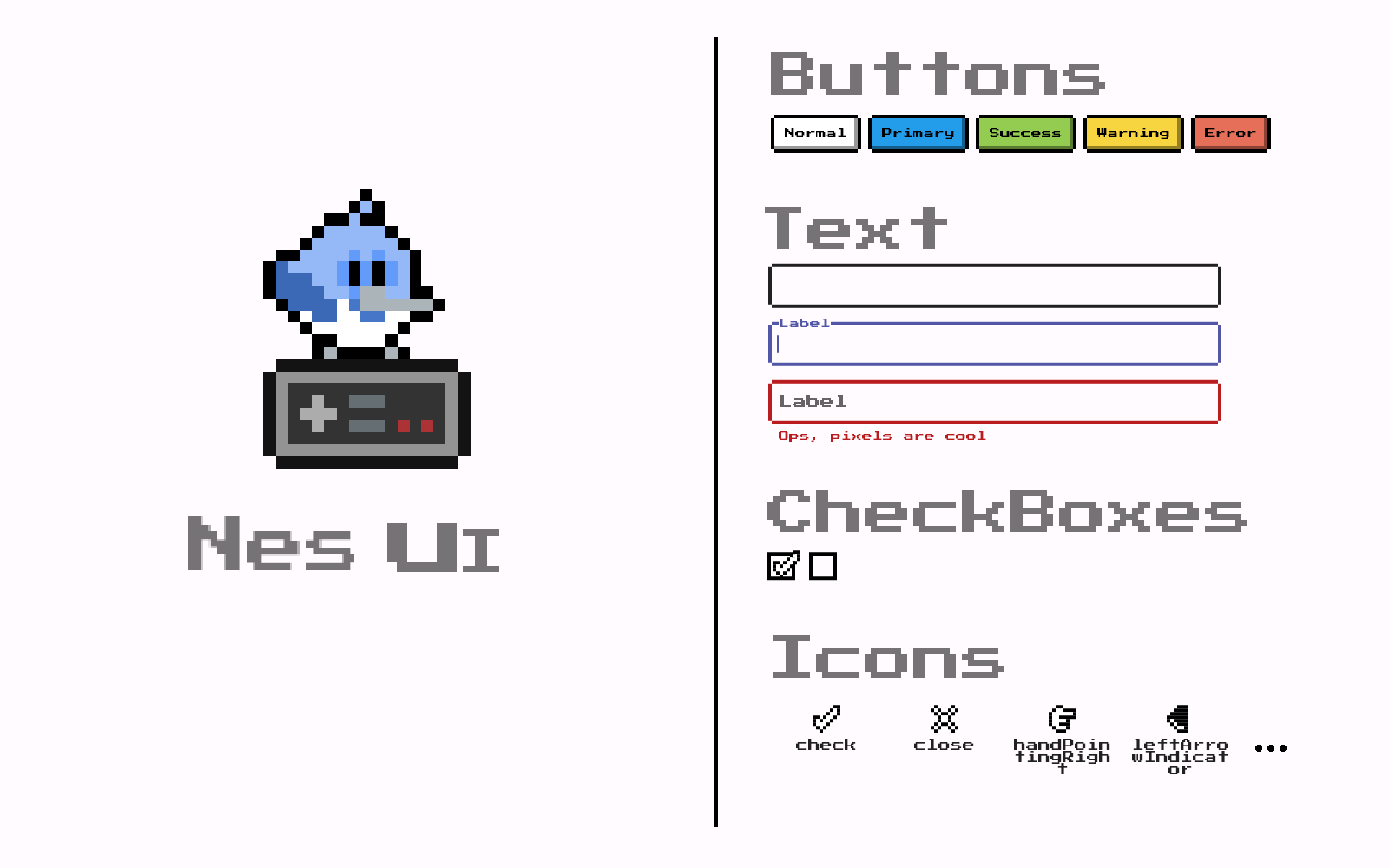
구식 레트로 비디오 게임 콘솔을 영감으로 한 UI 라이브러리
120좋아요 1.2천30일 다운로드150Pub 점수
AndroidiOSWebmacOSWindowsLinux
오래된 8비트 비디오 게임에서 영감을 받은 사용자 정의 가능한 Flutter UI 라이브러리입니다.
아래는 영문 원문 스냅샷입니다. 최신 내용은 GitHub에서 확인하세요.



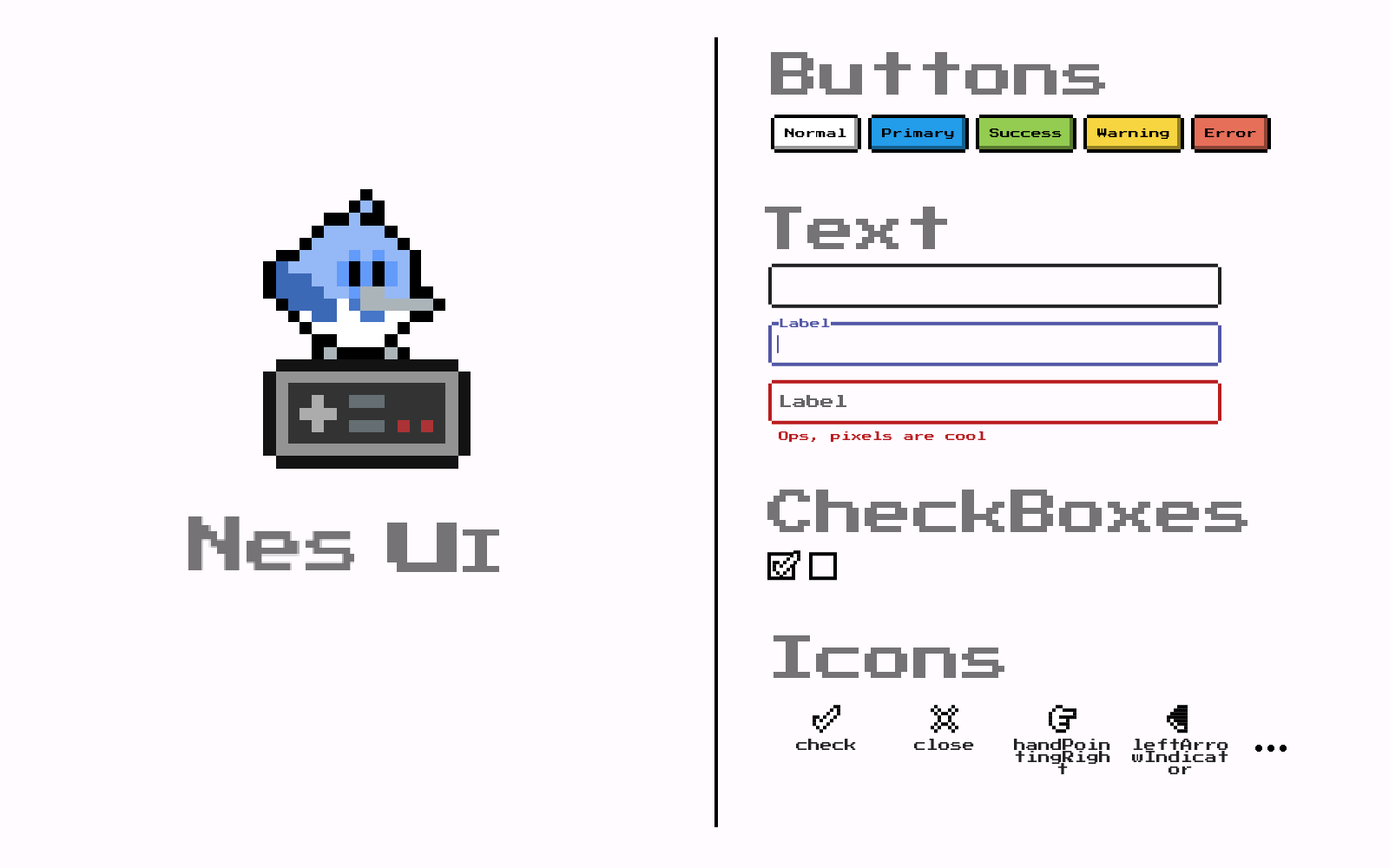
UI library inspired by old retro video game console
Check out these amazing sponsors that support my work!
 Invertase |
❗ In order to start using Nes UI you must have the Flutter SDK installed on your machine.
Add nes_ui to your pubspec.yaml:
dependencies:
  nes_ui:
Install it:
flutter packages get
Nes UI provides a ThemeData that you can add to your MaterialApp, that theme can be obtained
from the flutterNesTheme method:
import 'package:nes_ui/nes_ui.dart';

MaterialApp(
  theme: flutterNesTheme(),
);
Check the many arguments on the method to customize the theme.
Nes UI uses the Press start 2P from the Google Fonts package.
Google fonts will fetch the files in runtime over http. To keep that behaviour and ensure that it works,
be sure to call WidgetsFlutterBinding.ensureInitialized(); at your main method.
For more info on that follow this Google Fonts package guide.
If instead you want to bundle the fonts in the app and avoid http requests, follow this other guide.
You also should include the font license on LicenseRegistry when bundling it on the app.
For example:
void main() {
  LicenseRegistry.addLicense(() async* {
    final license = await rootBundle.loadString('google_fonts/OFL.txt');
    yield LicenseEntryWithLineBreaks(['google_fonts'], license);
  });

  runApp(...);
}
More about font license here.
Find all the widgets in this catalog made on Widgetbook.
If you need any help or have suggestions, join our Discord.
Nes UI tries to use the most out of material that it can, customizing its looks to fit the package's desired look, for example, here is a list of some of the widgets that Nes ui customizes:
Some widgets are too different from the Material look and structure, making the customization of the material widget not really possible, so many widgets are built from scratch, here is a list of some of the widgets that Nes UI provides:
Nes UI is built taking advantage of the Theme Extensions and custom extensions can also be provided.
In order to provide your own extension, you need to create it, and provide it to the flutterNesTheme:
    theme: flutterNesTheme(
      brightness: state.lightMode ? Brightness.light : Brightness.dark,
      customExtensions: [
        CustomExampleExtension.light, // Your custom extension goes here.
      ],
    ),
For more information, look at the example code.

의존성 목록 10 개
{"sdk":"flutter"}^0.0.1+1^8.0.2^0.1.0^0.0.3^1.1.00.12.1{"sdk":"flutter"}>=0.3.0 <2.0.0>=3.1.0 <12.0.0사용 목적에 따라 검색하고 개발 활동을 비교한 뒤 원본 저장소에서 요구 사항을 확인하세요.
“A repository is the most basic element of GitHub.”
GitHub Docs — About repositories ↗