
 v18.0.2
go_router
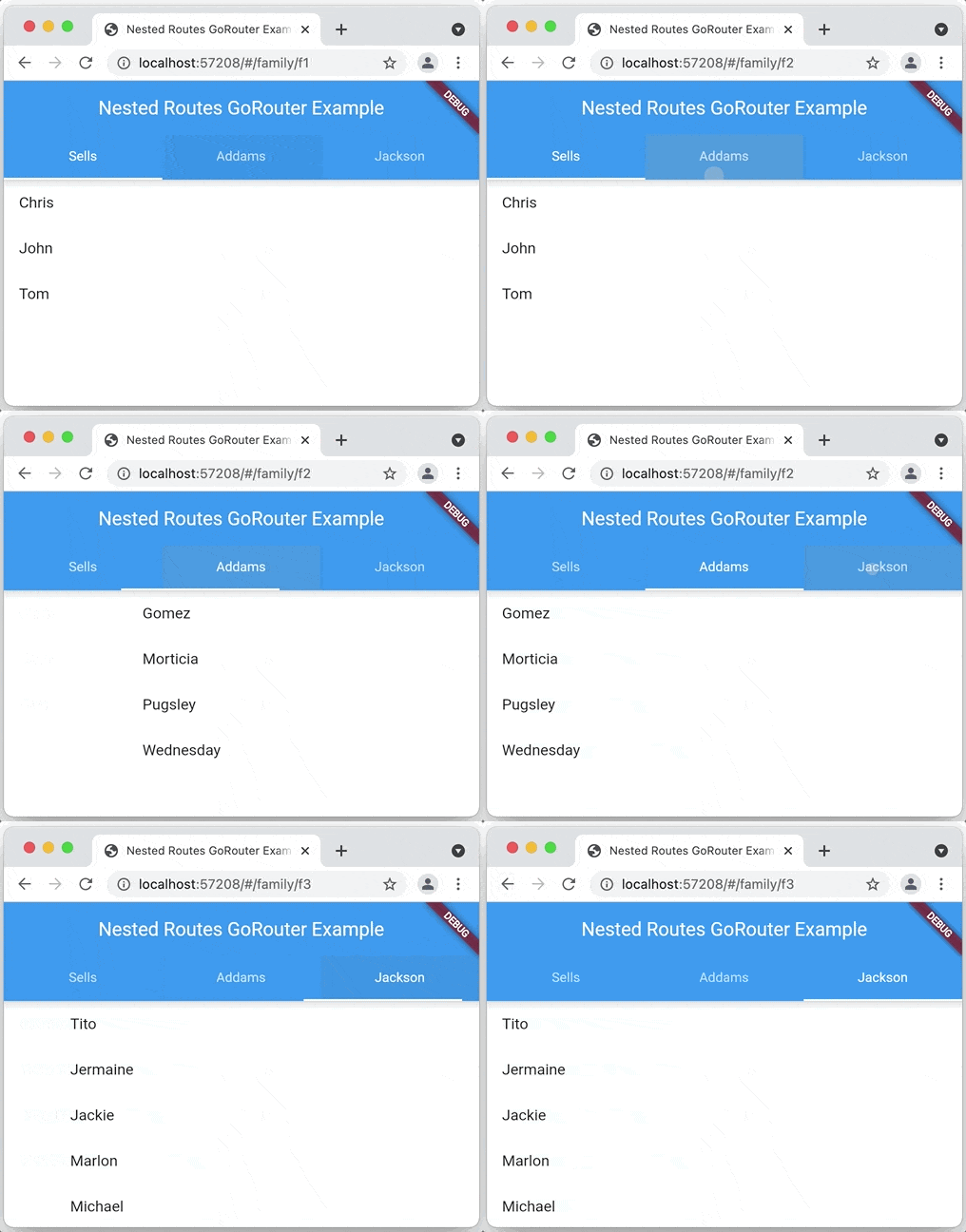
Navigation 2를 기반으로 하는 Flutter용 선언적 라우터로 깊은 링크, 데이터 기반 경로 등 지원
5.8천좋아요 425만30일 다운로드150Pub 점수
AndroidiOSWebmacOSWindowsLinux
LED로 장식된 배지 마법 - 모바일 및 데스크톱 앱, iOS, Mac, Android
 v18.0.2
Navigation 2를 기반으로 하는 Flutter용 선언적 라우터로 깊은 링크, 데이터 기반 경로 등 지원
fonts.google.com의 폰트를 사용하기 위한 Flutter 패키지입니다. HTTP 가져오기, 캐싱 및 자산 번들링을 지원합니다.
 v5.9.3
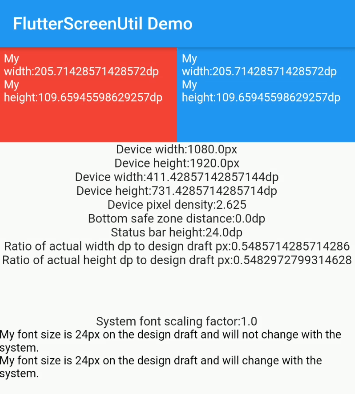
화면 및 글자 크기 조정을 위한 플러터 플러그인입니다. 다양한 모델에서 잘 보이도록 보장됩니다
인터페이스와 구체적인 구현을 분리하고 앱 내 어디서든 구체적인 구현에 접근할 수 있도록 해주는 간단하고 직접적인 서비스 로케이터입니다.
Dart 이미지 라이브러리는 서버 및 웹 앱에서 다양한 이미지 파일 형식의 이미지를 로드하고 조작하며 저장할 수 있는 기능을 제공합니다.
블루투스 저전력 장치에 연결하고 통신하기 위한 플러터 플러그인입니다.
의견이 강한 자동 Dart 소스 코드 포맷터입니다. API와 CLI 도구를 제공합니다.
 v17.0.0
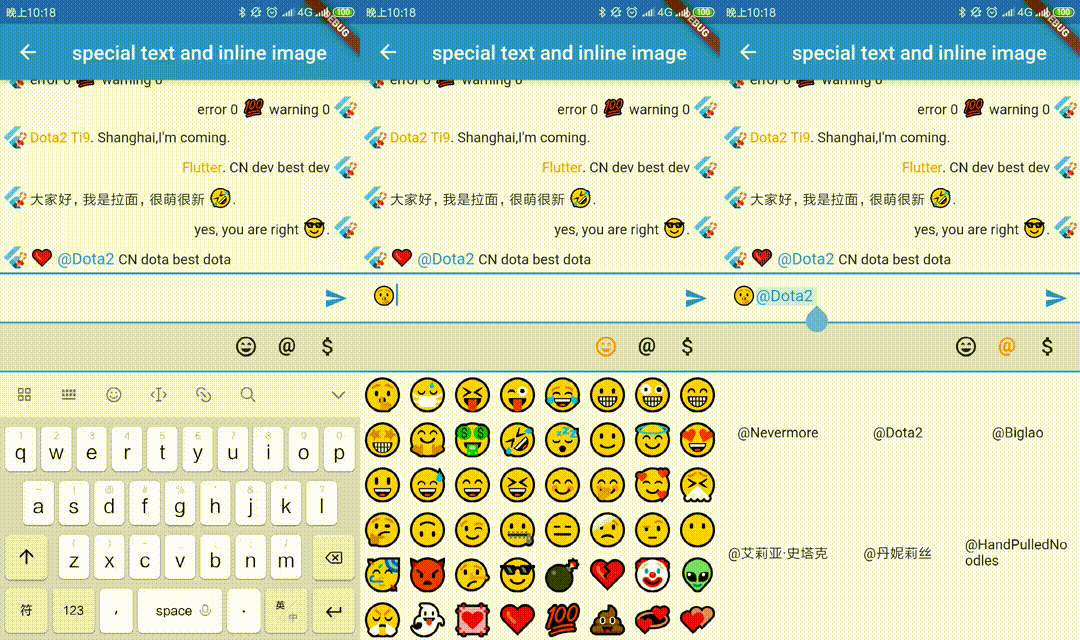
내장 이미지, @누군가, 사용자 정의 배경 등 특수 텍스트를 빠르게 만들 수 있도록 확장된 공식 텍스트 필드입니다. 사용자 정의 선택 도구 모음 및 핸들도 지원합니다.
작고, 사용하기 쉬우며 확장 가능한 로거로 아름다운 로그를 출력합니다.
{"sdk":"flutter"}2.5.5{"sdk":"flutter"}^0.20.3^1.0.9^6.1.5^2.3.0^0.1.2^12.0.3^2.8.0^1.2.3^2.3.0^9.2.1^5.9.3^17.0.0^2.1.6^4.6.0^18.0.1^13.3.0^13.1.0^8.2.1^6.3.2^4.10.1^4.1.0^7.4.2^2.0.0{"sdk":"flutter"}{"sdk":"flutter"}^2.1.0^6.0.0^3.1.13^0.13.1아래는 영문 원문 스냅샷입니다. 최신 내용은 GitHub에서 확인하세요.
Join the chat at https://gitter.im/fossasia/badge-magic Github
Python Library to program via desktop https://github.com/fossasia/led-name-badge-ls32
Magically Create Text and Draw Cliparts on LED Name Badges using Bluetooth
The Badge Magic app is a comprehensive LED badge management system that lets you create, customize, save, and transfer dynamic text and graphics to LED name badges via Bluetooth. The app features an intuitive interface with multiple creation modes, extensive animation options, and powerful customization tools.
The project is based on the work of Nilhcem and has been significantly expanded with modern features and improved user experience.
https://raw.githubusercontent.com/fossasia/badgemagic-app/HEAD/docs/images/appstore_badge.svg https://raw.githubusercontent.com/fossasia/badgemagic-app/HEAD/docs/images/google_play_badge.png Get it on F-Droid
https://raw.githubusercontent.com/fossasia/badgemagic-app/HEAD/docs/images/testflight.png https://raw.githubusercontent.com/fossasia/badgemagic-app/HEAD/docs/images/google_play_badge.png
Please talk to us on the badge-magic Gitter channel here.
There are a number of devices with Bluetooth on the market. As far as we can tell they are mostly from the same manufacturer. When you get a device ensure it comes with Bluetooth. There are devices that don't support Bluetooth. These are not supported in the app currently.
| https://github.com/fossasia/badgemagic-app/blob/fastlane-android/metadata/android/en-US/images/phoneScreenshots/Pixel_6-1_home_screen.png | https://github.com/fossasia/badgemagic-app/blob/fastlane-android/metadata/android/en-US/images/phoneScreenshots/Pixel_6-2_text_badge.png | https://github.com/fossasia/badgemagic-app/blob/fastlane-android/metadata/android/en-US/images/phoneScreenshots/Pixel_6-3_emoji_badge.png | https://github.com/fossasia/badgemagic-app/blob/fastlane-android/metadata/android/en-US/images/phoneScreenshots/Pixel_6-4_inverted_emoji_badge.png |
| https://github.com/fossasia/badgemagic-app/blob/fastlane-android/metadata/android/en-US/images/phoneScreenshots/Pixel_6-5_saved_badges.png | https://github.com/fossasia/badgemagic-app/blob/fastlane-android/metadata/android/en-US/images/phoneScreenshots/Pixel_6-6_saved_badges_clicked.png | https://github.com/fossasia/badgemagic-app/blob/fastlane-android/metadata/android/en-US/images/phoneScreenshots/Pixel_6-7_draw_badge.png | |
The app features a modern, tabbed interface with four main sections:
Security in Bluetooth LE devices is optional, and many cheap products you can find on the market are not secured at all. This applies to our Bluetooth LED Badge. While this could lead to some privacy issues, this can also be a source of fun, especially when you want to use an LED Badge in a different way. It also makes it easy for us to get started with the development of a Free and Open Source Android app.
As we understand how the Bluetooth LED badge works, converting a text to multiple byte arrays, we can send using the Bluetooth LE APIs. An indepth blog post about reverse-engineering the Bluetooth community is here.
The implementation in the Android app consists of manipulating bits. That may be tricky. A single bit error and nothing will work, plus it will be hard to debug. For those reasons, and since the specs are perfectly clear the reverse engineer Gautier Mechling strongly recommends to start writing unit tests before the code implementation.
We have the following branches
Please read FOSSASIA's Best Practices before contributing. Please help us follow the best practice to make it easy for the reviewer as well as the contributor. We want to focus on the code quality more than on managing pull request ethics. Here are some basics:
Opening this repository in VSCode, GitHub Codespaces or another supported editor/IDE will allow the repository to be opened in a Dev Container.
The Dev Container contains all necessary dependencies and tools required to build, run and debug flutter applications.
adb:warning: In case adb is already installed and running on the host it may need to be stopped before continuing.
This Dev Container allows several different methods of connecting to a device via adb:
:information_source: Windows and MacOS need a working USB/IP setup. Read more in the official Docker Desktop documentation and in this blog post.
The Dev Container bind-mounts /dev/bus/usb/ and sets the correct access controls for a seamless integration.
Enable USB debugging on your phone and try to find it via:
adb devices
If it shows up, everything is ready and you can run flutter run to push a development version of the app onto your device.
adb serverIf adb is already installed on the host, the tools in the Dev Container can be configured to use the host's adb server:
adb server is listening on all interfaces
adb kill-server && adb -a server (the -a instructs it to listen on all interfaces).adb or flutter run: ADB_SERVER_SOCKET=tcp:host.docker.internal:5037Android 11 and higher support wireless debugging. Check out the documentation for more information.
For this mode it is required that both the workstation and the device are on the same network.
:information_source: This also works when developing inside GitHub Codespaces. In that case you can bring your device and the Codespace onto the same network by installing WireGuard, Tailscale or another overlay/mesh network on both the Codespace and your device.
Enable Wireless debugging as per the documentation, then pair adb pair <IP>:<PORT> and connect adb connect <IP>:<PORT> and you should be able to find your device via adb devices.
The application is licensed under the Apache License 2.0. Copyright is owned by FOSSASIA and its contributors.