

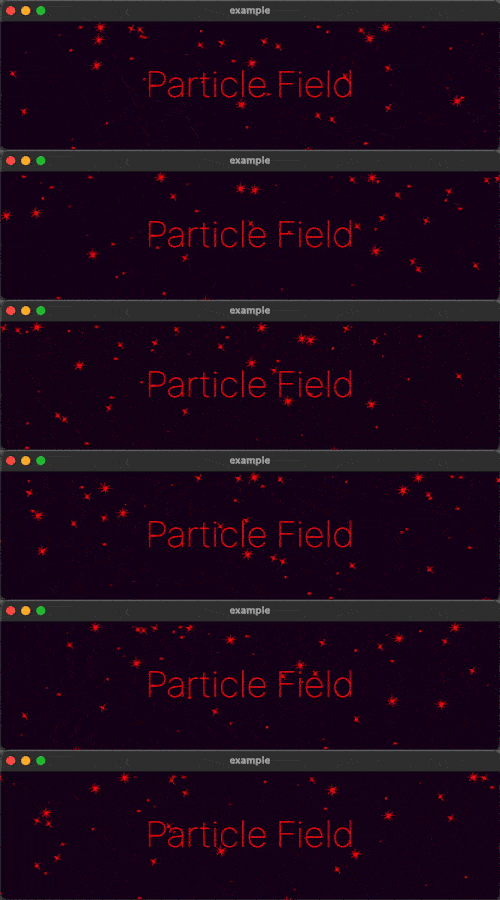
 v1.0.0
particle_field
UI에 고성능 사용자 정의 입자 효과를 추가하기 위한 Flutter 위젯입니다.
143좋아요 1.2천30일 다운로드150Pub 점수
AndroidiOSWebmacOSWindowsLinux
UI에 고성능 사용자 정의 입자 효과를 추가하기 위한 Flutter 위젯입니다.

아래는 영문 원문 스냅샷입니다. 최신 내용은 GitHub에서 확인하세요.
A Flutter Widget for adding high performance custom particle effects to your UI.
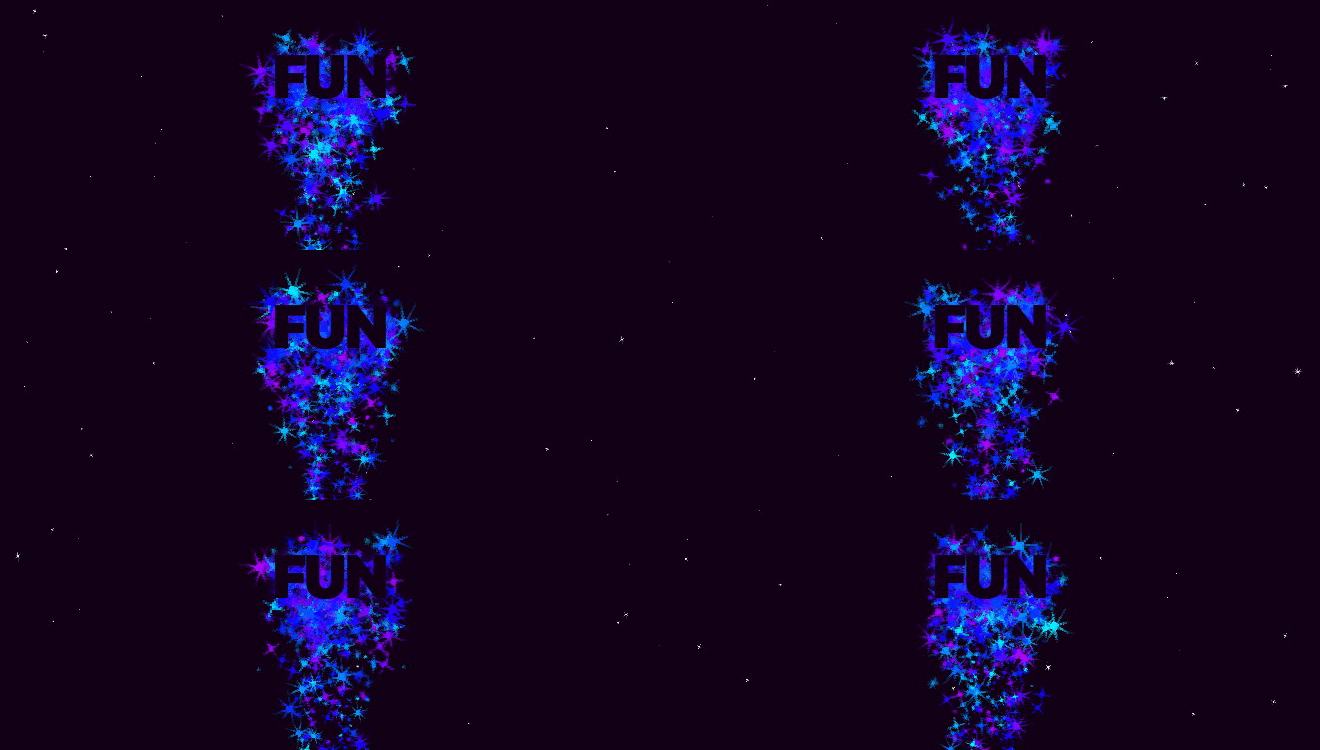
Easy to use: just write a simple onTick handler to manage a list of particles.
Architected to be highly extensible. Utilizes CustomPainter and drawAtlas to
offer exceptional performance.
// NOTE: this example uses `rnd` (see "Complimentary Libraries" below)
ParticleField field = ParticleField(
  spriteSheet: sparkleSpriteSheet,
  // top left will be 0,0:
  origin: Alignment.topLeft,
  // onTick is where all the magic happens:
  onTick: (controller, elapsed, size) {
    List<Particle> particles = controller.particles;
    // add a new particle each frame:
    particles.add(Particle(x: rnd(size.width), vx: rnd(-1, 1)));
    // update existing particles:
    for (int i = particles.length - 1; i >= 0; i--) {
      Particle particle = particles[i];
      // call update, which automatically adds vx/vy to x/y
      // add some gravity (ie. increase vertical velocity)
      // and increment the frame
      particle.update(vy: particle.vy + 0.1, frame: particle.frame + 1);
      // remove particle if it's out of bounds:
      if (!size.contains(particle.toOffset())) particles.removeAt(i);
    }
  },
)
See the API Reference for more information.
The rnd package makes working with random values in your particle systems much simpler. For example, if you wanted 20% of your particles to move left, and 80% right at a velocity of between 2 and 5:
particle.vx = rnd(2, 5) * rnd.getSign(0.8)
If you're looking to add animated effects to your UI in addition to particles, check out the Flutter Animate library for pre-made effects, custom effects, and simplified animated builders.
Text("Hello").animate().fadeIn().slide()
의존성 목록 3 개
{"sdk":"flutter"}{"sdk":"flutter"}^2.0.0사용 목적에 따라 검색하고 개발 활동을 비교한 뒤 원본 저장소에서 요구 사항을 확인하세요.
“A repository is the most basic element of GitHub.”
GitHub Docs — About repositories ↗