패키지, 저장소 및 앱 카테고리 검색

particle_field 표지
패키지 상세v1.0.0

particle_field

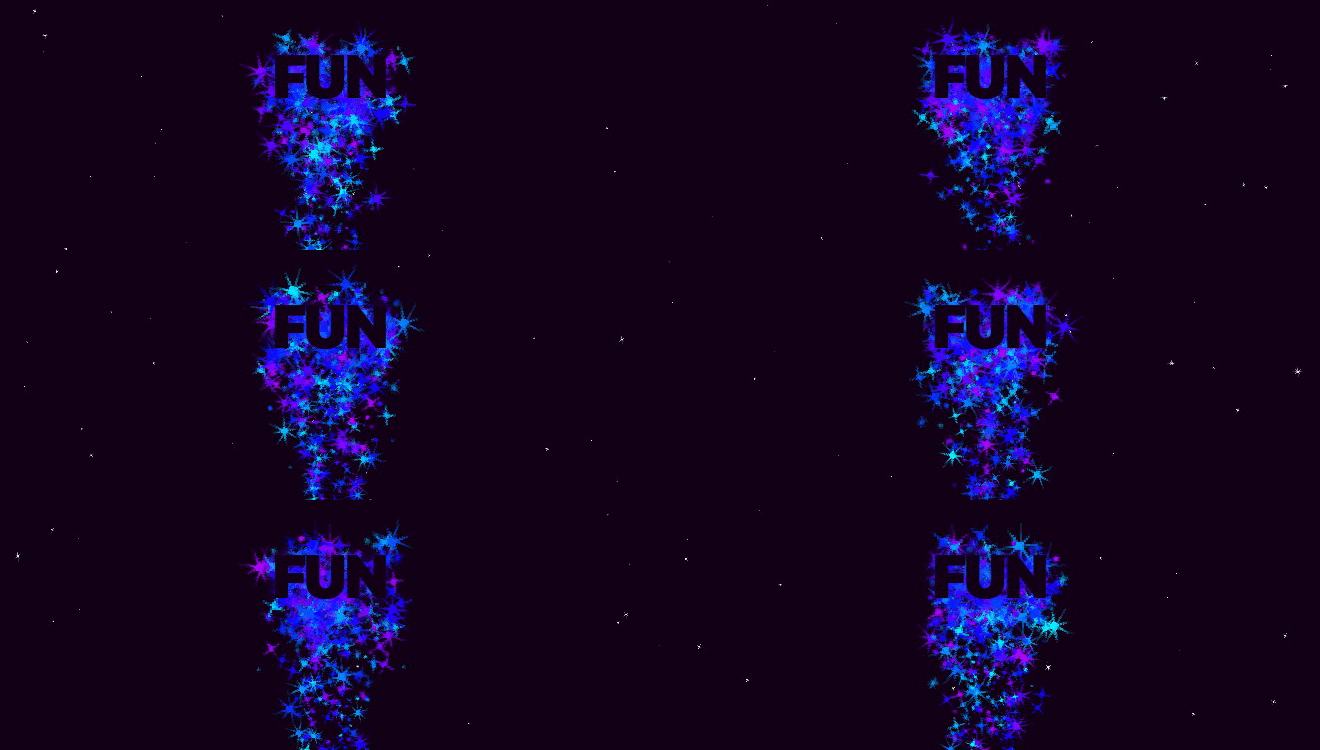
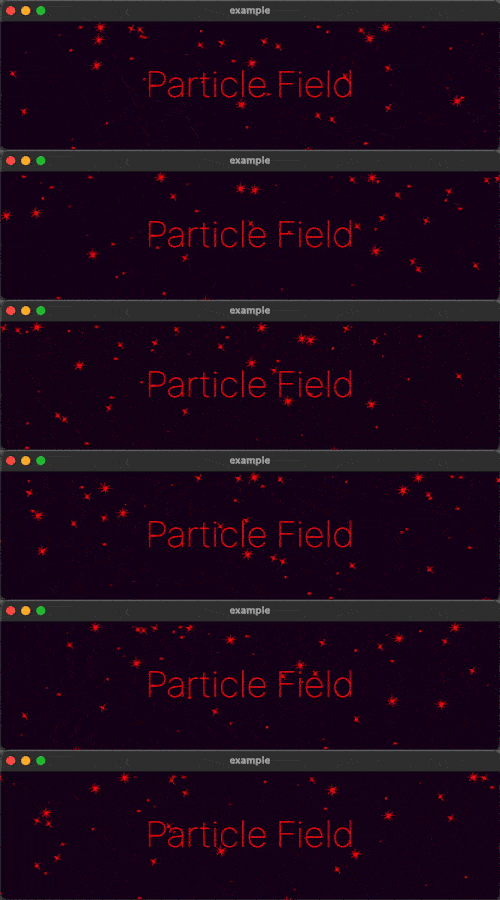
UI에 고성능 사용자 정의 입자 효과를 추가하기 위한 Flutter 위젯입니다.

AndroidiOSWebmacOSWindowsLinux
30일 다운로드
1.2천
좋아요
143
Pub 점수
150

패키지 설치

flutter pub add particle_field

패키지 개요

공개 정보를 바탕으로 생성한 선택 가이드입니다.

고성능의 Flutter 위젯으로 개발자들이 UI에 사용자 정의 입자 효과를 부드러운 애니메이션과 실시간 상호작용을 통해 쉽게 만들 수 있습니다. gskinner.com에서 개발했으며 Android, iOS, Web, macOS, Windows, Linux 등 다양한 플랫폼을 지원합니다. 효율적인 렌더링 기술을 활용해 성능을 저하시키지 않으면서도 시각적으로 풍부한 배경, 동적 그라데이션 및 몰입감 있는 시각 경험을 제공합니다. 앱 인터페이스에 미세하거나 강렬한 애니메이션 요소를 추가하기에 이상적입니다.

사용 사례

  • 애니메이션 배경 효과 만들기
  • 스플래시 스크린 개선
  • 상호작용형 시각 피드백 추가
  • 몰입형 게임 인터페이스 설계
  • 운동을 통한 데이터 시각화
  • 앱 온보딩 경험 개선

주요 기능

  • 고성능 렌더링
  • 사용자 정의 가능한 입자 행동
  • 실시간 상호작용 지원
  • 크로스 플랫폼 호환성
  • 셰이더 기반 애니메이션
  • 사용자 정의 가능한 방출 패턴

적합한 대상

  • 시각적 매력이 필요한 UI 디자이너
  • Flutter를 사용하는 게임 개발자
  • 동적 배경을 원하는 앱 제작자
  • 인터랙티브 프로토타입 빌더
  • 창의적인 디지털 제품 팀

고려 사항

  • 저사양 기기에서 성능에 영향을 미칠 수 있습니다
  • 입자 시스템 개념에 대한 이해가 필요합니다
  • 제한된 내장 프리셋
  • 현대 하드웨어에 가장 적합
  • 모바일을 위한 신중한 최적화가 필요합니다
  • 정적 UI 컴포넌트에 적합하지 않음

원본 README

연결된 소스 저장소의 README 원문 스냅샷입니다. 최신 내용은 저장소에서 확인하세요.

Particle Field

A Flutter Widget for adding high performance custom particle effects to your UI.

Simple Example

Easy to use: just write a simple onTick handler to manage a list of particles. Architected to be highly extensible. Utilizes CustomPainter and drawAtlas to offer exceptional performance.

// NOTE: this example uses `rnd` (see "Complimentary Libraries" below)
ParticleField field = ParticleField(
  spriteSheet: sparkleSpriteSheet,
  // top left will be 0,0:
  origin: Alignment.topLeft,
  // onTick is where all the magic happens:
  onTick: (controller, elapsed, size) {
    List<Particle> particles = controller.particles;
    // add a new particle each frame:
    particles.add(Particle(x: rnd(size.width), vx: rnd(-1, 1)));
    // update existing particles:
    for (int i = particles.length - 1; i >= 0; i--) {
      Particle particle = particles[i];
      // call update, which automatically adds vx/vy to x/y
      // add some gravity (ie. increase vertical velocity)
      // and increment the frame
      particle.update(vy: particle.vy + 0.1, frame: particle.frame + 1);
      // remove particle if it's out of bounds:
      if (!size.contains(particle.toOffset())) particles.removeAt(i);
    }
  },
)

See the API Reference for more information.

Complimentary Libraries

The rnd package makes working with random values in your particle systems much simpler. For example, if you wanted 20% of your particles to move left, and 80% right at a velocity of between 2 and 5:

particle.vx = rnd(2, 5) * rnd.getSign(0.8)

If you're looking to add animated effects to your UI in addition to particles, check out the Flutter Animate library for pre-made effects, custom effects, and simplified animated builders.

Text("Hello").animate().fadeIn().slide()

카테고리

소스 저장소

이 패키지를 사용하는 프로젝트