


 v2.3.1
siri_wave
시리 스타일의 시각적으로 인상적인 파형을 생성할 수 있는 Flutter 패키지입니다.
160좋아요 5.5천30일 다운로드150Pub 점수
AndroidiOSWebmacOSWindowsLinux
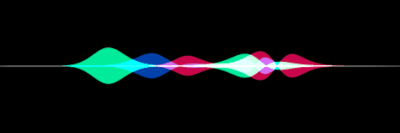
Siri처럼 아름다운 파형을 만드세요.

아래는 영문 원문 스냅샷입니다. 최신 내용은 GitHub에서 확인하세요.



Create visually stunning waveforms similar to those found in Siri.
Inspired from the siriwave library.
Check out the live demo here.
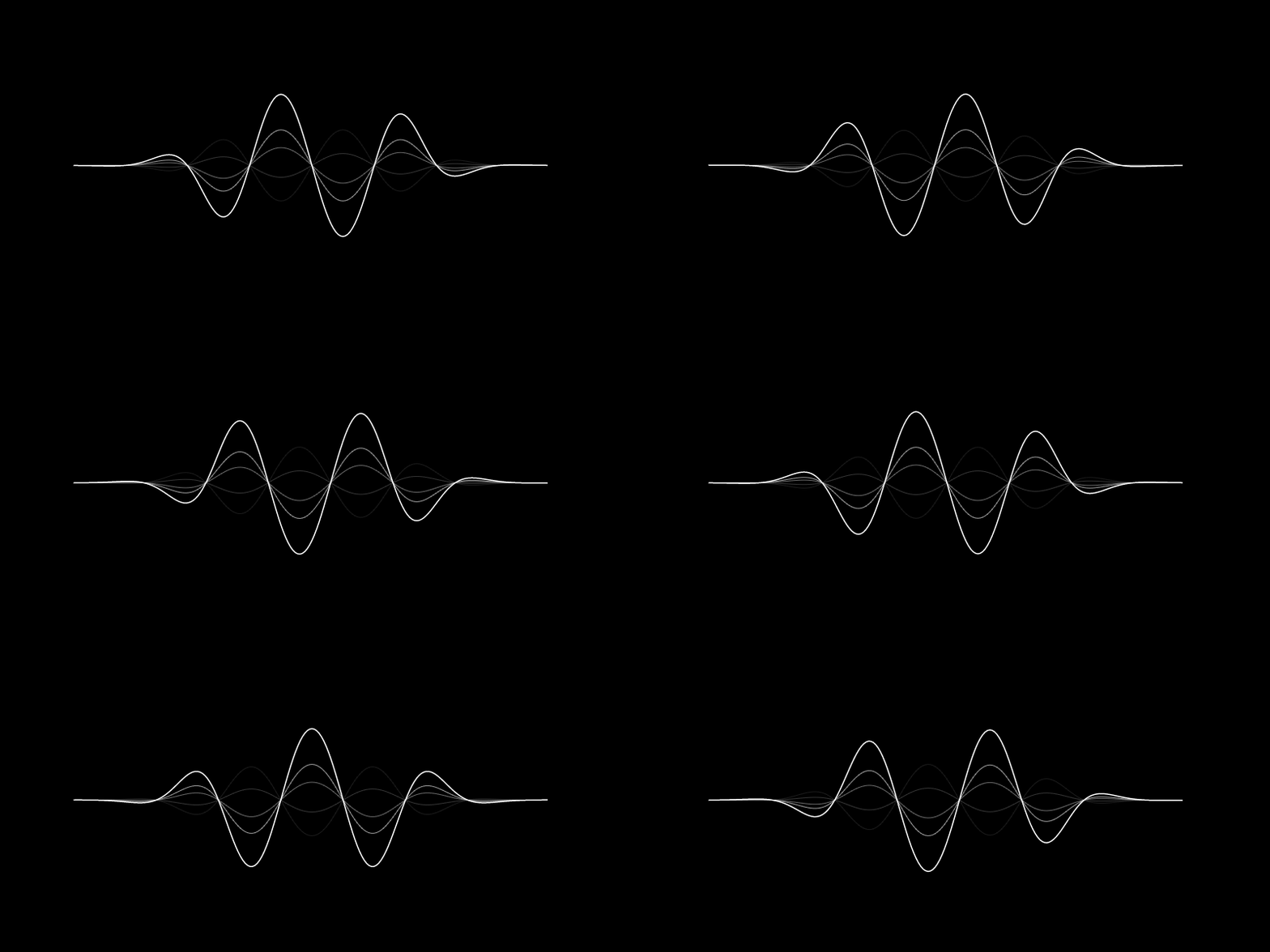
To create an iOS 7 Siri-style waveform, use the SiriWaveform.ios7()
constructor:
import 'package:siri_wave/siri_wave.dart';

class MyWidget extends StatelessWidget {
  MyWidget({super.key});

  Widget build(BuildContext context) => SiriWaveform.ios7();
}
You can customize the waveform by passing a controller and/or options:
class MyWidget extends StatelessWidget {
  MyWidget({super.key});

  final controller = IOS7SiriWaveformController(
    amplitude: 0.5,
    color: Colors.red,
    frequency: 4,
    speed: 0.15,
  );

  @override
  Widget build(BuildContext context) => SiriWaveform.ios7(
        controller: controller,
        options: const IOS7SiriWaveformOptions(height: 200, width: 400),
      );
}
You can also change the properties of the waveform later:
  controller.amplitude = 0.3;
  controller.color = Colors.white;
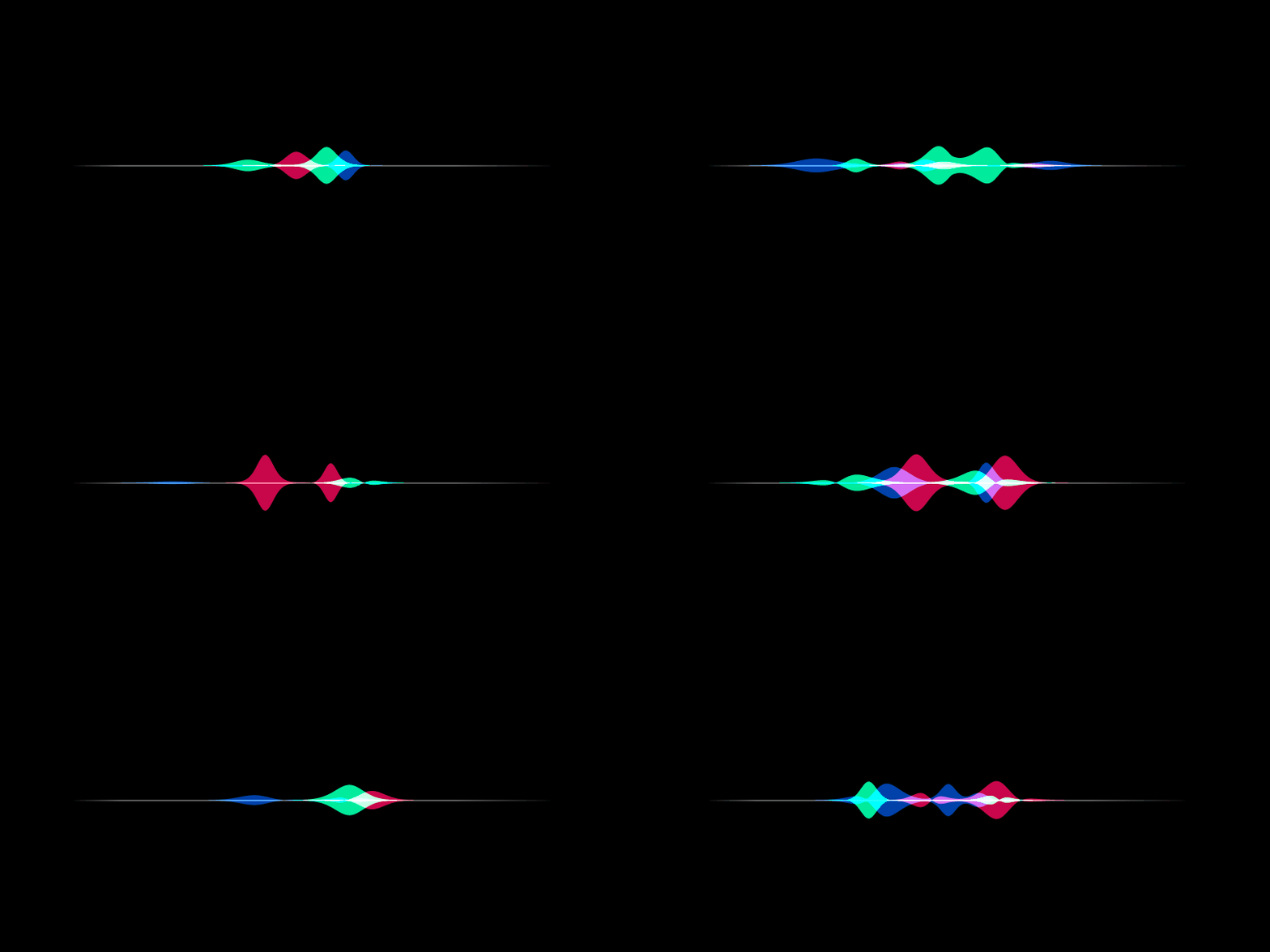
To create an iOS 9 Siri-style waveform, use the SiriWaveform.ios9()
constructor:
import 'package:siri_wave/siri_wave.dart';

class MyWidget extends StatelessWidget {
  MyWidget({super.key});

  Widget build(BuildContext context) => SiriWaveform.ios9();
}
As with the iOS 7 Siri-style waveform, you can customize the waveform by
passing a controller and/or options:
class MyWidget extends StatelessWidget {
  MyWidget({super.key});

  final controller = IOS9SiriWaveformController(
    amplitude: 0.5,
    color1: Colors.red,
    color2: Colors.green,
    color3: Colors.blue,
    speed: 0.15,
  );

  @override
  Widget build(BuildContext context) => SiriWaveform.ios9(
        controller: controller,
        options: const IOS9SiriWaveformOptions(height: 200, width: 400),
      );
}
For a complete sample application, please checkout the example.
To learn more, see the API Documentation.
Contributions, issues and feature requests are welcome. Feel free to check the issue tracker if you want to contribute.
의존성 목록 4 개
{"sdk":"flutter"}{"sdk":"flutter"}^0.1.1^2.0.0사용 목적에 따라 검색하고 개발 활동을 비교한 뒤 원본 저장소에서 요구 사항을 확인하세요.
“A repository is the most basic element of GitHub.”
GitHub Docs — About repositories ↗