패키지, 저장소 및 앱 카테고리 검색

siri_wave 표지
패키지 상세v2.3.1

siri_wave

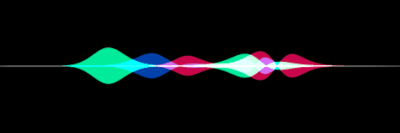
시리 스타일의 시각적으로 인상적인 파형을 생성할 수 있는 Flutter 패키지입니다.

AndroidiOSWebmacOSWindowsLinux
30일 다운로드
5.5천
좋아요
160
Pub 점수
150

패키지 설치

flutter pub add siri_wave

패키지 개요

공개 정보를 바탕으로 생성한 선택 가이드입니다.

Siri Wave는 개발자가 시각적으로 매력적인 Siri 스타일의 애니메이션 웨이브폼을 생성할 수 있도록 해주는 Flutter 패키지입니다. Apple의 Siri 음성 애니메이션에서 영감을 받은 이 패키지는 다양한 플랫폼에서 실시간 웨이브폼 렌더링을 지원하는 부드럽고 사용자 정의 가능한 오디오 시각화를 제공합니다. 다양한 웨이브 유형, 색상 및 애니메이션 속도를 지원하여 음성 보조 도구, 음악 앱 또는 동적 오디오 피드백이 필요한 모든 앱에 적합합니다. 최소한의 설정으로 Flutter 프로젝트에 원활하게 통합되며 Android, iOS, Web, macOS, Windows 및 Linux에서 작동합니다.

사용 사례

  • 음성 보조 인터페이스
  • 음악 플레이어 시각화
  • 실시간 오디오 피드백
  • 인터랙티브 앱 애니메이션
  • 라이브 음성 인식 표시

주요 기능

  • Siri 스타일의 파형 디자인
  • 사용자 지정 파도 색상 및 모양
  • 부드러운 실시간 애니메이션
  • 크로스 플랫폼 호환성
  • Flutter와의 간단한 통합
  • 다중 오디오 소스 지원

적합한 대상

  • 모바일 앱에서의 오디오 시각화
  • 음성 기능이 있는 애플리케이션
  • 디자인 중심의 UI 컴포넌트
  • 애니메이션 효과를 찾는 Flutter 개발자
  • 실시간 오디오 표시가 필요한 앱

고려 사항

  • 고주파 업데이트 시 성능이 달라질 수 있습니다
  • 기본 파형 속성 외의 사용자 정의는 제한적입니다
  • 간단하고 부드러운 애니메이션에 가장 적합
  • 오디오 데이터 스트림의 적절한 처리가 필요합니다
  • 복잡한 오디오 처리에 최적화되지 않음

원본 README

연결된 소스 저장소의 README 원문 스냅샷입니다. 최신 내용은 저장소에서 확인하세요.

ci Package: siri_wave Publisher: halildurmus.dev Language: Dart Platform: Flutter License: BSD-3-Clause

Create visually stunning waveforms similar to those found in Siri.

Inspired from the siriwave library.

Demo

Check out the live demo here.

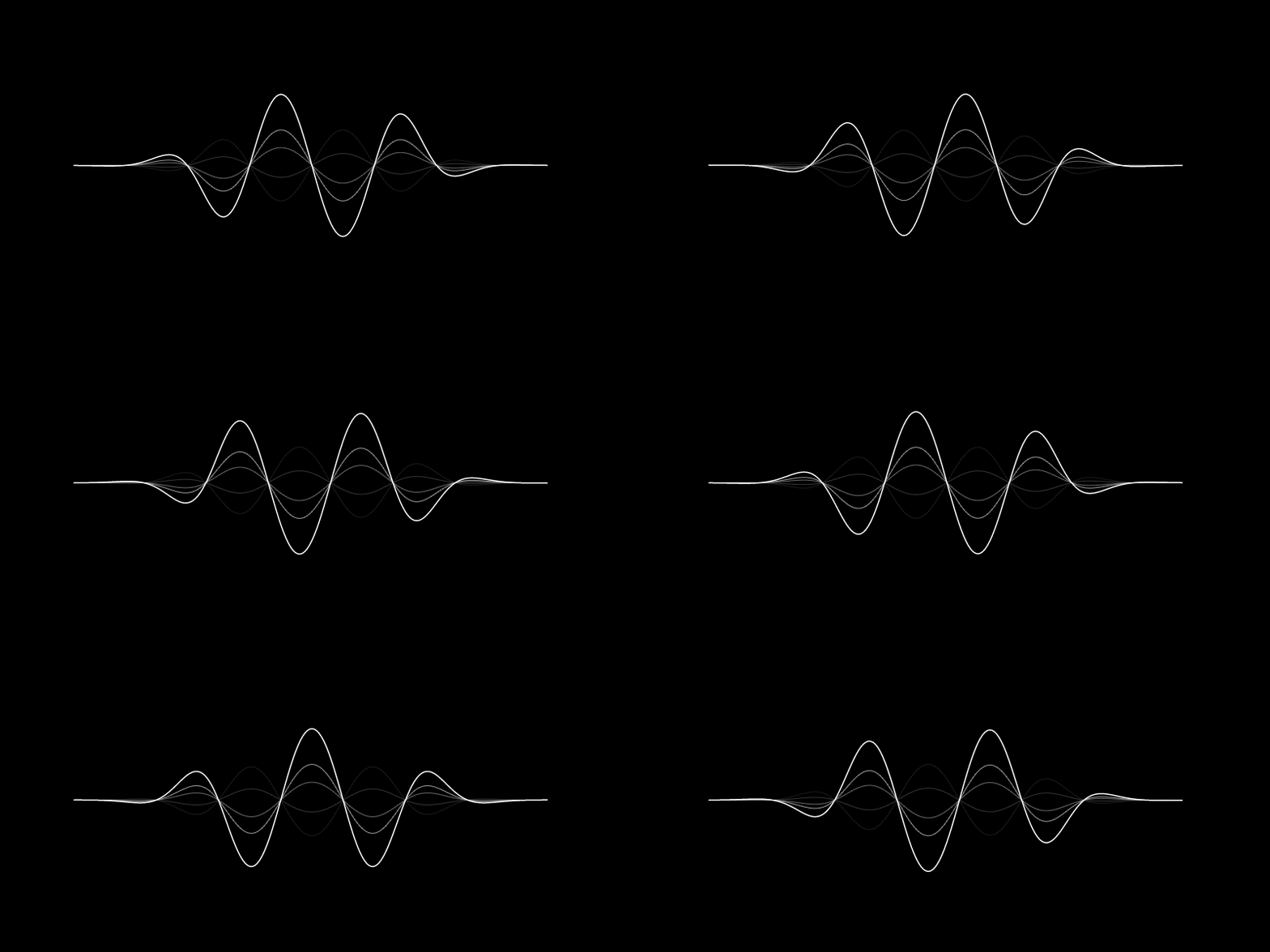
iOS 7 Siri-style waveform GIF

iOS 7 Siri-style waveform

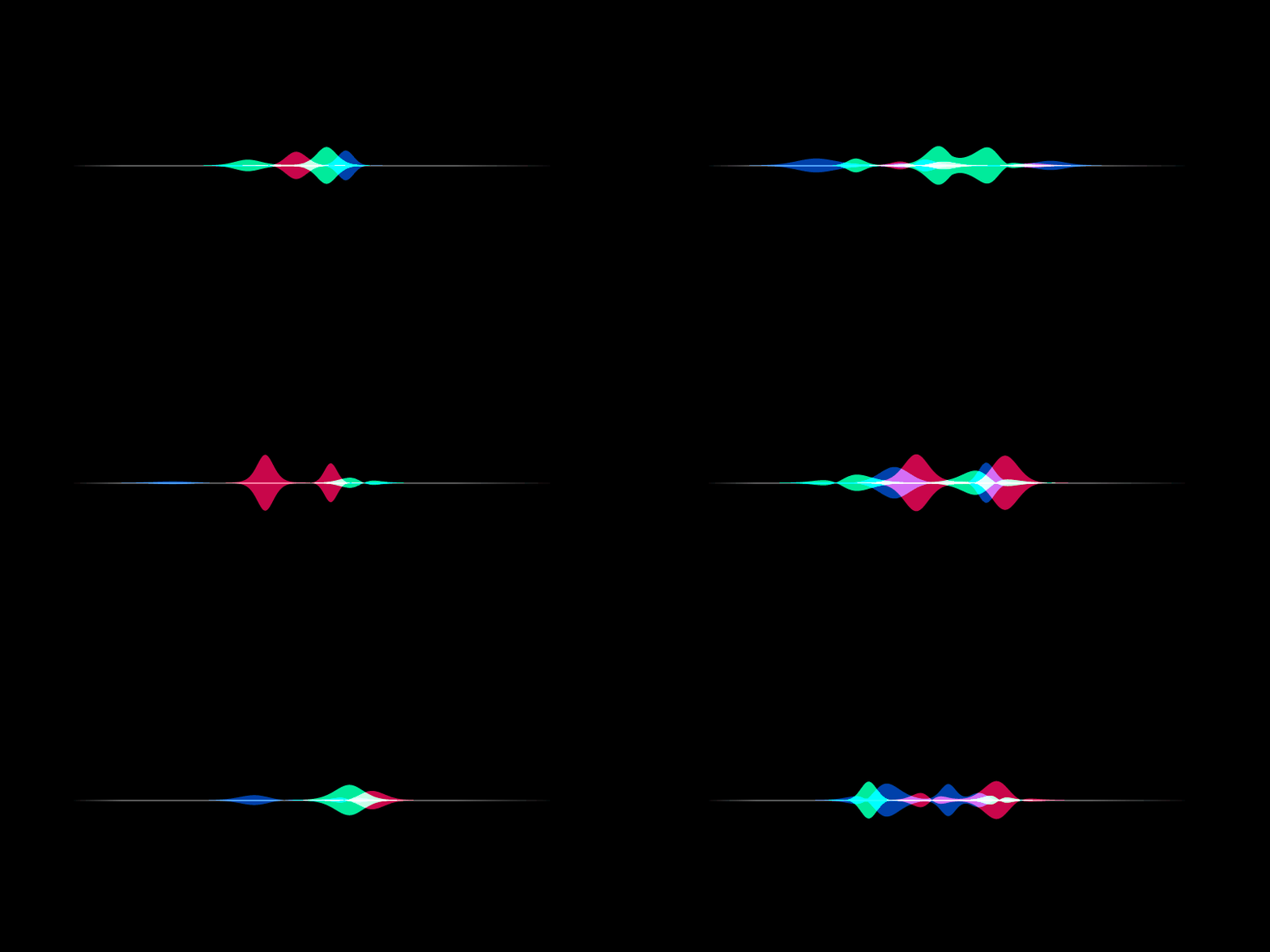
iOS 9 Siri-style waveform GIF

iOS 9 Siri-style waveform

Usage

iOS 7 Siri-style waveform

To create an iOS 7 Siri-style waveform, use the SiriWaveform.ios7() constructor:

import 'package:siri_wave/siri_wave.dart';

class MyWidget extends StatelessWidget {
  MyWidget({super.key});

  Widget build(BuildContext context) => SiriWaveform.ios7();
}

You can customize the waveform by passing a controller and/or options:

class MyWidget extends StatelessWidget {
  MyWidget({super.key});

  final controller = IOS7SiriWaveformController(
    amplitude: 0.5,
    color: Colors.red,
    frequency: 4,
    speed: 0.15,
  );

  @override
  Widget build(BuildContext context) => SiriWaveform.ios7(
        controller: controller,
        options: const IOS7SiriWaveformOptions(height: 200, width: 400),
      );
}

You can also change the properties of the waveform later:

  controller.amplitude = 0.3;
  controller.color = Colors.white;
iOS 9 Siri-style waveform

To create an iOS 9 Siri-style waveform, use the SiriWaveform.ios9() constructor:

import 'package:siri_wave/siri_wave.dart';

class MyWidget extends StatelessWidget {
  MyWidget({super.key});

  Widget build(BuildContext context) => SiriWaveform.ios9();
}

As with the iOS 7 Siri-style waveform, you can customize the waveform by passing a controller and/or options:

class MyWidget extends StatelessWidget {
  MyWidget({super.key});

  final controller = IOS9SiriWaveformController(
    amplitude: 0.5,
    color1: Colors.red,
    color2: Colors.green,
    color3: Colors.blue,
    speed: 0.15,
  );

  @override
  Widget build(BuildContext context) => SiriWaveform.ios9(
        controller: controller,
        options: const IOS9SiriWaveformOptions(height: 200, width: 400),
      );
}

For a complete sample application, please checkout the example.

To learn more, see the API Documentation.

🤝 Contributing

Contributions, issues and feature requests are welcome. Feel free to check the issue tracker if you want to contribute.

카테고리

소스 저장소

이 패키지를 사용하는 프로젝트

아직 데이터가 없습니다.