v0.12.2
camera
카메라를 제어하기 위한 플러터 플러그인입니다. 카메라 피드 미리보기, 이미지 및 비디오 캡처, Dart로 이미지 버퍼 스트리밍을 지원합니다.
2.6천좋아요 102만30일 다운로드160Pub 점수
AndroidiOSWeb
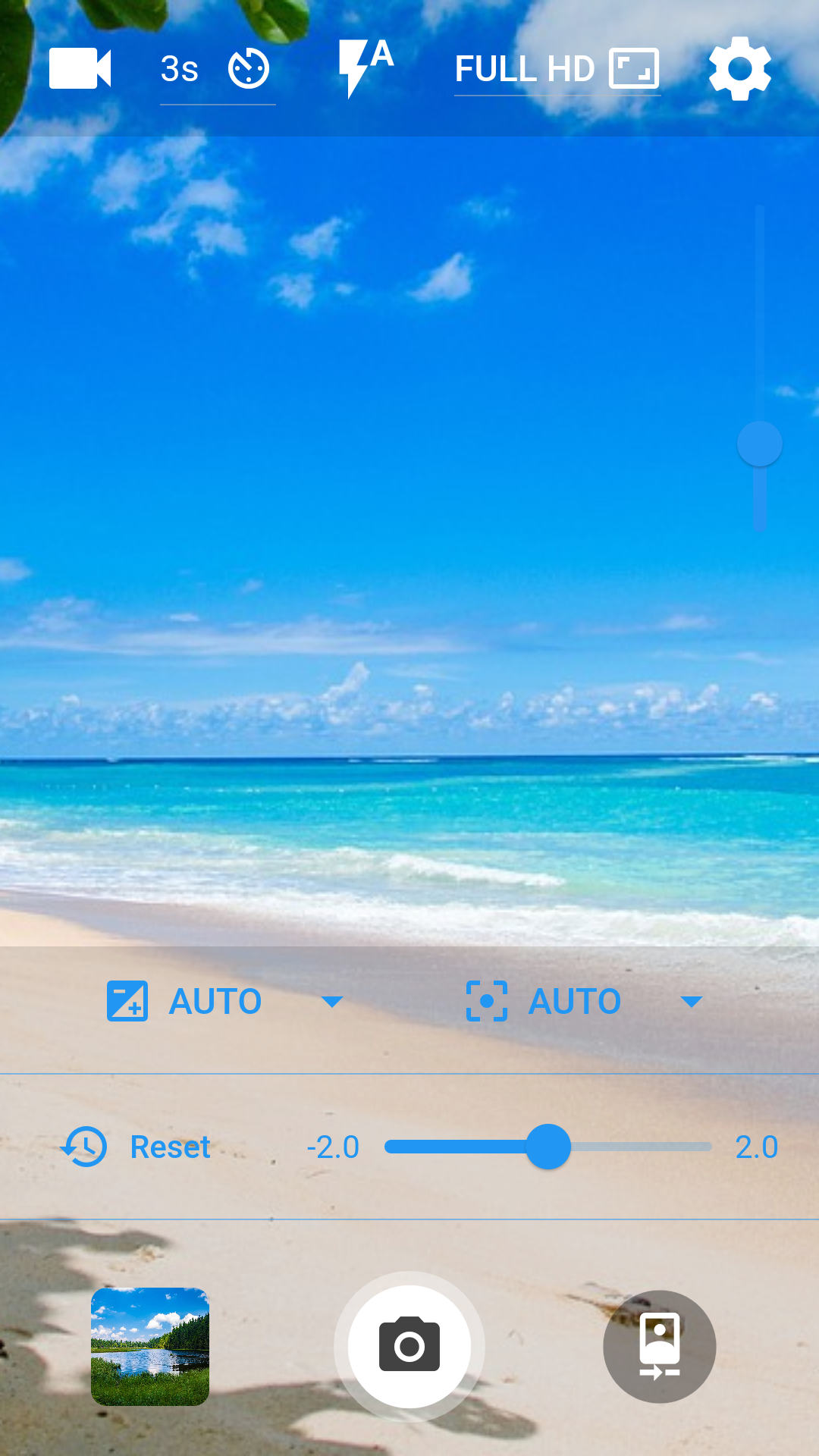
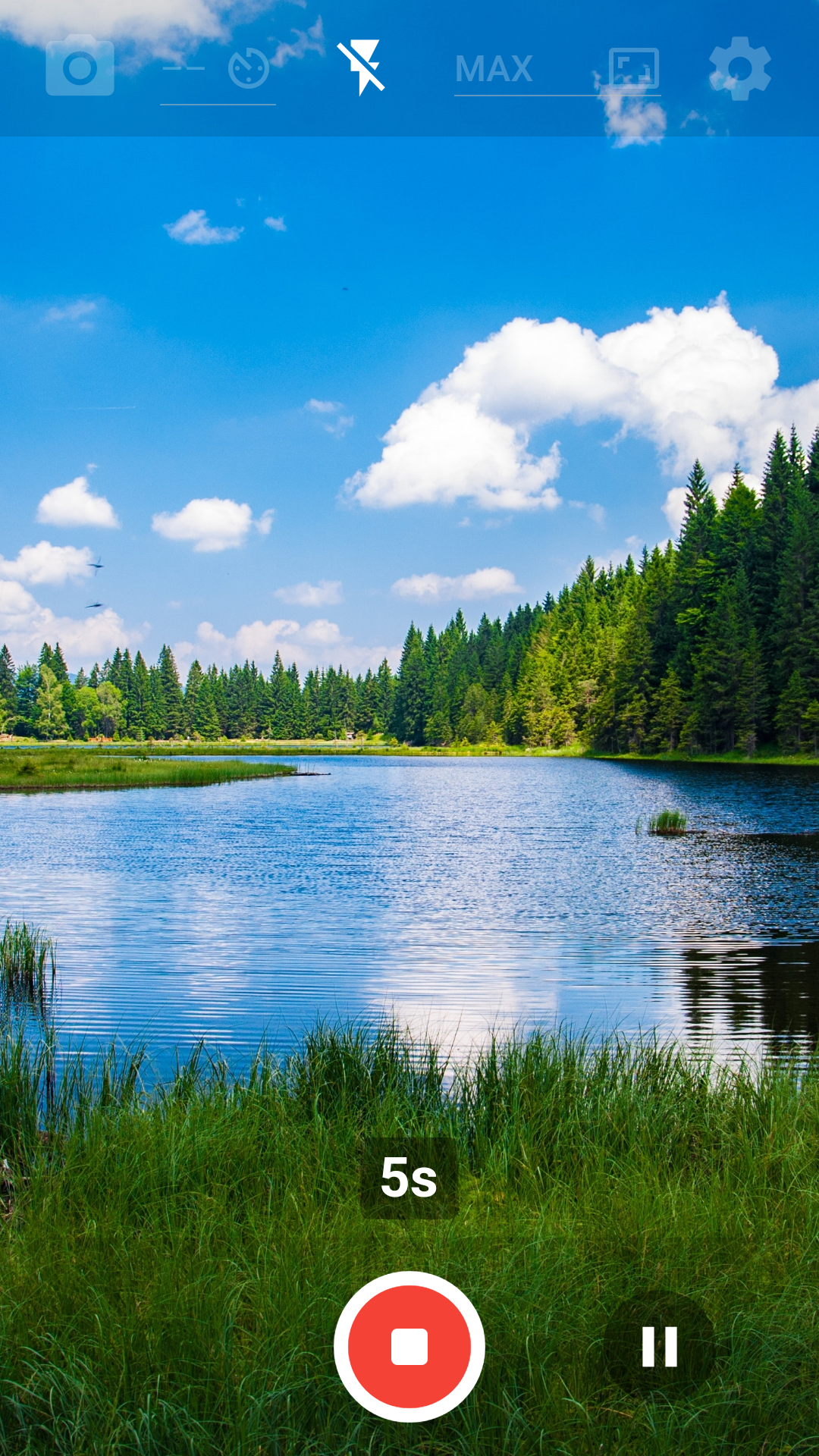
Flutter 및 Dart로 작성된 Android용 무료 오픈소스 카메라 앱

아래는 영문 원문 스냅샷입니다. 최신 내용은 GitHub에서 확인하세요.









A free and open source camera app for Android written in Flutter and Dart licensed under the GPLv3

You can download Libre Camera on F-Droid by tapping on the badge below. Alternatively, download and install the apk directly from the GitHub releases page. Downloading directly from the GitHub releases page will likely download a more recent version (if a new version was published recently) – notice though that the F-Droid and the GitHub versions aren't compatible with one another. You will need to reinstall the app; make sure you remember your settings.

These are the ways you can contribute to Libre Camera:
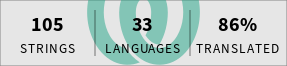
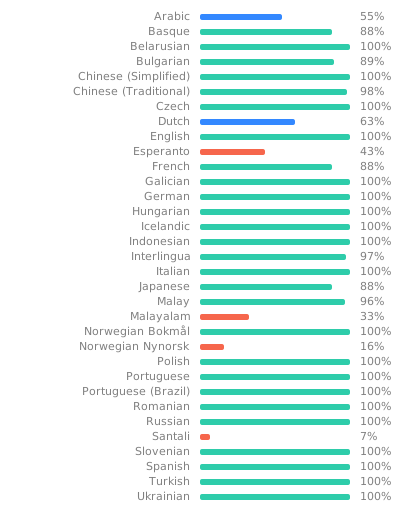
Translating guide: Translations are now handled using Weblate! To use Weblate, log into your Weblate account and choose one of the 2 components you want to translate: Either the app itself or the F-Droid metadata. Now, select the language you want to translate or add a new language. You will see a list of different strings to choose from; untranslated and unfinished strings will probably be of most interest to you. And finally: Have fun translating!
Before using Weblate you had to translate Libre Camera manually via pull requests. Thank you @Loughty, @zehrique, @vladkorotnev, @metezd, @ZiTAL and @melentan!
Open an issue on GitHub: Open issue
Remember to check for duplicates and try to give important information such as the app version, Android version, etc.
Feel free to send in a pull request! To get started with Flutter, follow this link: https://docs.flutter.dev/get-started/install
flutter pub get to get all necessary packages. To test the app, run the project in debug mode by selecting an Android device or emulator in your preferred Flutter IDE and running the app in debug modeflutter build apk – the output apk will be generated at librecamera/build/app/outputs/apk/release/. To receive all localized strings, run flutter gen-l10n. If you'd like to get multiple apks by splitting them into different platforms (results in smaller sizes), use flutter build apk --split-per-abi.The packages used for this app, also listed in the pubspec.yaml file. See their respective licenses.
| Package | Use case |
|---|---|
| camera | Camera functionality |
| device_info_plus | Getting the Android version to adapt saving behaviour |
| dynamic_color | Getting the Android Material 3 dynamic color |
| file_picker | Picking the save path |
| flutter | Flutter SDK |
| flutter_image_compress | Image compression and EXIF metadata removal |
| flutter_localizations | Localization |
| image | Ability to flip captured photos horizontally |
| intl | Localization |
| native_device_orientation | Automatic orientation based on the phones sensor |
| package_info_plus | Display the programs version number |
| permission_handler | Handling permissions |
| provider | State management (localization and themes) |
| screen_brightness | Maximum screen brightness option |
| shared_preferences | Saving app data like settings |
| smooth_page_indicator | Page indicator in the onboarding screen |
| url_launcher | Open the GitHub repository link inside the about menu |
| video_player | Displaying a captured video inside the thumbnail |
| wakelock_plus | Keeping the display always on |
This project is licensed under the GNU General Public License Version 3. For details, see LICENSE
카메라를 제어하기 위한 플러터 플러그인입니다. 카메라 피드 미리보기, 이미지 및 비디오 캡처, Dart로 이미지 버퍼 스트리밍을 지원합니다.
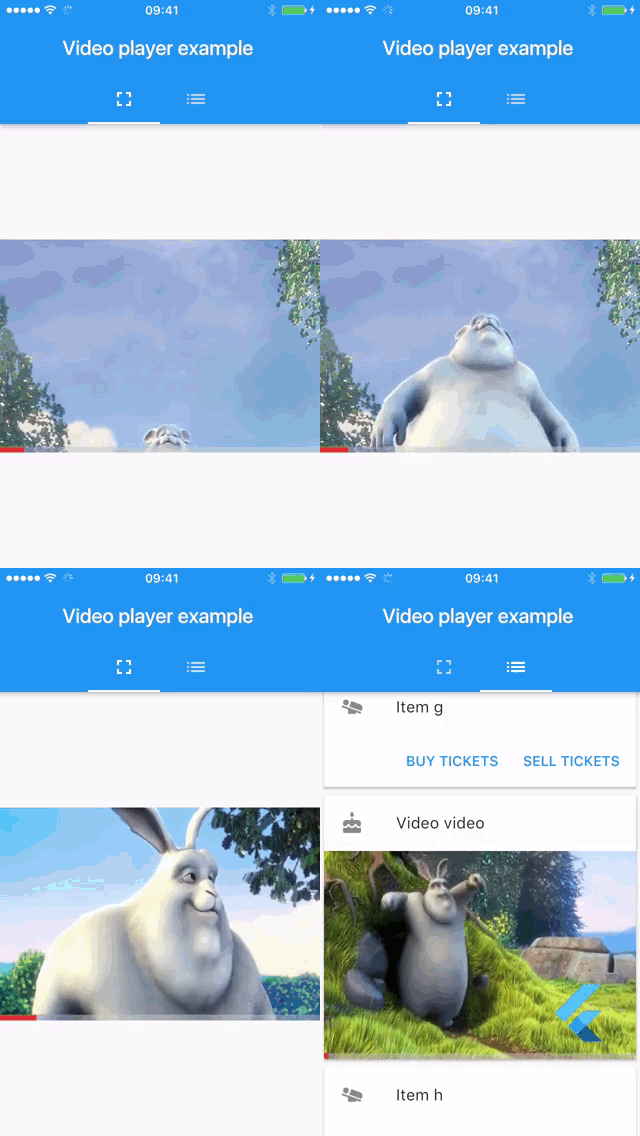
Android, iOS, macOS 및 웹에서 다른 Flutter 위젯과 함께 인라인 비디오를 표시하기 위한 Flutter 플러그인입니다.
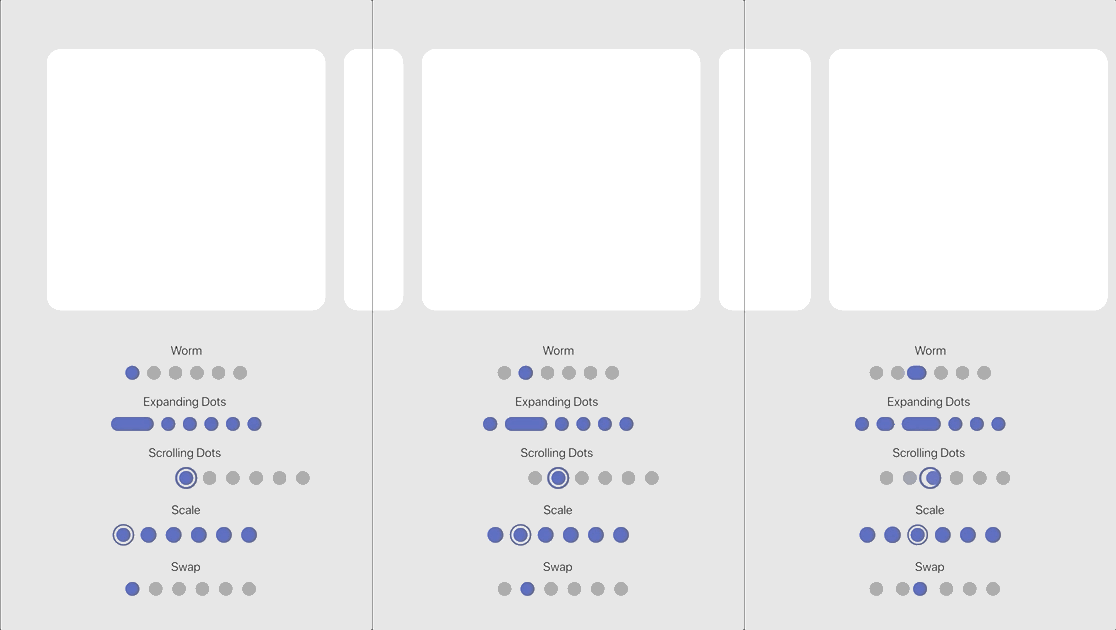
내장된 효과 세트를 갖춘 사용자 정의 가능한 애니메이션 페이지 인디케이터입니다.
이미지 압축. 전송 크기를 효과적으로 줄일 수 있습니다.
Very Good Ventures에서 내부적으로 사용하는 Dart 및 Flutter용 린트 규칙.
UI 방향 또는 센서에서 디바이스의 네이티브 방향을 읽기 위한 Flutter 플러그인
애플리케이션 라이프사이클 리셋 기능을 구현한 화면 밝기 조절용 플러그인
의존성 목록 24 개
^0.11.0^12.3.0^1.7.0^10.3.8{"sdk":"flutter"}^2.3.0{"sdk":"flutter"}^4.1.7any^2.0.3^9.0.0^12.0.1^6.1.2^2.1.7^2.2.3^2.0.1^6.2.6^2.10.1^1.2.5^0.14.4^6.0.0^2.4.0{"sdk":"flutter"}^10.0.0사용 목적에 따라 검색하고 개발 활동을 비교한 뒤 원본 저장소에서 요구 사항을 확인하세요.
“A repository is the most basic element of GitHub.”
GitHub Docs — About repositories ↗