
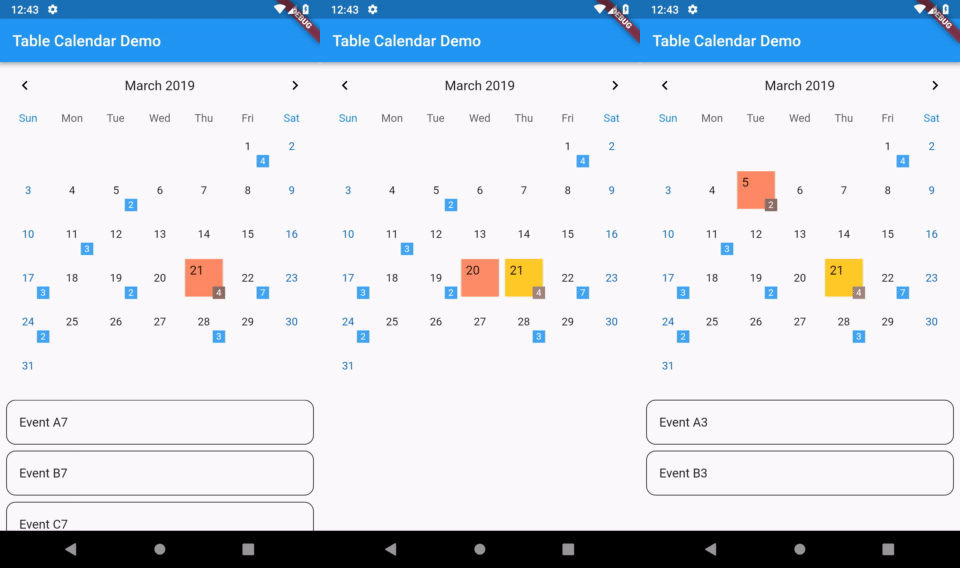
 v3.3.0
table_calendar
Flutter용으로 매우 사용자 정의가 가능하고 기능이 풍부한 캘린더 위젯입니다.
3.3천좋아요 74.3만30일 다운로드160Pub 점수
AndroidiOSWebmacOSWindowsLinux
새로운 UI를 갖춘 할 일 앱. 사용 기술: Flutter, Firebase, MVC, Riverpod. Readme를 확인하세요
 v3.3.0
Flutter용으로 매우 사용자 정의가 가능하고 기능이 풍부한 캘린더 위젯입니다.
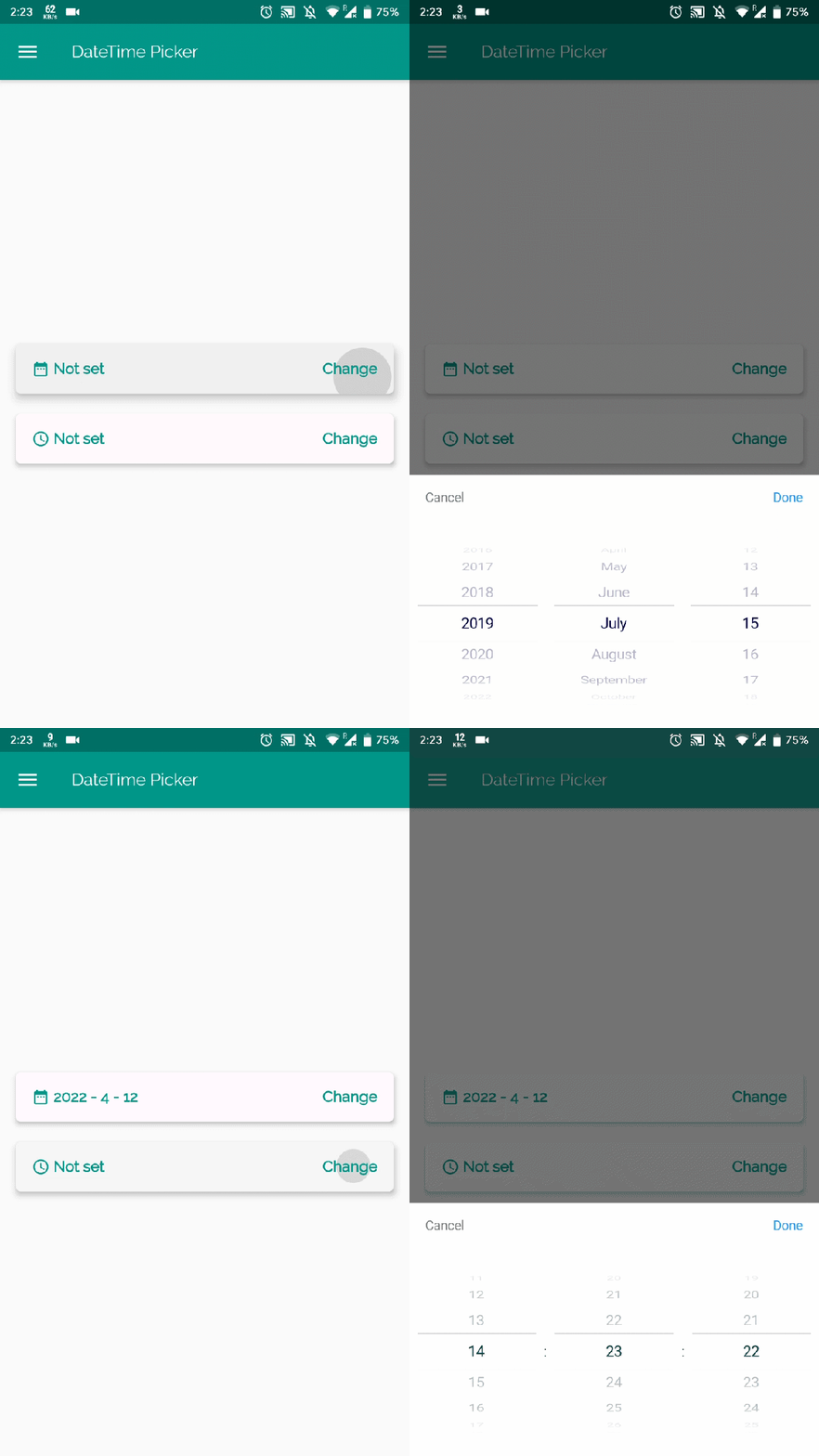 v1.5.1
플러터용 날짜 및 시간 선택기로 영어, 네덜란드어, 중국어에서 날짜/시간/날짜 및 시간을 선택할 수 있으며, 사용자 정의 피커 콘텐츠도 만들 수 있습니다
모든 개발자가 필요로 하는 위젯과 유용한 메서드 모음입니다.
단일 명령어로 앱 패키지 이름을 변경합니다. AndroidManifest, build.gradle, MainActivity 파일을 업데이트하고 MainActivity 파일을 새 디렉터리 구조로 자동으로 이동합니다.
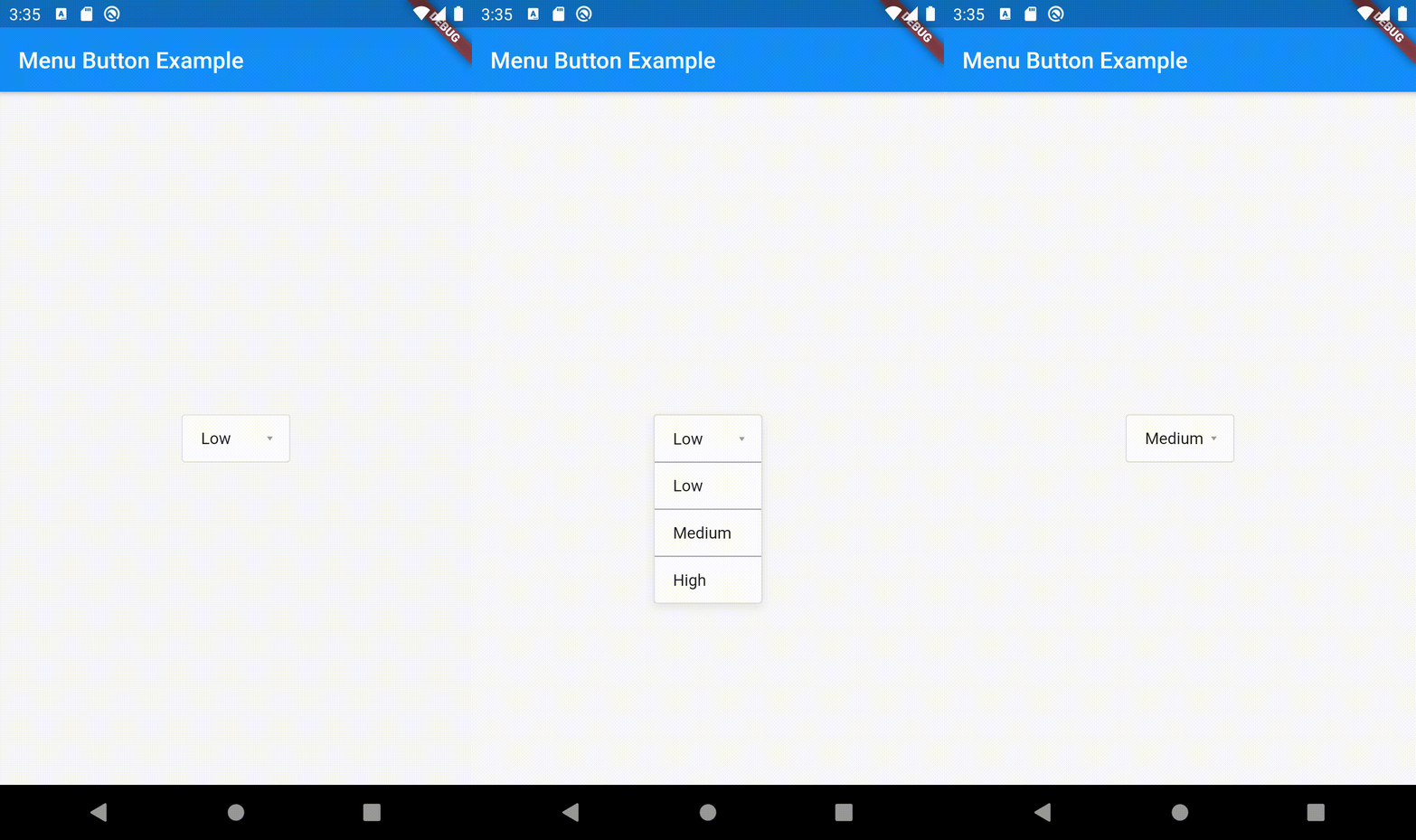 v1.4.2+1
드롭다운 목록에서 항목을 쉽게 선택할 수 있도록 사용자 정의 가능한 메뉴 버튼 위젯
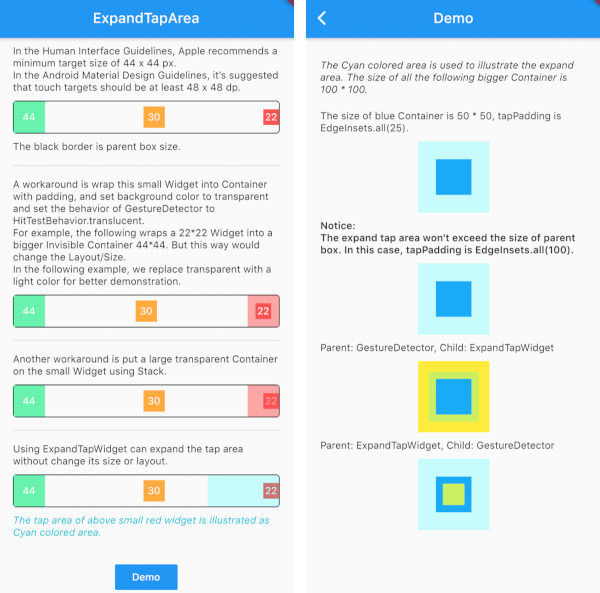 v1.1.1
크기나 레이아웃을 변경하지 않고 위젯의 탭 영역을 수동으로 확장합니다. iOS 개발에서의 hitTest와 유사합니다.
의존성 목록 17 개
^1.0.0^2.5.4^2.2.1^1.0.2^1.1.0^3.1.4^1.8.0{"sdk":"flutter"}{"git":"https://github.com/Realank/flutter_datetime_picker.git"}^1.0.0^2.1.0^5.2.4^1.1.0^1.4.2+1^4.3.0+4^3.0.3{"sdk":"flutter"}아래는 영문 원문 스냅샷입니다. 최신 내용은 GitHub에서 확인하세요.
CI Status Star on Github GitHub release (latest by date including pre-releases) License: Apache
|
https://raw.githubusercontent.com/momshaddinury/listify/HEAD/assets/logo.png
A task management app with refreshing UI. Organise your tasks and share projects on the go. Track status of project, discuss ideas about tasks in dedicated discussion thread. It can be used as a regular To Do List App or can be used to plan and execute big events. |
| Splash Screen | Login Screen | Home Screen | Details Screen |
| https://raw.githubusercontent.com/momshaddinury/listify/HEAD/assets/screenshots/Splash.png | https://raw.githubusercontent.com/momshaddinury/listify/HEAD/assets/screenshots/Login.png | https://raw.githubusercontent.com/momshaddinury/listify/HEAD/assets/screenshots/Home.png | https://raw.githubusercontent.com/momshaddinury/listify/HEAD/assets/screenshots/Details.png |
Flutter 2.5.3 • channel stable • https://github.com/flutter/flutter.git
Framework • revision 18116933e7 (4 weeks ago) • 2021-10-15 10:46:35 -0700
Engine • revision d3ea636dc5
Tools • Dart 2.14.4
Project is following MVC pattern. For managing state I am using Riverpod 1.0.0. All the UI components are inside views folder. Business logic is handled inside controller folder. Model is used to parse data.
└── lib/
    ├── controller/
    │   └── business logic layer
    ├── model/
    │   └── data layer
    ├── view/
    │   └── presentation layer
    ├── services/
    │   └── helper classes
    └── constant
├── Login & Sign up using Email and Password
├── Add Task with title, description, date and time, priority
├── Add, Update, Delete Sub Task
├── Update Task
└── Delete Task
P.S - To see on going work, feature list please check issues section and projects section
To learn more about riverpod:
https://codewithandrea.com/videos/flutter-state-management-riverpod/
To learn more about MVC pattern:
https://medium.flutterdevs.com/design-patterns-in-flutter-part-1-c32a3ddb00e2
To Install flutter:
https://flutter.dev/docs/get-started/install