

 v2.0.4
add_to_cart_animation
카트에 추가하는 애니메이션을 제공하는 플러터 플러그인입니다. 저는 이를 쇼핑 앱 전용으로 준비했지만 다른 앱에서도 사용할 수 있습니다.
324좋아요 2.7천30일 다운로드150Pub 점수
AndroidiOSWebmacOSWindowsLinux
카트에 추가하는 애니메이션을 제공하는 플러터 플러그인입니다.

아래는 영문 원문 스냅샷입니다. 최신 내용은 GitHub에서 확인하세요.
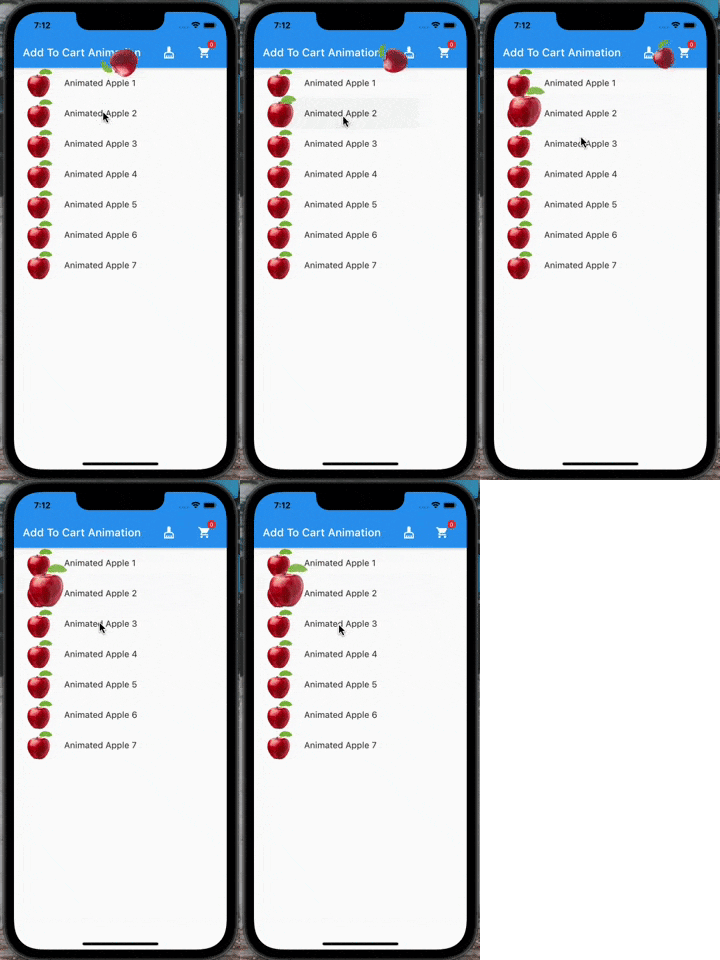
A flutter plugin which provide you add to cart animation. I have prepared it to special to shopping apps however you can use it on the others apps too, becasue it accept every widget to drag as in the gif. So It can be useful at shopping, game, news and other category apps.
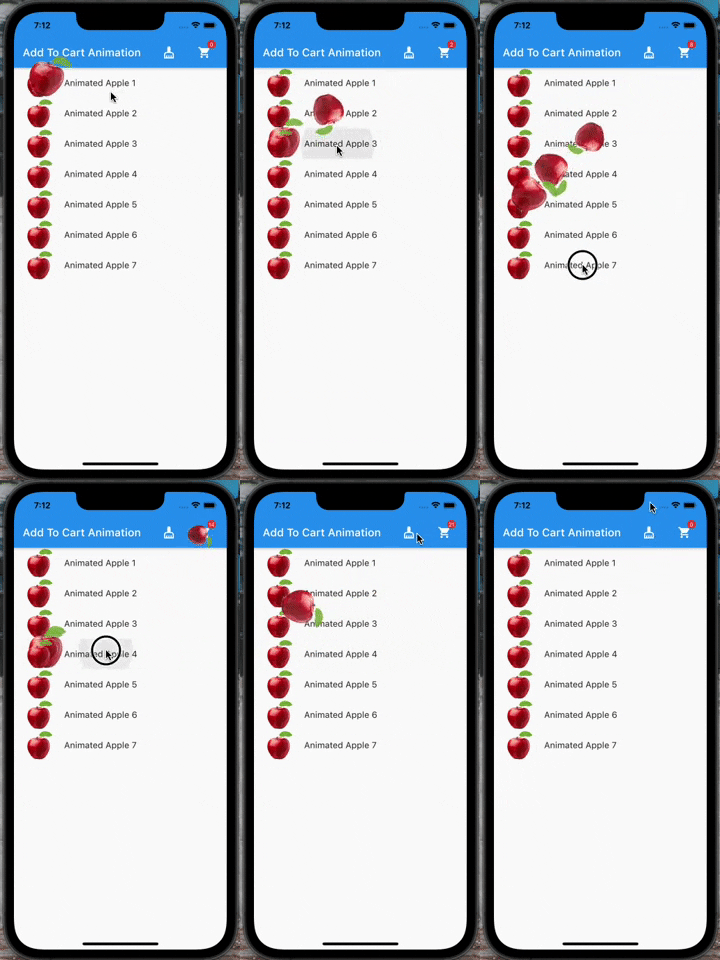 |
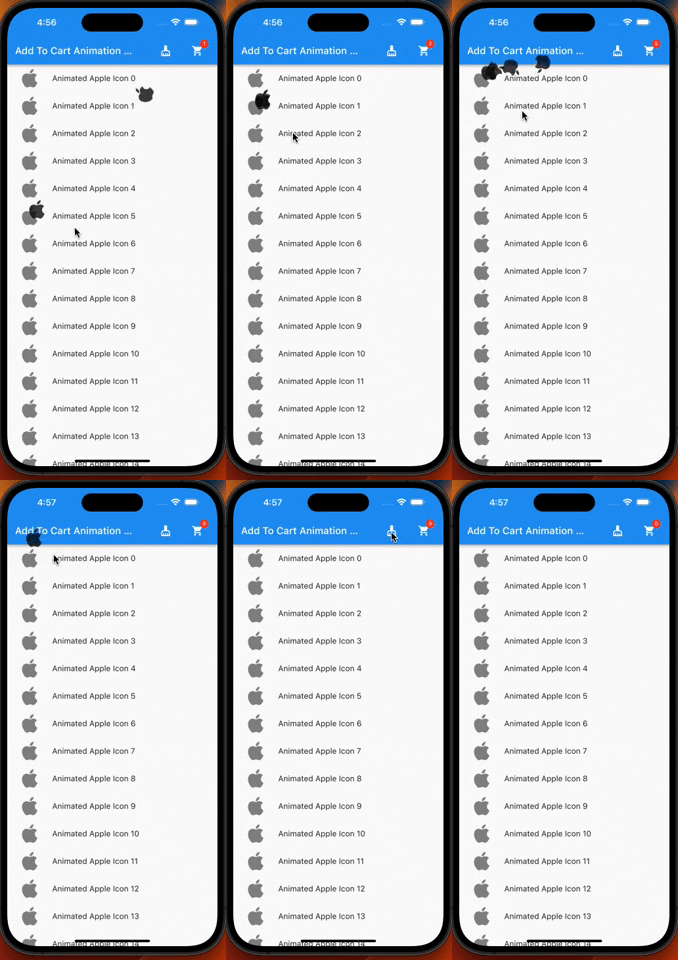 |
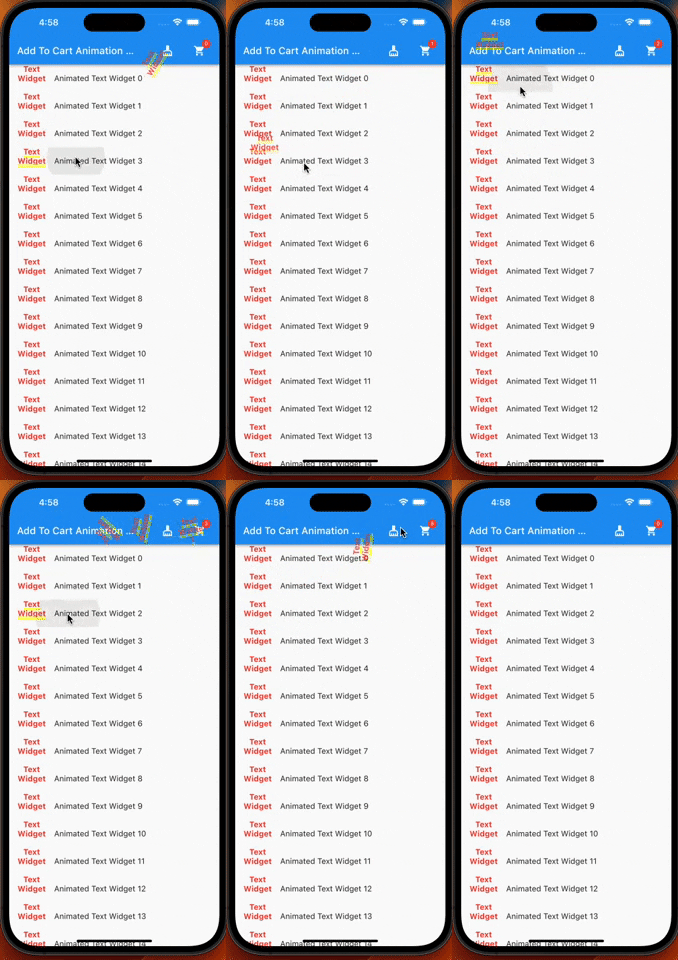
If you need it, you can add it to your project easily. It is easy to use
Add the dependency to your pubspec.yaml:
add_to_cart_animation: ^2.0.4
And check the example code to solve how it works.
import 'package:add_to_cart_animation/add_to_cart_animation.dart';
import 'package:flutter/material.dart';

void main() {
  runApp(const MyApp());
}

class MyApp extends StatelessWidget {
  const MyApp({super.key});

  // This widget is the root of your application.
  @override
  Widget build(BuildContext context) {
    return MaterialApp(
      title: 'Add To Cart Animation Example',
      theme: ThemeData(
        primarySwatch: Colors.blue,
      ),
      home: const MyHomePage(title: 'Add To Cart Animation Example'),
      debugShowCheckedModeBanner: false,
    );
  }
}

class MyHomePage extends StatefulWidget {
  const MyHomePage({Key? key, required this.title}) : super(key: key);
  final String title;

  @override
  MyHomePageState createState() => MyHomePageState();
}

class MyHomePageState extends State<MyHomePage> {
  // We can detect the location of the cart by this  GlobalKey<CartIconKey>
  GlobalKey<CartIconKey> cartKey = GlobalKey<CartIconKey>();
  late Function(GlobalKey) runAddToCartAnimation;
  var _cartQuantityItems = 0;

  @override
  Widget build(BuildContext context) {
    return AddToCartAnimation(
      // To send the library the location of the Cart icon
      cartKey: cartKey,
      height: 30,
      width: 30,
      opacity: 0.85,
      dragAnimation: const DragToCartAnimationOptions(
        rotation: true,
      ),
      jumpAnimation: const JumpAnimationOptions(),
      createAddToCartAnimation: (runAddToCartAnimation) {
        // You can run the animation by addToCartAnimationMethod, just pass trough the the global key of  the image as parameter
        this.runAddToCartAnimation = runAddToCartAnimation;
      },
      child: Scaffold(
        appBar: AppBar(
          title: Text(widget.title),
          centerTitle: false,
          actions: [
            //  Adding 'clear-cart-button'
            IconButton(
              icon: const Icon(Icons.cleaning_services),
              onPressed: () {
                _cartQuantityItems = 0;
                cartKey.currentState!.runClearCartAnimation();
              },
            ),
            const SizedBox(width: 16),
            AddToCartIcon(
              key: cartKey,
              icon: const Icon(Icons.shopping_cart),
              badgeOptions: const BadgeOptions(
                active: true,
                backgroundColor: Colors.red,
              ),
            ),
            const SizedBox(
              width: 16,
            )
          ],
        ),
        body: ListView(
          children: List.generate(
            15,
            (index) => AppListItem(
              onClick: listClick,
              index: index,
            ),
          ),
        ),
      ),
    );
  }

  void listClick(GlobalKey widgetKey) async {
    await runAddToCartAnimation(widgetKey);
    await cartKey.currentState!
        .runCartAnimation((++_cartQuantityItems).toString());
  }
}

class AppListItem extends StatelessWidget {
  final GlobalKey widgetKey = GlobalKey();
  final int index;
  final void Function(GlobalKey) onClick;

  AppListItem({super.key, required this.onClick, required this.index});
  @override
  Widget build(BuildContext context) {
    //  Container is mandatory. It can hold images or whatever you want
    Container mandatoryContainer = Container(
      key: widgetKey,
      width: 60,
      height: 60,
      color: Colors.transparent,
      child: Image.network(
        "https://cdn.jsdelivr.net/gh/omerbyrk/add_to_cart_animation/example/assets/apple.png",
        width: 60,
        height: 60,
      ),
    );

    return ListTile(
      onTap: () => onClick(widgetKey),
      leading: mandatoryContainer,
      title: Text(
        "Animated Apple Product Image $index",
      ),
    );
  }
}
By the way, you can run the example project in the plugin to check it deeply.
Have a good days.
Did you find this plugin useful? Please consider to buy me a coffe!
의존성 목록 3 개
{"sdk":"flutter"}{"sdk":"flutter"}^2.0.0사용 목적에 따라 검색하고 개발 활동을 비교한 뒤 원본 저장소에서 요구 사항을 확인하세요.
“A repository is the most basic element of GitHub.”
GitHub Docs — About repositories ↗