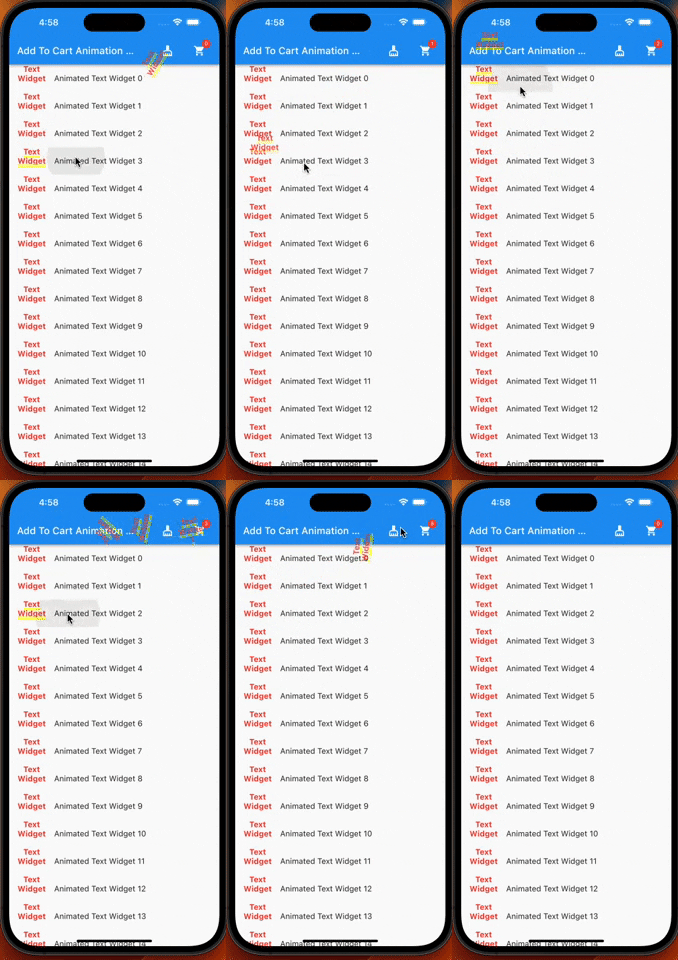
쇼핑 애플리케이션에 적합한 부드러운 장바구니 추가 애니메이션을 제공하는 플러터 플러그인입니다. 사용자가 아이템이 장바구니에 추가되는 것을 동적이고 매력적인 움직임으로 시각적으로 경험할 수 있도록 합니다. 애니메이션은 사용자 정의가 가능하며 다양한 UI 구성 요소에 통합할 수 있습니다. 전자상거래 앱을 위해 특별히 설계되었지만 직관적인 장바구니 상호작용이 필요한 다른 맥락에서도 유연하게 사용할 수 있습니다. 이 패키지는 Android, iOS, Web, macOS, Windows 및 Linux를 포함한 모든 주요 플랫폼을 지원합니다.
사용 사례
전자상거래 앱 제품 추가
인터랙티브 쇼핑카트 경험
항목 선택을 위한 시각 피드백
소매 앱에서 사용자 참여도 향상
모바일 및 웹 앱에서의 사용자 정의 애니메이션
주요 기능
스무스한 장바구니 추가 애니메이션
크로스 플랫폼 호환성
기존 UI와의 간편한 통합
사용자 정의 가능한 애니메이션 동작
여러 대상 목적지를 지원합니다
적합한 대상
쇼핑 및 유통 앱
시각적 장바구니 피드백이 필요한 앱
간단한 애니메이션 솔루션을 찾는 개발자
다중 플랫폼을 대상으로 하는 Flutter 프로젝트
UI/UX 향상에 집중하는 개발자
고려 사항
카트 아이콘 또는 대상의 올바른 위치가 필요합니다
저사양 기기에서는 성능 튜닝이 필요할 수 있습니다
기본 카트 애니메이션 패턴에만 제한됨
복잡한 상호작용 흐름에 적합하지 않습니다
최적의 결과를 얻기 위해 올바른 위젯 계층 구조에 의존합니다
원본 README
연결된 소스 저장소의 README 원문 스냅샷입니다. 최신 내용은 저장소에서 확인하세요.
Add To Cart Animaiton
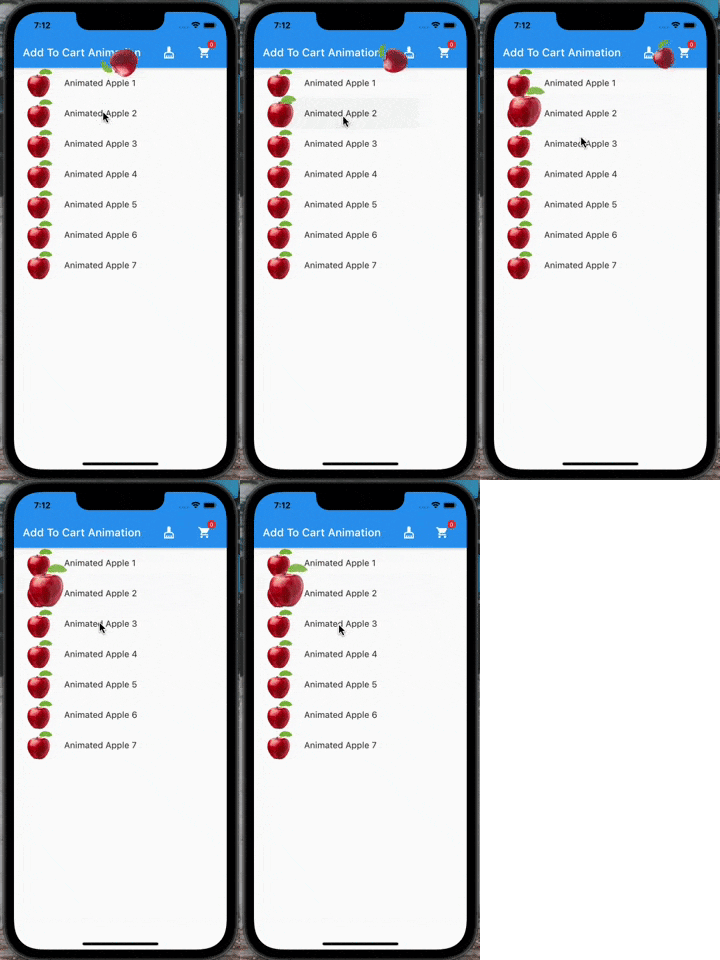
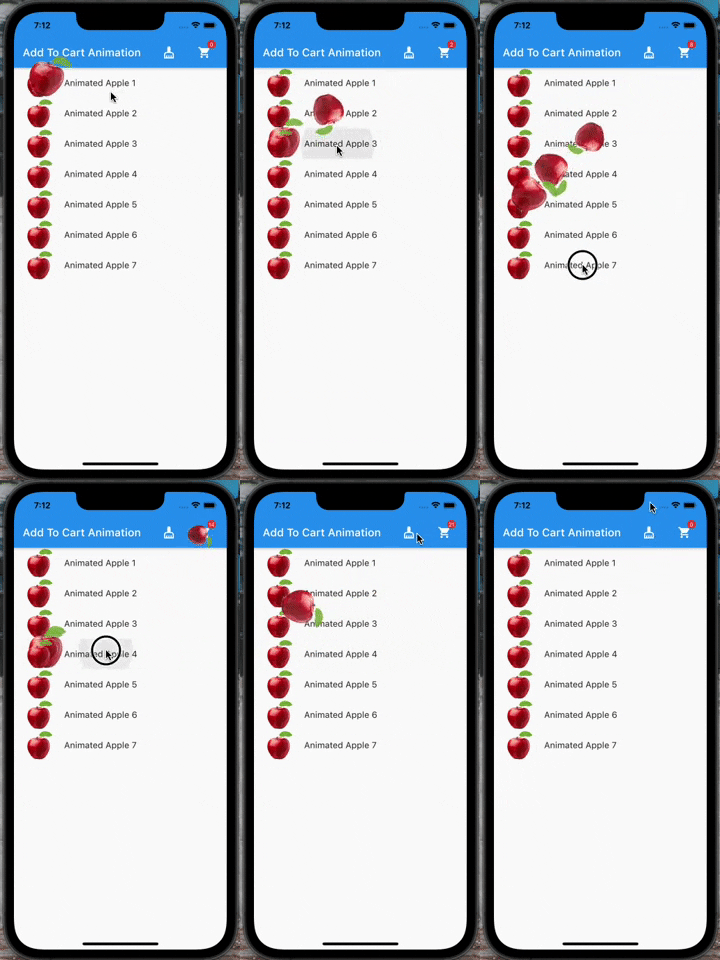
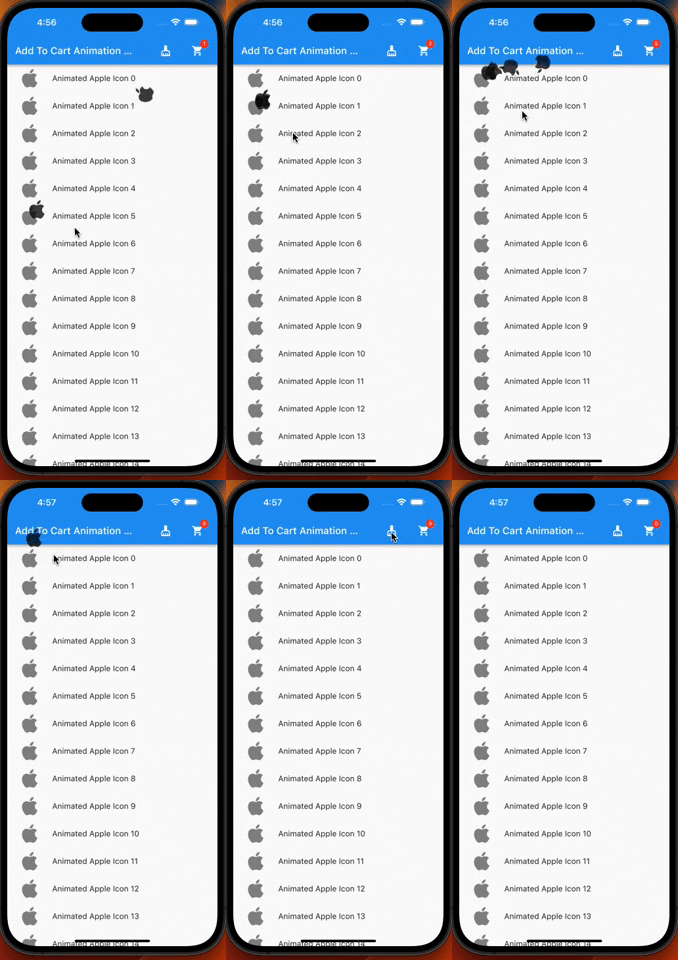
A flutter plugin which provide you add to cart animation. I have prepared it to special to shopping apps however you can use it on the others apps too, becasue it accept every widget to drag as in the gif. So It can be useful at shopping, game, news and other category apps.
| |
Features
Product container accepts every widget.
The cart and cart's badge can be invisible.
The product animation is fully controlled(duration, curve)
The first jump animation is fully controlled(active, duration, curve)
If you need it, you can add it to your project easily. It is easy to use
Add the dependency to your pubspec.yaml:
add_to_cart_animation:^2.0.4
And check the example code to solve how it works.
import'package:add_to_cart_animation/add_to_cart_animation.dart';
import'package:flutter/material.dart';
voidmain() {
runApp(constMyApp());
}
classMyAppextendsStatelessWidget{
constMyApp({super.key});
// This widget is the root of your application.@overrideWidgetbuild(BuildContext context) {
returnMaterialApp(
title: 'Add To Cart Animation Example',
theme: ThemeData(
primarySwatch: Colors.blue,
),
home: constMyHomePage(title: 'Add To Cart Animation Example'),
debugShowCheckedModeBanner: false,
);
}
}
classMyHomePageextendsStatefulWidget{
constMyHomePage({Key? key, requiredthis.title}) : super(key: key);
finalString title;
@overrideMyHomePageStatecreateState() => MyHomePageState();
}
classMyHomePageStateextendsState<MyHomePage> {
// We can detect the location of the cart by this GlobalKey<CartIconKey>GlobalKey<CartIconKey> cartKey = GlobalKey<CartIconKey>();
lateFunction(GlobalKey) runAddToCartAnimation;
var _cartQuantityItems = 0;
@overrideWidgetbuild(BuildContext context) {
returnAddToCartAnimation(
// To send the library the location of the Cart icon
cartKey: cartKey,
height: 30,
width: 30,
opacity: 0.85,
dragAnimation: constDragToCartAnimationOptions(
rotation: true,
),
jumpAnimation: constJumpAnimationOptions(),
createAddToCartAnimation: (runAddToCartAnimation) {
// You can run the animation by addToCartAnimationMethod, just pass trough the the global key of the image as parameterthis.runAddToCartAnimation = runAddToCartAnimation;
},
child: Scaffold(
appBar: AppBar(
title: Text(widget.title),
centerTitle: false,
actions: [
// Adding 'clear-cart-button'IconButton(
icon: constIcon(Icons.cleaning_services),
onPressed: () {
_cartQuantityItems = 0;
cartKey.currentState!.runClearCartAnimation();
},
),
constSizedBox(width: 16),
AddToCartIcon(
key: cartKey,
icon: constIcon(Icons.shopping_cart),
badgeOptions: constBadgeOptions(
active: true,
backgroundColor: Colors.red,
),
),
constSizedBox(
width: 16,
)
],
),
body: ListView(
children: List.generate(
15,
(index) => AppListItem(
onClick: listClick,
index: index,
),
),
),
),
);
}
voidlistClick(GlobalKey widgetKey) async {
awaitrunAddToCartAnimation(widgetKey);
await cartKey.currentState!
.runCartAnimation((++_cartQuantityItems).toString());
}
}
classAppListItemextendsStatelessWidget{
finalGlobalKey widgetKey = GlobalKey();
finalint index;
finalvoidFunction(GlobalKey) onClick;
AppListItem({super.key, requiredthis.onClick, requiredthis.index});
@overrideWidgetbuild(BuildContext context) {
// Container is mandatory. It can hold images or whatever you wantContainer mandatoryContainer = Container(
key: widgetKey,
width: 60,
height: 60,
color: Colors.transparent,
child: Image.network(
"https://cdn.jsdelivr.net/gh/omerbyrk/add_to_cart_animation/example/assets/apple.png",
width: 60,
height: 60,
),
);
returnListTile(
onTap: () => onClick(widgetKey),
leading: mandatoryContainer,
title: Text(
"Animated Apple Product Image $index",
),
);
}
}
By the way, you can run the example project in the plugin to check it deeply.

 |
 |