

v3.0.1
flutter_camera_ml_vision
카메라 스트림을 표시하고 그 위에서 ML 비전 인식을 허용하는 플러터 위젯으로 바코드, 레이블, 텍스트, 얼굴 등을 감지할 수 있습니다.
106좋아요 7930일 다운로드130Pub 점수
AndroidiOS
카메라 스트림을 표시하고 그 위에서 ML 비전 인식을 허용하는 플러터 위젯으로 바코드, 레이블, 텍스트, 얼굴 등을 감지할 수 있습니다.

아래는 영문 원문 스냅샷입니다. 최신 내용은 GitHub에서 확인하세요.

A Flutter package for iOS and Android to show a preview of the camera and detect things with Firebase ML Vision.
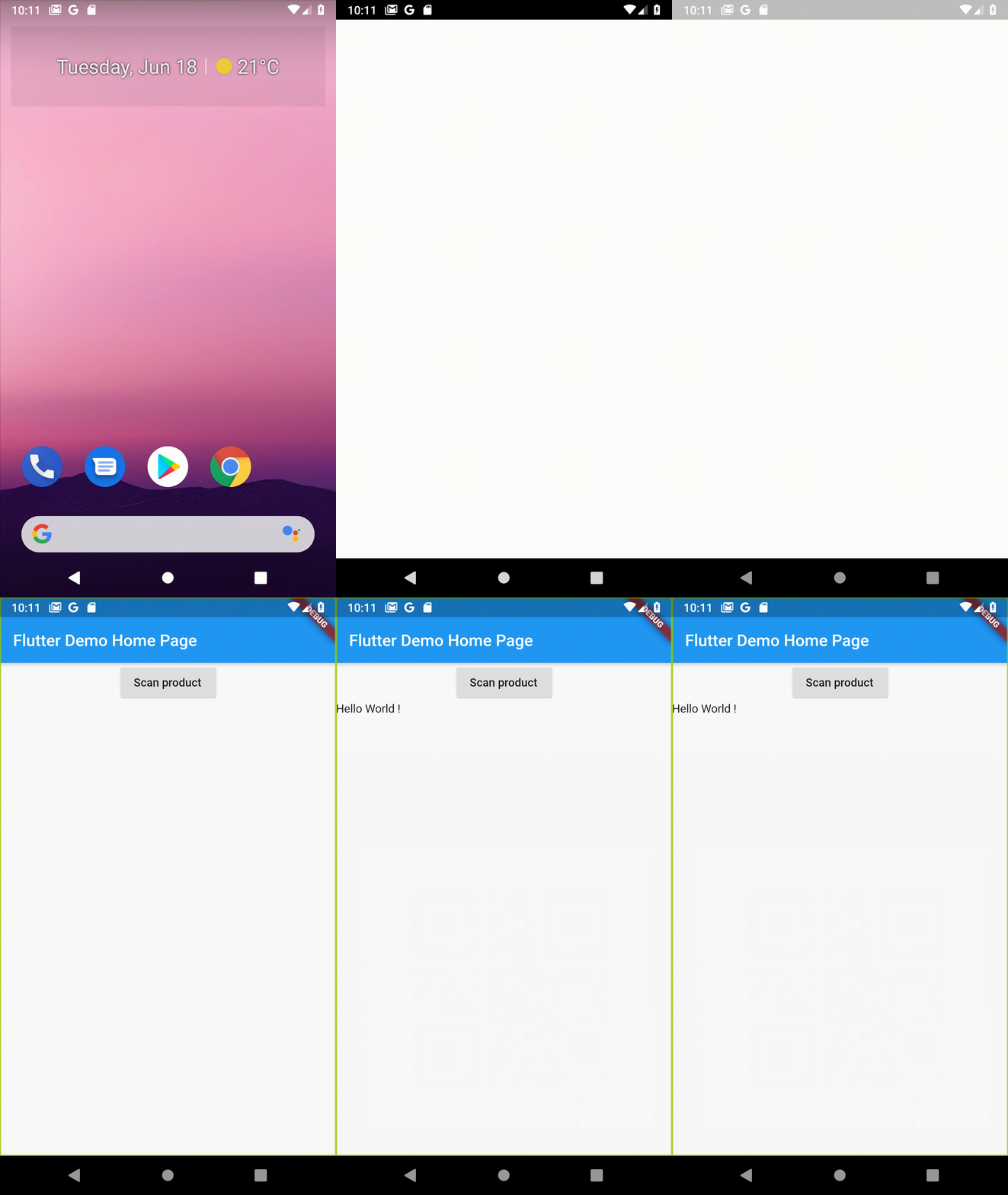
First, add flutter_camera_ml_vision as a dependency.
...
dependencies:
  flutter:
    sdk: flutter
  flutter_camera_ml_vision: ^2.2.4
...
You must also configure Firebase for each platform project: Android and iOS (see the example folder or https://firebase.google.com/codelabs/firebase-get-to-know-flutter#3 for step by step details).
Add two rows to the ios/Runner/Info.plist:
<key>NSCameraUsageDescription</key>
<string>Can I use the camera please?</string>
<key>NSMicrophoneUsageDescription</key>
<string>Can I use the mic please?</string>
If you're using one of the on-device APIs, include the corresponding ML Kit library model in your Podfile. Then run pod update in a terminal within the same directory as your Podfile.
pod 'Firebase/MLVisionBarcodeModel'
pod 'Firebase/MLVisionFaceModel'
pod 'Firebase/MLVisionLabelModel'
pod 'Firebase/MLVisionTextModel'
Change the minimum Android sdk version to 21 (or higher) in your android/app/build.gradle file.
minSdkVersion 21
ps: This is due to the dependency on the camera plugin.
If you're using the on-device LabelDetector, include the latest matching ML Kit: Image Labeling dependency in your app-level build.gradle file.
android {
    dependencies {
        // ...

        api 'com.google.firebase:firebase-ml-vision-image-label-model:19.0.0'
    }
}
If you receive compilation errors, try an earlier version of ML Kit: Image Labeling.
Optional but recommended: If you use the on-device API, configure your app to automatically download the ML model to the device after your app is installed from the Play Store. To do so, add the following declaration to your app's AndroidManifest.xml file:
<application ...>
  ...
  <meta-data
    android:name="com.google.firebase.ml.vision.DEPENDENCIES"
    android:value="ocr" />
  <!-- To use multiple models: android:value="ocr,label,barcode,face" -->
</application>
CameraMlVision<List<Barcode>>(
  detector: FirebaseVision.instance.barcodeDetector().detectInImage,
  onResult: (List<Barcode> barcodes) {
    if (!mounted || resultSent) {
      return;
    }
    resultSent = true;
    Navigator.of(context).pop<Barcode>(barcodes.first);
  },
)
CameraMlVision is a widget that shows the preview of the camera. It takes a detector as a parameter here we pass the detectInImage method of the BarcodeDetector object.
The detector parameter can take all the different FirebaseVision Detector. Here is a list :
FirebaseVision.instance.barcodeDetector().detectInImage
FirebaseVision.instance.cloudLabelDetector().detectInImage
FirebaseVision.instance.faceDetector().processImage
FirebaseVision.instance.labelDetector().detectInImage
FirebaseVision.instance.textRecognizer().processImage
Then when something is detected the onResult callback is called with the data in the parameter of the function.
We expose some functionality from the CameraController class here a list of these :
See the example directory for a complete sample app.
Please file feature requests and bugs at the issue tracker.
For any technical support, don't hesitate to contact us. Find more information in our website
For now, all the issues with the label support mean that they come out of the scope of the following project. So you can contact us as a support.
의존성 목록 10 개
{"sdk":"flutter"}^0.12.0+1^1.1.0^0.2.0^2.0.1^1.11.0^2.0.0^0.8.1^1.15.0{"sdk":"flutter"}사용 목적에 따라 검색하고 개발 활동을 비교한 뒤 원본 저장소에서 요구 사항을 확인하세요.
“A repository is the most basic element of GitHub.”
GitHub Docs — About repositories ↗