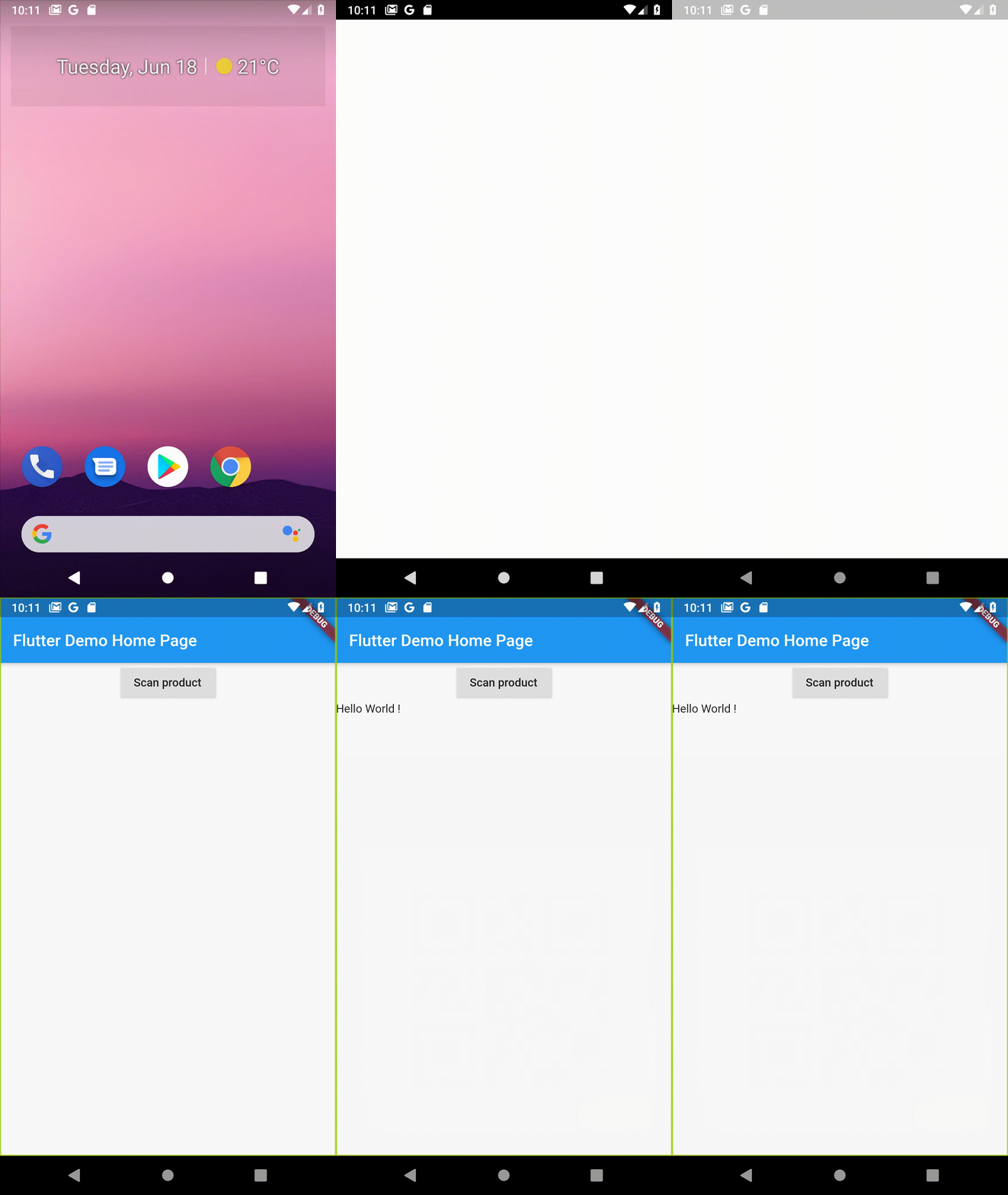
실시간 카메라 스트림을 표시하고 바코드, 레이블, 텍스트 및 얼굴 감지와 같은 실시간 머신러닝 비전 기능을 가능하게 하는 플러터 위젯입니다. 안드로이드 및 iOS용으로 제작되었으며, 플러터 앱과 원활하게 통합되어 디바이스 내 이미지 분석을 제공합니다. 문서 스캔, 객체 인식 및 자동 데이터 입력에 적합합니다. 정확하고 효율적인 처리를 위해 백엔드에서 ML Kit를 활용합니다.
사용 사례
문서 스캔
바코드 읽기
이미지에서 텍스트 추출
얼굴 탐지
이미지 레이블링
주요 기능
실시간 카메라 피드
기기 내 ML 처리
여러 비전 API를 지원
크로스 플랫폼(안드로이드 및 iOS)
Flutter와의 간단한 통합
저지연 감지
적합한 대상
OCR가 필요한 모바일 앱
재고 관리 도구
스마트 문서 스캐너
얼굴 인식 시스템
소매 및 물류 응용 프로그램
고려 사항
카메라 권한이 필요합니다
배터리 수명에 영향을 줄 수 있습니다
성능은 기기마다 다릅니다
지원되는 ML 비전 유형에 제한됨
비동기 작업 처리가 적절해야 합니다
원본 README
연결된 소스 저장소의 README 원문 스냅샷입니다. 최신 내용은 저장소에서 확인하세요.
Flutter Camera Ml Vision
A Flutter package for iOS and Android to show a preview of the camera and detect things with Firebase ML Vision.
Installation
First, add flutter_camera_ml_vision as a dependency.
You must also configure Firebase for each platform project: Android and iOS (see the example folder or https://firebase.google.com/codelabs/firebase-get-to-know-flutter#3 for step by step details).
iOS
Add two rows to the ios/Runner/Info.plist:
one with the key Privacy - Camera Usage Description and a usage description.
and one with the key Privacy - Microphone Usage Description and a usage description.
Or in text format add the key:
<key>NSCameraUsageDescription</key>
<string>Can I use the camera please?</string><key>NSMicrophoneUsageDescription</key><string>Can I use the mic please?</string>
If you're using one of the on-device APIs, include the corresponding ML Kit library model in your Podfile. Then run pod update in a terminal within the same directory as your Podfile.
pod 'Firebase/MLVisionBarcodeModel'
pod 'Firebase/MLVisionFaceModel'
pod 'Firebase/MLVisionLabelModel'
pod 'Firebase/MLVisionTextModel'
Android
Change the minimum Android sdk version to 21 (or higher) in your android/app/build.gradle file.
minSdkVersion 21
ps: This is due to the dependency on the camera plugin.
If you're using the on-device LabelDetector, include the latest matching ML Kit: Image Labeling dependency in your app-level build.gradle file.
android {
    dependencies {
        // ...

        api 'com.google.firebase:firebase-ml-vision-image-label-model:19.0.0'
    }
}
Optional but recommended: If you use the on-device API, configure your app to automatically download the ML model to the device after your app is installed from the Play Store. To do so, add the following declaration to your app's AndroidManifest.xml file:
<application...>
...
<meta-dataandroid:name="com.google.firebase.ml.vision.DEPENDENCIES"android:value="ocr" /><!-- To use multiple models: android:value="ocr,label,barcode,face" --></application>
CameraMlVision is a widget that shows the preview of the camera. It takes a detector as a parameter here we pass the detectInImage method of the BarcodeDetector object.
The detector parameter can take all the different FirebaseVision Detector. Here is a list :