v1.19.0
meta
소스 코드를 정적 분석하여 추론할 수 없는 개발자의 의도를 표현하는 데 사용되는 주석입니다.
480좋아요 1930만30일 다운로드150Pub 점수
AndroidiOSWebmacOSWindowsLinux
손글씨를 위한 크로스 플랫폼 오픈소스 앱

아래는 영문 원문 스냅샷입니다. 최신 내용은 GitHub에서 확인하세요.
 Saber
Saber





English | čeština | Deutsch | 中文 (简体中文, 中国) | 中文 (繁體, 台灣) | العربية | Tiếng Việt
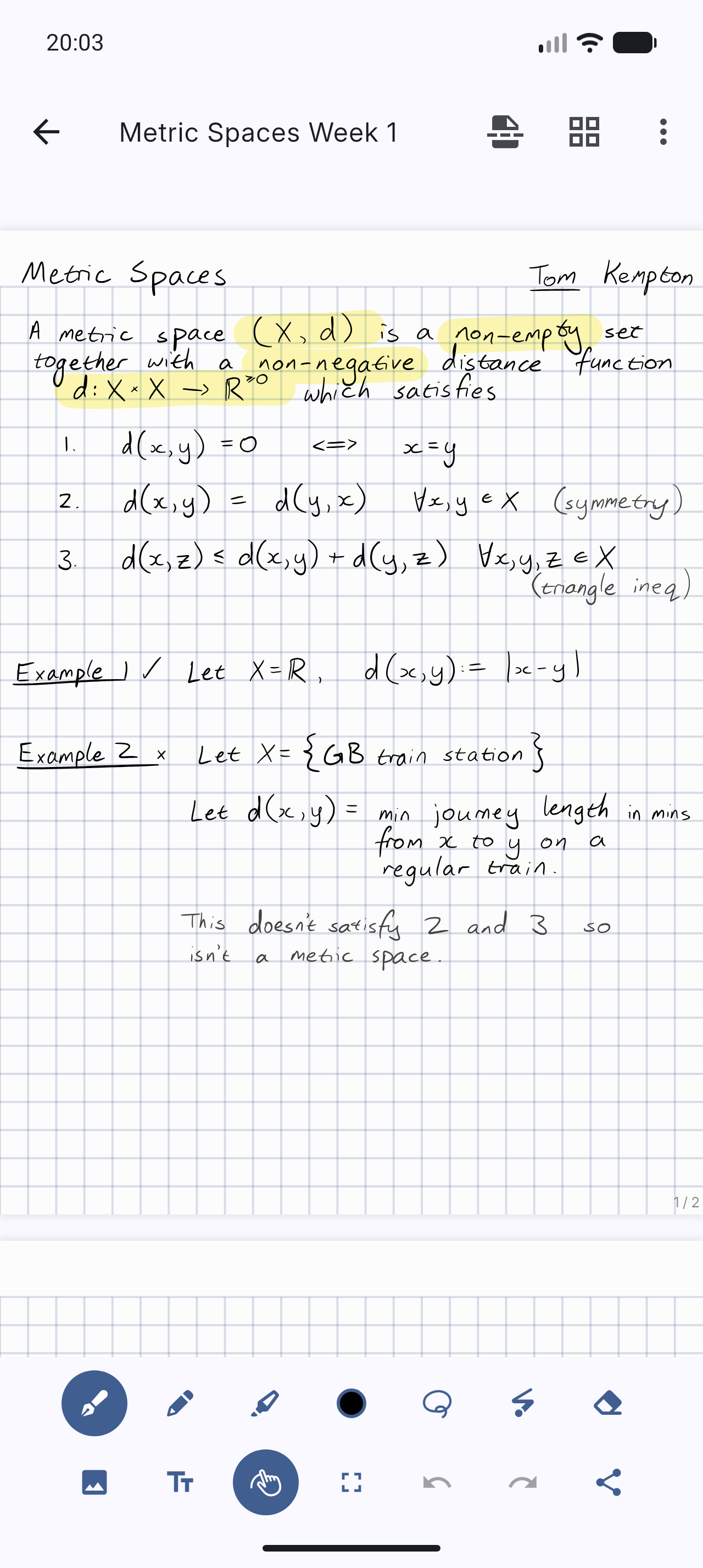
Saber is the notes app built for handwriting.
It's designed to be as simple and intuitive as possible, while still delivering unique features that you'll actually use. Additionally, Saber is available across all your devices, large and small, and syncs between them seamlessly.
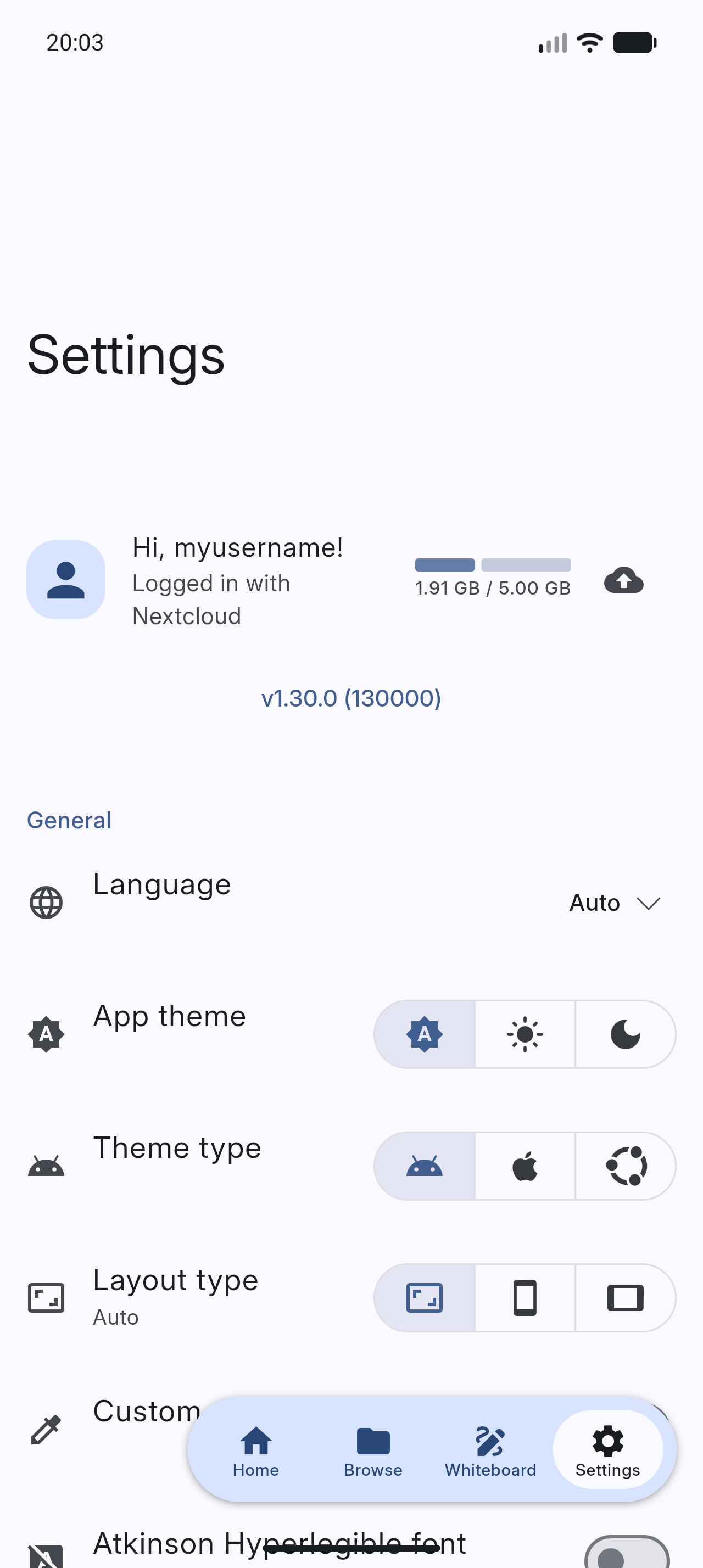
Notably, it can invert your notes when you're in dark mode. This allows you to write with white ink on a black background, which is much easier on the eyes in low-light environments like when the teacher turns off the lights in class. Images and PDFs are also inverted, so you can still use a digital printout or a textbook without the fuss.
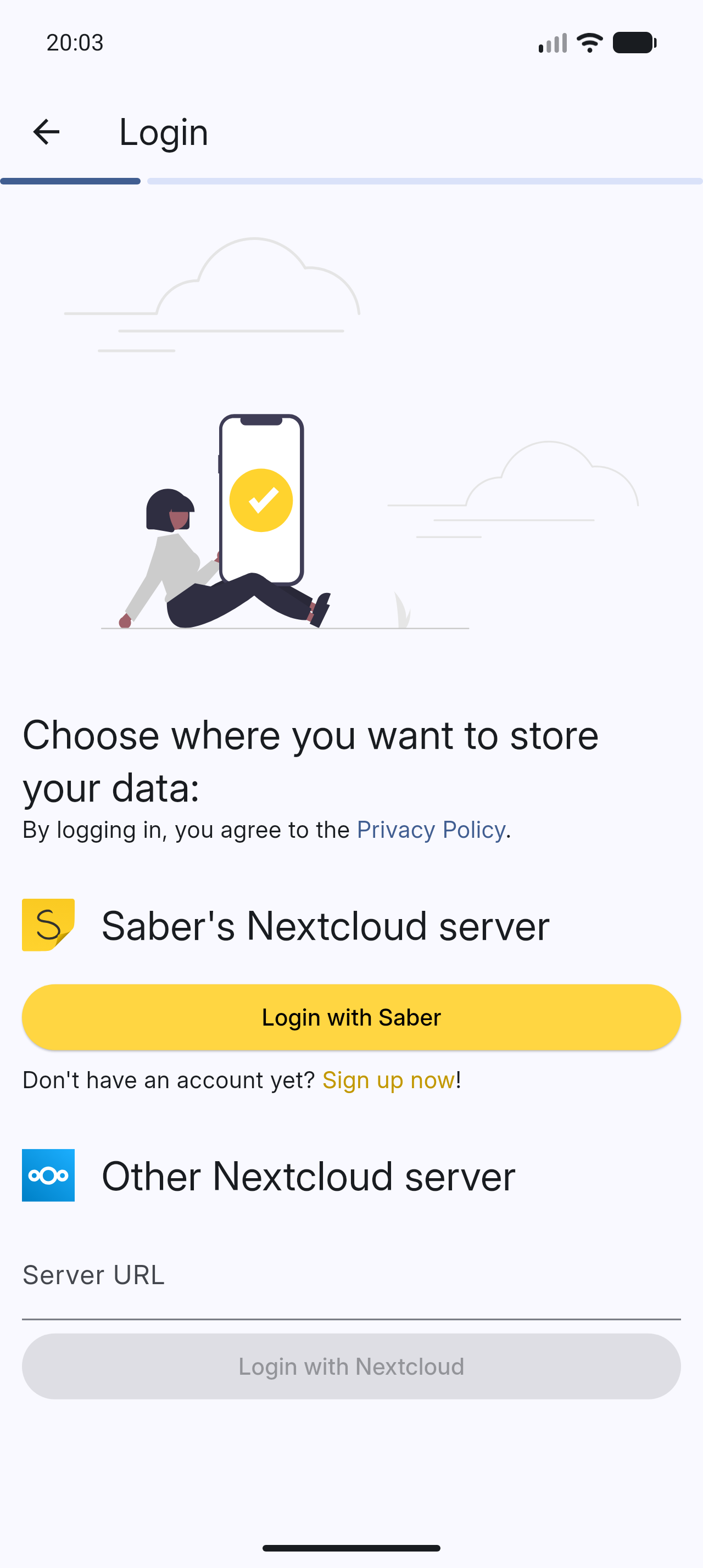
Saber uses a dual-password system to protect your notes from anyone but you, even if they have complete control over the server. You can safely store your notes on the official Saber server, another server, or even host your own!
The app is completely open-source so that anyone can view the source code and see exactly what it's doing and how it handles your data. Many other note-taking apps are closed-source and proprietary, meaning that their inner workings are a mystery to the public.
As someone who studies maths, highlighting multi-line equations was always a hassle with other apps, where the highlighter would change color when it overlapped with itself. Another problem I had was that in some apps, the highlighter would render on top of the text, fading it out and making it hard to read. Saber's highlighter has no such issues. It utilizes canvas compositing to render the highlighter in a way that is consistent with/better than traditional paper, where it handles overlaps and maintains color consistency.
Saber has everything you need to keep your notes organized. Create folders inside folders inside folders to your heart's content with no limit on the number of nested folders. And even though a note may be buried deep within a nested folder, you can still access it easily with your most recent notes always available on the home screen.
Discover a whole new way to capture and organize your thoughts with Saber. Whether you're a student, professional, or creative mind, Saber is your trusted companion for digital handwriting. Download now and let your ideas flow freely!










Please see #1 Saber progress.
Please see Install Saber on the wiki.
Please see Build Saber on the wiki.
All translations are thanks to our community of contributors.
If you'd like to help out translating Saber, head to Weblate!
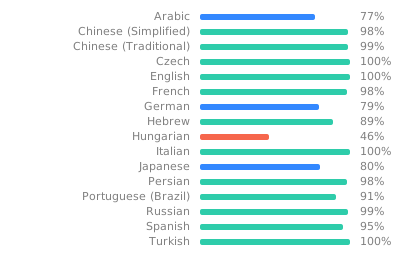
Note: To avoid falling back to English, any gaps in the translations are filled in by machine translation until a human can contribute.
If you like Saber, please consider supporting it by:
Please see Maintainer notes on the wiki.
소스 코드를 정적 분석하여 추론할 수 없는 개발자의 의도를 표현하는 데 사용되는 주석입니다.
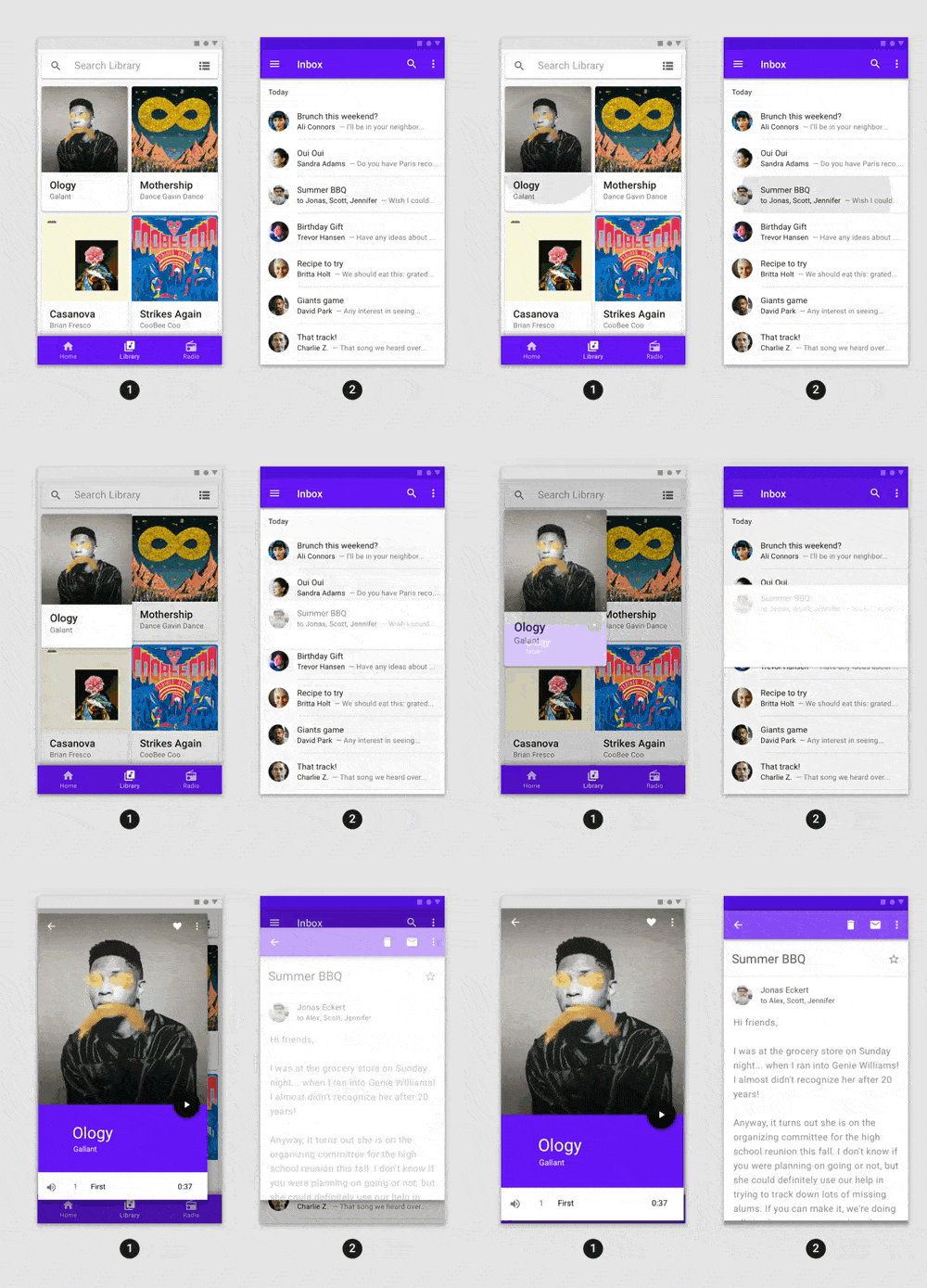
어떤 Flutter 애플리케이션에도 쉽게 통합할 수 있는 고급 사전 구축 애니메이션.
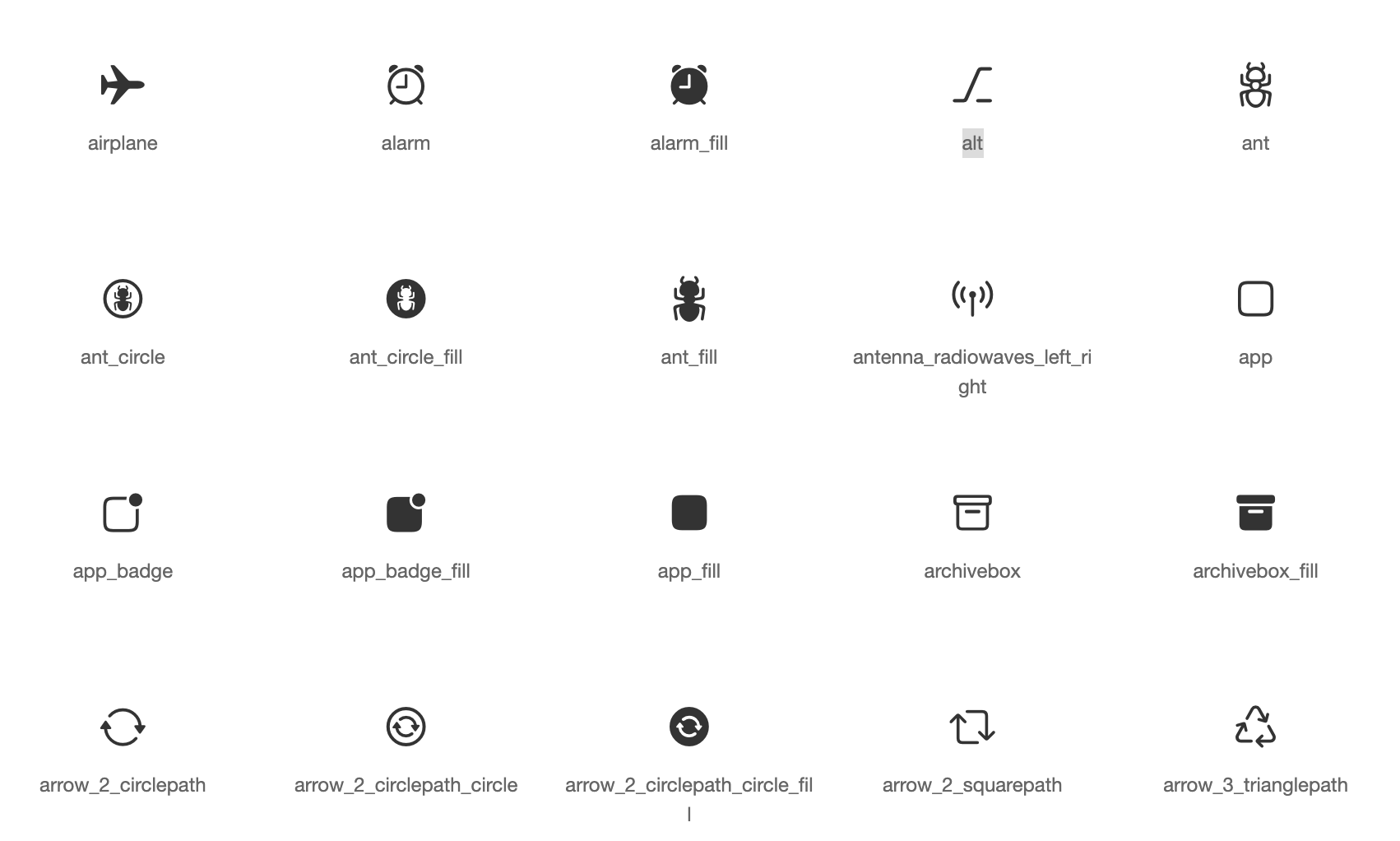
애플 스타일 아이콘을 기반으로 한 Cupertino 위젯용 기본 아이콘 자산
Flutter용 SVG 렌더링 및 위젯 라이브러리로, 확장 가능한 벡터 그래픽 1.1 파일의 그리기 및 표시를 가능하게 합니다.
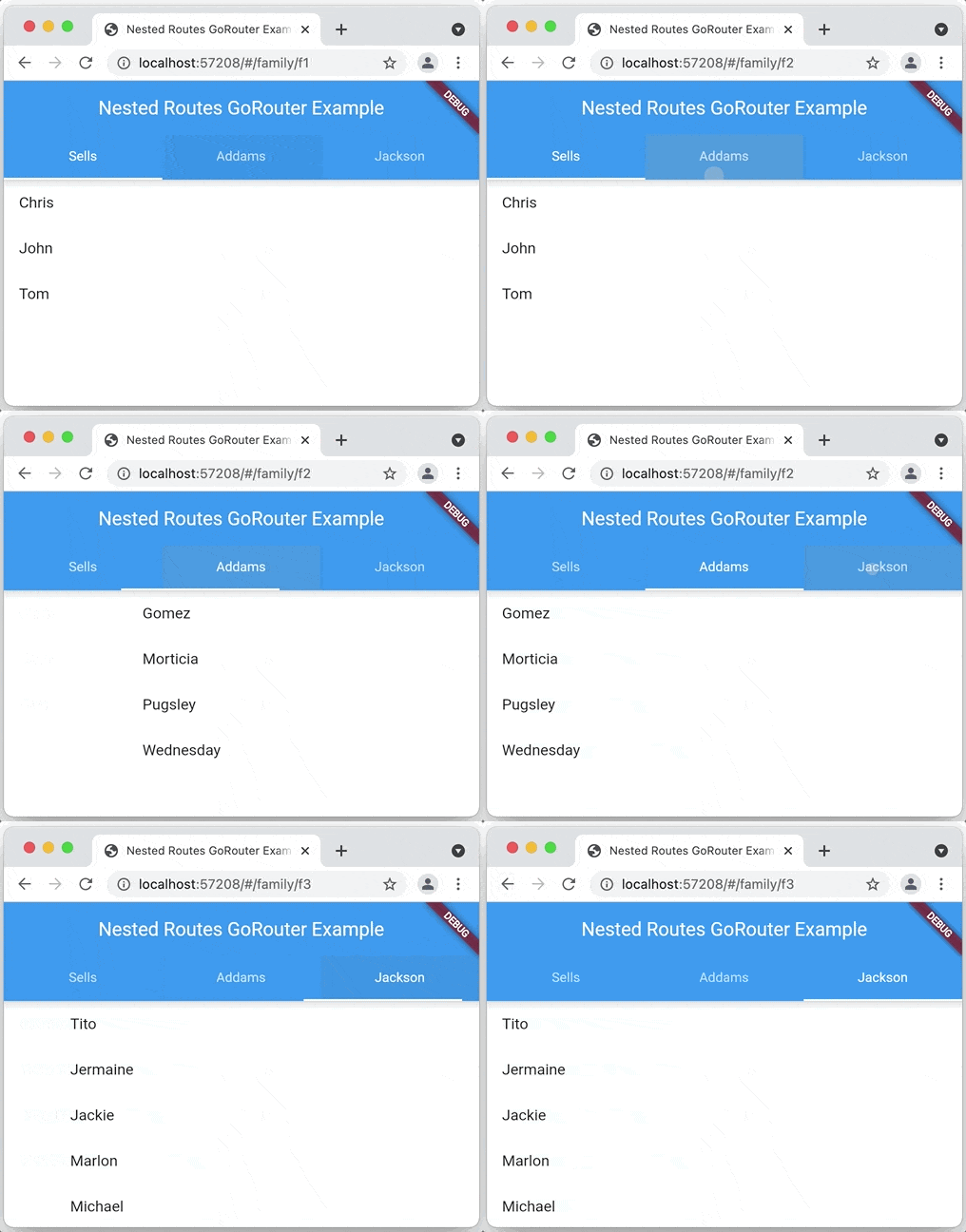
Navigation 2를 기반으로 하는 Flutter용 선언적 라우터로 깊은 링크, 데이터 기반 경로 등 지원
간단한 키-값 쌍을 읽고 쓰기 위한 Flutter 플러그인입니다. iOS에서는 NSUserDefaults를, Android에서는 SharedPreferences를 래핑합니다.
React hooks의 플러터 구현입니다. 개선된 코드 재사용 기능을 갖춘 새로운 유형의 위젯을 추가합니다.
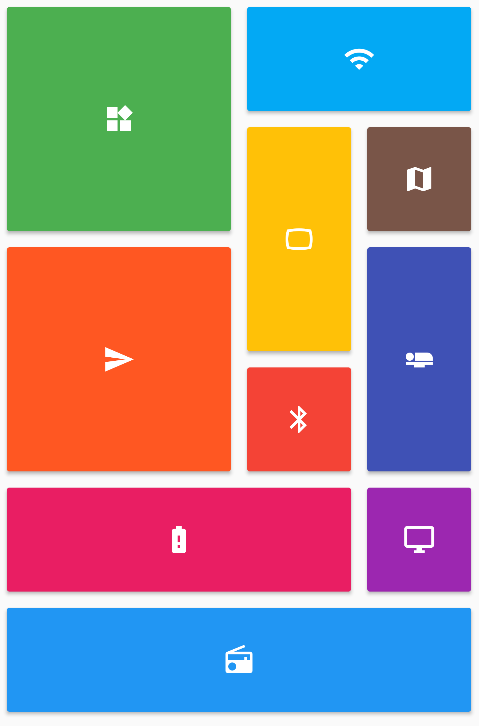
Flutter 그리드 레이아웃(스태거드, 메이슨리, 큐일티드, 웨븐 등)의 컬렉션을 제공합니다.
Android, iOS, 웹 및 데스크톱 플랫폼을 위한 풍부한 텍스트 편집기입니다. Flutter용 WYSIWYG 에디터이자 Quill 컴포넌트입니다.
Flutter용 권한 플러그인입니다. 이 플러그인은 iOS 및 Android를 포함한 크로스 플랫폼에서 권한 요청 및 확인을 위한 API를 제공합니다.
Flutter 플러그인으로 장치(제조업체, 모델 등)에 대한 상세 정보 및 앱이 실행 중인 Android 또는 iOS 버전을 제공합니다.
플랫폼 공유 UI를 통해 콘텐츠를 공유하는 Flutter 플러그인으로, Android에서는 ACTION_SEND 인텐트, iOS에서는 UIActivityViewController를 사용합니다.
의존성 목록 81 개
{"sdk":"flutter"}{"sdk":"flutter"}^1.0.5^4.2758.0{"path":"packages/sbn"}^1.5.4^0.7.0^17.0.0^0.4.0^2.5.1^2.0.11^11.0.0^6.1.8^9.0.0^1.0.0^2.1.2any^3.0.2^5.0.1^1.1.0^1.0.1^3.8.4^13.3.0^13.0.0—^2.0.0+1^4.12.1—^3.4.1^11.0.0^2.0.0+1^0.0.2^13.0.0^5.1.0^2.0.7^11.5.1^0.5.1^7.0.1^0.10.7^4.0.3^2.0.4{"path":"packages/onyxsdk_pen"}^3.0.0^1.0.1^5.13.2^4.0.0^0.10.0-dev.2^0.0.2^5.0.0^7.0.0^1.2.0^1.1.0^13.2.0^10.2.0^1.1.1^1.0.0^3.1.0^1.0.0^1.3.2^2.5.0^5.0.1>=2.4.2 <2.5.0^1.9.1^0.6.0^0.6.0^0.7.0^1.4.0^9.21.0^9.5.0^9.2.6^0.21.3+1^0.2.0^4.8.0^1.5.2{"sdk":"flutter"}{"sdk":"flutter"}^6.0.0^3.0.0^3.1.2^11.1.0^3.1.1사용 목적에 따라 검색하고 개발 활동을 비교한 뒤 원본 저장소에서 요구 사항을 확인하세요.
“A repository is the most basic element of GitHub.”
GitHub Docs — About repositories ↗