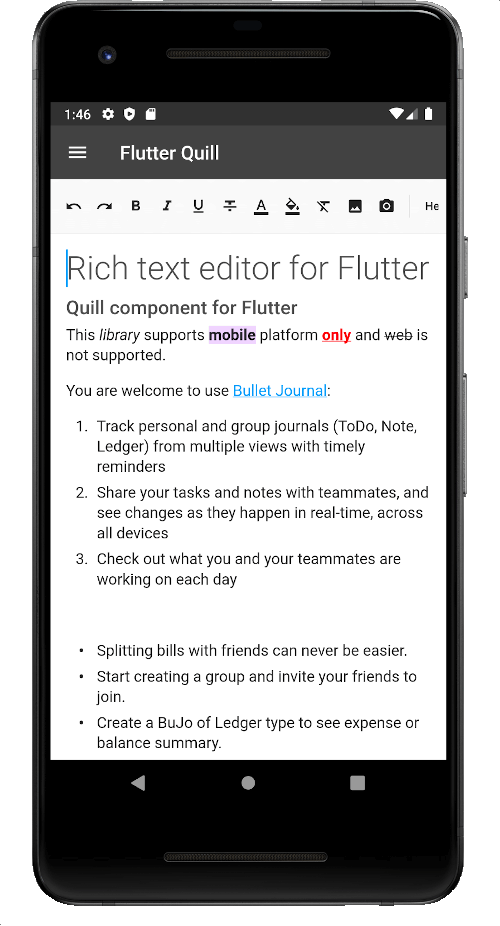
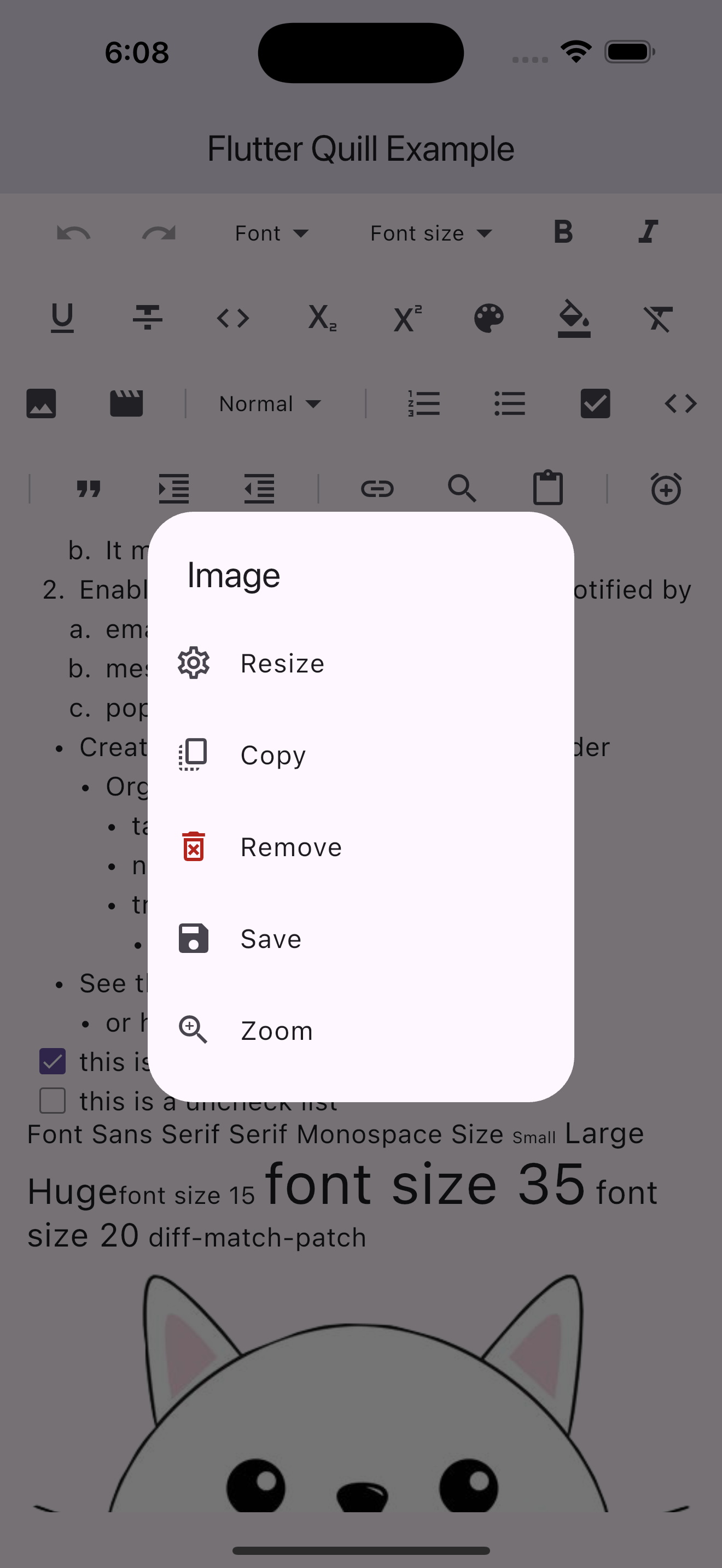
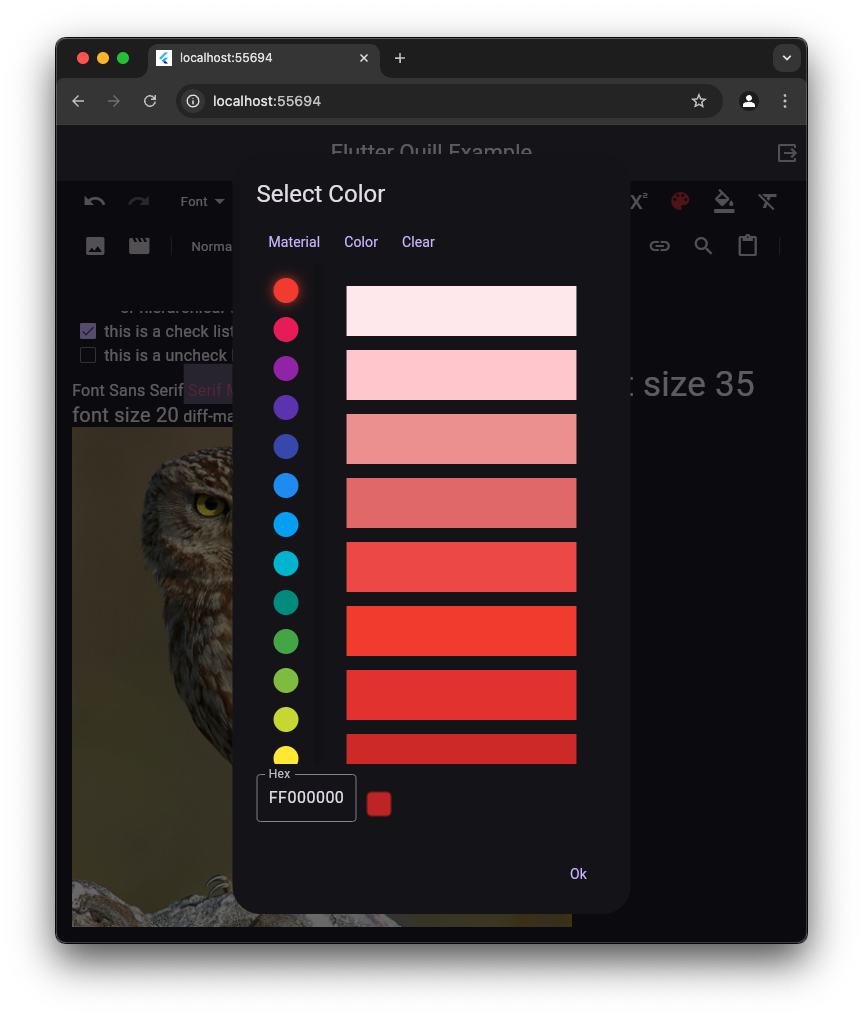
Flutter Quill은 Android, iOS, 웹, macOS, Windows, Linux를 지원하는 플러터용 크로스플랫폼 강력한 텍스트 에디터입니다. WYSIWYG 인터페이스를 제공하며 Quill 에디터 엔진을 통합하여 굵게, 기울임, 목록, 이미지 등 형식이 적용된 텍스트를 생성하고 편집할 수 있게 해줍니다. 마크다운 및 HTML 출력을 지원해 노트 앱, 콘텐츠 관리 시스템, 공동 편집 도구에 적합합니다. 지속적으로 유지보수되며 플러터 애플리케이션에 원활하게 통합될 수 있도록 설계되었습니다.
사용 사례
노트 앱
콘텐츠 관리 시스템
협업 편집 도구
블로그 게시물 편집기
리치 텍스트 메시지
주요 기능
WYSIWYG 편집
크로스 플랫폼 지원
마크다운 및 HTML 내보내기
이미지 및 링크 삽입
사용자 정의 가능한 도구 모음
적합한 대상
풍부한 텍스트 기능을 구축하는 개발자
서식이 지정된 텍스트 입력이 필요한 앱
다양한 플랫폼 간에 일관된 UI가 필요한 팀
교육용 또는 생산성 애플리케이션
고려 사항
HTML/Markdown 파싱을 신중하게 다뤄야 합니다
큰 문서에서는 성능 오버헤드가 발생할 수 있습니다
사용자 정의 스타일링은 추가 구성이 필요합니다
제한된 내장 맞춤법 검사
Quill의 기반 엔진 안정성에 따라 달라짐
원본 README
연결된 소스 저장소의 README 원문 스냅샷입니다. 최신 내용은 저장소에서 확인하세요.
Flutter Quill
A rich text editor for Flutter
Flutter Quill is a rich text editor and a Quill component for Flutter.
This library is a WYSIWYG (What You See Is What You Get) editor built
for the modern Android, iOS, web and desktop platforms.
To support copying images to the clipboard to be accessed by other apps, you need to configure your Android project.
If not set up, a warning will appear in the log during debug mode only.
[!TIP]
This is only required on Android for this optional feature.
You should be able to copy images and paste them inside the editor without any additional configuration.
1. Update AndroidManifest.xml
Open android/app/src/main/AndroidManifest.xml and add the following inside the <application> tag:
Create the file android/app/src/main/res/xml/file_paths.xml with the following content:
<paths><cache-pathname="cache"path="." /></paths>
[!NOTE]
Starting with Flutter Quill 10.8.4, super_clipboard is no longer required in flutter_quill or flutter_quill_extensions.
The new default is an internal plugin quill_native_bridge.
If you want to continue using super_clipboard, you can use the quill_super_clipboard package (support may be discontinued).
This library utilizes Quill Delta to represent document content.
The Delta format is a compact and versatile method for describing document changes through a series of operations that denote insertions, deletions, or formatting changes.
Use _controller.document.toDelta() to extract the deltas.
Use _controller.document.toPlainText() to extract plain text.
To save the document:
finalString json = jsonEncode(_controller.document.toDelta().toJson());
// Stores the JSON Quill Delta
To use your own fonts, update your Assets directory and pass in items to QuillToolbarFontFamilyButton's options.
More details
on this commit,
this article
and this.
📦 Embed Blocks
The flutter_quill package provides an interface for all the users to provide their own implementations for embed
blocks.
[!CAUTION]
Storing the Delta as HTML in the database to convert it back to Delta when
loading the document is not recommended due to the structural and functional differences between HTML and Delta (see this comment).
We recommend storing the Document as Delta JSON
instead of other formats (e.g., HTML, Markdown, PDF, Microsoft Word, Google Docs, Apple Pages, XML).
Converting Delta from/to HTML is not a standard feature in Quill JS
or Flutter Quill.
Converts Quill Delta into a simplified document format, making it easier to manage and manipulate text attributes.
[!TIP]
You might want to convert between HTML and Delta for some use cases:
Migration: If you're using an existing system that stores the data in HTML and want to convert the document
data to Delta.
Sharing: For example, if you want to share the Document Delta somewhere or send it as an email.
Save as: If your app has a feature that allows converting Documents to other formats.
Rich text pasting: If you copy some content from websites or apps, and want to paste it into the app.
SEO: In case you want to use HTML for SEO support.
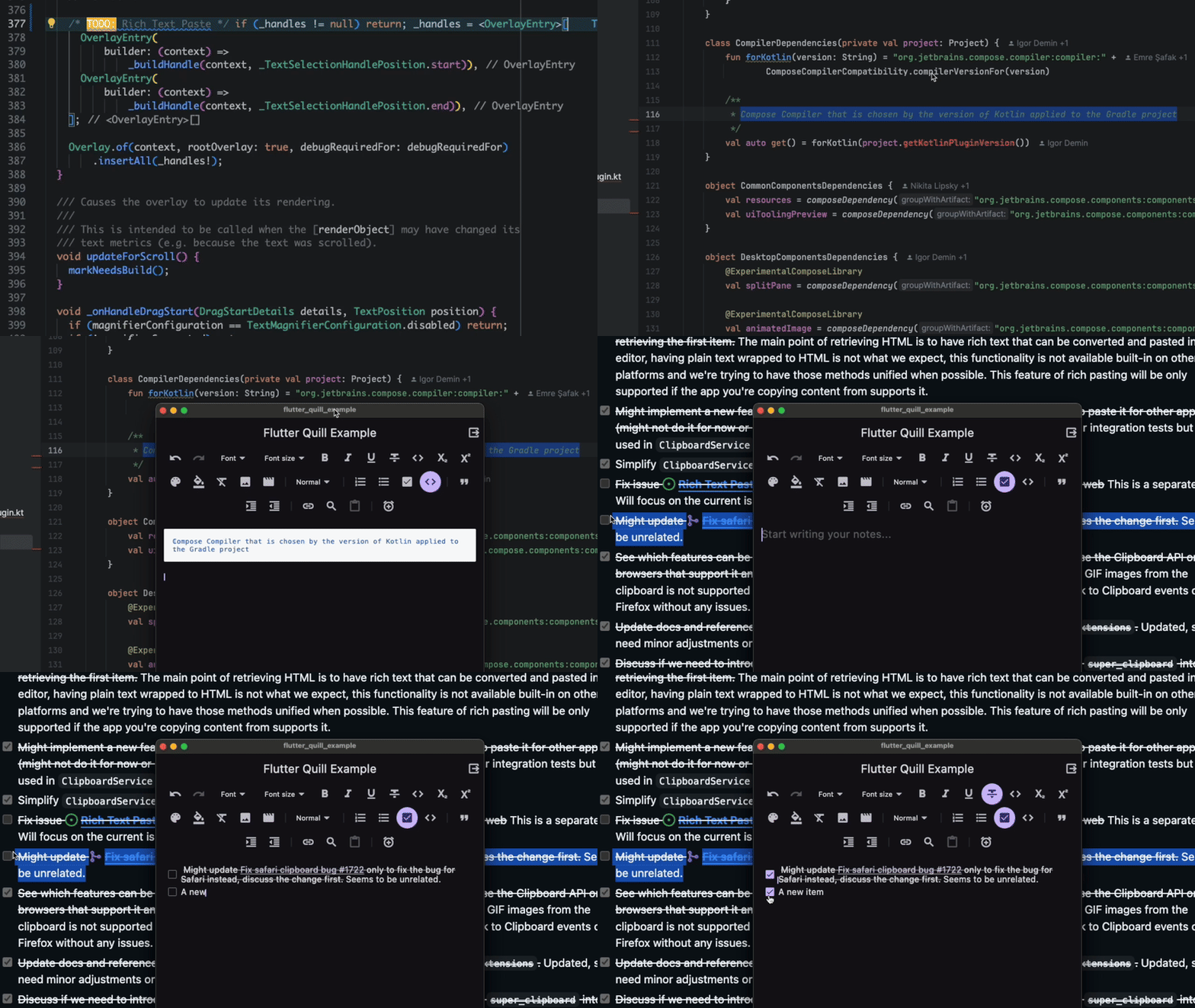
📝 Rich Text Paste
This feature allows the user to paste the content copied from other apps into the editor as rich text.
The plugin quill_native_bridge provides access to the system Clipboard.
[!IMPORTANT]
Currently this feature is unsupported on the web.
See issue #1998 and issue #2220
for more details.
🌐 Translation
The package offers translations for the toolbar and editor widgets, it will follow the system locale unless you set your
own locale.
[!IMPORTANT]
At this time, we prioritize bug fixes and code quality improvements over new features.
Please refrain from submitting large changes to add new features, as they might
not be merged, and exceptions may made.
We encourage you to create an issue or reach out beforehand,
explaining your proposed changes and their rationale for a higher chance of acceptance. Thank you!
We greatly appreciate your time and effort.
To keep the project consistent and maintainable, we have a few guidelines that we ask all contributors to follow.
These guidelines help ensure that everyone can understand and work with the code easier.
Thanks to the welcoming community, the volunteers who helped along the journey, developers, contributors
and contributors who put time and effort into everything including making all the libraries, tools, and the
information we rely on
We are incredibly grateful to many individuals and organizations who have played a
role in the project.
This includes the welcoming community, dedicated volunteers, talented developers and
contributors, and the creators of the open-source tools we rely on.