
 v11.6.0
flutter_quill
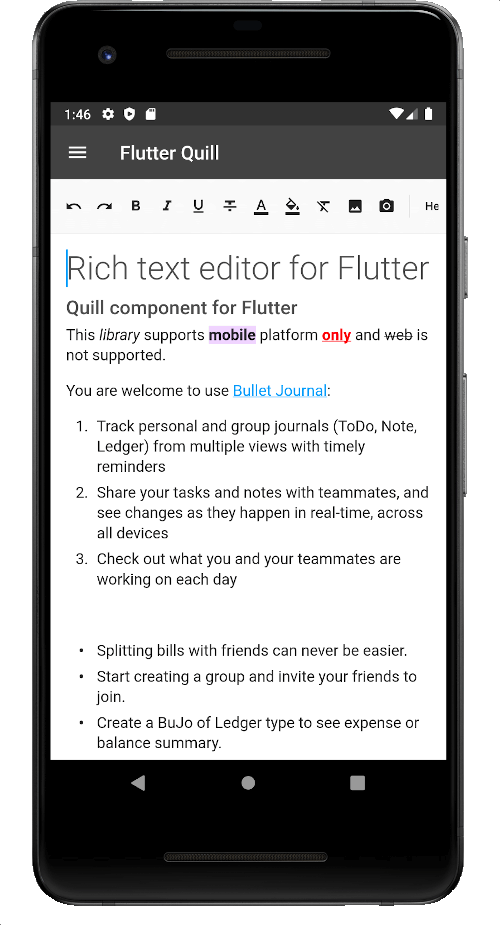
Android, iOS, 웹 및 데스크톱 플랫폼을 위한 풍부한 텍스트 편집기입니다. Flutter용 WYSIWYG 에디터이자 Quill 컴포넌트입니다.
2.2천좋아요 25만30일 다운로드150Pub 점수
AndroidiOSmacOSWindowsLinux
클로드 베르나르 대학교 앱
 v11.6.0
Android, iOS, 웹 및 데스크톱 플랫폼을 위한 풍부한 텍스트 편집기입니다. Flutter용 WYSIWYG 에디터이자 Quill 컴포넌트입니다.
 v3.0.0
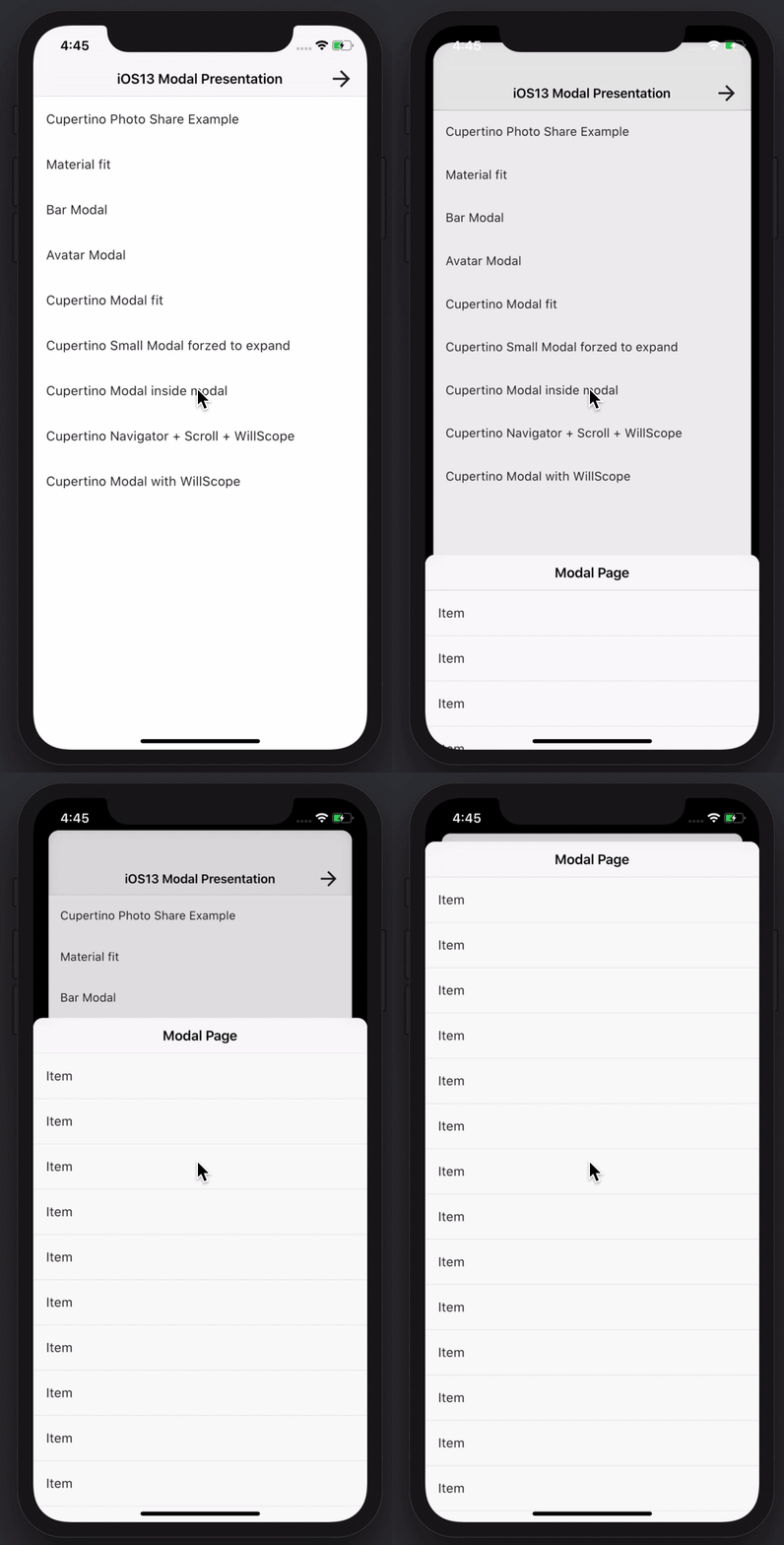
멋지고 강력한 모달 바텀 시트를 만들 수 있습니다. Material, Cupertino iOS 13 또는 자신만의 스타일을 만들 수 있습니다
Dart VM 및 Flutter용 NoSQL 지속 임베디드 파일 시스템 문서 기반 데이터베이스로 암호화 지원
 v0.4.2
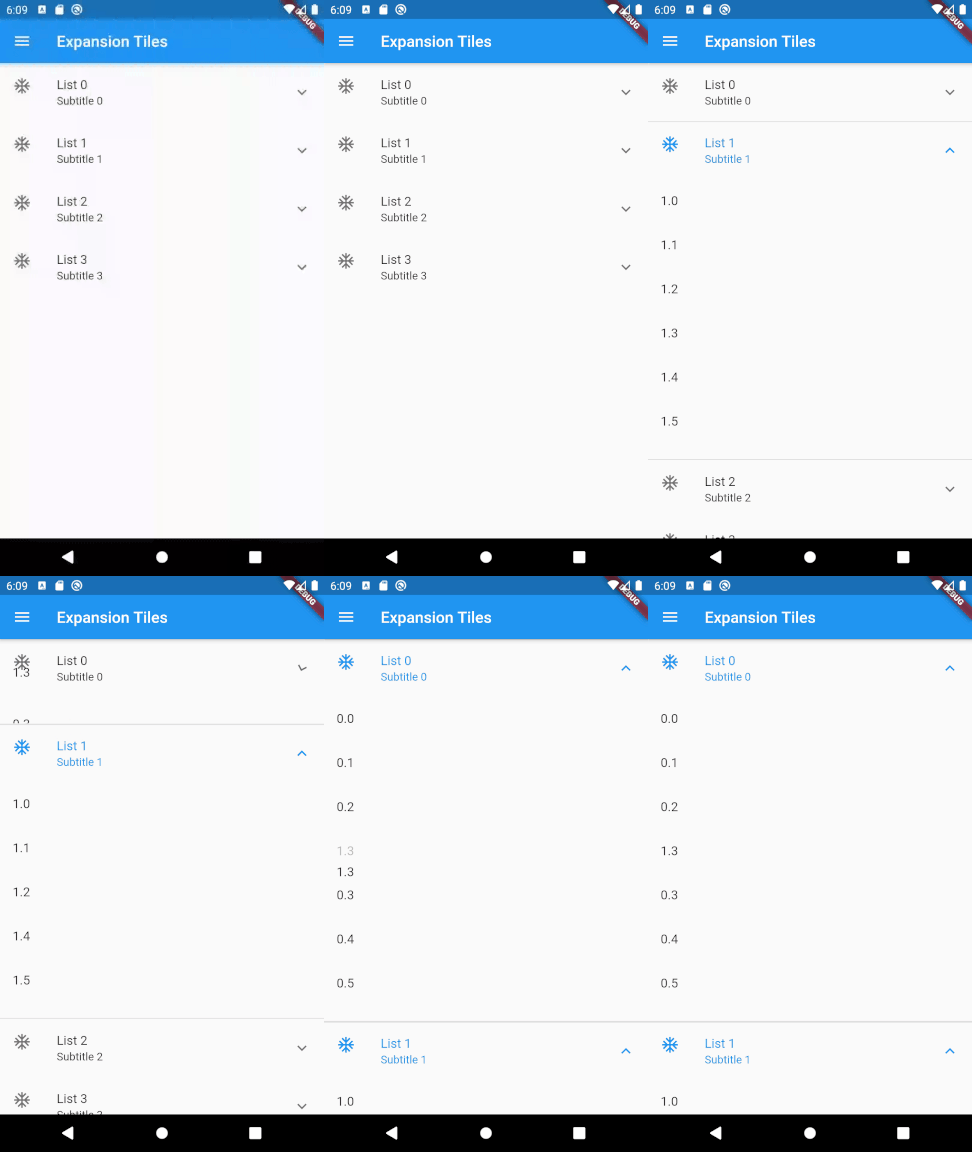
두 수준의 목록을 드래그 앤 드롭으로 재정렬할 수 있도록 해주는 플러터 패키지입니다.
Flutter 스크린샷 패키지(런타임). 어떤 위젯도 이미지로 캡처합니다.
제네릭, 상속, 사용자 정의 등 완전한 지원을 갖춘 JSON 직렬화 및 데이터 클래스 개선
보안 스토리지: 생체 인식 잠금으로 보호할 수 있는 암호화된 데이터 저장소로, iOS, Android, MacOS를 지원합니다. Linux, Windows 및 웹(localStorage)에 대해서는 부분적으로 지원됩니다.
hive_ce를 사용한 데이터베이스 캐시 저장소에 관계없이 작동하는 HTTP 클라이언트 구현.
 v3.3.1
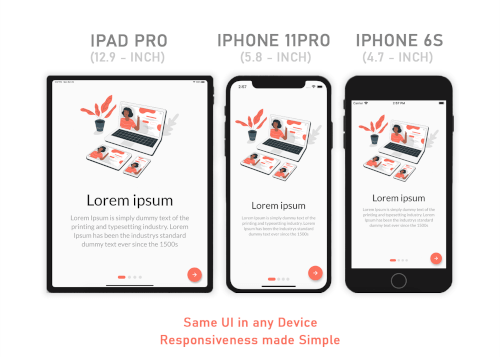
Responsive Sizer는 보조 위젯과 확장 기능을 제공하여 반응형 레이아웃을 구현하는 데 도움을 줍니다。
이메일 개발자를 위한 IMAP, POP3 및 SMTP. 메일 전송을 위해 저수준 및 고수준 API 중에서 선택할 수 있습니다. MIME 메시지 분석 및 생성. 이메일 설정 탐색.
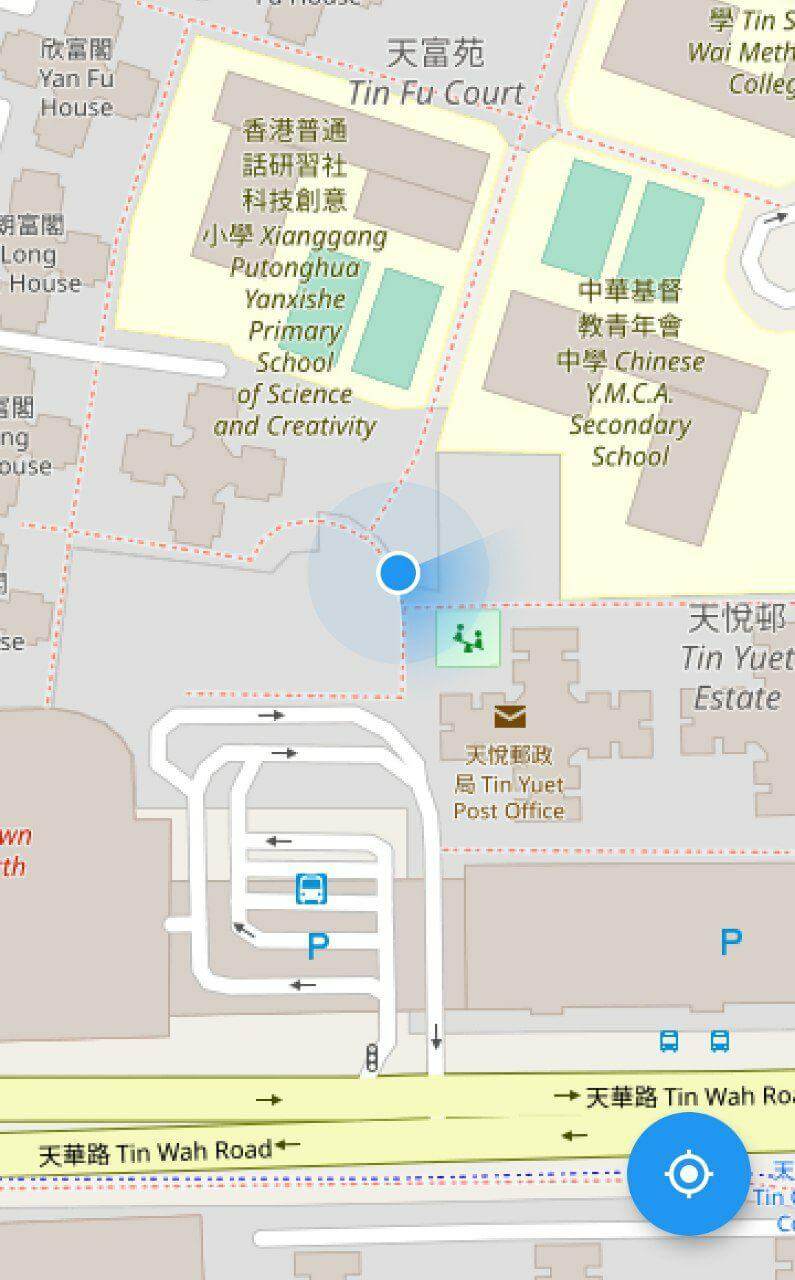 v10.3.0
기기의 현재 위치를 표시하기 위한 플러터 맵 플러그인입니다.
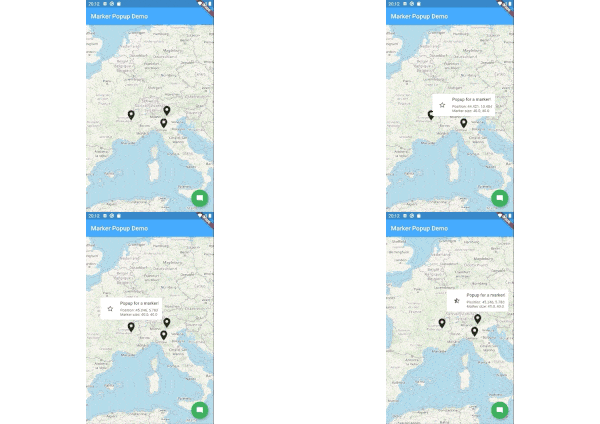 v8.1.2
flutter_map용 마커 팝업.
^6.3.2아래는 영문 원문 스냅샷입니다. 최신 내용은 GitHub에서 확인하세요.
Releases Playstore License Discord
Features | Download | Contribute | Build | License
Banner
Onyx is an unofficial, open-source application that lets you access all Université Claude Bernard Lyon 1 services from your phone.
Calendar Screenshot Email Screenshot Grades Screenshot Map Screenshot Izly Screenshot
An application for students, by students. Feel free to contribute to this project by opening issues or pull requests. We really appreciate any help. You can also chat with us on Discord.
https://contrib.rocks/image?repo=onyx-lyon1/onyx
Thanks to weblate for the translation platform !
To build the app, follow these steps:
Install Flutter from flutter.dev.
You will need those libraries:
On Debian/Ubuntu like distros, they can be installed with this single command :
sudo apt install pkg-config libgtk-3-dev libglib2.0-dev libsecret-1-dev zenity
You will need a recent version of Android Sdk.
You can then run flutter doctor to check if it's detected by flutter.
Please make sure you are on the main branch before proceeding with the build process.
Navigate to the apps/onyx directory and execute the following command based on your
target platform:
flutter build apk --profile --no-tree-shake-icons (the --profile flag build the app without the signing key but with
full optimizations)
apps/onyx/build/app/outputs/flutter-apk/app-release.apk.flutter build linux --no-tree-shake-icons
apps/onyx/build/linux/x64/release/bundle/Onyx.flutter build appbundle --profile --no-tree-shake-icons (the --profile flag build the app without the signing
key but with full optimizations)
apps/onyx/build/app/outputs/bundle/release/app-release.aab.To set up your development environment:
packages/ directory.dart pub global activate melos.melos bs or melos bootstrap to link the local libraries in the app and retrieve all dependencies.apps/onyx directory and run flutter clean to ensure a clean environment.flutter run to start the app.melos generate to generate automatically generated files (usually not needed unless you
modify them).melos test to run unit tests for all the libraries.melos analyze to perform static analysis on the libraries and the Onyx app.melos clean.git update-index --assume-unchanged apps/onyx/assets/key.txt
and git update-index --assume-unchanged apps/onyx/assets/iv.txt to ignore
changes to this file.if you are using the flake, to create an virtual device, run : avdmanager create avd --force --name phone --package 'system-images;android-33;google_apis_playstore;x86_64'
then to run it simply run : emulator -avd phone -skin 720x1280
To run end-to-end tests:
curl -Ls "https://get.maestro.mobile.dev" | bash (Applicable for Mac
OS, Linux, or Windows with WSL)apps/onyx/integration_test directory.
4. After installing the app on an Android device (physical or virtual), run the following command to execute the
tests: maestro test general_test.yaml Maestro will automatically run the tests.Now, you're all set to build and test your Flutter app. 🎉
This work is licensed under the GPL-3.0 License. To view a copy of this license, visit https://www.gnu.org/licenses/
powered by the cat