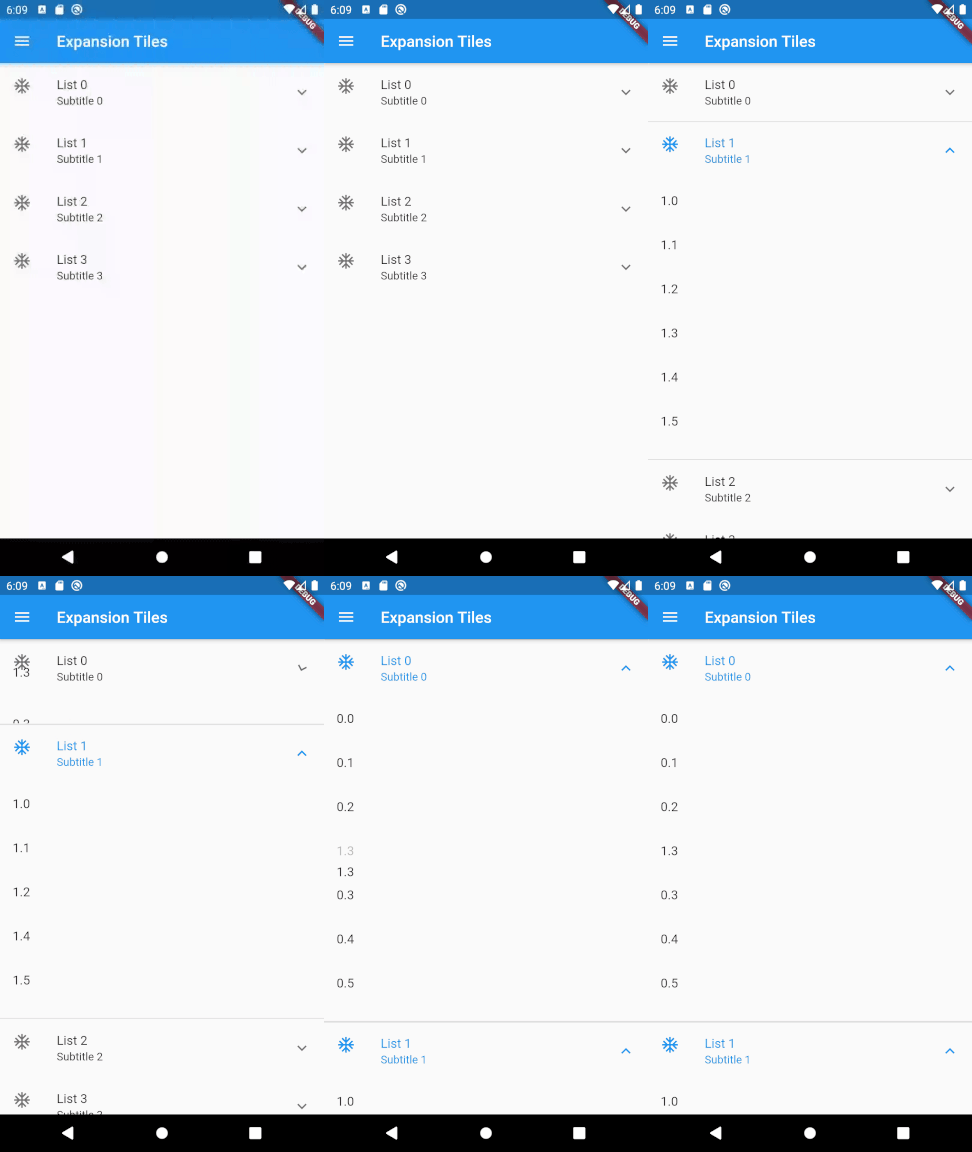
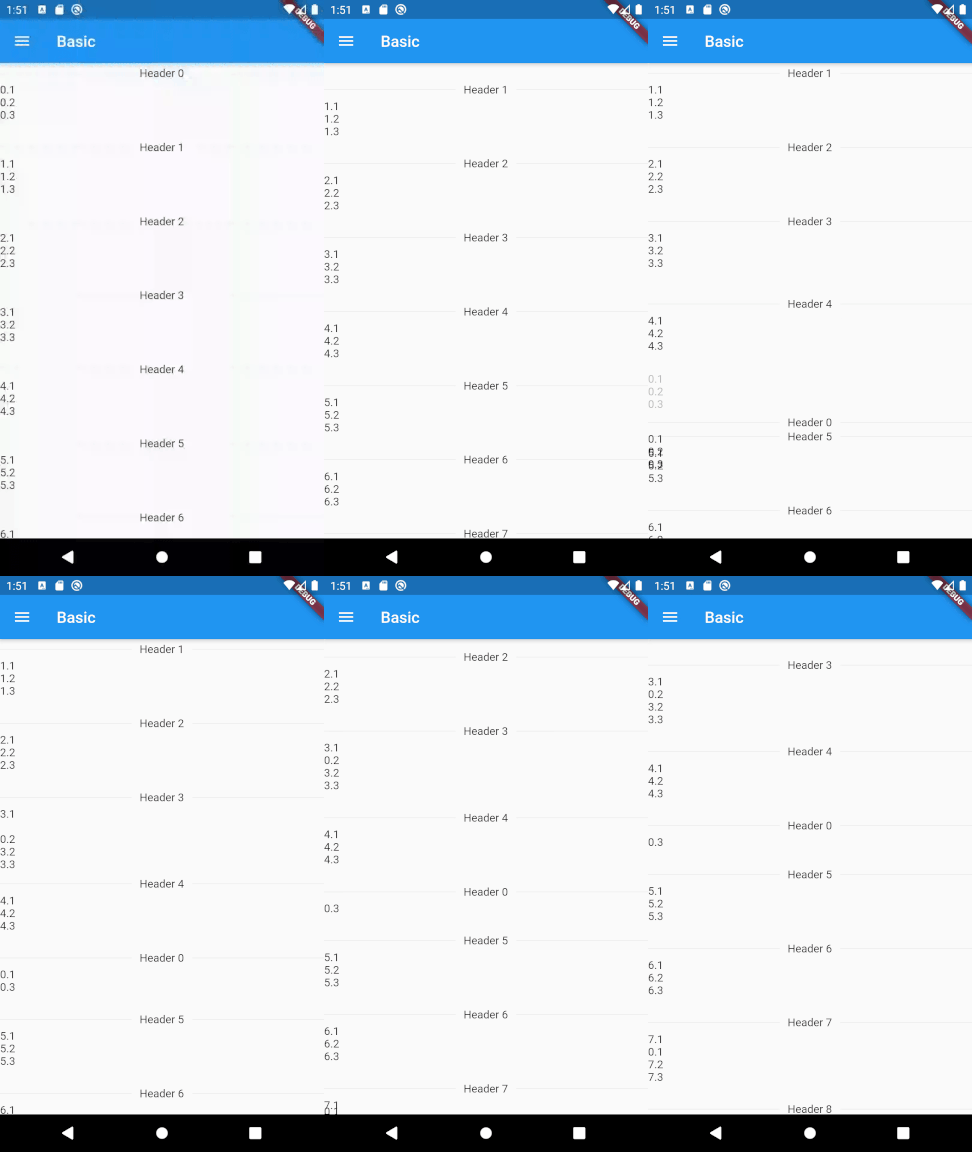
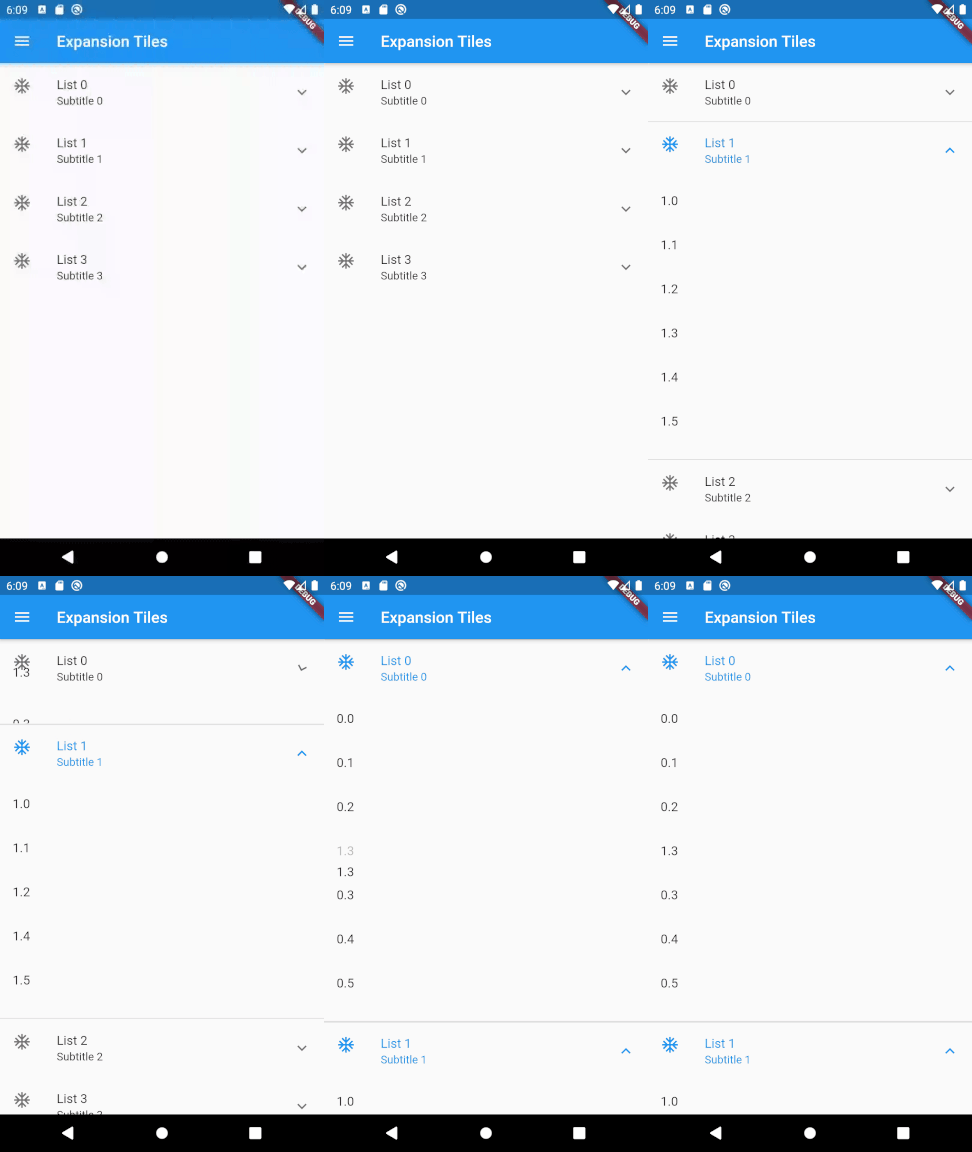
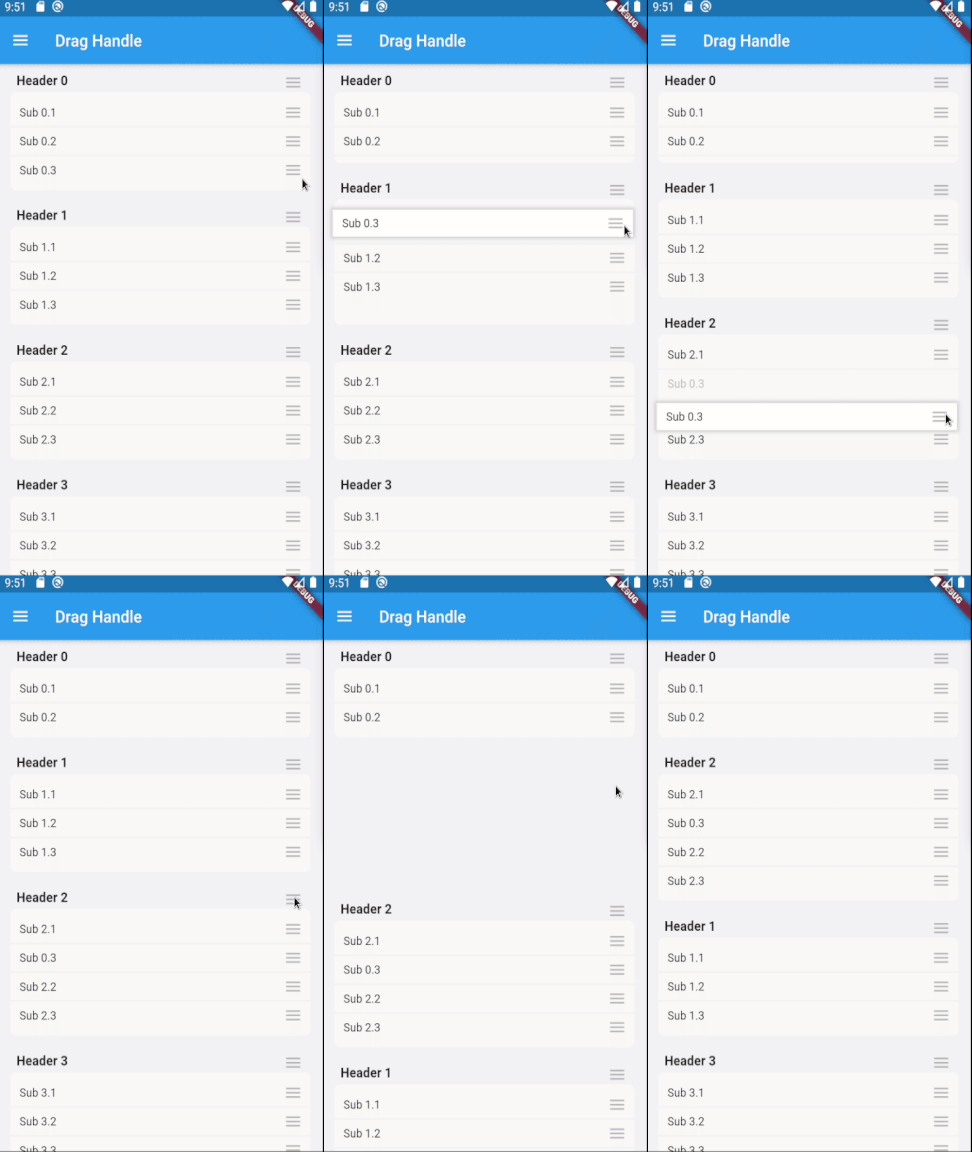
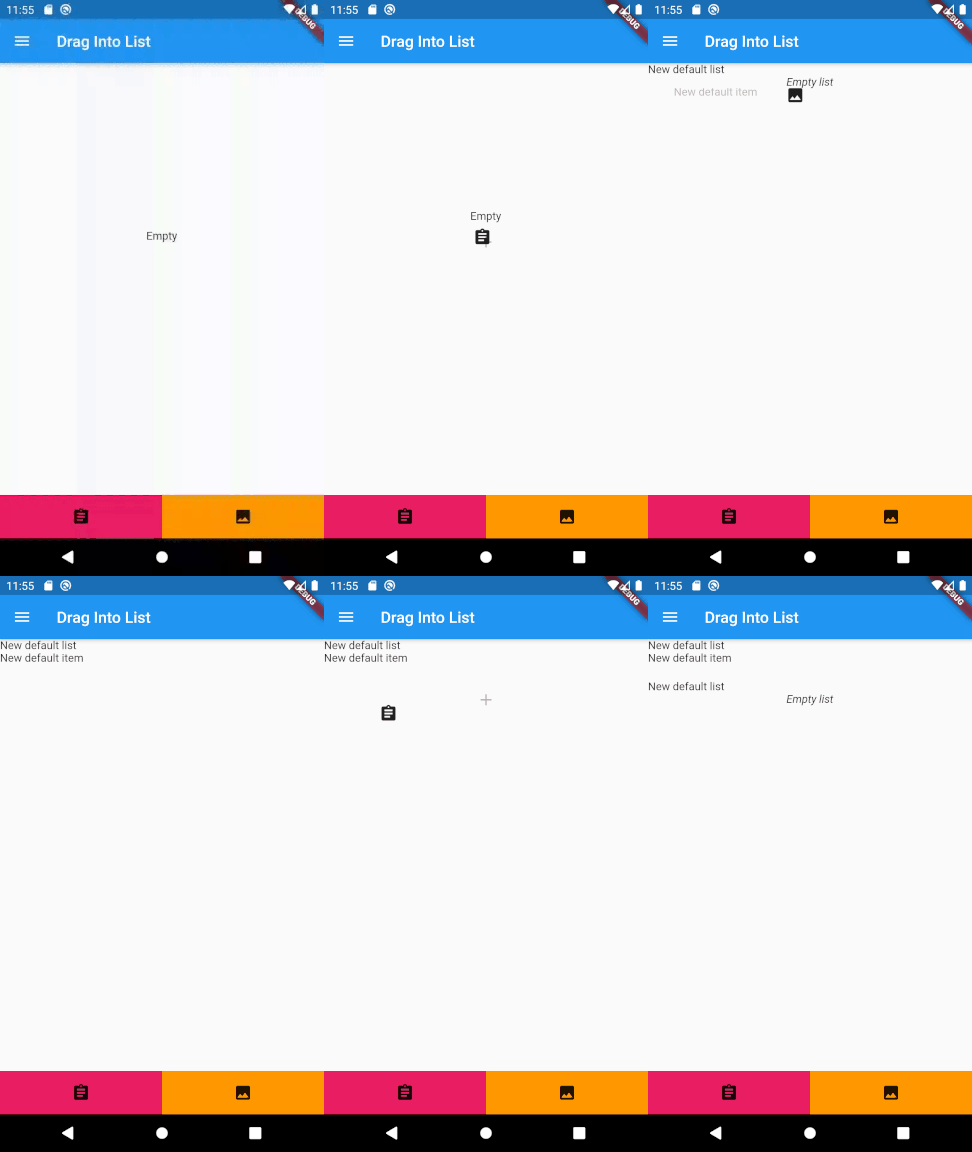
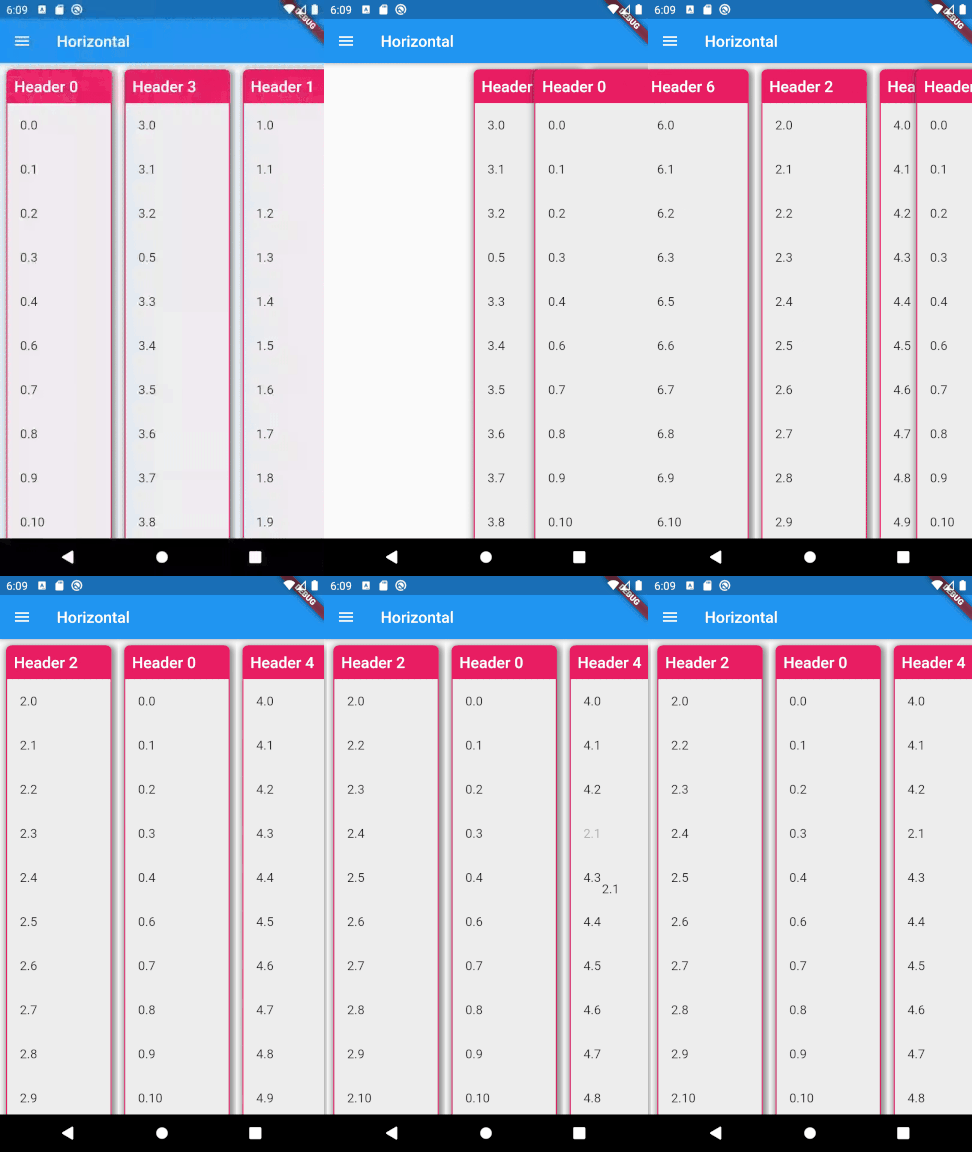
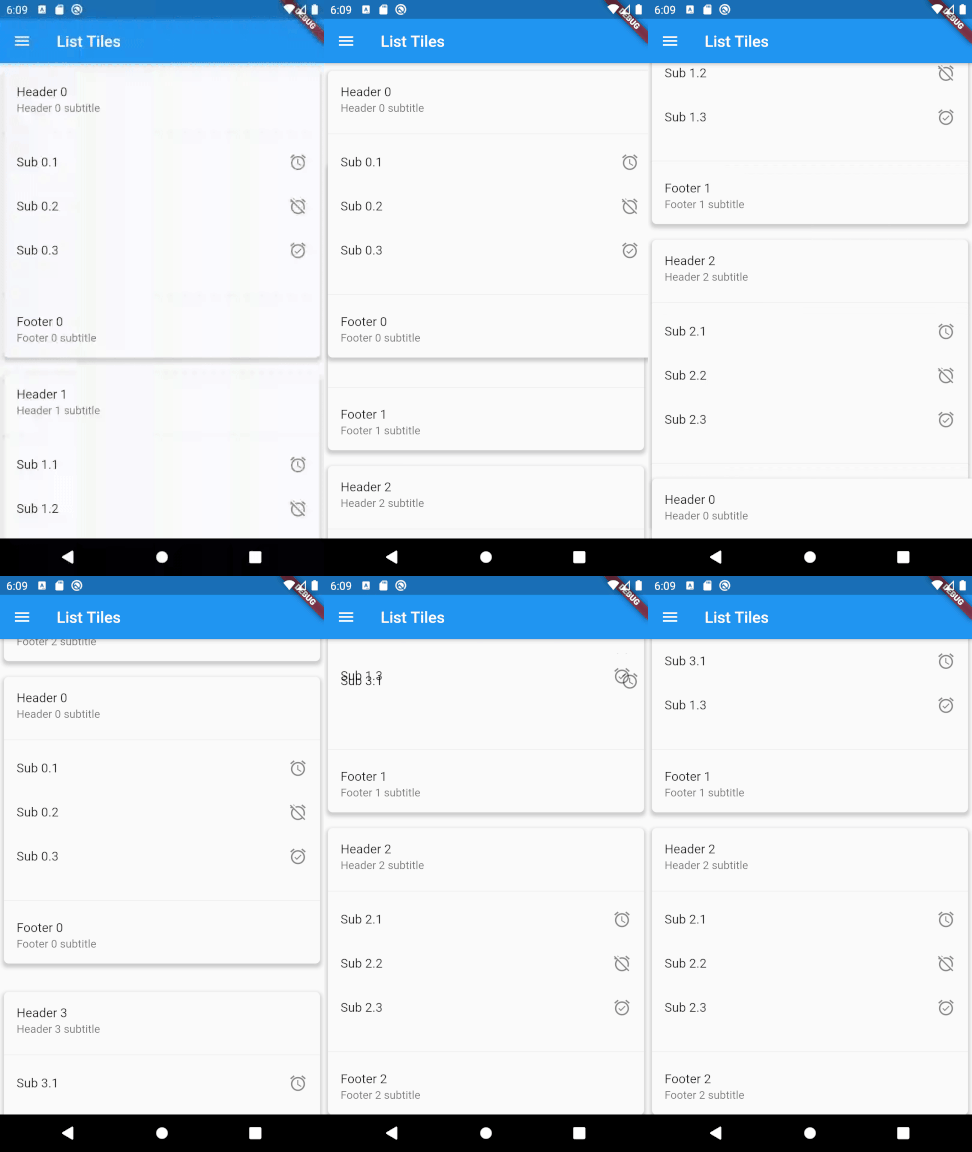
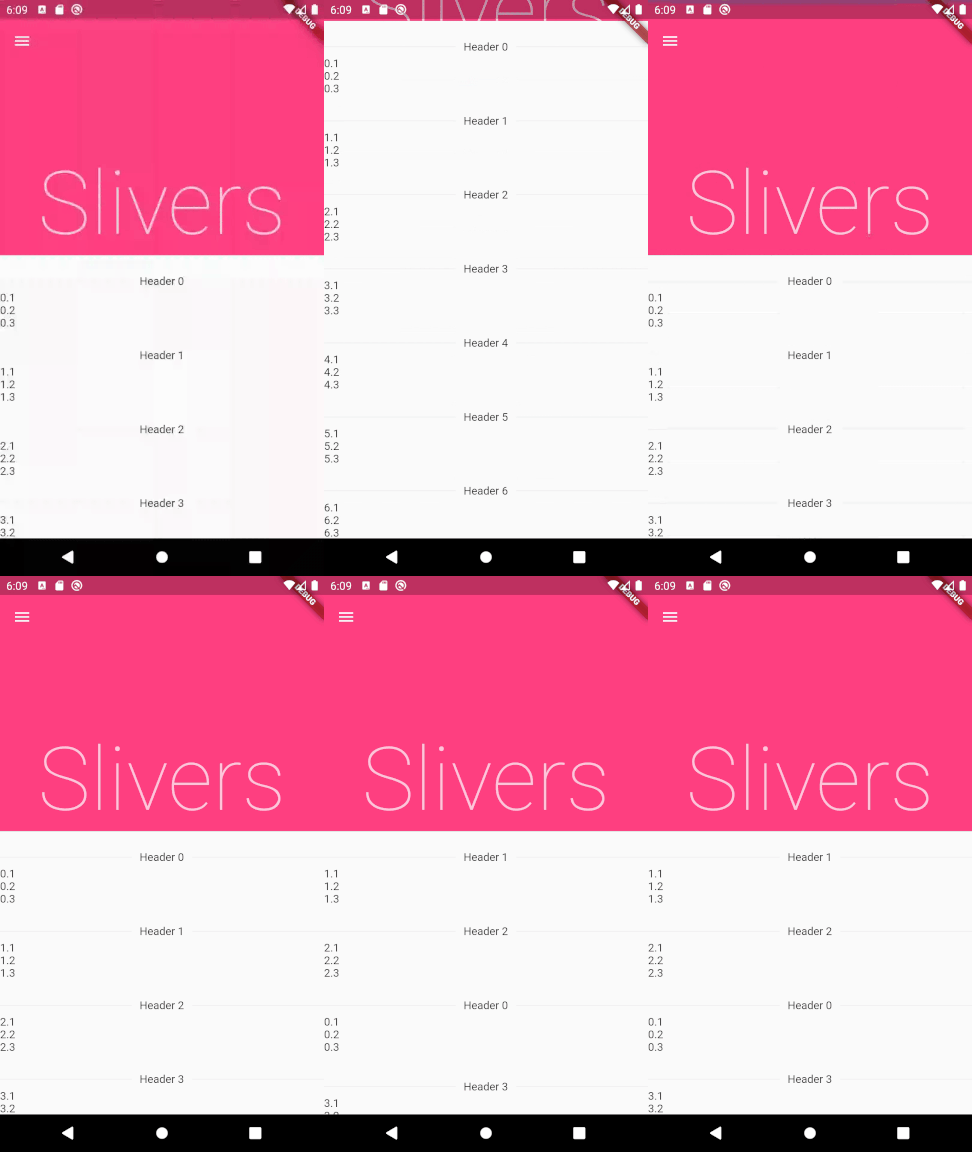
두 수준의 중첩된 목록 내에서 드래그 앤 드롭을 통한 재정렬을 가능하게 하는 플러터 패키지입니다. 여러 수준 간에 항목을 재정렬하기 위한 직관적인 사용자 상호작용을 지원하여 계층적 데이터를 정리하는 데 이상적입니다. 안드로이드, iOS, 웹, 맥OS, 윈도우, 리눅스 등 모든 주요 플랫폼과 호환됩니다. 단순성과 성능을 고려해 설계되었으며, 복잡한 설정 없이 기존 플러터 앱에 원활하게 통합할 수 있습니다. 개발자는 최소한의 코드로 인터랙티브한 리스트 구조를 쉽게 구현할 수 있습니다. 소스 코드는 투명성과 기여를 위해 GitHub에서 공개되어 있습니다.
사용 사례
중첩된 작업 목록 재정렬
사용자 정의 가능한 대시보드 빌딩
정렬 가능한 카테고리-서브카테고리 구조 만들기
인터랙티브 할 일 애플리케이션 설계
드래그 앤 드롭 파일 또는 항목 정리 구현
주요 기능
이중 리스트 지원
레벨 간 드래그 앤 드롭
플랫폼에 관계없는 구현
필요한 보일러플레이트 최소화
내장 애니메이션 처리
공개 GitHub 저장소
적합한 대상
계층적 UI를 구축하는 개발자
동적 목록 재정렬이 필요한 앱
중첩된 데이터 구조를 가진 프로젝트
UI 중심의 생산성 도구
오픈소스이면서 유지보수가 가능한 솔루션을 원하는 팀
고려 사항
두 수준의 중첩만 허용
복잡한 레이아웃을 위해 맞춤 스타일링이 필요할 수 있습니다
매우 큰 목록에서는 성능이 저하될 수 있습니다
기본 드래그를 초과한 터치 제스처에 최적화되지 않음
드롭 타겟에 대한 내장된 검증 없음
원본 README
연결된 소스 저장소의 README 원문 스냅샷입니다. 최신 내용은 저장소에서 확인하세요.
drag_and_drop_lists
Two-level drag and drop reorderable lists.
Features
Reorder elements between multiple lists
Reorder lists
Drag and drop new elements from outside of the lists
Vertical or horizontal layout
Use with drag handles, long presses, or short presses
Expandable lists
Can be used in slivers
Prevent individual lists/elements from being able to be dragged
Now in your Dart code, you can use: import 'package:drag_and_drop_lists/drag_and_drop_lists.dart';
To add the lists, add a DragAndDropLists widget. Set its children to a list of DragAndDropList. Likewise, set the children of DragAndDropList to a list of DragAndDropItem.
For example:
// Outer listList<DragAndDropList> _contents;
@overridevoidinitState() {
super.initState();
// Generate a list
_contents = List.generate(10, (index) {
returnDragAndDropList(
header: Text('Header $index'),
children: <DragAndDropItem>[
DragAndDropItem(
child: Text('$index.1'),
),
DragAndDropItem(
child: Text('$index.2'),
),
DragAndDropItem(
child: Text('$index.3'),
),
],
);
});
}
@overrideWidgetbuild(BuildContext context) {
// Add a DragAndDropLists. The only required parameters are children,// onItemReorder, and onListReorder. All other parameters are used for// styling the lists and changing its behaviour. See the samples in the// example app for many more ways to configure this.returnDragAndDropLists(
children: _contents,
onItemReorder: _onItemReorder,
onListReorder: _onListReorder,
);
}
_onItemReorder(int oldItemIndex, int oldListIndex, int newItemIndex, int newListIndex) {
setState(() {
var movedItem = _contents[oldListIndex].children.removeAt(oldItemIndex);
_contents[newListIndex].children.insert(newItemIndex, movedItem);
});
}
_onListReorder(int oldListIndex, int newListIndex) {
setState(() {
var movedList = _contents.removeAt(oldListIndex);
_contents.insert(newListIndex, movedList);
});
}