v2.0.1
hive_generator
Hive용 확장입니다. 어떤 클래스도 저장하기 위해 TypeAdapters를 자동으로 생성합니다.
426좋아요 17.6만30일 다운로드100Pub 점수
macOSWindowsLinux
간단한 작업. 안전한 메모. 유럽 제조.

아래는 영문 원문 스냅샷입니다. 최신 내용은 GitHub에서 확인하세요.



|

|

|
Love Trudido? Support its development


The links above are the only trusted sources of Trudido. Any other websites or listings are not affiliated with me or this project.


Licensed under the GNU General Public License v3.0 (GPL-3.0).
You are free to use, modify, and distribute this software under the same license.
See the LICENSE file for details.
Pull requests are welcome.
For major changes, please open an issue first to discuss what you’d like to modify.
Hive용 확장입니다. 어떤 클래스도 저장하기 위해 TypeAdapters를 자동으로 생성합니다.
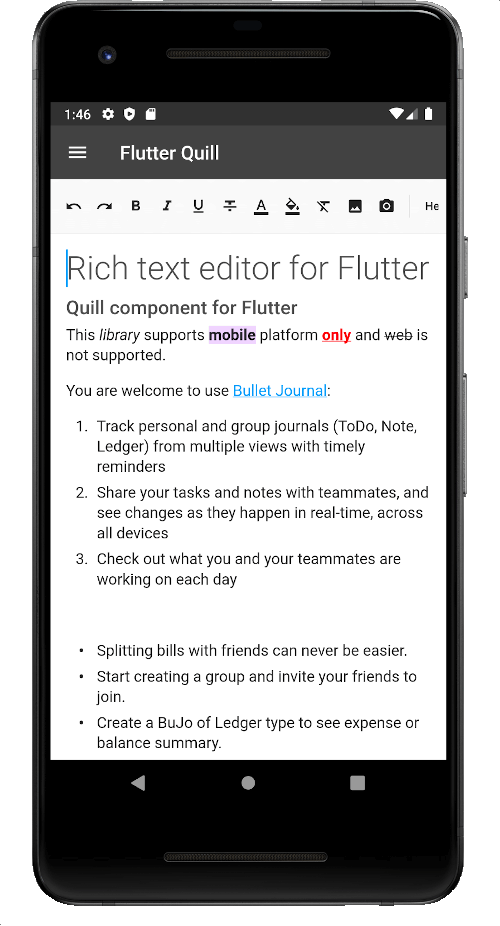
Android, iOS, 웹 및 데스크톱 플랫폼을 위한 풍부한 텍스트 편집기입니다. Flutter용 WYSIWYG 에디터이자 Quill 컴포넌트입니다.
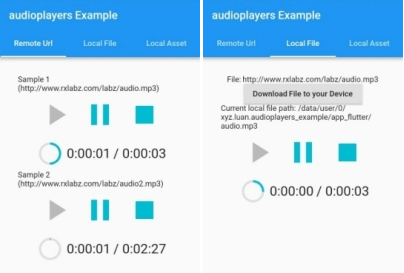
동시에 여러 오디오 파일을 재생할 수 있는 플러터 플러그인
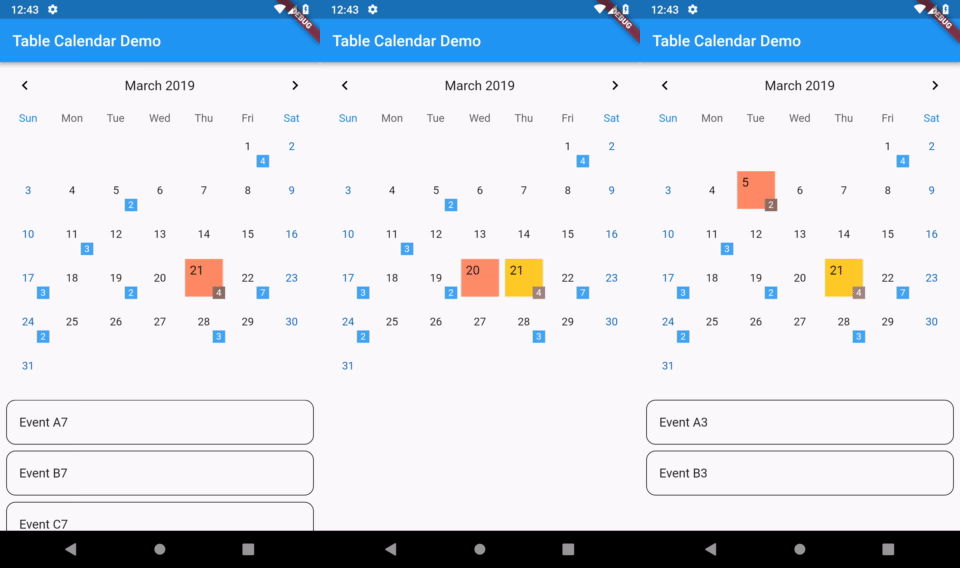
Flutter용으로 매우 사용자 정의가 가능하고 기능이 풍부한 캘린더 위젯입니다.
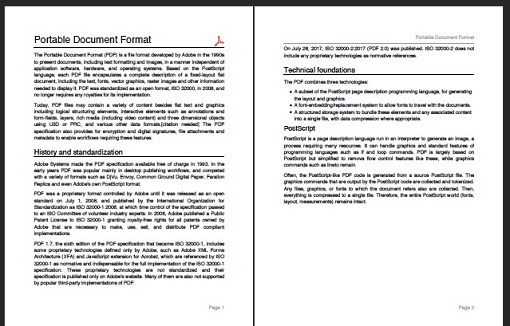
Dart용 PDF 생성기입니다. 웹 또는 플러터에서 PDF 파일을 만들 수 있습니다.
Android, iOS, macOS, Windows 및 Linux에서 호환되는 프린터에 문서를 생성하고 인쇄할 수 있도록 해주는 플러터 플러그인입니다. 또한 웹 인쇄도 지원합니다.
양방향 암호화를 위한 PointyCastle 기반 고수준 API 세트입니다.
마이크에서 오디오를 파일 또는 스트림으로 녹음하고 다양한 코덱, 비트레이트 및 샘플링 레이트 옵션을 지원합니다.
많은 언어와 테마를 지원하는 Dart용 구문 강조 표시.
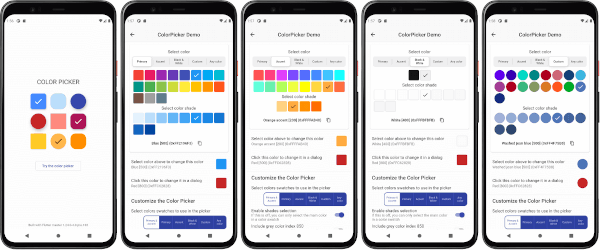
사용자 정의 가능한 플러터 기본 색상, 강조 색상 및 사용자 지정 색상 선택기입니다. 선택적 HSV 휠 색상 선택기가 포함되어 있습니다.
Dart로 작성된 포터블 마크다운 라이브러리로, 마크다운을 HTML로 변환할 수 있습니다.
Flutter용 마크다운 렌더러입니다. 간단한 마크다운 태그로 포맷된 일반 텍스트 데이터에서 텍스트 스타일, 표, 링크 등을 포함하는 풍부한 텍스트 출력을 생성합니다.
의존성 목록 41 개
{"sdk":"flutter"}{"sdk":"flutter"}^1.0.8^3.2.1^2.3.2^2.2.3^1.1.0^2.1.4^0.20.2^4.5.0^4.0.1^3.1.2^1.8.1^0.7.0^1.16.0^1.0.7^11.5.1^6.1.10^10.3.10^12.0.1^1.1.2^0.17.2^2.9.2^6.2.0^1.9.0^1.2.8^6.0.0^3.11.1^5.13.4^5.0.3^10.0.0^3.0.0^3.0.3^0.3.3^12.0.1^3.7.2^0.7.0^7.3.0{"sdk":"flutter"}^6.0.0^0.14.4사용 목적에 따라 검색하고 개발 활동을 비교한 뒤 원본 저장소에서 요구 사항을 확인하세요.
“A repository is the most basic element of GitHub.”
GitHub Docs — About repositories ↗